

Quick answer
This SaaS to custom software migration checklist moves one complete task through scope, exit proof, rehearsal, pilot, readiness, cutover, stabilization and retirement. Prefer staged work when ownership and integration access permit it; otherwise rehearse a controlled editing pause. Keep one authoritative writer, prove recovery after new work, and approve cancellation only after records, dependencies, access and billing are resolved.
Choose one complete task and the route it can support
The new job screen looks finished, yet a technician cannot find a completion photo and the dispatcher still copies invoice requests into accounting. Move the complete task that is failing, including its necessary handoff. Keep working tools outside that boundary. A finished interface is a poor witness to a finished migration.
Consider an illustrative maintenance company; all company details, thresholds and outcomes here are hypothetical. Its 12 people serve 1,200 customers, with 3,600 jobs and 800 required completion files. The owner initially wants to replace every tool. Observation reveals the actual bottleneck: dispatchers retype approved invoice requests. The useful boundary runs from job creation through completion and delivery of that request. Accounting and payroll stay where they are.
Compare routes against the same task, dependencies, interruption allowance and recovery requirement. Improve existing integration if that fixes the handoff and you lack capacity to run a replacement. Stage replacement when records or user groups can have separate ownership and integration points permit redirection. Start with shadow comparisons, then a bounded live pilot. For a small or inseparable workflow without live synchronization, rehearse a final export and editing pause. Retain the old route if neither approach preserves consistent records and recovery.
Observe a real task with each affected role, including an exception. Record its trigger, users, authoritative records, output, completion time and failure points. Name business and technical owners; collect renewal and notice dates from agreements. Use custom workflow vs saas cost if build-versus-retain economics remain unresolved. First establish whether the task can move and remain supportable.
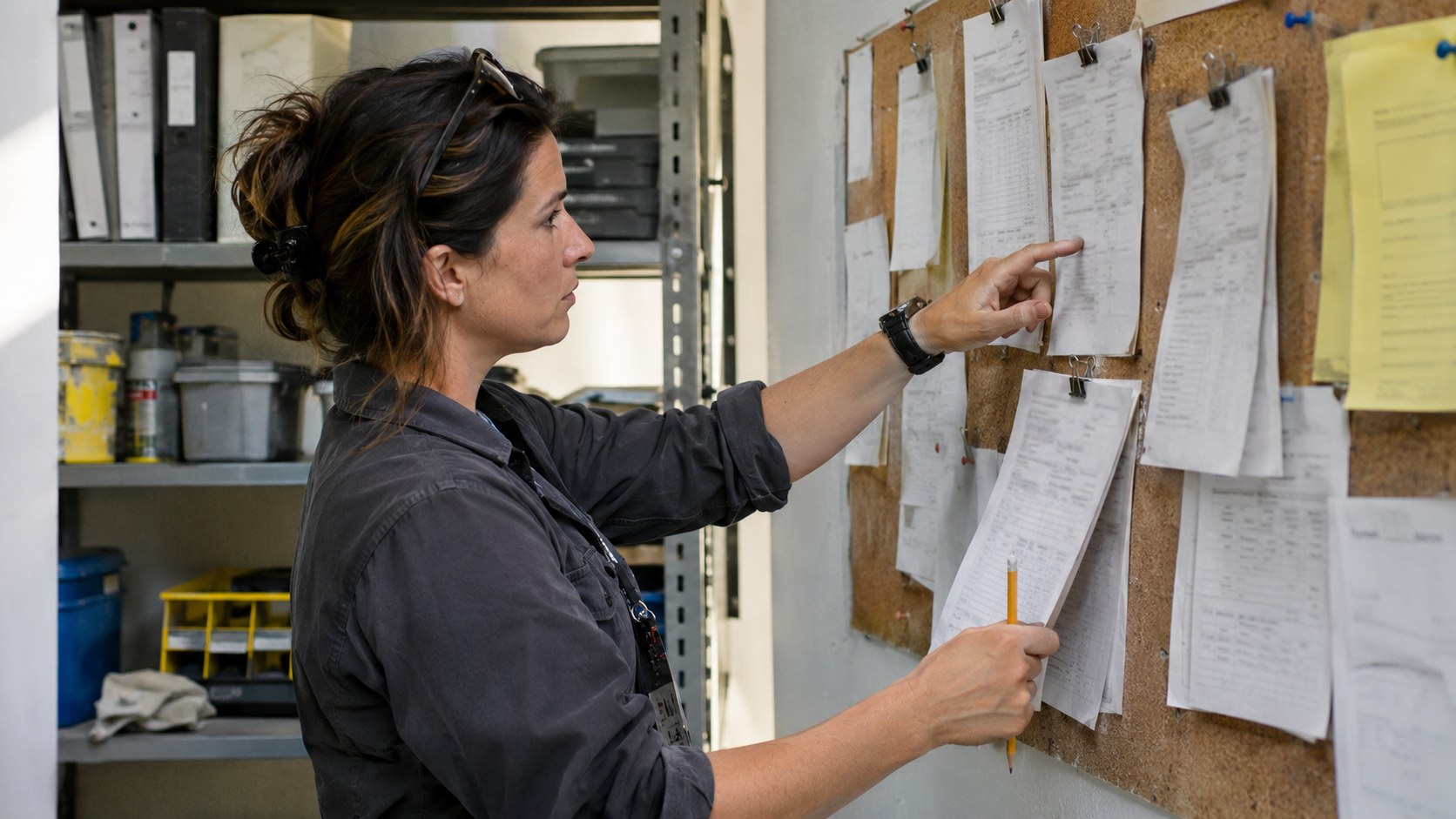
SaaS to custom software migration checklist: evidence gates
Use the gates below as proposed project controls. Approval to switch production and approval to cancel the old service are separate decisions. Copy the table for a single workflow, replace role names with accountable people and record the actual decision and window. A launch date cannot overrule missing evidence.
| Gate and required action | Accountable owner | Evidence required to advance | Stop condition and hold or recovery action | Recorded decision and planned window |
|---|---|---|---|---|
| Scope: bound the completed task | Business owner | Approved trigger, roles, records, output, baseline, dependencies and interruption allowance | Unclear outcome or absent operating capacity: retain current route | Go or hold; discovery review before export |
| Exit proof: obtain exports and files | Data owner | Readable trial export, field mapping, downloaded files and archive responsibility | Required history or files inaccessible: recover them or narrow scope | Go or hold; trial export window |
| Rehearsal: repeat transfer and recovery | Technical lead | Reconciled import; repeat import without duplicates; integrations, permissions, restoration and timed recovery tested | Unexplained mismatch or untested recovery: correct and rehearse again | Go or hold; isolated rehearsal window |
| Pilot: complete representative tasks | Operations lead | Realistic role and device tasks; explicit write ownership; shadow transmission blocked | Missing work, duplicate effects or access failure: stop expansion | Go or hold; bounded pilot cycle |
| Cutover readiness: authorize the switch | Business owner | Accepted test report, trained users, staffed runbook, final-transfer method and recovery deadline | Any mandatory gate open: postpone production change | Go or hold; staffed change window |
| Cutover: pause, transfer and verify | Migration lead | Final export or sync reconciles; routes changed; critical smoke tests pass | Missing critical data, wrong access, duplicate effects or deadline reached: incident decision-maker calls recovery | Open or recover; actual decision time within agreed window |
| Stabilization: follow work to completion | Service owner | Complete normal cycle, reconciled outputs, working support and alerts | Critical failure or queued work unresolved: retain recovery capacity | Accept or hold; cycle review and recovery-window end |
| Retirement: close dependencies, access and billing | Data, technical and subscription owners for their approvals | Readable archive, independent files, no old connections, obsolete access removed, cancellation and final billing saved | Any dependency, retention or billing question unresolved: keep retirement open | Close or hold; archive, access and billing effective dates |
Inventory entities, required history, relationships, files and relevant configuration. Assign each to migration, readable archive or approved removal. Map source fields to destination fields, transformations, required values and rejection handling. Preserve stable source references for matching. A crosswalk is the matching list between old and new records; it lets each job find its customer without guessing from a name.
The illustrative inventory expects 1,200 customers, 3,600 jobs and 800 files. Resolve customer links through the crosswalk, translate Done to the agreed completed status, and document timestamp time zones, blank handling and duplicate rules. Keep original exports unchanged; transform working copies. Repeating the import must update intended records without creating duplicates.
Compare counts by entity and status, broken customer links, required values and a file manifest linking each downloaded file to its job. Inspect representative records, including corrected jobs and older history; matching totals can conceal swapped relationships. In the illustration, the rehearsal imports all jobs but only 799 of the required 800 files. The owner holds the move while the source administrator recovers the missing photo. The next run must reconcile every required file and demonstrate that it opens without a source-system login. A filename or a saved link is not the file.
For an optional Airtable-to-Supabase development rehearsal, assume each transformed CSV is below the dashboard limit. Export an unfiltered Airtable grid view per table with required fields visible, and download attachments separately: CSVs omit record comments, and attachment URLs expire after a few hours. Capture required comments through a supported route or an approved readable archive. Import mapped customers before dependent jobs through Supabase Table Editor CSV import, then link the separately stored files. Its dashboard import limit is 100 MB; larger or production transfers need a separately planned method. Loading tables does not build application permissions or integrations.
Complete scope and exit proof for a real task, then schedule a trial export before production cutover. Require a rejection report, restoration demonstration and data-owner approval of resolved differences. For inaccessible history, request specific material from the supplier, narrow the task or defer.
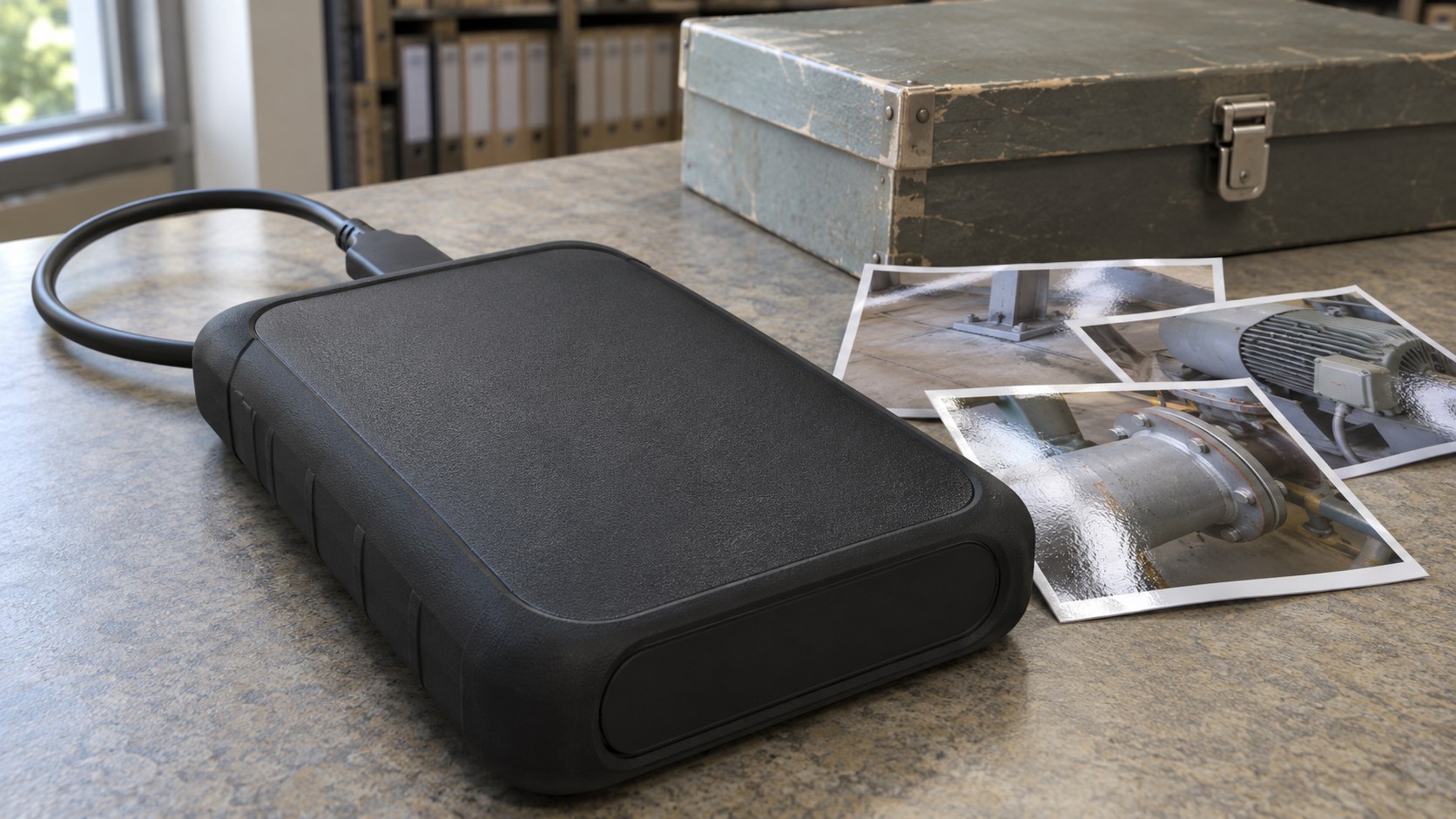
Prove the live journey, then authorize cutover
Parallel operation means coexistence with a single authoritative writer for each record or pilot group. It does not mean both systems independently edit the same jobs and send live outputs. Compare the new system in shadow mode first, with customer messages and accounting transmission disabled.
Inventory forms, scheduled connections, email, reports, manual exports and accounting handoffs, with an owner, trigger, destination and failure route for each. In the illustration, replaying a completion creates duplicate proposed invoice requests in shadow mode; neither reaches accounting. The developer fixes retries before expansion. A stable event reference and processing record recognize an already handled completion. Test delivery, retry, duplicate events and an unavailable destination. Reconcile failures with the receiver; silence is not confirmation.
The corrected rehearsal preserves required links and files and produces a single request when a completion is replayed. For a live pilot, assign jobs to the new tracker, prevent old-system edits to those jobs and route dependent requests explicitly. Rehearse recovery of pilot writes first. If integration access cannot maintain separation, keep comparison isolated and coordinate the final transfer. Do not assume source database access or live synchronization.
The illustrative acceptance test has five critical tasks: find a customer, create a job, update or correct it, attach a completion photo and deliver an approved invoice request. Dispatcher, technician and manager complete applicable tasks on normal devices; unauthorized staff cannot read restricted notes and no critical defects remain. A failed phone upload blocks launch despite successful desktop tests. Compare completion and response times with the agreed baseline under realistic demand. The workflow automation testing checklist develops these tests further.
Give staff a task guide and an explicit announcement. For this illustrative window: From 18:00, stop editing the old job tracker and send urgent work to the dispatcher queue. We will announce either reopening in the new tracker or recovery to the old one by 19:00. Use only the announced tracker; report missing jobs or failed uploads to the dispatcher. The operations lead sends the notice, the dispatcher owns the queue and the business owner authorizes reopening. Brief customers whose service will be affected, with a working contact route during the pause.
The migration lead follows the rehearsed sequence: announce the pause; stop source editing and intake; capture urgent work; take the final backup or export; transfer final changes; reconcile; change user entry points and integration routes; run critical smoke tests; request reopening. Assign each step an executor, duration and completion evidence. Without a source lock, supervise editing restrictions, pause connected writers and verify that no further source changes occurred.
For the hypothetical 18:00–19:00 staffed interruption, a 60-minute allowance minus 20 minutes of rehearsed recovery and a 10-minute safety margin leaves 30 minutes for transfer and mandatory checks. Starting at 18:00 makes 18:30 the latest recovery start. If checks remain open then, the named incident decision-maker starts recovery; restoration by 18:50 preserves the margin. Missing critical records, incorrect access or duplicate external effects trigger an immediate stop. An accounting-handoff failure still blocks this company’s launch even when record counts pass.
Measure the full transfer in rehearsal. If it cannot fit alongside recovery, improve it, agree a longer staffed pause or postpone. Leave contract runway for delay. In the illustration, checks pass before the recovery deadline and staff reopen in the new tracker. The service owner follows jobs through completion, opens files, confirms each approved request reaches accounting once and reconciles queued work. A complete normal cycle with working support and alerts permits retirement review; unresolved critical failure keeps it on hold.

Recover current work and close the old service deliberately
Redirecting users before new writes is different from recovery after the custom application has accepted work. Once records change, the old tracker becomes stale. Prove a method for preserving those changes and reconciling external actions before allowing production writes, including a live pilot.
Suppose a fault appears in the same hypothetical company after 15 new jobs and five delivered invoice requests. Pause writes and outbound effects. Preserve new records and identify every creation, update and deletion since cutover. Apply changes through the rehearsed source import or supported recovery interface using stable references. Before redirecting staff, reconcile all 15 jobs and recognize the five delivered requests as already processed. A changed login link cannot preserve this work.
If the source cannot accept changes, queue affected work and repair forward under the incident owner. Demonstrate this contingency before release; without usable recovery, stop production writes or narrow scope. Keep the old route recoverable until the agreed window closes. Require a named maintainer and backup, tested restoration, deployment access, alerts and support capacity. The custom software handover checklist develops continuing ownership.
After the operating-cycle review and recovery-window decision, the data owner approves a readable archive and tests files without the old login. Determine contractual and retention requirements before removing records; an absent customer request does not settle those obligations. The technical owner checks remaining forms, scheduled connections and manual dependencies, then removes obsolete credentials, user and shared access. Keep archive permissions appropriate.
Account deletion, subscription closure and record handling are separate decisions. Airtable bills by workspace: a self-serve Team workspace downgrade takes effect at billing-period end; user deletion is separate and shared workspaces may remain. Do not generalize that flow to other plans or suppliers. The subscription owner saves cancellation confirmation, effective date and final billing evidence, checks invoices against the agreement and escalates unexpected charges. Neither a working replacement nor a deleted login proves billing has ended.
If video is in scope, choose its integration route
The maintenance company does not need video to finish its migration. A consultation workflow may. Treat that component as another accepted customer journey: joining, completing a session and obtaining help when the connection fails.
Bring the session journey, roles, authentication, scheduling and mobile requirements to the component decision. Test a representative customer completing the session on their normal device, including camera permissions and the planned connection fallback. Keep the previous call tool until that journey passes; the presence of a call window alone does not close its migration gate.

Choose a video component against the accepted journey
If sessions are inside your migration boundary, use Video Call Integration to compare a simple embed with API/SDK integration and Scrile Stream custom development. Choose an embed when provider-defined behavior meets the task; identify custom integration requirements when authentication, roles or session flow need control. The result is a scoped component choice to test before retiring the previous call tool.
Frequently asked questions
What should we migrate first?
Choose a complete task with a demonstrated failure, from its trigger to its required output. Keep functioning services outside that boundary; customer and job tracking can move while accounting remains.
What turns a migration checklist into an executable plan?
Name accountable people, evidence, stop conditions and decision windows for every gate. Complete scope and exit proof, then obtain a trial export before scheduling the production change.
Does a matching export record count prove completeness?
No. Check relationships, required fields, history and actual downloaded files as well as totals. Open files without the source login and demonstrate a repeat import without duplicates.
Can staff work in both systems during migration?
They can coexist if each record or pilot group has a single authoritative writer. Block shadow messages and accounting effects; test representative roles and devices before expanding live use.
What if our SaaS cannot synchronize live?
Rehearse repeated exports and imports, then pause editing and intake for the final transfer. Reopen only after reconciliation and critical tasks pass within the agreed recovery allowance.
Can we roll back after accepting new work?
Only through a demonstrated recovery method that preserves changes and avoids repeating external actions. If the source cannot accept those changes, queue affected work and repair forward under the incident owner.
When is it safe to cancel the old subscription?
After stabilization, archive approval and removal of remaining dependencies. Separately verify access withdrawal, cancellation effective date and final billing; deleting an account alone does not establish closure.
How should video calls move into a custom workflow?
Compare provider-defined embed behavior with the control required over authentication, roles and session flow. Test the complete customer session and failure route before retiring the old call tool.

Builds SaaS platforms for content creators, agencies, and entrepreneurs. Writes about the business mechanics behind creator-economy products and how custom software actually ships.