

Quick answer
If your lessons still sit in inbox threads, the real problem is not booking — it is repeated lessons, instructor continuity, and rescheduling that keep breaking the week. A good driving instructor booking app should track lesson packages, learner-specific fields, cancellations, and workload across weeks, not just drop one appointment on a calendar. That is what separates a school-ready system from a solo setup, and it is the quickest way to see whether you need a full platform or a lighter booking tool.
Driving schools do not sell isolated visits. They sell progress, repetition, and the ability to keep a learner moving toward a test date without losing the thread. That is why a generic appointment tool often fails: it treats every booking like a one-off slot, while driving instruction behaves more like a sequence with memory.
When the schedule breaks, the damage is rarely dramatic in one moment. It shows up as a missed handoff, a learner who is moved to the wrong car, or an admin who has to rebuild the plan from texts and calls at the end of the day. In a small office, that can easily take 2-4 hours a week before anyone notices the pattern.
A driving instructor booking app needs to handle the business as it is actually run: lesson packages, recurring sessions, substitution rules, and learner details that reduce back-and-forth. Tools in the broader scheduling category, such as the workflow ideas in our app reservations management guide, solve the calendar layer; the lesson layer is what makes the setup fit driving instruction.
Why a driving instructor booking app has to handle lesson series, not slots
Lesson 1, lesson 2, test prep, a move because the learner’s shift changed, then a substitution because the instructor is off sick, that is the real pattern. If software cannot keep that chain intact, the calendar may look busy while the business quietly loses control of progress.
A school team usually feels the break first. One learner is booked for parallel parking with Instructor A, but the next reschedule lands with Instructor B, who does not know the earlier correction. That is not just awkward; it can waste 1-2 lesson hours a month for the learner and create more admin work every time the chain is repaired.
The right system therefore has to understand packages as the core unit, not as a discount trick. It should know how many lessons are left, whether a booking belongs to a bundle, and how a reschedule affects the sequence. A tool that only confirms a time is not enough for that job.
Where generic booking tools start to fail
A lot of schedulers look fine until the third or fourth change. Then the missing rules become obvious: there is no continuity rule for instructors, no package tracker, and no learner history that survives a busy week. At that point the office begins to compensate with memory, messages, and spreadsheets.
That workaround is expensive because it pushes the real work back onto people. The team has to remember which learner is on which car, who needs a manual lesson, and who is close to finishing a prepaid bundle. In practice, that means more interruptions during the day and more mistakes when the week gets crowded.
| Lesson requirement | School need | Solo need | Failure if missing |
|---|---|---|---|
| Recurring lesson packages | High | Medium | Students rebook manually after every session |
| Instructor continuity | High | Medium | Progress resets when substitute coverage happens |
| Driving-specific intake fields | High | High | Admins chase details by phone before every lesson |
| Package exhaustion tracking | High | Medium | Paid lessons get missed or double-booked |
| Reporting on instructor load | High | Low | Overloaded instructors and empty gaps stay hidden |
A driving school with multiple instructors: where the schedule breaks first
Once a school has several instructors, the question changes. It is no longer “Can clients book online?” It becomes “Can the system keep the same instructor, vehicle type, and lesson path aligned when the week changes?” If it cannot, the office spends the whole morning correcting small conflicts that should never have existed.
That risk gets worse when the school runs a mix of manual and automatic cars, or when students are assigned by level. A generic scheduler may place a learner into the right time slot, but it will not protect the rule that says a beginner should stay with one instructor unless there is a substitution. Break that rule often enough and you get fragmented progress, unhappy learners, and more rework for the front desk.
For teams comparing adjacent scheduling models, our automotive scheduling software article shows the same kind of coordination problem from another angle: vehicle availability, timing, and handoff logic all matter. Driving lessons are different in detail, but the scheduling discipline is similar.
That is also why reporting matters. A school does not just need a list of bookings. It needs to see which instructor is carrying the heaviest load, where cancellations cluster, and which packages are half-used. Without that view, a busy week can still hide empty gaps and uneven workloads.
School admin trying to recover from missed lessons and weak reporting
One common failure shows up only after the damage is done: a learner finishes most of a package and the office notices the remaining balance too late. The fix is not more reminders. The fix is a system that shows package usage clearly enough that no one has to do a manual end-of-week check.
Good reporting does not need to be flashy. It needs to answer four blunt questions: who taught what, what got canceled, what got rescheduled, and which learners are falling behind their package rhythm. When those answers are visible in one place, the team stops patching the schedule with memory.
Solo instructor workflows: the smaller setup that still needs rules
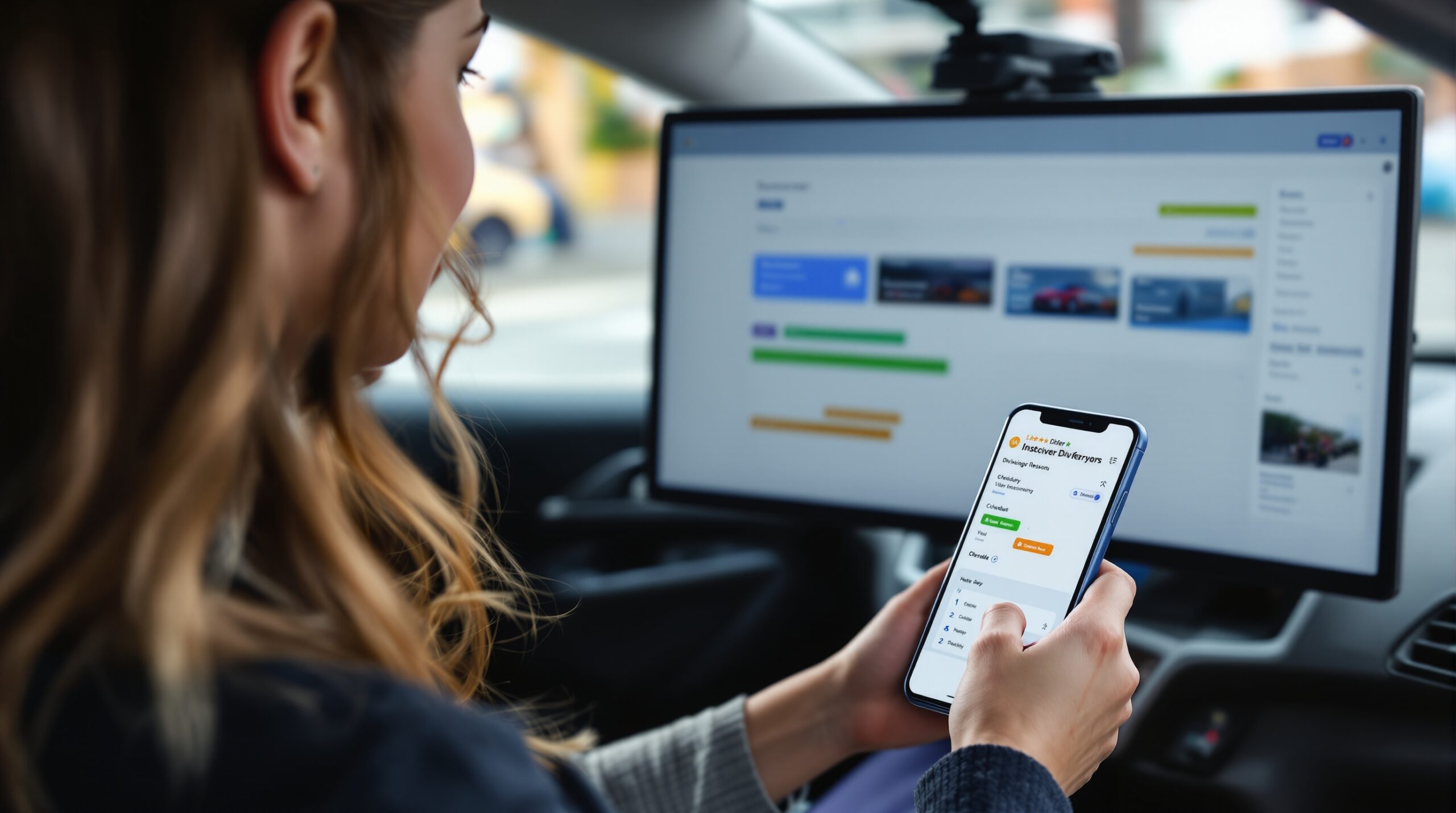
Independent instructors can get by with text messages and a calendar app for a while. Then the week fills up, a learner wants to move from evenings to mornings, and the same booking has to be explained in two different chat threads. What looked simple becomes a small daily admin loop.
A solo setup needs fewer rules than a school, but it still needs the right ones. The booking form should capture manual or automatic, pickup point, prior experience, and lesson goal so the instructor is not asking the same questions before every drive. Without those fields, 10-15 minutes of setup time can disappear into each new booking.
This is where a lighter tool can be enough. A one-person business does not need multi-location complexity if the entire operation is one instructor and one car. Still, the app has to support repeat bookings and lesson bundles, because solo work also runs on progression, not on single visits.
For a useful comparison with adjacent scheduling patterns, see how a spa booking app handles repeat appointments, and then compare it with how to make a website for booking appointments. Both show the difference between a basic booking form and a workflow that remembers the customer.
Independent instructor booking around uneven learner availability
Independent instructors often work around uneven learner availability: one student can only book after 6 p.m., another needs a fixed weekly slot, and a third keeps moving dates around exam week. The schedule still looks manageable on paper, but only if the software makes rescheduling cheap.
If every change requires a phone call, the instructor loses real teaching time to admin. Two or three hours a week can vanish just from repeat coordination, which is enough to make a small practice feel crowded even when demand is healthy. A booking app is useful here because it removes the back-and-forth, not because it adds decoration to the calendar.
The healthy state is simple: the learner can book, change, and pay without creating a new thread every time, and the instructor can still see the lesson history in one place. That is the difference between a calendar and a booking system that actually supports instruction.
Booking fields, reporting, and the point where generic schedulers fail
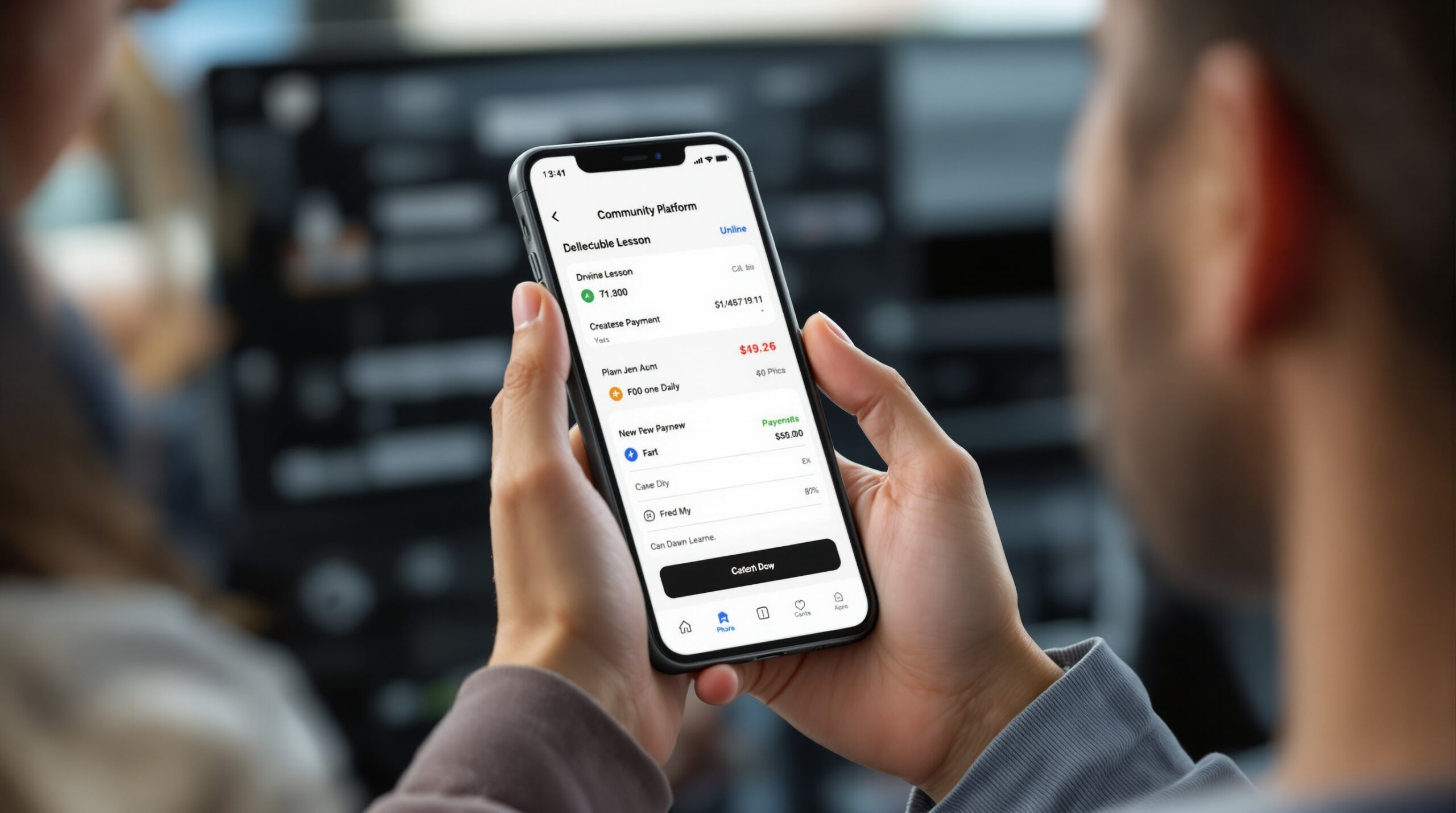
The fastest way to spot a bad fit is to open the booking form and ask what the system does not know. If it cannot ask about manual versus automatic, pickup point, driving level, or lesson goal, the app is pushing those questions back into email and chat.
That hidden work is not small. Every missing field creates another round of clarification, and a busy school can lose 20-40 admin minutes per new learner just by chasing details that should have been collected upfront. Scale that across a month and the calendar may still look full while the office is steadily drowning in follow-up.
Reporting has the same test. A generic system shows bookings filled. A lesson-aware system shows how many sessions remain in a package, where cancellations happen, and which instructor is carrying the heaviest load. That is why a school can feel busy and still be losing control of margin and timing at the same time.
That distinction also comes up in broader booking workflows like scheduling app for small business and calendar app for sharing. Those tools help with time management, but they do not automatically understand lesson progression, instructor continuity, or bundle exhaustion.
Mini comparison: what matters in practice
Use this filter when comparing tools. If a platform only offers online booking and reminders, it solves the front door but not the lesson workflow. If it also tracks packages, assignments, and lesson history, it is closer to what a driving school actually needs.
How to choose a driving instructor booking app without buying extra complexity
Start with the repeat lesson path. Ask whether the app can handle packages, recurring bookings, and a learner record that survives rescheduling. If the answer is vague, the rest of the demo will probably be vague too.
Then test instructor assignment. In a school, can one learner stay with one instructor unless a substitution rule says otherwise? In a solo setup, can the app keep a fixed pattern without adding extra clicks? If not, the tool is not reducing friction where it matters most.
Check the intake form next. A good driving instructor booking app should collect the details that usually get asked in text anyway. The fewer follow-up messages, the faster the week moves, and the less likely it is that a lesson starts with missing information.
Finally, look at reporting. If the dashboard cannot show package usage, cancellations, and instructor load in plain language, you will still end up with manual checking. That is the point where a “booking app” stops being a tool and starts being another inbox.
If your business is mainly school-led, a more structured setup is usually worth it. If you are solo and the work is light, a smaller tool may be enough for now. The goal is not to buy the biggest platform; it is to buy the one that matches how often lessons repeat and how often the week changes.
Scrile Meet – Live Video Consulting Platform: a practical fit for scheduled service businesses
Scrile Meet – Live Video Consulting Platform solves the same core coordination problem this article keeps returning to: a business that depends on scheduled sessions, paid bookings, and clear communication around each appointment. It is less about a generic calendar and more about a structured path for booking, payment, and client follow-up, which is why teams that sell expert time often look at it when they want those steps in one place. Scrile Meet – Live Video Consulting Platform is built for scheduled services where the session itself is the product.
The fit is strongest for consultants, coaches, experts, and service businesses that monetize live sessions or advice. For a driving school, the match is partial because lesson-series logic, vehicle assignment, and instructor continuity matter more than a standard consultation flow. For businesses in the consultation and expert-service space, though, the platform structure lines up with how the service is sold.
If your next step is choosing a system, use the same checklist from this article: repeat booking flow, intake fields, assignment rules, and reporting. If the platform can support those without forcing you back into manual work, you are looking at a workable setup instead of another booking widget.
Ready to build the setup behind this?
If this is the operating problem you need to solve, use the product page as the next step. It shows where build your setup fits and what the platform covers beyond a single payment widget.
Frequently asked questions
When does a driving instructor booking app become overkill?
If you run only a handful of one-off lessons each month and never reassign instructors, a simple calendar plus messages may be enough. Once you carry packages, recurring learners, or substitute coverage, the manual method usually breaks first.
What is the biggest risk if the app cannot track lesson packages?
You lose visibility on prepaid lessons. That creates missed revenue, awkward follow-up, and a higher chance of double-booking or leaving a learner with the wrong remaining balance.
How do I know when to switch from manual scheduling?
Switch when admin work starts taking more than 3-5 hours a week, or when reschedules are tracked in more than one place. That is usually the point where errors become structural, not occasional.
What happens if the booking app does not support instructor continuity?
Learner progress gets fragmented. The next instructor may not know what was already corrected, and the school spends extra time rebuilding context before the lesson starts.
Can one system work for both a driving school and a solo instructor?
Sometimes, but only if it handles both multi-instructor assignment and simple one-person workflows cleanly. If the school features are too heavy, a solo instructor will feel burdened; if the solo flow is too thin, the school will outgrow it quickly.
What reporting should I insist on before buying?
Ask for package usage, cancellations, instructor workload, and upcoming bookings by learner. If the dashboard cannot answer those four questions without export work, it is not lesson-aware enough.

Project lead at Scrile. Helps clients pick what actually moves growth and bridges them with the engineering team. Writes about the operational side of software delivery — scoping, requirement translation, and vendor-team alignment.