by Polina Yan
Ever found yourself staring blankly at a message, struggling to find the right words? Whether it’s drafting a quick reply for a dating app, crafting a thoughtful response on a creator’s platform, or managing endless social media comments, sometimes you just need a little help. That’s where an AI answer generator steps in—offering quick, smart, and contextually relevant replies at the tap of a button.
In 2026, AI answer generators are more than just fancy text tools; they are becoming essential for creators, social media managers, and businesses looking to maintain engagement without losing a personal touch. In this article, we’ll dive into the best AI answer generators available today, showcasing tools that not only save time but also enhance the quality of interactions. Let’s explore how these AI tools can elevate your communication strategy, making every interaction more efficient, engaging, and stress-free in 2026!
What is an AI Answer Generator?
An AI answer generator is a smart tool designed to transform raw queries into well-structured, relevant answers. It acts as a virtual assistant, interpreting questions and crafting responses that feel natural and on-point. These tools are particularly valuable for streamlining communication on creator websites, dating platforms, social media, and even adult websites, where maintaining engagement and providing quick replies are crucial.
At its core, an AI answer generator relies on technologies like Natural Language Processing (NLP) and machine learning. These technologies analyze the input, understand context and intent, and generate answers that match the tone and style of the platform. Whether it’s an AI question answer generator or a discussion post reply generator, the goal is to deliver responses that enhance user interactions and save time. And with options like free AI answer generators, even small platforms can leverage this technology to boost their efficiency and maintain a vibrant online presence.
Benefits of Using AI Answer Generators

AI answer generators offer a powerful set of advantages, making life easier for creators, influencers, social media managers, and digital businesses:
- Time Efficiency: With an answer generator, hours of typing and overthinking can be reduced to mere seconds.
- Consistency and Accuracy: Instead of manually crafting each response, an AI generator answers with the same tone and precision, reducing the chance of errors and keeping communication on-brand.
- Real-World Impact: A dating platform, for instance, integrated an AI answer generator to manage repetitive user queries. The result? A 40% boost in response speed and happier users who received instant, accurate answers.
- Versatility Across Use Cases: For creators, an AI question answer generator can help engage audiences by generating thoughtful replies to comments. Social media managers can use AI generated answers to handle large volumes of messages without losing the human touch.
Top 5 AI Answer Generator Tools in 2026
When it comes to finding the best AI answer generator in 2026, there are plenty of options on the market, each offering unique features and benefits:
ChatGPT

ChatGPT by OpenAI continues to lead the pack as a versatile and powerful AI answer generator. Built on the advanced GPT-4 architecture, ChatGPT excels at generating smart and contextually accurate responses for everything from discussion posts to chat interactions and customer support queries.
One of the standout features of ChatGPT is its ability to maintain a consistent voice while adapting to different communication styles. For example, a content creator managing a vibrant online community can use ChatGPT to generate thoughtful replies to fan comments, keeping engagement high without feeling repetitive or automated. The tool’s flexibility also makes it perfect as an AI discussion post generator in real-time, whether through a social media chat or a Q&A forum on a creator’s website.
Jasper AI
If you’re looking for a polished and professional answer generator, Jasper AI is a top choice, particularly for marketing and content-driven platforms. Jasper is designed to create well-structured and articulate responses, making it an ideal fit for scenarios where maintaining a specific tone or brand voice is crucial.
A practical example of Jasper’s use is on a creator’s website where maintaining engagement with fans is essential. Jasper can help generate thoughtful replies to fan inquiries, ensuring responses are not only quick but also meaningful and brand-consistent. Whether it’s responding to questions on a blog, managing comments on a video platform, or creating tailored replies for email interactions, Jasper’s AI capabilities can significantly enhance communication efficiency.
Writesonic
Writesonic is known for delivering quick and creative answers, making it an excellent tool for social media managers and content creators. This AI answer generator free option shines in generating witty and engaging responses, particularly useful in fast-paced environments like social media where maintaining a brand’s voice consistently is key.
A real-world scenario where Writesonic excels is in handling high volumes of social media comments. Whether it’s responding to followers on Instagram or managing conversations on a dating app, Writesonic generates replies that feel genuine and on-brand.
Claude AI
Claude AI, developed by Anthropic, is a relatively new player in the AI answer generator market but has quickly gained traction for its conversational and context-aware responses. Unlike many AI tools, Claude focuses on generating answers that feel human and maintain a natural flow of conversation.
A notable feature of Claude AI is its ability to understand nuanced queries and provide detailed, thoughtful answers. This makes it an ideal choice for platforms that prioritize engagement and authenticity, such as dating apps, creator websites, and social media forums.
Tidio AI
For small businesses and startups, Tidio AI offers a practical and cost-effective solution. Tidio specializes in automating responses for customer support and basic interaction management, making it a smart choice for e-commerce sites and small digital communities.
Tidio’s easy integration with platforms like Shopify and WordPress makes it particularly useful for businesses that need a straightforward and affordable answer generator without compromising on quality or functionality.
Why Scrile Connect’s Answer Generator is the Best Choice
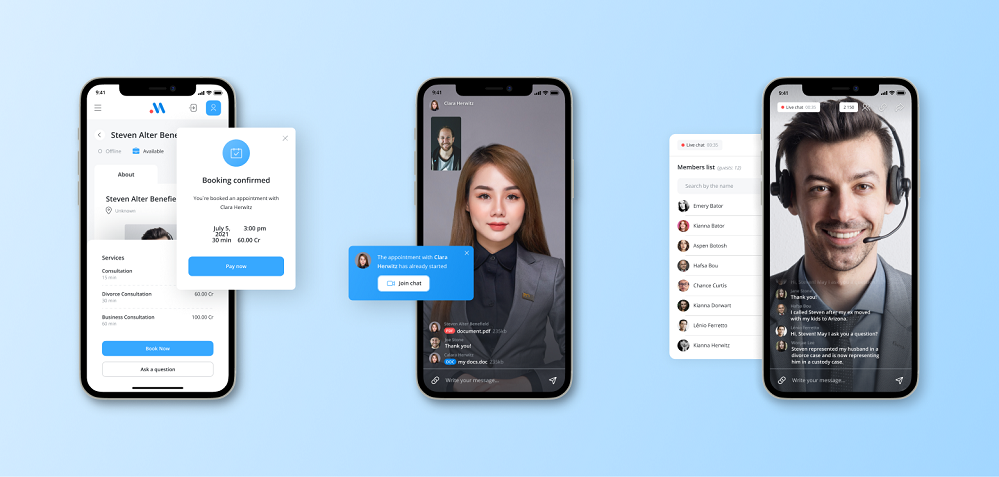
Scrile Connect offers a unique approach to AI-generated answers, especially for niche markets like creator websites, dating platforms, social media, and adult content sites. Instead of offering a one-size-fits-all solution, Scrile Connect provides fully customizable tools that adapt to specific communication needs.
Its standout feature is contextual understanding, analyzing past interactions to deliver personalized responses. This is ideal for platforms where audience connection is key—such as generating thoughtful replies on adult fan sites or managing engaging chats on dating apps.
Scrile Connect also supports dynamic conversation phrases, allowing seamless transitions from casual chats to targeted sales interactions or more intimate exchanges. This adaptability helps maintain engagement and authenticity across all types of interactions.
For creators looking to monetize their AI tools, Scrile Connect offers the flexibility to build bespoke platforms, enabling direct sales of AI-generated answers, art, or other digital assets. This approach ensures full control over branding and revenue while fostering a dedicated community around your unique offerings.
Conclusion
Scrile’s AI answer generator offers a dynamic and customizable solution for enhancing communication strategies. If you’re ready to boost engagement and streamline responses with intelligent, human-like answers, explore how Scrile’s bespoke AI tools can elevate your platform’s communication game today!
FAQ – AI Answer Generator Tools (Best Options in 2026 + How to Use Them)
Quick answers about AI-generated replies: how these tools work, which one to pick, how to stay accurate, and how to integrate an answer generator into your platform.
What is an AI answer generator?
▾
An AI answer generator is a tool that turns a question or message into a clear, well-structured reply. Instead of “suggesting words,” it generates a complete response you can send or edit.
In practice, it’s used for comment replies, DMs, support messages, discussion posts, and fast Q&A — especially when you need speed without losing a human tone.
AI answer generator vs chatbot: what’s the difference?
▾
An AI answer generator helps a human reply faster (drafts you approve). A chatbot is usually designed to respond automatically to users without a human in the loop.
If you care about brand safety and quality control, answer generators are a strong first step. Full automation makes sense later — after you’ve defined escalation rules and tested real conversations.
Which AI answer generator is best overall in 2026?
▾
There’s no single “best” for everyone. Your best choice depends on your use case: long answers vs short replies, strict brand voice vs casual tone, and whether you need web integrations.
A practical approach: test 2–3 tools on your real messages for one week. The winner is the one that saves time without creating awkward replies or factual mistakes.
Which tools are best for different reply styles (casual, professional, support)?
▾
For flexible “do everything” answers, many people start with ChatGPT. For polished, brand-consistent writing, Jasper is often used. For quick and creative short replies, Writesonic is popular. For more natural, human-feeling conversation, Claude is a common pick. For customer support automation, Tidio is often chosen because it’s built around support workflows.
Don’t decide by name alone. Decide by how the drafts feel in your niche: tone, clarity, and how often you need to rewrite.
Are there free AI answer generator tools?
▾
Many tools have free tiers or trials, but “free” usually means limits: fewer messages, weaker models, fewer integrations, or no team features.
Treat free versions as a test environment. If AI replies become part of your daily workflow (or revenue), a paid plan is often safer and more consistent.
How do I stop AI from making up facts in answers?
▾
Use a “grounding” rule: for pricing, policies, refunds, timelines, and technical specs, the AI should only answer using your approved source (FAQ, policy page, docs, CRM fields). If it can’t find the answer, it should ask a clarifying question or escalate.
This one constraint prevents most risky replies. Accuracy is usually a process problem, not a model problem.
Is it safe to paste private chats into an AI answer generator?
▾
It can be, but treat it like any online tool: avoid sharing secrets, passwords, full payment details, or anything that would create damage if leaked.
If you run a business, define internal rules: what agents can paste, what must be redacted, who has access, and how long chat logs are retained. Privacy is a workflow, not a checkbox.
Can AI answer generators be used for social media, creator platforms, and niche communities?
▾
Yes — that’s one of the best use cases. AI helps keep engagement high when message volume is high. The important part is tone control: replies should feel authentic, not copy-pasted.
If your community has strict rules (content policy, brand boundaries, sensitive topics), add guardrails: banned topics, “ask before answering” rules, and human handoff for edge cases.
How do I integrate an AI answer generator into my website or app?
▾
The simplest path is an embed widget or a plugin (fast launch). The more advanced path is API integration (full control): your backend sends context to the AI and returns a reply inside your UI.
If you need personalization, analytics, and monetization, API-based integration is usually the long-term win because the assistant becomes part of your product, not just a tool you “added.”
Why is Scrile Connect positioned as a strong “answer generator” option?
▾
Because it’s not a one-size-fits-all text tool. Scrile Connect is presented as a customizable platform approach: contextual replies based on past interactions, dynamic conversation phrases, and the ability to build a branded experience around AI answers.
That matters when AI messaging is part of your business model — for example, creators monetizing interactions or platforms selling AI-powered engagement as a feature.
Polina Yan is a Technical Writer and Product Marketing Manager, specializing in helping creators launch personalized content monetization platforms. With over five years of experience writing and promoting content, Polina covers topics such as content monetization, social media strategies, digital marketing, and online business in adult industry. Her work empowers online entrepreneurs and creators to navigate the digital world with confidence and achieve their goals.
by Polina Yan
People talk to their devices every day — asking for directions, dictating notes, or letting an app transcribe a meeting. None of that feels unusual anymore. What makes it work under the hood is speech recognition, and in the developer world it often comes down to python speech to text. With a few open-source libraries and some smart models, spoken language can be turned into readable text in real time.
This article looks at the tools and methods that make it possible in 2026. We’ll cover the Python libraries most people start with, the role of deep learning in making recognition accurate, and the difference between running speech models offline or through cloud APIs. We’ll also look at real-world uses like streaming captions and business workflows, plus the option to build fully custom solutions when standard tools aren’t enough.
How Speech Recognition Works
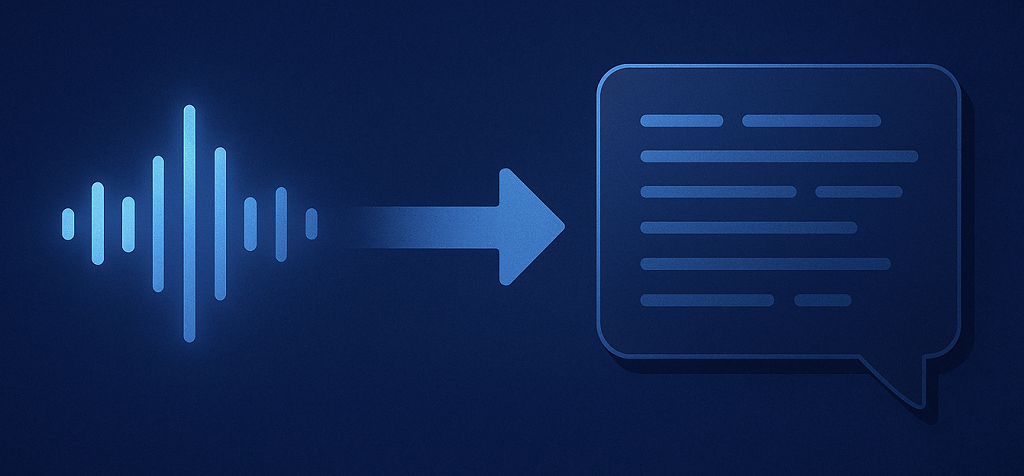
Take any sound you make — it starts as vibrations in the air. A microphone catches them and slices the noise into tiny frames of data. The software then paints those pieces into a spectrogram, basically a picture showing which frequencies were strong at each moment. From there, the system tries to catch phonemes, the small sound units that build words.
Two brains are working together here: the acoustic model figures out which sounds you actually made, while the language model guesses what you probably meant in context. That’s how “recognize speech” doesn’t come out as “wreck a nice beach.”
What changed the game was machine learning. Hand-crafted rules and early statistical tricks couldn’t handle messy audio or accents. But once deep learning came in, accuracy jumped from rough 70% to well above 90%. Suddenly, voice typing on your laptop or phone didn’t feel like a gimmick anymore.
In practice the flow is:
- Record audio → slice it into frames
- Turn it into a spectrogram
- Match sound patterns with an acoustic model
- Let the language model form words and sentences
That mix of math, context, and neural nets is what makes speech recognition feel almost effortless today.
Popular Python Speech to Text Libraries

When diving into python speech to text, the library you choose shapes everything — accuracy, speed, cost, and whether you can even run your code offline. Let’s break down the most popular ones developers rely on in 2026.
| Library / Tool | Best For | Pros | Cons | Pricing / License |
|---|
| SpeechRecognition | Beginners, quick demos, class projects | Easy to use, works with multiple engines (Google, CMU Sphinx, etc.), minimal setup | Lower accuracy than deep learning models, limited customization | Open-source (MIT), free to use |
| Vosk | Offline apps, IoT devices, Raspberry Pi | Lightweight, runs on low-power devices, >20 languages supported | Models less accurate than Whisper, limited advanced features | Open-source (Apache 2.0), free |
| DeepSpeech / Coqui STT | Custom domain-specific transcription (e.g., medical, legal) | Trainable on custom datasets, full control over models, good accuracy | Requires GPU resources, setup is complex | Open-source (MPL 2.0), free |
| Whisper (OpenAI) | High-accuracy transcription, noisy audio, multilingual | Excellent accuracy, robust to accents/noisy input, dozens of languages | Heavy on resources, slower on CPU-only systems | Open-source (MIT), free; API pricing if using OpenAI’s hosted service |
SpeechRecognition
This library is often the first stop for newcomers. It’s easy to install, easy to use, and works out of the box with just a few lines of Python code. SpeechRecognition connects to different engines, including Google Web Speech API and CMU Sphinx for offline tasks. While it won’t deliver the same precision as heavy deep learning models, it’s perfect for quick demos, class projects, or small apps where setup speed matters more than accuracy.
Vosk
If you want python speech to text without depending on the cloud, Vosk is a strong option. It’s lightweight, efficient, and supports more than 20 languages. Developers often use it in Raspberry Pi projects, IoT devices, and mobile apps that can’t send constant requests to online servers. Vosk models are smaller compared to neural giants like Whisper, but that makes them fast, memory-friendly, and practical for real-world applications.
DeepSpeech and Coqui STT
Mozilla’s DeepSpeech introduced the idea of open-source deep learning for speech recognition, and Coqui STT now carries the torch. Both libraries use recurrent neural networks under the hood and can be fine-tuned with domain-specific data. That means if you’re building a medical or legal transcription tool, you can train the models to handle industry jargon. These projects require GPU power and patience, but the payoff is flexible, customizable models that you fully control.
Whisper (OpenAI)
Whisper is the current heavyweight among python voice to text tools. It supports dozens of languages, handles noisy or low-quality audio better than most alternatives, and shines in tasks like podcast transcription or video subtitling. It’s GPU-friendly, so running it locally is possible if you’ve got the hardware. The tradeoff is resource usage — Whisper is not as light as Vosk, but the accuracy gain is often worth it.
Choosing the Right Tool
Each library fits a different purpose. SpeechRecognition is great for quick wins, Vosk for offline apps, DeepSpeech/Coqui for custom training, and Whisper for cutting-edge accuracy. Your choice depends on whether you value simplicity, independence, or raw performance.
Speech to Text with Deep Learning
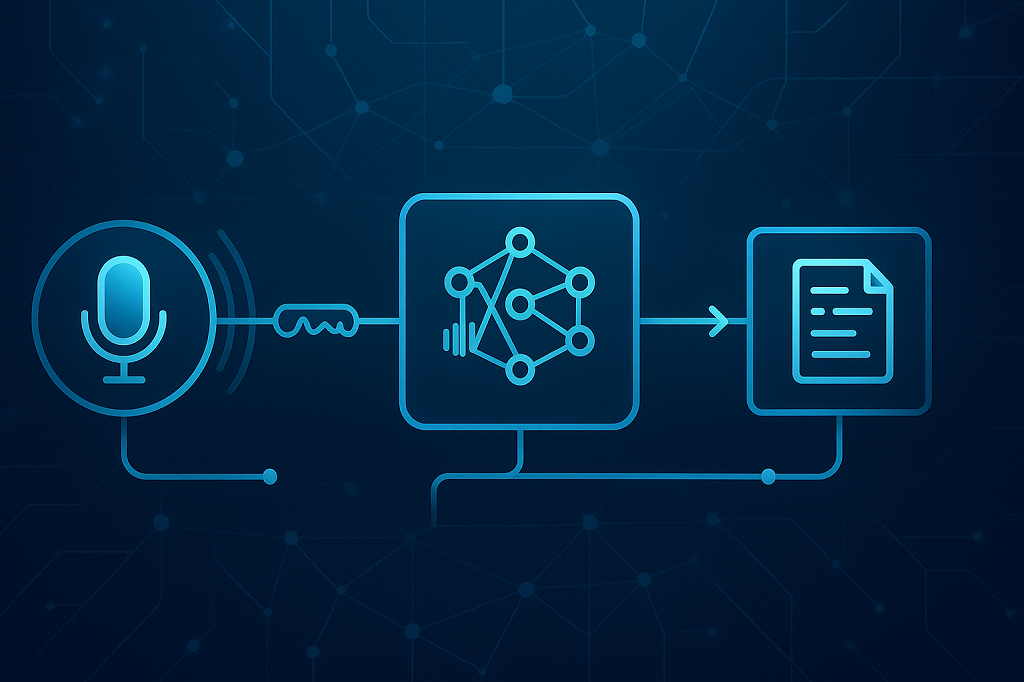
Before neural networks entered the field, speech recognition felt clunky — good for dictation, not much else. The last decade changed everything. Models got smarter, faster, and now speech can be converted into text in real time with surprising accuracy. That leap came directly from advances in speech to text deep learning.
Why Deep Learning Changed Everything
Traditional systems split speech recognition into multiple stages — signal processing, acoustic modeling, and language modeling. Deep learning stitched these parts together with end-to-end neural networks. Instead of engineers hand-tuning features, the network learns directly from massive datasets of audio and transcripts.
That shift boosted accuracy to levels once thought impossible. Real-time transcription is no longer just a demo feature — it’s reliable enough for live captioning, online meetings, and multilingual customer support. The models can adapt to different accents and background noise, making them practical outside the lab.
Frameworks & Models
Deep learning owes much of its momentum to powerful frameworks. TensorFlow and PyTorch dominate, offering developers tools to train, fine-tune, and deploy models. On top of these, pre-trained architectures like OpenAI’s Whisper and Facebook’s Wav2Vec2 set the bar for performance. Both use transformers — the same technology powering modern large language models — to recognize speech across dozens of languages.
In business, this technology is already everywhere: call centers use it to monitor conversations and analyze sentiment, while hospitals deploy it for medical transcription, saving doctors hours of manual note-taking.
The bottom line? Deep learning didn’t just make speech recognition better — it made it practical, flexible, and ready for scale.
Real-Time Speech to Text in Python
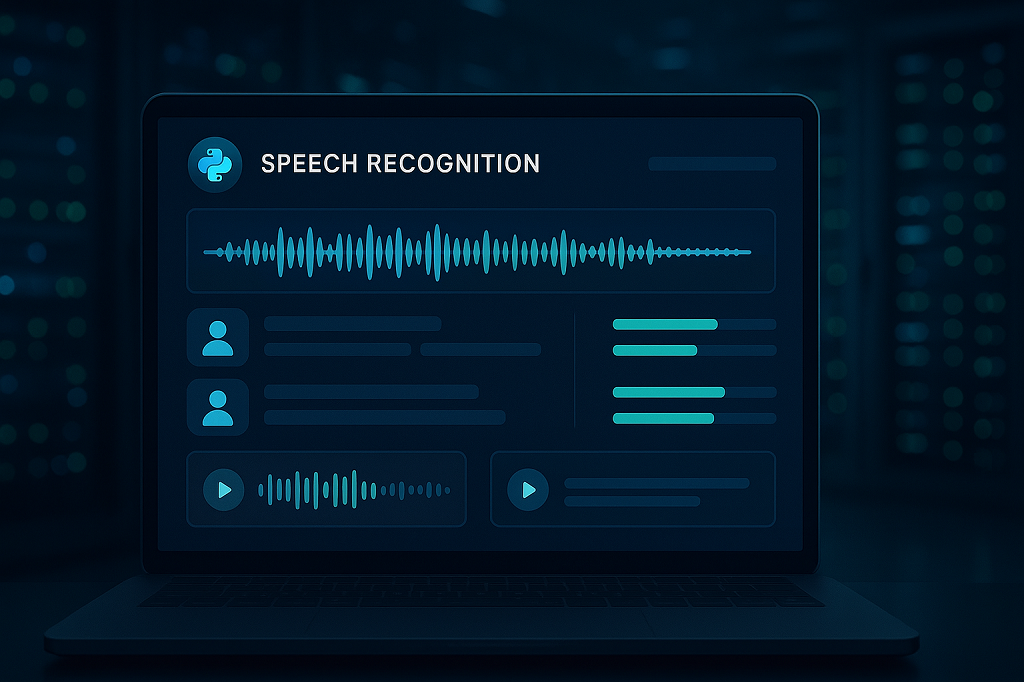
Turning spoken words into text while someone is still speaking is a different challenge from batch transcription. The main obstacle is speed: every millisecond counts. If a system lags, captions fall behind or chatbots respond awkwardly. Developers working with Python constantly wrestle with the balance between accuracy and latency.
Some of the most common use cases for real-time systems include:
- Live captioning for online events, classes, and conferences
- Streaming platforms where creators need instant subtitles
- Customer service bots that listen, process, and reply without noticeable delay
To make this work, Python libraries like Vosk and Whisper provide microphone input handling paired with WebSocket streaming. Audio chunks are captured, converted to features, and sent to a recognition model in near real time. The model then returns the text piece by piece, so the user never feels left behind.
Hardware matters just as much as code. GPU acceleration is key — it allows complex neural models to operate with only a fraction of a second of lag. That’s what transforms machine learning speech to text from a neat experiment into a dependable business tool.
When tuned correctly, these pipelines feel invisible. Users don’t think about the recognition layer at all; they just see accurate captions or get instant responses. That invisible layer is exactly what makes real-time transcription one of the most exciting areas of modern Python development.
Business Applications in 2026
Speech recognition is no longer a experimental functionality — it’s a business application in daily usage. Businesses of all types are employing speech recognition to reduce tedious work, facilitate communication, and deliver service to individuals.
Among its largest users are:
- Healthcare: doctors dictate medical notes while systems instantly generate structured records.
- Legal: courtrooms and law offices use dictation software for contracts and case transcripts.
- Media: podcasters and broadcasters add subtitles and searchable transcripts in minutes.
- Customer service: AI-powered call agents transcribe and analyze conversations to respond faster.
- Transcription providers: platforms offering human + AI blended services scale faster with automation.
The figures bear out the trend. According to Speech Technology Magazine, the speech technology market is expanding by double-digit percentages and is on course to top $50 billion by 2030, with firms making it simpler to implement machine learning frameworks, especially with cloud infrastructure.
The effect on businesses is simple: they save time keystroking and provide more convenient user experience to those who prefer or need voice interaction and make quicker decisions in real-time analytics. Whatever took a couple of hours of human effort is all achieved within a minute.
Scrile AI: Custom Speech to Text Development
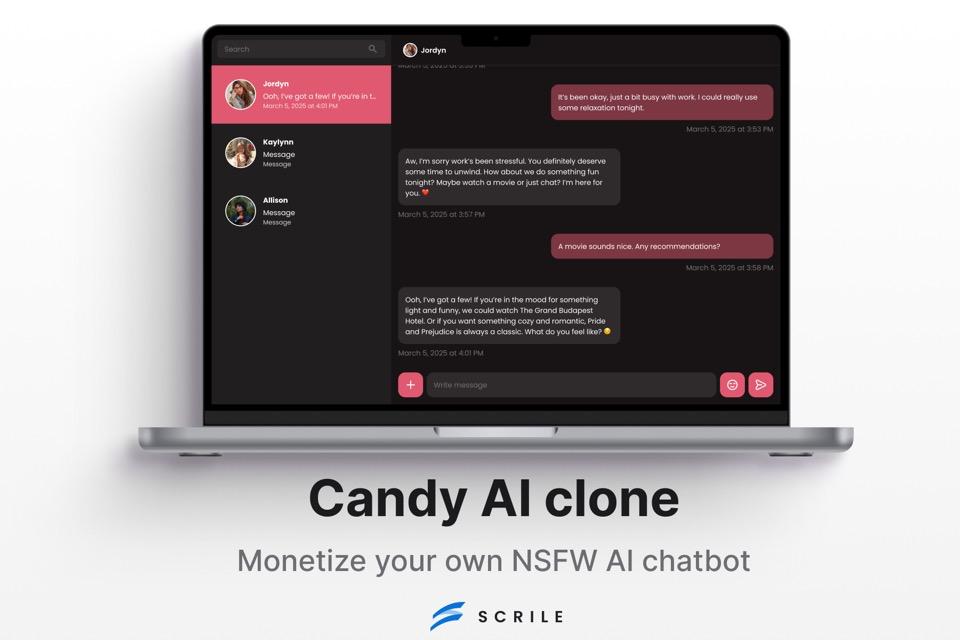
Most businesses start with ready-made APIs for transcription. They’re fast to set up but come with real limits: fixed branding, rising usage costs, and very little control over sensitive data. At some point, scaling organizations realize they need more than just another SaaS subscription.
This is where Scrile AI comes in. It’s not a platform you rent — it’s a development service that builds tailored solutions using speech to text machine learning at the core.
With Scrile AI, companies can shape the product to match their own needs:
- Fully branded UI/UX that looks like part of your ecosystem.
- Flexible deployment — on your own servers or in the cloud.
- Integration with apps you already use, from CRMs to live streaming platforms.
- Multilingual and even NSFW-ready options for industries with special requirements.
The difference becomes clear in real use cases. An edtech company can roll out a private lecture transcription tool, keeping all recordings and notes under its own security policies. A podcast network can embed auto-captioning inside its branded app without relying on an external provider.
Choosing this route means owning the technology, not just paying per request. For businesses thinking long-term, Scrile AI offers a scalable alternative that adapts as they grow, while keeping control of both data and costs.
Conclusion
Python speech-to-text in 2026 has grown into a core technology for businesses that want efficiency and accessibility. Open-source libraries and APIs show what’s possible, but they rarely give companies full control over data, branding, or future scaling. That’s where a tailored path makes sense — and exploring Scrile AI’s custom solutions can be the next step. By reaching out to the Scrile team, businesses can shape speech recognition systems around their exact needs, rather than adapting to someone else’s limits.
FAQ – Python Speech to Text (Libraries, Real-Time & Deployment in 2026)
What is Python speech-to-text, and how does speech recognition work?
Python speech-to-text is the process of converting audio into text using Python libraries and models. Under the hood, audio is sliced into tiny frames, turned into a spectrogram, and then decoded into words by combining an acoustic model (sounds) and a language model (context).
Deep learning made this practical at scale by improving accuracy in messy real-world conditions like accents, background noise, and low-quality recordings.
What’s the best Python speech-to-text library in 2026?
“Best” depends on your constraints: accuracy vs speed, offline vs cloud, and whether you need custom training. In many real projects, Whisper is chosen for accuracy, Vosk for offline/lightweight setups, and Coqui STT when you need domain-specific tuning.
A practical approach is to test 3–5 minutes of your real audio across two options and compare errors, latency, and hardware cost. The winner is the one that stays reliable under your actual conditions.
When should I use SpeechRecognition (Python) instead of deep-learning models?
SpeechRecognition is great for beginners, quick demos, and prototypes because it’s easy to set up and can connect to multiple engines. If you’re validating an idea or building a small internal tool, it can be the fastest path to “working.”
The tradeoff is accuracy and customization. If your product depends on transcription quality (captions, meeting notes, customer calls), deep-learning approaches usually outperform simple demo-first setups.
Which Python speech-to-text option works best offline (no cloud)?
For offline speech-to-text, Vosk is a common choice because it’s lightweight and designed to run without constant API calls. It’s often used in IoT and local apps where connectivity is limited or privacy is critical.
Offline setups are also helpful for predictable cost. You avoid per-minute API fees, but you take on responsibility for deployment, model updates, and performance tuning.
Is Whisper (OpenAI) the best choice for accuracy and noisy audio?
Whisper is widely used for high-accuracy transcription and tends to handle accents and noisy/low-quality audio well. It’s popular for tasks like podcast transcription and video subtitling because the output stays readable even when inputs aren’t perfect.
The tradeoff is compute. Whisper can be heavy on CPU-only machines, so performance improves significantly with GPU acceleration or careful model-size selection.
When does Coqui STT (DeepSpeech) make sense, and can I train it on my domain?
Coqui STT is a strong option when generic transcription fails on your jargon (medical terms, legal language, brand names). The main advantage is trainability: you can fine-tune models on domain-specific datasets for better results.
The cost is complexity: training and tuning typically require GPU resources, data preparation, and a pipeline that your team can maintain over time.
What is real-time speech-to-text in Python, and how do streaming pipelines work?
Real-time speech-to-text means you transcribe while the person is speaking, not after the recording ends. Audio is captured in chunks, processed continuously, and returned as partial text so captions and bots don’t lag behind.
In practice, streaming often uses chunked audio + WebSocket-style delivery, where the model returns text piece-by-piece. Latency becomes the main KPI, not just accuracy.
Do I need a GPU for speech-to-text, and what affects latency the most?
You can run speech-to-text on CPU, but GPUs matter when you want low-latency transcription or you’re processing lots of audio. GPU acceleration reduces lag and makes heavier neural models practical in real-time scenarios.
Latency is usually driven by model size, hardware, and audio chunking strategy. If your captions feel “behind,” the fix is often pipeline tuning—not just switching libraries.
Should I use cloud speech APIs or run models locally?
Cloud APIs are fast to integrate and can work well when you need a managed service with predictable setup. They’re a common starting point for MVPs and internal tools.
Local deployment makes sense when you need stronger control over privacy, branding, and long-term cost. If usage grows, per-minute API pricing can become expensive, and vendor constraints can limit customization.
When does it make sense to build a custom speech-to-text solution (Scrile AI)?
Custom development becomes practical when speech-to-text is a core workflow: live captions inside your product, call transcription for analytics, regulated data requirements, or deep integration with your existing apps.
A custom build lets you control UI/UX, deployment (your servers or cloud), integrations, and data governance—so you own the system instead of renting it per request.
Polina Yan is a Technical Writer and Product Marketing Manager, specializing in helping creators launch personalized content monetization platforms. With over five years of experience writing and promoting content, Polina covers topics such as content monetization, social media strategies, digital marketing, and online business in adult industry. Her work empowers online entrepreneurs and creators to navigate the digital world with confidence and achieve their goals.
by Polina Yan
Picture a world where every response is just a click away—no more typing, just choosing. This is no longer just a concept; it’s a reality brought to life by AI reply generators. These powerful tools are revolutionizing communication across a spectrum of platforms, from customer service to social media. With the automation of response, AI reply generator enhances efficiency and ensure uniformity of tone and quality regardless of the volume of questions.
With the year 2026 in action, AI response generators are not only getting intelligence but also interwoven deep into our routine communication requirements. This article explores the best AI reply generator platforms ruling the current market. The tools are important for any one wanting to automatize their communicative processes since they provide remedies that are not only quick but also context-dependent to preserve that personal element of so much significance in digital engagement. Come along with us as we discover how these AI reply generator tools are turning routine interactions into vibrant exchanges, thus redefining the future of digital communication.
Top 7 AI Reply Generators in 2026
| Tool | Best For | Key Strengths | Limitations |
|---|
| ChatGPT (OpenAI) | General use & customer support | Human-like replies, wide integrations, adaptive tone | Subscription required for advanced use |
| Jasper AI | Marketing & branded messaging | Consistent brand voice, strong customization | Suited more for teams than casual users |
| Planable Free AI Reply Generator | Social media | Easy to use, affordable (freemium), cross-platform | Limited to social-focused workflows |
| Zendesk Answer Bot | High-volume support | Native to Zendesk, fast ticket resolution | Locked to Zendesk ecosystem |
| Intercom Resolution Bot | Customer experience | Learns & improves over time, seamless Intercom fit | Requires Intercom subscription |
| Hootsuite Insights | Social media managers | Always-on monitoring + automated replies | Narrow focus on social media |
| ManyChat | Websites & social media chat | Customizable flows, simple setup | More automation than nuanced replies |
Understanding AI Reply Generators
An AI reply generator is a highly advanced tool that uses artificial intelligence to automatically generate responses to messages on different digital platforms. Using advanced technologies like Natural Language Processing (NLP) and machine learning, these generators scan incoming text to create contextually relevant replies.
Technology Explained
NLP is at the heart of an AI reply generator. It is the branch of artificial intelligence that deals with the interaction between humans and computers in natural language. It aims to read, comprehend, and interpret the human languages in a way that is beneficial. Machine learning adds to this by allowing the system to learn from past interactions and therefore improve the accuracy and usability of responses with time. This technological synergy enables the AI to understand nuances in language, interpret user intent, and generate replies that are not only accurate but also appear naturally conversational.
Versatility in Application
AI reply generators are increasingly becoming a staple in several sectors due to their ability to enhance communication efficiency. In customer support, they provide immediate responses to common inquiries, reducing wait times and freeing up human agents for more complex issues. For email automation, these tools help manage large volumes of incoming mail, ensuring that no customer feedback or query goes unanswered. In the realm of instant messaging, AI generators can maintain continual engagement with users, providing timely and relevant content that keeps conversations alive and users engaged.
Businesses across different sectors now view AI response generators as more than just a means to manage communication but as a strategic weapon as part of providing an enhanced customer experience and process optimization. From streamlining customer interaction in retail, managing patient inquiries in healthcare, to enabling guest requests in hospitality, these AI platforms are transforming how businesses engage in communication.
Through diverse uses, AI text reply generator ensures that each response is not only fast but also in answer to the context of the conversation, as per the tone and urgency of the question. As they continue to evolve, they will be the key drivers in shaping the future of automatic digital communication, making the interactions more human and less mechanical.
Benefits of AI Reply Generators

AI reply generators are transforming the landscape of digital communication across various industries by enhancing the efficiency, personalization, and cost-effectiveness of responses. These intelligent systems are not just tools but essential partners in managing the ever-increasing demands of modern communication.
Efficiency in Communication
One of the standout benefits of AI reply generators is their ability to enhance both the speed and accuracy of communication. By automating responses, organizations can handle a larger volume of inquiries without compromising on the quality or timeliness of the response. This is particularly crucial in environments like customer service, where quick and accurate responses are directly correlated with higher satisfaction rates. AI technologies ensure that each reply is not only prompt but also relevant and precise, minimizing misunderstandings and the need for follow-up messages.
Personalization at Scale
AI reply to text software excel in delivering personalized communication at scale. By analyzing user data and previous interactions, these systems tailor their responses to the specific context and preferences of each user. This capability allows businesses to maintain a personal touch even when communicating with thousands of customers simultaneously. Personalization fosters a stronger connection between brands and their clients, enhancing customer loyalty and engagement.
Cost Reduction
Implementing AI text message reply generators can significantly reduce operational costs by decreasing the reliance on large human response teams. Automating routine inquiries and responses allows human agents to focus on more complex and nuanced customer needs, optimizing the workforce and reducing overhead. Additionally, AI systems operate continuously without the need for breaks, sick leaves, or vacations, providing around-the-clock service that would be costly to replicate with human labor.
By integrating tools like an AI message reply generator and AI message responder, organizations can achieve a high degree of operational efficiency, enhancing their ability to respond quickly and effectively to customer inquiries and feedback. This not only improves the operational workflow but also contributes to a more streamlined, cost-effective business model.
Features to Look for in AI Reply Generators
When choosing an AI reply generator, it’s essential to pay attention to features that will maximize its utility and make it seamlessly integrate with your current systems. Some important features to keep in mind are:
Ease of Integration
- Compatibility with Systems: Make sure the tool can integrate perfectly into your existing software framework.
- API Availability: Look for solutions that offer robust APIs, allowing for easy integration with various platforms, including CRM systems, social media, and internal communication tools.
Security and Privacy
- Data Handling: Choose AI tools that prioritize data security and comply with relevant regulations such as GDPR.
- User Privacy: The tool should have strong privacy protections in place to safeguard user information from unauthorized access.
Customization Capabilities
- Contextual Adaptability: It should have the ability to understand and adapt responses based on the conversation’s context and the company’s branding.
- User Preferences: The AI should be able to learn from interactions and adjust its behavior and responses according to user preferences.
Reliability
- Performance Consistency: Look for a reply generator that performs consistently under different loads and can scale according to your business needs.
- Uptime Guarantees: Ensure the provider offers reliable uptime statistics to keep your communications smooth without interruptions.
Top 7 AI Reply Generators in 2026
The age of AI messaging is yet to mature, and some leading reply generators are leading the way in 2026. All these reply generators bring something special to the table in reply automation, customer interaction, and enhancing the flow of communication. Some of the best options include:
ChatGPT by OpenAI
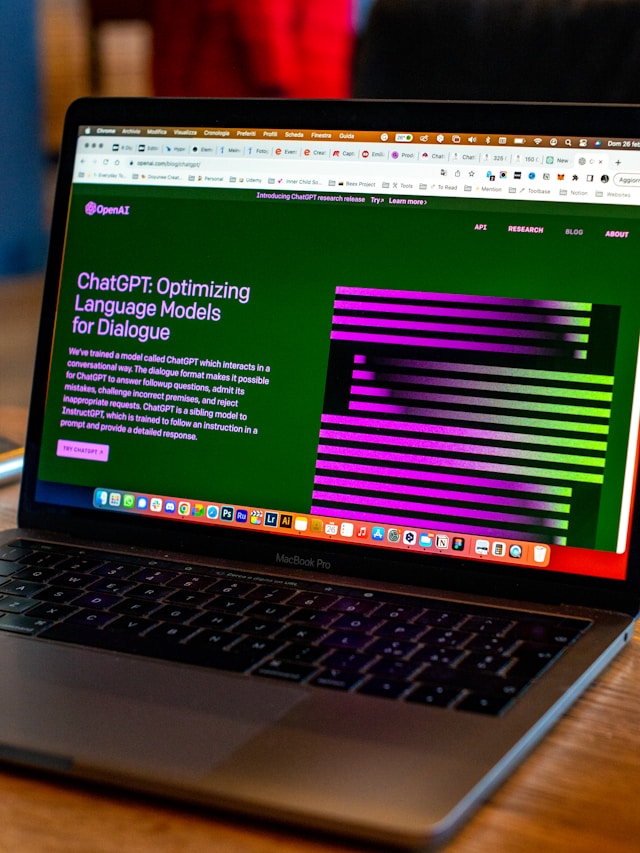
OpenAI’s GPT-4o is still a giant in AI communication. It is able to perform complicated language tasks with no trouble, and as a result, is suitable to an incredibly broad range of applications—anything from customer support chats to getting into complicated, context-dependent conversations. With sophisticated-level algorithms, it is able to receive and provide responses highly similar to humans, and as a result, interactions feel all the more authentic.
Jasper AI
Tailored specifically for marketing communications, Jasper AI specializes in generating engaging, personalized responses. Jasper AI is an excellent resource for business firms that aim to grow their online marketing because it incorporates advanced machine learning models which assist in creating responses most engaging to customers, interact more, and help business firms to form deeper customer connections.
Planable Free AI Reply Generator
Known to be simple and user-friendly, Planable makes it possible for business to automate responses across multiple platforms. It is a social media interaction specialist with functionalities that allow businesses to communicate with their audiences with a constant and fresh stream of communications. The app is available on a freemium basis and is ideal for business to achieve better responsiveness without the load of huge costs.
Zendesk Answer Bot
Zendesk Answer Bot is integrated into Zendesk’s customer support suite and enhances the support experience with quick, machine-driven responses. It is user-sensitive and provides targeted information that completes the solution within a brief period of time and therefore reduces human agents’ workload and improves customer satisfaction levels. It is invaluable in high-volume environments where time is key in maintaining service levels.
Intercom’s Resolution Bot
Intercom’s Resolution Bot excels in automating customer interactions, efficiently managing routine inquiries which allows human agents to concentrate on more complex support issues. The bot is designed to execute flawlessly alongside Intercom’s communication platform, providing users with a smooth and seamless experience. It also has advanced learning algorithms that enable it to get smarter by the day, making it a worthwhile investment for long-term interaction.
Hootsuite Insights
Hootsuite Insights is for social media managers who have to be present actively on platforms with no human touch. The AI-powered tool examines interactions and reacts automatically in a way that all communications are responded to in a timely and appropriate manner. It is particularly suitable for brands that have to be present online at all times, and it offers insights and automatic features that help make conversations stimulating and engaging.
ManyChat
ManyChat offers extensive customization for automated chat solutions that work across both websites and social media platforms. It allows businesses to craft a personalized chat experience for customers, enhancing interaction through tailored dialogues. With its user-friendly interface and powerful automation capabilities, ManyChat helps businesses of all sizes improve their customer engagement and drive conversions through effective communication strategies.
Each of these AI reply generators brings unique benefits to the table, from enhancing customer service efficiency to driving engagement on social media. As businesses continue to adapt to the digital-first communication landscape, these tools provide essential solutions to meet a variety of communicative needs effectively.
Why Choose Scrile AI for Custom Reply Generations
Scrile AI distinguishes itself in the crowded field of AI communication tools by offering highly customized solutions tailored to the specific needs of each client. Unlike one-size-fits-all products, Scrile AI understands that each business has unique requirements and challenges. Here’s why Scrile AI stands out:Generic AI Reply Generators vs. Scrile AI (Custom-Built)
| Option | Branding & Voice | Adaptability | Integrations | Best Fit |
|---|
| Generic Reply Generators | Fixed templates, limited tone control | Pre-set features, evolve only via vendor updates | Usually tied to specific ecosystems | Individuals, SMBs |
| Scrile AI (Custom Solution) | Fully aligned with your brand | Learns, evolves, and adapts to sector-specific needs | CRM, social, dating, tech support, custom APIs | Businesses & platforms needing ownership |
Custom Solutions
- Tailored Implementation: Scrile AI designs reply generators that integrate seamlessly with your existing workflows, ensuring that all solutions align with your business processes and communication strategies.
- Flexible Configurations: Whether you need a system that supports casual conversational tones for social media or professional responses for customer support, Scrile AI can adjust its technologies to match any required tone and function.
Industry Expertise
- Social Media Savvy: Scrile AI has extensive experience in creating systems that can handle the fast-paced and ever-changing demands of social media platforms, helping brands maintain an active and engaging presence online.
- Dating Platform Dynamics: For dating platforms, creating genuine and engaging interactions is crucial. Scrile AI’s systems are crafted to manage sensitive and nuanced communications effectively.
- Tech Support Proficiency: In tech support, speed and accuracy are paramount. Scrile AI develops solutions that enhance response times and improve the accuracy of technical support replies, ensuring customer satisfaction and loyalty.
Benefits of Using Scrile AI
- Scalability: No matter the size of your business, Scrile AI’s solutions scale to meet your growing needs without losing the personal touch that distinguishes your brand.
- Integration Capabilities: Easy integration with existing CRM systems, social media platforms, and other digital communication tools makes Scrile AI a versatile partner in digital communication.
- Data Security: Scrile AI prioritizes your data’s security, implementing robust measures to protect all communications and user information.
Choosing Scrile AI means investing in a solution that adapts to your needs, backed by expertise across various sectors. This approach ensures that your AI-driven interactions are as effective and natural as possible, enhancing your brand’s digital communication strategy.
Conclusion
AI reply generators have revolutionized communication, offering tailored responses that enhance efficiency and engagement across various platforms. By automating routine interactions, these tools allow organizations and individuals to focus on more complex and creative tasks, significantly improving productivity and interaction quality. Consider how integrating an AI reply generator like those offered by Scrile AI could transform your communication strategies. Scrile AI excels in providing customized solutions that adapt to specific needs, ensuring your communications are not only effective but also uniquely yours. Embrace the future of communication by exploring Scrile AI’s innovative solutions today.
FAQ – AI Reply Generator (Auto Replies, Support Bots & Brand Voice)
What is an AI reply generator and what does it do?
An AI reply generator is a tool that creates a ready-to-send response from an incoming message. You paste (or connect) a text, email, DM, or support ticket, choose tone and intent, and the AI drafts a reply that fits the context.
The value isn’t just speed. A good generator keeps replies consistent, reduces repetitive typing, and helps teams maintain a predictable tone even when message volume spikes.
How do AI reply generators work (NLP, intent, context)?
Most reply generators use Natural Language Processing (NLP) to understand what a person is asking and what they mean (intent). Then a language model generates a response that matches the message and your preferred tone.
Better tools add “context layers”: your previous conversation, your FAQ/knowledge base, and your brand rules. That’s what turns generic answers into replies that feel human and on-brand.
Can an AI reply generator respond to emails, texts, and social media comments?
Yes, but there are two modes. “Copy/paste” tools generate a reply you manually send. Integrated tools connect to inboxes (support, chat, social) so replies can be drafted or even sent automatically.
If you want automation, focus on integrations and workflow controls: handoff to a human, approval steps, and rules that prevent the AI from replying in risky scenarios.
What features should I look for in an AI reply generator?
Start with basics that decide whether the tool is usable: integrations (API/CRM/helpdesk/social), customization (tone, brand voice, templates), and reliability (stable performance under load).
Then check the “trust layer”: privacy controls, data handling, permission roles, and auditability. If you can’t control who can see conversations and what gets stored, the tool becomes hard to use in real business workflows.
Which AI reply generator is best for general use and “human-like” responses?
For general-purpose replies (support, emails, internal messages), choose a tool that handles tone well and stays coherent across longer context. This is where “human-like” flow matters more than rigid automation.
The best quick test is simple: paste three real messages (short, emotional, complex) and see which tool needs the fewest edits before you’d actually send it.
What’s best for social media replies (comments, DMs, always-on engagement)?
Social replies require speed, tone consistency, and “brand safety.” You want workflows for quick drafting, saved tones, and cross-platform management so you don’t spend the day context-switching.
If your goal is always-on engagement, prioritize monitoring + fast response patterns. If your goal is community quality, prioritize approvals and rules so the AI doesn’t post something that feels off-brand.
What’s best for high-volume customer support and ticket deflection?
In support, the biggest win is deflecting repetitive questions while keeping escalation smooth. Tools built for helpdesks typically work best when they can reference your knowledge base and route edge cases to an agent.
A strong setup includes: suggested replies, auto-replies for basic intents, confidence thresholds, and clear human handoff. That’s how you keep speed without sacrificing accuracy.
How do I make AI replies sound like my brand (and not generic)?
Give the AI a “voice guide”: how you greet, how direct you are, sentence length, words you avoid, and 3–5 examples of your best real replies. Then enforce a simple structure: acknowledge → answer → next step.
Also define what the AI should NOT do: no fake promises, no guessing policies, no overconfident statements. The fastest way to sound human is to be specific and slightly restrained.
Is it safe to use AI reply generators for customer messages and GDPR-sensitive data?
It can be safe, but only if you treat privacy as a feature. Check what the tool stores, how long it retains message content, who can access it, and whether you can delete data on request.
A good operational habit is to keep sensitive identifiers out of prompts, use role-based permissions, and rely on a controlled knowledge base for policies instead of pasting full customer histories.
When should I choose a custom AI reply generator (like Scrile AI) instead of SaaS tools?
Choose custom when replies are a core business asset: your product needs a specific voice, strict behavior rules, deep integrations, or monetization tied to messaging. SaaS tools are great for “good enough,” but they still limit ownership and roadmap control.
A custom build also helps when you need multi-channel consistency, better data governance, and an assistant that adapts to your workflows—not the other way around.
Tip: paste into a WordPress Custom HTML block (not the Visual editor) to avoid auto-formatting breaking the accordion.
Polina Yan is a Technical Writer and Product Marketing Manager, specializing in helping creators launch personalized content monetization platforms. With over five years of experience writing and promoting content, Polina covers topics such as content monetization, social media strategies, digital marketing, and online business in adult industry. Her work empowers online entrepreneurs and creators to navigate the digital world with confidence and achieve their goals.

by Polina Yan
Ever wished for a personal assistant who never needs sleep, never forgets, and always has the right answer? In 2026, the best AI assistants are stepping into this role, offering virtual support that goes far beyond basic automation. These digital helpers manage everything from scheduling meetings and setting reminders to generating creative content and even managing smart home devices.
AI assistants are no longer just for tech enthusiasts. They have become essential tools for businesses, creators, and everyday users who want to save time and boost productivity. Whether you need help organizing your day, interacting with customers, or simply setting the perfect ambiance at home, there’s an AI assistant designed to make life easier.
AI assistants like ChatGPT, Claude or Gemini feel so natural to use that it’s easy to forget how new this technology actually is. Large research firms now describe this moment as a turning point in how people communicate with software.
“ChatGPT and its competitors have captured the imagination of people around the world in a way AlphaGo did not, thanks to their broad utility—…” — McKinsey & Company
When even conservative analysts highlight the “imagination” and broad utility of these tools, it reinforces that AI assistants are not a niche experiment anymore. They’re becoming a standard interface for search, content creation, and everyday problem-solving — which is exactly why choosing the right assistant in 2026 really matters.
In this article, we’ll explore the top AI assistants of 2026. We’ll look at big names like Google Assistant, Amazon Alexa, and Apple Siri, as well as innovative tools like ChatGPT, Motion AI and custom solutions from Scrile AI. Each assistant brings unique features to the table, making it easier to find the perfect fit for your needs—whether for personal tasks or professional productivity. Let’s find out what makes the best AI assistant and discover which one might become your new favorite virtual helper.
Top 7 AI Assistants in 2026 – Quick Comparison
| Assistant | Best For | Strengths | Limitations | Ecosystem Fit |
|---|
| Google Assistant | Everyday + work routines | Google Workspace & smart home integration, proactive suggestions | Best inside Google ecosystem | Google users |
| Amazon Alexa | Smart home + retail tasks | Huge device network, “Skills” marketplace, shopping & automation | Less natural conversation; retail bias | Amazon ecosystem |
| Apple Siri | Apple device owners | Seamless iOS/macOS integration, HomeKit control, messaging | Limited outside Apple hardware | Apple ecosystem |
| Microsoft Cortana | Office productivity | Deep Microsoft 365 integration, meeting scheduling, smart suggestions | Phasing out for consumer use | Windows/Office users |
| Samsung Bixby | Samsung smart devices | Strong SmartThings control, TV/phone integration | Weak app ecosystem, limited global reach | Samsung ecosystem |
| ChatGPT (OpenAI) | Content & communication | Human-like text replies, content creation, chatbot support | No native voice/device control | Cross-platform |
| Motion AI | Productivity & scheduling | Smart auto-scheduling, task priorities, Slack/Calendar integration | Focused on work tasks only | Teams & professionals |
What is an AI Assistant?

An AI assistant is a smart digital helper designed to manage tasks, answer questions, and streamline both personal and professional activities. These virtual assistants use technologies like natural language processing and machine learning to understand voice commands, manage schedules, set reminders, and control smart home devices.
The best AI personal assistants can integrate with apps and services, providing hands-free convenience for busy professionals and everyday users alike. They excel in business environments, helping with tasks like email management, meeting scheduling, and data organization. On creator platforms and social media, they assist with content generation and audience engagement.
The rise of best AI virtual assistants has transformed how we interact with technology, offering tailored solutions for work productivity and simplifying everyday life. Whether managing a to-do list, setting up a smart home, or enhancing business communications, AI assistants bring efficiency and ease to daily routines.
This isn’t just a new label for old productivity tools. Companies that work with virtual assistants every day note that AI has already reshaped how these assistants feel and what they can realistically handle.
“The impact of AI on virtual assistant tools has been transformative, bringing about significant enhancements in user experience, productivity…” — Brickwork India
Thinking about AI assistants as a “transformative” layer helps frame the rest of this guide: you’re not just picking a chat app, you’re choosing infrastructure for how you plan, communicate and work. The tools we review below — from mainstream assistants to custom solutions — only make sense when you see them through this long-term lens.
Benefits of Using an AI Assistant
AI assistants bring many benefits to both personal and professional life. They help users stay organized, manage tasks efficiently, and maintain a consistent communication style in business settings. Here are the top advantages of using an AI personal assistant for business and everyday use:
- Increases Productivity: AI assistants handle repetitive tasks like scheduling meetings, sending reminders, and organizing calendars. This automation frees up time for more important activities.
- Enhances Time Management: These tools provide smart reminders, integrate with calendars, and help manage daily routines smoothly. They reduce the chances of missed appointments or deadlines.
- Ensures Consistency: Businesses often struggle to maintain a uniform brand voice across all communications. An AI assistant helps keep messages consistent, whether it’s in emails, social media posts, or customer support responses.
- Practical Example: A content creator using a best personal assistant AI can manage fan interactions on social media more efficiently. The assistant can generate quick responses to comments, draft messages, and even schedule posts to maintain regular engagement.
- Versatile Uses: With so many AI assistant names available, choosing who is the best AI assistant depends on specific needs. Some excel at managing business tasks, while others focus on personal organization or creative support.
AI assistants are more than just digital helpers. They act as smart partners that enhance productivity, improve communication, and simplify day-to-day tasks. Whether at work or home, these tools adapt to user needs and make life easier.
From a business perspective, the real test for any AI assistant is simple: does it actually give people back meaningful time? Independent analysts emphasize that the biggest gains appear when assistants take over repetitive, low-value work that clogs calendars.
“AI assistants significantly reduce the burden of routine and repetitive tasks, freeing employees to focus on higher-value work.” — Enterprise Management Associates (EMA)
This is exactly the shift you’re aiming for when you roll out AI assistants across a team or build your own: move routine, rules-based tasks to the AI, and let humans focus on strategy, creativity, and relationships. As you compare the tools in this article — including custom options like Scrile AI — keep that productivity test in mind.
Top 7 AI Assistant Tools in 2026
AI assistants are transforming how we manage tasks, automate routines, and enhance productivity. Let’s explore the first set of top AI assistants making waves in 2026:
Google Assistant
Google Assistant is a powerhouse in the AI assistant world. It offers integration to Google Workspace and smart home devices. With voice commands, one can schedule a reminder, schedule a meeting, and manage routine. For instance, one can easily command, “Hey Google, schedule a meeting at 3 PM,” and it will be scheduled to the calendar. It also offers personalized suggestion like an early leave reminder to catch an appointment based on traffic information. Its usage both home and office makes it an option to be considered by the majority.
Amazon Alexa

Amazon Alexa has retail and home automation functions. It connects to various smart devices to control via voice commands lights to home defense systems. Alexa is also an easy tool to use to manage shopping lists, remind one about appointments, and automate office operations. Small businesses employ Alexa to manage stock quantity, orders handling, and office communications automation. Alexa’s “Skills” option offers flexibility to enable users to use the use to suit some specific purposes, be it office or home.
Apple Siri
Siri is an essential AI partner to the user in the Apple ecosystem. It offers seamless integration to the devices manufactured by Apple, thereby making iPhones, iPads, Macs, and smart home devices voice-controlled through the integration through the use of HomeKit. It offers users routine productivity through the sending of messages, reminder creation, and control of smart home devices. It can be used to send a message, play a song, or control the thermostat. The seamless integration that it offers to the other Apple programs and devices makes the usage seamless.
Microsoft Cortana
Microsoft Cortana has been designed specifically to suit office users. It fully supports Windows integration and Microsoft 365. Hence, using it within an office is the best option. Cortana supports the creation of meeting schedules, the creation of reminders, and the organization of the task. Cortana can compose emails and also offer smart suggestions during the meeting. For instance, a professional can instruct Cortana to schedule the day, and it will create a scheduled calendar based on the entries and priority. Its productivity-related functions enable Cortana to be an efficient tool to enhance the productivity of the work.
Samsung Bixby
Samsung Bixby is the most intelligent to be employed by users under the Samsung ecosystem. It offers robust voice control of Samsung devices like smartphones, tablets, smart TVs, and smart home devices. Samsung Bixby can be used to automate the sending of messages, calling, and controlling smart devices through basic voice commands. As an example, one can easily employ the command, “Turn off the lights, Bixby,” and the command will be executed. It supports Samsung’s SmartThings app that offers easier control of devices through one interface.
ChatGPT by OpenAI
who is the best ai assistant
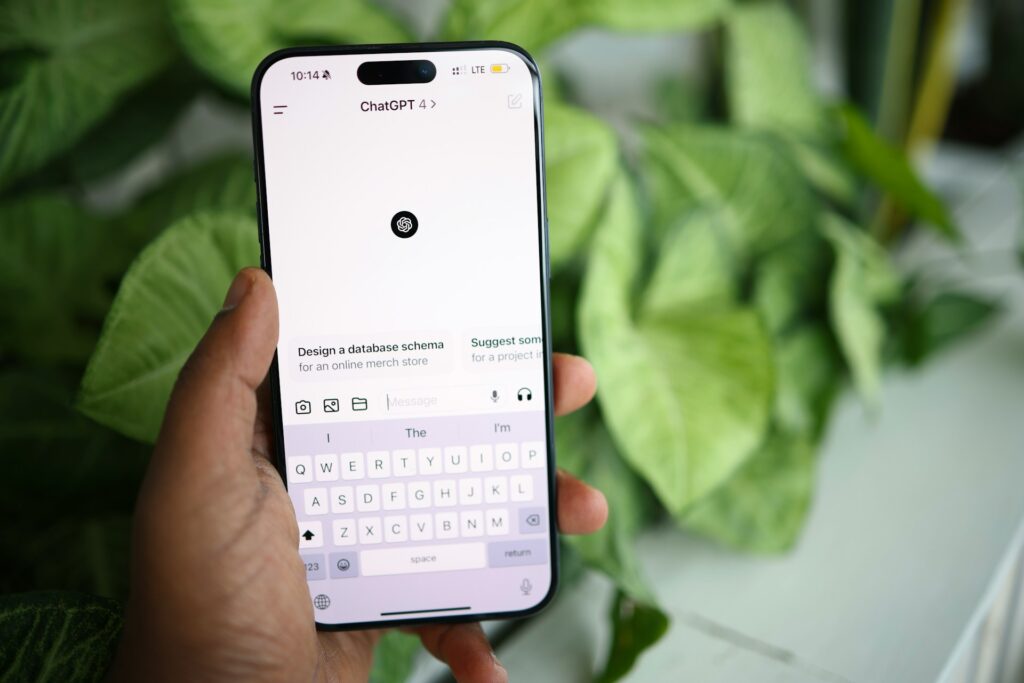
Unlike traditional voice assistants, ChatGPT is a powerful tool for text-based interactions. It excels in content generation, answering questions, and managing online interactions. Many businesses and creators use ChatGPT as a virtual assistant to draft responses, generate content ideas, and engage with audiences. For instance, a social media manager might use ChatGPT to create thoughtful replies to community comments or to brainstorm creative post ideas. It’s also popular for creating automated chatbots that provide human-like customer support.
Motion AI
Motion AI is an efficient tool that supports users to organize schedules, manage work, and be more efficient. It offers the possibility to add smart scheduling, task organization, and reminder automation. As an artificial tool to professional users, Motion AI can help users organize the meeting calendar, assign priority to the tasks, and streamline the workflow. The best way to understand how Motion AI functions is the integration that it offers to use Google Calendar and Slack to automate the routine to allow teams to work strategically.
Which AI Assistant is Right for You?
Choosing the best AI assistant will be a case of one’s specific needs. Google Assistant and Alexa are best used to control the smart home. Siri and Bixby are best used within each respective ecosystem but Cortana is best used within the office. ChatGPT will create sophisticated writing but Motion AI produces the best productivity and task management. Each one has something to bring to the table to create the best pairing to use within the home and the office.. However, there is also another solution if you need something created just for you.
Why Scrile AI is The Best Solution for Building Your Own AI Assistant
Scrile service offers a robust service for creating customized AI assistants tailored to unique business needs. Unlike generic tools, Scrile AI allows businesses to develop AI personal assistants for business or personal use with features and interactions that align perfectly with their brand and goals.
One of the biggest advantages of Scrile AI is its ability to deliver beyond off-the-shelf tools. Instead of using a standard AI assistant, businesses can design solutions specifically for their industry. Scrile solutions support a wide range of markets, including e-commerce, education, tech services, and niche sectors like creator platforms, influencer accounts, dating sites, social media, and adult websites. This adaptability makes it a versatile choice for businesses aiming to integrate a best personal assistant AI that can handle complex interactions.
Real-world adaptability is another strength of Scrile AI solutions. The AI assistants developed through its platform are not static; they learn from interactions, evolve with the business, and remain relevant over time. For example, a business could create an AI assistant that not only automates communication but also provides personalized responses and enhances user engagement. This assistant might manage customer inquiries, support sales teams, or automate social media interactions—showing why Scrile AI is a top choice for building a dynamic and effective AI assistant.
If you’re looking for the best AI assistant for your business, Scrile offers the tools and flexibility to create an assistant that meets your exact needs. It is the ideal platform for those who want a tailored solution instead of a one-size-fits-all approach. Explore how Scrile can help you develop a personalized AI assistant that keeps your brand ahead of the competition.
Off-the-Shelf AI Assistants vs. Scrile AI
| Option | Branding & Ownership | Flexibility | Monetization | Best Fit |
|---|
| Standard AI Assistants (Google, Alexa, Siri, etc.) | Vendor-controlled | Fixed features, limited customization | None | General users & households |
| Scrile AI (Custom Assistant) | 100% branded & owned | Fully customizable: text, voice, NSFW/SFW, CRM hooks | Built-in: subs, tips, PPV | Businesses, creators, niche platforms |
Conclusion
The best AI assistant can make a real difference in both personal and business life. These digital helpers boost productivity, streamline tasks, and offer valuable support in everyday routines. Whether you’re using Google Assistant for smart home control, Amazon Alexa for managing e-commerce tasks, or ChatGPT for content generation, each tool brings unique benefits to the table.
For businesses looking to go beyond generic solutions, Scrile AI offers a unique opportunity. Instead of settling for a standard AI personal assistant, you can develop a custom assistant tailored to your specific needs. Scrile’s solutions provide all the tools required to build an AI that aligns perfectly with your brand and industry. This flexibility is ideal for companies in niche markets or those with specialized communication needs.
If you’re ready to create a personalized AI assistant that fits your exact needs, explore Scrile AI tools today. It’s the first step towards building a smarter, more efficient digital assistant that can keep your business ahead of the curve.
FAQ – Best AI Assistant in 2026 (Voice Assistants, ChatGPT, Motion AI, Custom Builds)
Quick answers to help you choose the right AI assistant for your life or business — and understand when it’s smarter to build your own.
What is the best AI assistant in 2026?
▾
There isn’t one “best” assistant for everyone. The best choice depends on what you need: smart home control, productivity scheduling, content and communication, or a business assistant that matches your brand and workflow.
A simple way to decide: if you live inside one ecosystem (Google, Apple, Amazon, Samsung), start there. If your work is mostly writing, support, or messaging, go with an LLM-style assistant. If the assistant is part of your product or revenue model, consider a custom assistant you own.
What’s the difference between voice assistants and ChatGPT-style assistants?
▾
Voice assistants (Google Assistant, Alexa, Siri, Bixby) are strongest at device control and routines: lights, timers, reminders, calls, and smart home workflows. They win when “hands-free” matters.
LLM assistants (like ChatGPT) are strongest at language: drafting, summarizing, brainstorming, customer replies, and building chat-based support. They feel more conversational, but they don’t always have the same native device control as ecosystem voice assistants.
Which AI assistant is best for smart home control?
▾
For smart home, the “best” assistant is usually the one that matches your hardware. If your devices lean Google, Google Assistant is a natural fit. If your home is Alexa-first, Alexa wins on device variety and skills. If you’re deep in Apple, Siri + HomeKit stays the smoothest.
Don’t choose based on marketing. Choose based on compatibility: supported devices, routines/automation, and how stable voice recognition is in your environment.
What’s the best AI assistant for work productivity and scheduling?
▾
If you want a “calendar brain” that auto-schedules tasks and protects focus time, productivity assistants like Motion AI are built for that. They’re strongest when your problem is constant replanning and prioritization.
If your work is mostly within Google Workspace or Microsoft 365, ecosystem tools can still be useful for reminders and light task handling. The key is choosing the tool that actually reduces calendar chaos instead of adding another inbox.
Can I use ChatGPT as a personal assistant for business tasks?
▾
Yes — especially for communication and content: emails, support replies, community moderation, social posts, scripts, and internal documentation. It’s also useful for quick research summaries and turning messy notes into structured plans.
To make it feel like a “real assistant,” you need a workflow: templates, tone rules, saved prompts, and boundaries (what it can and can’t do). The assistant becomes powerful when it is consistent, not random.
Is Microsoft Cortana still relevant as an AI assistant?
▾
Cortana historically made sense for people living inside Windows and Microsoft 365 workflows. For many users, the practical value was meeting reminders, calendar handling, and a tight connection to the Microsoft ecosystem.
The bigger point is strategic: if you rely on any ecosystem assistant for business operations, make sure your workflow can evolve. AI tools change quickly, so your process should not depend on one assistant remaining the same forever.
What should I look for when choosing an AI assistant?
▾
Start with “fit”: ecosystem compatibility (devices and apps), core use case (home control, scheduling, content, support), and how fast you can integrate it into daily habits. If it doesn’t become routine, it won’t matter how smart it is.
Then evaluate the business layer: pricing, team features, permission control, integrations, and analytics. The best assistant is the one that gives you back real time — not the one with the most features.
Are AI assistants safe to use (privacy and data)?
▾
They can be safe, but you should treat them like any online platform: the more permissions and integrations you connect (email, calendar, CRM), the more sensitive the data becomes. Safety is not only “encryption,” it’s also what gets stored and who can access it.
Practical hygiene helps: use separate accounts for testing, minimize stored personal data, review retention policies, and avoid sharing secrets in chats. For regulated workflows, a custom deployment where you control storage is often the safer path.
How much do AI assistants cost?
▾
Many consumer voice assistants are “free” in the sense that you don’t pay a subscription just to speak to them — but you pay indirectly through hardware and ecosystem lock-in. Productivity and LLM tools are more often subscription-based.
For business, the real cost is total cost of ownership: subscription + integrations + time saved. If an assistant saves hours weekly across a team, it pays for itself fast. If it creates extra workflow complexity, it’s expensive even at $0.
When should I build a custom AI assistant instead of using off-the-shelf tools?
▾
Build custom when the assistant is part of your product, brand, or monetization. Off-the-shelf tools can’t give you full ownership, unique behavior, deep integrations, and a UI that matches your business.
Custom assistants also make sense for niche workflows (creator platforms, support automation, sales qualification, industry-specific compliance). If your assistant needs to follow your rules and grow with your roadmap, owning the platform (instead of renting a tool) is the long-term move.
Polina Yan is a Technical Writer and Product Marketing Manager, specializing in helping creators launch personalized content monetization platforms. With over five years of experience writing and promoting content, Polina covers topics such as content monetization, social media strategies, digital marketing, and online business in adult industry. Her work empowers online entrepreneurs and creators to navigate the digital world with confidence and achieve their goals.
by Polina Yan
Imagine a voice that doesn’t just read your words but actually feels them. That’s where text to speech with emotion has taken us in 2026 — AI voices that sigh in frustration, brighten with excitement, or soften into comfort. This shift isn’t just a neat trick for tech demos. It’s changing how creators build marketing campaigns, how game developers bring NPCs to life, and how virtual assistants connect with users on a personal level.
In this article, we’ll break down five of the most impressive solutions you can use right now. Each one will get a clear, human take — strengths, drawbacks, and where it truly shines. You’ll also see a side-by-side comparison table for quick decision-making, plus a look at a fully customizable route with Scrile AI for teams who need more than off-the-shelf options. By the end, you’ll know exactly which path fits your project’s voice — and its heartbeat.
In this guide we focus on what teams actually search in 2026: TTS API providers with emotion support (expressive speech, laughs, sighs), plus which APIs work best for podcast pipelines and multi-speaker narration. You’ll get a clear shortlist, what each provider can (and can’t) do “natively”, and practical ways to produce reliable laughs/sighs when the API doesn’t support them as explicit controls.
Why Emotional TTS Matters in 2026
The leap from flat, robotic narration to emotion text to speech has made AI voices far more than a convenience — they’ve become a competitive edge. In 2026, brands, educators, and creators are turning to text to speech with emotion to connect with audiences in ways that plain audio never could.
Think of accessibility tools that read aloud with empathy, helping visually impaired users feel tone and context. Or interactive games where NPCs laugh, sigh, or sound genuinely scared. In online education, emotional TTS keeps students engaged for longer sessions. And yes — even in NSFW chat environments, realistic voice tones make interactions feel far more human and personal.
The demand is backed by numbers. According to industry reports, the global TTS market is projected to surpass $7 billion by 2028, with emotional AI voices driving a significant share of that growth. The reason is simple: when speech conveys feelings, people listen longer, trust more, and engage at deeper levels.
TTS API Providers with Emotion Support (Laughs, Sighs) in 2026
Important nuance: most “emotional TTS” APIs control delivery via styles, presets, or SSML. But “laughs / sighs” are often not a dedicated parameter. In practice you get them in three ways:
1) native non-verbal behavior (the model can laugh when it sees “haha”),
2) expressive style control (conversational / emotional inflection),
3) deterministic SFX insertion (you insert a laugh/sigh audio clip via SSML, so it works every time).
How Emotional TTS Works
Think about the last time you heard someone fake an apology. The words were fine, but the voice gave them away. That’s exactly what most robotic voices have sounded like for years — flat, functional, and forgettable. Emotional TTS tries to fix that by making AI talk like a human who actually feels something.
The trick isn’t magic, it’s detail. Developers feed AI thousands of real voice samples — laughter, frustration, hesitation, warmth. The system learns how tiny shifts in:
- Pitch (that lift when you’re excited)
- Pace (rushed when you’re thrilled, slower when you’re serious)
- Tone (soft for comfort, sharp for authority)
- Pauses (because silence can speak louder than words)
…can completely change the meaning of the same sentence.
In 2026, this tech isn’t just reading text. It’s shaping delivery the way a skilled actor would. It can make your AI sound like a friendly tutor, a tense game narrator, or — if you want — the voice in an NSFW chat that knows exactly how to play the part. That’s the real leap: not just speaking, but speaking with intent.
6 Best Text to Speech with Emotion Solutions
If you’ve ever listened to a robotic AI voice and thought, “Yeah… that doesn’t sound human,” you already know why emotional TTS matters. The good news? In 2026, we have more options than ever that don’t just read your words — they perform them. Below are five standout tools, each with its own personality, pricing, and quirks.
Typecast — Best for Creative Media with Diverse Emotional Presets
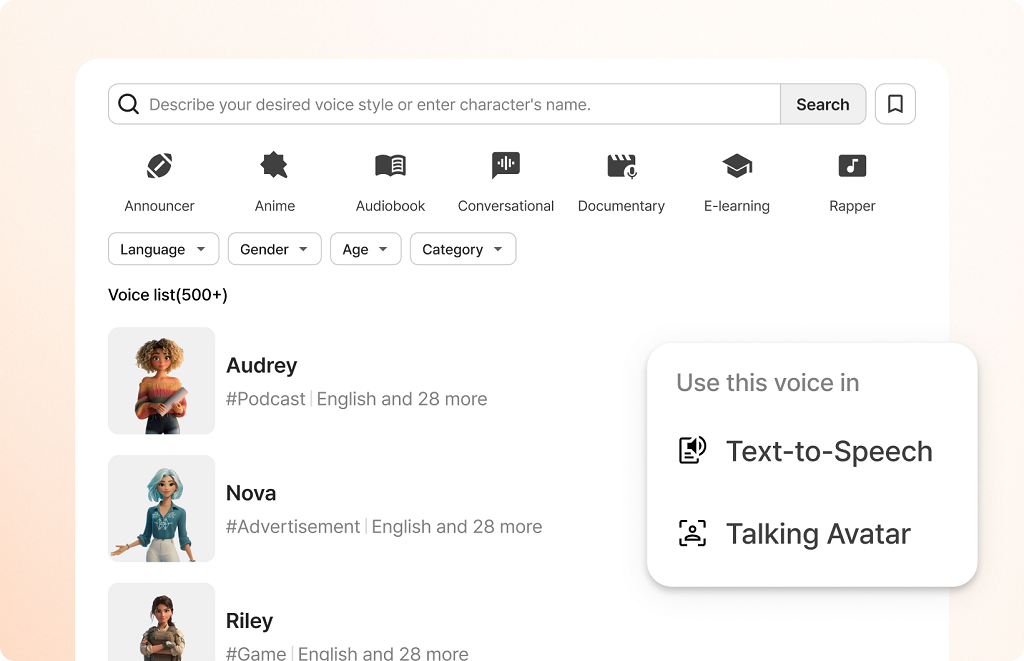
Typecast has carved a spot in the creative industry by giving content makers a toolbox that feels more like a stage than software. With 600+ voices and an advanced SSFM model, it delivers characters that laugh, whisper, or tremble just right. Whether you’re producing an indie game, an animated short, or an audiobook with drama, it’s one of the few platforms where “free text to speech with emotion” isn’t just marketing fluff — you can actually try it without paying first.
Key Features:
- 600+ voices in multiple languages
- Adjustable emotional presets like joy, fear, and sadness
- Real-time previews for instant feedback
- SSFM (Speech Synthesis Fine-tuning Model) for lifelike tone control
Pros:
- Huge library of voice options
- Strong emotional range without sounding artificial
- Works well for storytelling-heavy projects
- Generous free tier
Cons:
- Interface can feel crowded for first-time users
- Some niche languages lack emotional presets
Pricing & Free Plan: Free tier with limited exports; paid plans start around $8.99/month for more voices, faster rendering, and commercial rights.
Murf AI — Best for Professional Voiceovers & Commercial Use
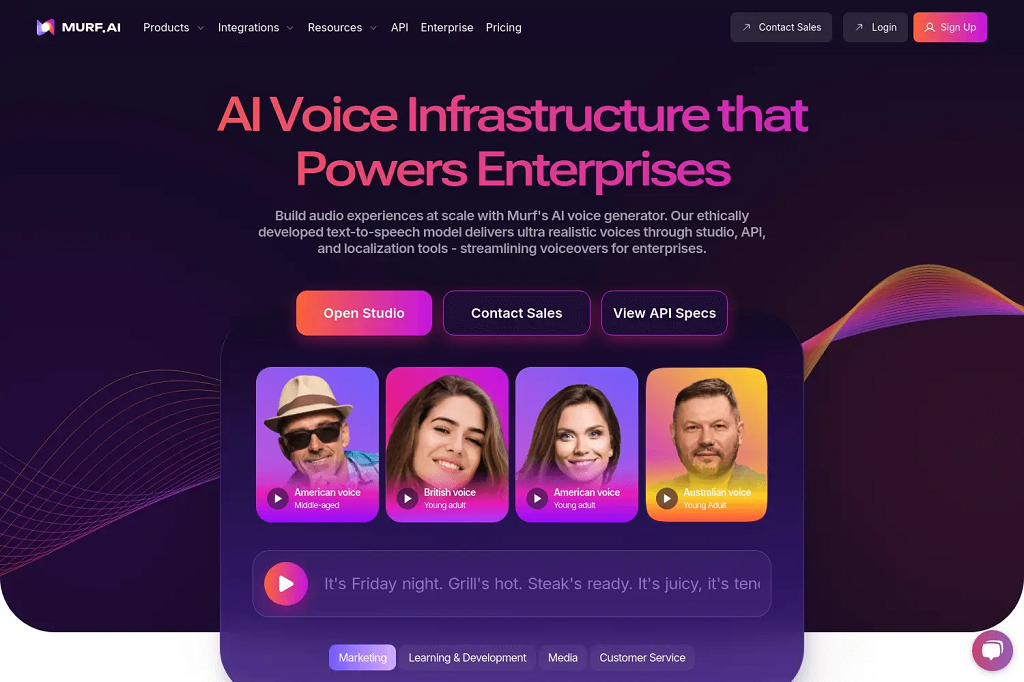
Murf AI is like the clean, polished studio of emotional TTS tools — everything about it feels geared toward serious, professional output. It’s a favorite among ad agencies, corporate trainers, and video producers who need tts with emotion that still sounds sharp and brand-safe. Their Speech Gen 2 engine nails subtle shifts in tone — think “motivated” versus “inspired” — which makes a big difference in scripted work.
Key API features (2026):
– Murf API with voice styles (styles change tone and emotional inflection programmatically)
– Falcon TTS model positioned for fast, expressive, real-time voice agents
– Voice/style selection per use case (conversational, inspirational, newscast, etc.)
– Speech customization controls to fine-tune delivery
Key Features:
- Speech Gen 2 for precise emotion tuning
- Over 150 voices in 20+ languages
- Timeline-based editor for syncing with visuals
- AI-driven script-to-voice matching
Pros:
- Emotion control that feels granular, not generic
- Excellent for explainer videos, ads, and training content
- Built-in tools for pacing and emphasis adjustments
- Professional-grade audio quality
Cons:
- No truly free plan (only a short trial)
- Emotional presets are less exaggerated than in entertainment-focused tools
Pricing & Free Plan: Free trial for a few minutes of voice generation; paid plans start around $19/month, with commercial usage rights included.
LOVO AI — Best for Marketing & E-learning
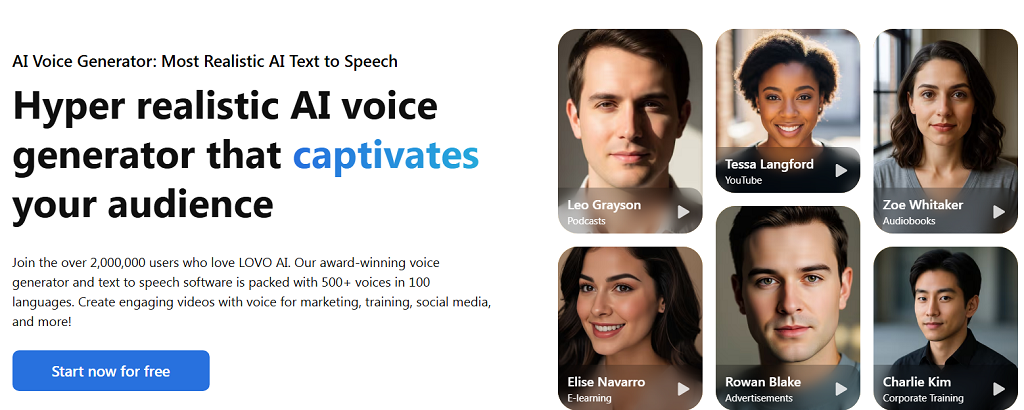
LOVO AI positions itself as the storytelling partner for brands and educators. With a multilingual voice library and expressive styles designed for teaching, brand videos, and even customer service scripts, it’s built for clarity and engagement. Its ai voice with emotions engine is strong enough to carry enthusiasm in an ad spot and warmth in an onboarding video without sounding forced.
Key Features:
- 100+ languages supported
- Expressive styles for teaching, selling, and narrating
- API access for integration into LMS or marketing platforms
- Emotion sliders to fine-tune delivery
Pros:
- Versatile — works equally well for ads and education
- Wide language support for global campaigns
- Easy integration for large-scale content production
- Offers both pre-set and customizable emotion controls
Cons:
- Some voices feel too “clean” for creative storytelling
- Lower-tier plans limit access to advanced features
Pricing & Free Plan: Free version with watermarked exports; paid plans start around $10/month for high-quality, watermark-free audio and full commercial rights.
ElevenLabs — Best for Expressive Narration (Including Laugh-Like Moments)
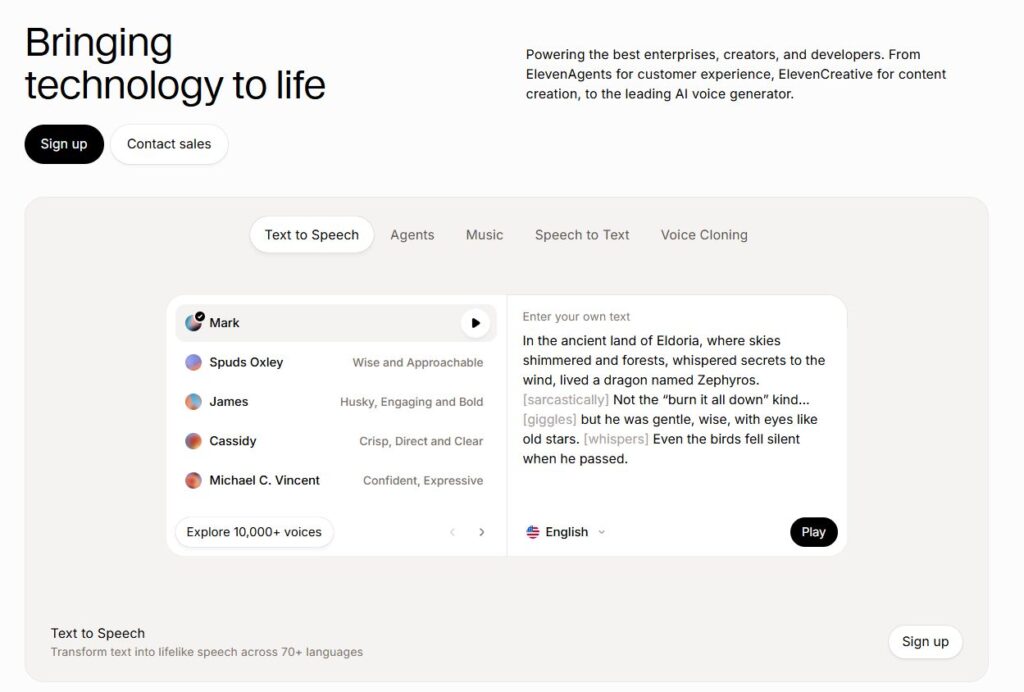
ElevenLabs is a strong pick when you want “performed” narration rather than a flat read. In 2026 they explicitly emphasize emotion-aware delivery, and they even highlight laughter-like behavior as part of their progress on expressiveness.
For podcast-style narration, the practical trick is to write like a script: add dialogue tags (“she said, trembling”, “he laughed”) or short interjections so the model has clear cues to act on.
Best for:
– podcasts and story narration where emotion matters
– character dialog and dramatic reads
– teams who want a simple API-driven workflow
Play.ht — Best for Podcasters & Publishers
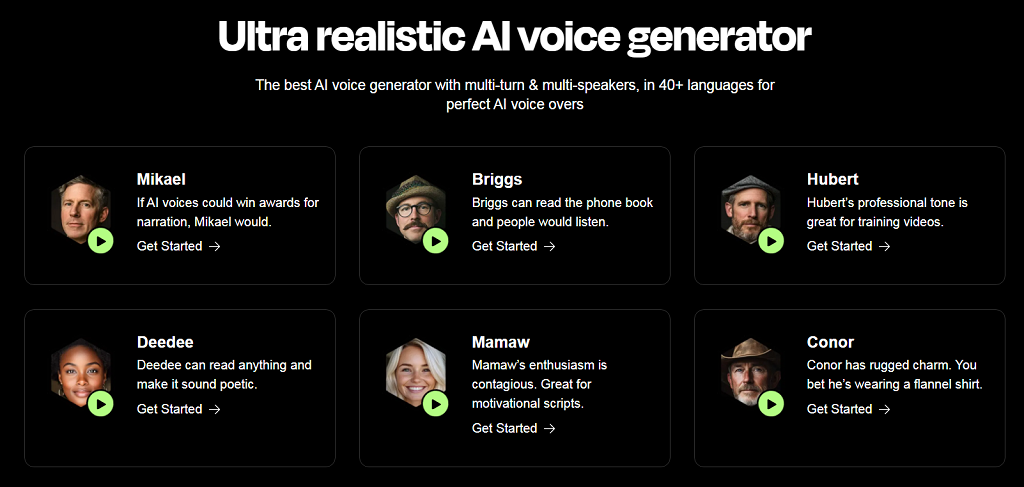
Play.ht is one of the most integration-friendly picks for publishers because it combines expressive voices with a real streaming TTS API (you can generate audio in real time, not only export files). For “laugh-like” moments, Play.ht publicly described how its model can laugh when it encounters “haha/ahhaha” in the text—useful when you want light non-verbal cues without stitching audio manually.
If you’ve ever tried to convert an article or script into audio and felt the result was… flat, Play.ht is the kind of upgrade you wish you’d found sooner. It’s loaded with a huge voice library and lets you mess with pitch, speed, and pauses until the delivery sounds like a real person telling a story. That’s why it’s a favorite in the podcasting and publishing world. It’s not just a text to speech emotion engine — it’s a full-on audio production sandbox.
Key Features:
- 200+ voices across 30+ languages
- Controls for pitch, speed, and pause placement
- Audio player widgets for websites and blogs
- Batch processing for multiple scripts
Pros:
- Voices that feel less “robot” and more “presenter”
- Flexible enough for news reads, narration, or casual chat tones
- Built-in player makes embedding audio dead simple
- Good for both short posts and long-form content
Cons:
- Free version limits downloads and customization
- Some voices still lean slightly toward the “AI” sound on longer passages
Pricing & Free Plan: Free tier lets you try it out but caps output; paid plans start at about $39/month, with commercial rights and more customization unlocked.
Resemble AI — Best for Voice Cloning with Emotional Nuance
Resemble AI is an API-first option when you need emotional control as a programmable layer (especially in custom apps). Think of it less as a “podcast platform” and more as a developer tool for voice + controllable delivery—useful when you’re building interactive experiences.
Resemble AI takes the idea of emotional tts and adds a wild card: cloning your own voice, complete with emotional shading. This means you could train it to say anything in your voice — calm, angry, excited, even whispering — and it will sound disturbingly close to the real thing. The tool’s custom emotion tags give you frame-by-frame control over delivery, which is rare in this space.
Key Features:
- Real-time API for live emotion control
- Voice cloning from short audio samples
- Emotion tags for ultra-specific tone adjustments
- Support for blending synthetic and human recordings
Pros:
- Scary-good cloning accuracy
- Emotion tags make subtle delivery possible
- Works for games, interactive experiences, and custom assistants
- Real-time capabilities are a huge plus for dynamic content
Cons:
- Steeper learning curve for precise results
- Voice cloning may raise ethical or compliance questions
Pricing & Free Plan: Free plan includes basic TTS with limits; cloning and advanced emotion control start around $19/month.
Comparison Table — Quick Glance at the Top Picks
| Tool | Voices | Languages | Emotional Control | Best For | Free Plan |
| Typecast | 600+ | 60+ | Manual/presets | Creative projects | Yes |
| Murf AI | 150+ | 20+ | Precision sliders | Pro voiceovers | Yes |
| LOVO AI | 500+ | 100+ | Multiple presets | Marketing/e-learning | Yes |
| Play.ht | 200+ | 30+ | Pitch/speed control | Podcasts, publishing | No |
| Resemble AI | 100+ | 100+ | Custom emotion tags | Voice cloning | No |
How to Make Laughs/Sighs Reliable (When the API Doesn’t Support Them as a Parameter)
If you need laughs/sighs to happen exactly in the right place every time, don’t rely only on “emotion”. Use SSML and insert a short prerecorded SFX clip (laugh / sigh / breath) at the exact moment. This approach is boring—but it’s stable and production-safe.
Many TTS stacks support SSML features like breaks, prosody changes, and inserting prerecorded audio to control the final performance.
Scrile AI: Build Your Own Emotional TTS
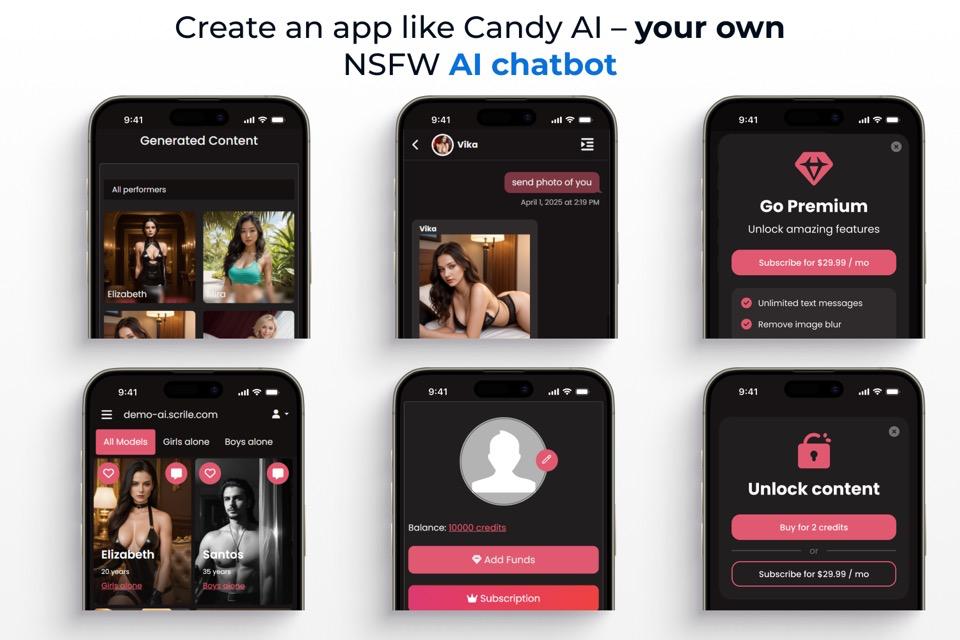
Off-the-shelf apps are fine when you just need a quick voiceover. But when you want a text to speech with emotion solution that’s truly yours — branded, monetized, and integrated with everything your business runs on — you need a custom build. That’s where Scrile AI steps in.
Scrile AI isn’t a generic SaaS subscription. It’s a custom development service that designs and delivers exactly what your use case demands. Whether you’re building a learning platform with lifelike voices, an NSFW chatbot with emotional nuance, or even a text to speech porn product that blends voice output with AI roleplay, the tools are shaped around your vision.
Here’s what you can have built:
- Real-time emotional TTS with natural tone shifts and contextual delivery
- AI character builder to give every voice a unique persona and backstory
- Group & private chat integration with instant audio generation
- AI-generated responses powered by LLMs for dynamic conversations
- Full moderation control to meet compliance and community guidelines
- Monetization options like subscriptions, pay-per-message, or premium content tiers
- Complete branding — interface, UX, and workflow logic all reflect your identity
Scrile AI also works seamlessly with existing ecosystems. You can integrate it with your CRM, analytics tools, or content library, so the voice output isn’t just realistic — it’s connected to your entire operation.
Instead of adapting your workflow to fit a fixed platform, Scrile AI builds a toolset that fits you. That’s the difference between renting features and owning the whole experience.
How to Choose the Right Emotional TTS
With so many text to speech with emotion tools on the market, picking the right one comes down to knowing what actually matters for your project. Start with variety — does the platform offer a wide range of emotional tones, or are you stuck with “happy,” “sad,” and little else? Voice quality is non-negotiable; if it sounds robotic, your audience will tune out.
Languages can be a deal-breaker if you need global reach, so check both coverage and accent authenticity. API access is another big one — without it, you’re limited to manual use instead of integrating voices into your apps or workflows. And finally, pay attention to licensing. Some services allow full commercial use; others don’t.
If a tool ticks these boxes and still fits your budget, you’re on the right track. The perfect choice should sound great, work anywhere, and fit seamlessly into your ecosystem.
⚖️ Emotional TTS Tools vs. Scrile AI
| Feature | Typecast | Murf AI | LOVO AI | Play.ht | Resemble AI | Scrile AI (Custom Build) |
|---|
| Voices | 600+ | 150+ | 500+ | 200+ | 100+ | Unlimited (custom-trained) |
| Languages | 60+ | 20+ | 100+ | 30+ | 100+ | Any (customizable) |
| Emotional Control | Presets + fine-tuning | Precision sliders | Presets + sliders | Pitch/speed control | Emotion tags | Real-time contextual + persona-driven |
| Best For | Creative projects, games | Ads, training, corporate | Marketing & e-learning | Podcasts, publishing | Voice cloning & interactivity | Branded platforms, monetization, full control |
| Free Plan | Yes | Trial only | Yes | Limited | Basic TTS only | N/A (custom dev) |
| Monetization Options | None | None | None | None | None | Subscriptions, PPV, premium voice chats |
| Branding | Vendor branding | Vendor branding | Vendor branding | Vendor branding | Vendor branding | 100% custom UI/UX, your brand only |
| Integration | Manual export | Editor-based | API | Website widgets | API | Full ecosystem: CRM, chat, analytics |
Conclusion
Text to speech with emotion surpasses machine narration. The world’s best tech puts depth, character, and realism in computer voices — and makes a great tool for content creators, tutors, marketers, game developers, and even NSFW chat. Your use may be to break the ice in a podcast introduction or to add drama to a game scenario or to liven up online lessons, but emotional TTS can radically change the way audiences respond to your content.
The five solutions we explored — Typecast, Murf AI, LOVO AI, Play.ht, and Resemble AI — each bring something unique to the table. From massive voice libraries to hyper-precise emotional control, there’s a fit for every need and budget.
For brands and projects that need more than a ready-made tool, Scrile AI delivers a fully customized, branded emotional TTS system tailored to your workflow — complete with integrations, monetization features, and total control. Contact the Scrile AI team of experts today and start building your solution.
FAQ – Text to Speech with Emotion (Emotional TTS APIs)
Quick answers about emotional TTS, expressive voice controls, SSML, and how teams make laughs/sighs sound consistent in production.
What does “text to speech with emotion” actually mean?
▾
Text to speech with emotion (often called emotional TTS or expressive TTS) is speech synthesis that can change delivery, not just pronunciation. Instead of a flat read, the voice can sound calmer, more excited, more serious, or more conversational—closer to how a human would perform the same line.
In practice, “emotion” is usually delivered through voice styles, speaking presets, or prosody control (pace, pitch, emphasis, pauses). Some tools call it “styles,” others “acting,” “expressiveness,” or “tone.”
How do emotional TTS models create emotion in a voice?
▾
Emotional TTS works by learning performance patterns from expressive speech data—how humans change rhythm, pitch, and emphasis when they’re excited, empathetic, tense, or playful. The model then applies similar patterns to your text.
Most “emotion controls” are really a way to steer prosody. Depending on the provider, you’ll get style presets (like conversational or inspirational), sliders, or SSML controls for pauses, emphasis, and speaking rate.
Which tools are best for emotional TTS—API, creator tools, or both?
▾
It depends on how you’ll use the voice. Creator-first tools are great for fast voiceovers and edits in a browser timeline. API-first tools are better when you need automation: voice generation at scale, in-product narration, or real-time voice agents.
A practical approach is to shortlist by workflow: marketing & e-learning, podcast narration, game dialogue, or live voice agents. Then validate: style control depth, stability (repeatability), language coverage, and licensing for commercial use.
Can emotional TTS generate laughs and sighs reliably?
▾
Sometimes—but “reliable” is the key word. Many models will produce laugh-like or breathy moments when the text strongly hints at it (for example, “haha,” “(laughs),” or short interjections). That can sound great, but it may vary between renders.
If you need the same laugh/sigh in the exact place every time, the safest production method is deterministic insertion: use SSML (where supported) to add a short SFX clip, plus controlled pauses and prosody around it.
What’s the simplest way to “prompt” emotion into TTS text?
▾
Write like a script, not like an essay. Short sentences, clear punctuation, and small performance cues work better than long paragraphs. Dialogue tags (“she said softly,” “he replied, annoyed”) can help the model interpret intent without you touching advanced controls.
Then tighten delivery with structure: add pauses, split lines where you want emphasis, and avoid huge run-on sentences. If your provider supports SSML, use breaks, emphasis, and speaking-rate adjustments for repeatable results.
Is emotional TTS good enough for real-time voice agents?
▾
Yes—if your provider supports streaming output and your product is built for it. Real-time experiences depend on latency, chunking (sending audio in pieces), and how your app handles interruptions (barge-in) and quick re-prompts.
For a smooth feel, teams usually keep responses short, cache common phrases, and reserve “high drama” emotional delivery for moments that matter (welcome lines, confirmations, empathy moments), not every sentence.
Do all languages support the same emotion and style controls?
▾
Not always. A provider may support many languages, but only a subset will have rich style presets or strong expressive delivery. Even when a language is supported, accents and “naturalness” can vary by voice.
The best test is practical: generate the same short script across 2–3 voices in your target language, then evaluate clarity, emotion, and consistency. If you need a specific “brand voice,” confirm it exists before you commit to an API integration.
What should I check in licensing and commercial rights?
▾
Always confirm commercial usage, redistribution rules, and whether you can monetize the generated audio (ads, subscriptions, paid courses, in-app content). Some plans allow broad commercial use; others restrict certain industries or require higher tiers.
If you’re building a platform (not just creating a voiceover), double-check “end-user generation” rights—whether your customers can generate audio inside your product under your license, or if each user must have their own agreement.
Is emotional TTS the same thing as voice cloning?
▾
No. Emotional TTS is about performance (how the voice speaks). Voice cloning is about identity (whose voice it sounds like). Some platforms offer both: you clone a voice, then apply style/emotion controls on top.
If you clone voices, consent matters. Use voices you own or have explicit permission to use, and consider disclosure in user-facing products. Good policy here is not just “nice”—it reduces legal and reputational risk.
When does it make sense to build a custom emotional TTS solution?
▾
Off-the-shelf tools are great for quick production. A custom solution makes sense when voice is a core product feature: you need tight brand control, predictable outputs, deep integrations, usage-based monetization, or a fully branded user experience under your own domain.
That’s also where platforms like Scrile AI can fit: building a branded, integrated system (voices, access rules, subscriptions, and admin control) instead of relying on a generic UI and someone else’s roadmap.
Polina Yan is a Technical Writer and Product Marketing Manager, specializing in helping creators launch personalized content monetization platforms. With over five years of experience writing and promoting content, Polina covers topics such as content monetization, social media strategies, digital marketing, and online business in adult industry. Her work empowers online entrepreneurs and creators to navigate the digital world with confidence and achieve their goals.

by Polina Yan
Ever stared blankly at your phone, struggling to craft the perfect reply to an awkward message? You’re definitely not alone. As messaging apps become our primary form of daily communication, figuring out the right words is more important than ever. Fortunately, an innovative technology has emerged to simplify this process: the AI text message generator.
AI-driven messaging is quickly gaining popularity due to its ability to automate replies naturally and effectively. Gone are the days when artificial responses felt robotic and disconnected. Today’s tools can read the tone and context of any conversation, generating appropriate, personalized replies instantly. This is a huge leap forward for personal communication, businesses, social media managers, customer service teams, and creators alike.
In 2026, the competition among messaging tools is fierce, making it challenging to find the best AI text message generator for your needs. To help you navigate this crowded market, we’ve compiled a comprehensive guide highlighting the top ten AI tools currently dominating the industry. Whether you need fast replies, personalized engagement, or professional communication, there’s an AI solution ready to transform your messaging strategy. Let’s explore the best options available and discover how these intelligent tools can streamline your everyday interactions.
📊 Table: 10 Best AI Text Message Generators in 2026
| Tool | Best For | Key Benefits | Limitations |
|---|
| ChatGPT (OpenAI) | General use, customer support | Natural, context-aware replies, versatile | Subscription required for advanced features |
| Jasper AI | Marketing & branding | Consistent brand voice, templates | Less suited for casual messaging |
| Writesonic | Social media, quick replies | Fast, creative, beginner-friendly | Limited depth for professional use |
| Reply.io | Sales & outreach | Personalized engagement, CRM integration | Focused mainly on sales messaging |
| Simplified AI | Small businesses | Very easy to use, good for routine tasks | Basic features compared to larger tools |
| Claude AI | Customer service | Highly natural conversations, nuanced replies | Resource-heavy, higher cost |
| Copy.ai | Email & support | Context-driven, fast response creation | Best for short formats |
| Rytr | Small/local businesses | Affordable, flexible, intuitive | Less robust than enterprise tools |
| Motion AI | Productivity & team workflows | Task integration, scheduling, Slack/Google sync | More about productivity than messaging style |
| GrammarlyGO | Professionals | Polished, grammar-perfect outputs | Focus on correctness over creativity |
| Scrile AI (Custom-Built) | Businesses & creators needing full control | Brand-aligned, monetization-ready, scalable, secure | Requires custom setup (but long-term ownership) |
What is an AI Text Message Generator?
An AI text message generator is software that automatically creates relevant, natural-sounding responses to incoming messages. Smart software utilizes artificial intelligence to read text inputs in context, tone, and intent before generating a response. Machine learning and natural language processing (NLP) drive them, getting better with each use by a user to refine the responses.
AI text message generators aren’t just a fun shortcut for awkward replies. They’re becoming a serious part of customer engagement stacks, helping brands respond faster and with more context across chat, SMS, and social channels. Twilio even describes this shift as part of a broader “age of individualization,” where every interaction can be tailored to one person instead of a generic audience.
“Trend 1: Using AI can greatly improve customer engagement.”
— Twilio, 2024 State of Customer Engagement Report
For anyone choosing an AI text message generator, that’s the key takeaway: you’re not just buying speed, you’re buying better engagement. Tools that understand context and integrate with your communication channels will help you turn automated replies into real, measurable relationship-building.
AI text generators aren’t just for casual messaging—they cover emails, chats, customer support, and even social media interactions. Businesses use them to streamline support, ensuring faster, more consistent replies to customers. Creators and influencers leverage these tools to automate interactions, boosting follower engagement without sacrificing authenticity. Individuals benefit by quickly crafting responses, reducing the mental load of daily communication.
For example, an AI-powered generator can manage incoming customer questions, producing standard and professional answers immediately. Similarly, it helps content creators deal with dozens of fans’ comments every day, interacting with their audience and keeping them happy. With advanced tools that are available today, messages generated using AI now sound natural rather than generic or robotic.
These generators are not limited to plain text messaging, either—they can be used just as effectively for emails and internet chat services. The technology flows seamlessly across digital communication platforms, significantly improving personal and professional communication.
Essential Features When Choosing an AI Text Message Generator
Selecting the ideal AI text message generator requires considering several crucial factors. The right choice is more than just generating messages—it makes interactions contextually accurate, secure, and user-friendly.
Response Quality and Accuracy
The AI needs to recognize context, tone, and intent and provide responses that are human-sounding and customized. The optimal tools employ advanced machine learning so responses sound like they were written by humans and never are canned or mechanical. An ideal message AI generator must be able to deal with varying conversations ranging from friendly discussions to formal emails.
That focus on tone and accuracy isn’t just a perfectionist detail—it’s the foundation of modern, AI-driven communication. In marketing and customer messaging, global consultancies now treat generative AI as the engine behind hyperpersonalization at scale, not just a way to save a few minutes on copy.
“Generative AI is poised to be a catalyst for a new age of marketing capabilities.”
— McKinsey, “How generative AI can boost consumer marketing”
When you pick an AI text message generator, you’re effectively choosing the quality level of that “new age.” Systems that really understand context, segment users, and adjust language for each recipient will feel like a natural extension of your brand—while weaker tools will still sound like canned bots.
Ease of Use and Simplicity
Not all people are technology oriented, so the interface has to be simple and straightforward. The users must not be struggling with complicated settings or instructions. Ideally, the software simplifies the entire process, just indicating how to respond to a text generator with minimal effort.
Integration Capabilities
A strong text message AI generator is completely compatible with your existing platforms. Whether you’re handling social media, customer support, or company communication, compatibility with popular messaging and email systems is essential. Smooth integration ensures workflow efficiency and productivity.
Privacy and Security
Security first, especially when it involves personal conversations or sensitive data. Top-tier solutions offer safe encryption and open privacy policies to enable users to employ AI generated messages safely without any concerns for privacy.
Security and encryption are only one side of the trust equation. The other side is how people perceive AI-written messages. Research from Harvard Business School shows that even when chatbots write messages that sound convincingly human, employees may still judge those communications as less credible once they know AI is involved.
“A chatbot might be able to write emails that sound human, but can the technology respond to staff questions just like the boss would?”
— Ben Rand, summarizing research by Prithwiraj Choudhury, Harvard Business School Working Knowledge
For your AI text message strategy, that means safety and transparency should go hand in hand. The best generators don’t just produce fluent text—they help you design flows, disclosures, and handoffs to humans so that automated messages remain both secure and genuinely trustworthy.
Quick Checklist for Choosing an AI Generator Message:
- Contextual accuracy and human-like replies
- User-friendly interface with clear instructions
- Compatible integration with existing tools
- Strong privacy and data security
- Clear tutorials showing how to respond to a text generator
Considering these essential features ensures you’ll find the best solution to simplify and enhance your AI text messaging experience.
10 Best AI Text Message Generators in 2026
Here is my Top 10 of AI Messages Generators for your consideration:
ChatGPT by OpenAI
ChatGPT is a versatile AI text message generator renowned for natural and accurate conversational abilities. It easily creates personalized replies, understanding context and tone accurately. Businesses often use it to automate customer support messages, improving efficiency and client satisfaction. For example, online communities use ChatGPT to craft engaging replies instantly, keeping conversations lively without manual effort. Additionally, content creators benefit by quickly generating ideas and responses, streamlining their workflow significantly.
Key Benefits:
- Highly accurate contextual responses
- Ideal for engaging conversations
- Versatile in content creation and support messaging
Jasper AI
Jasper AI is optimal for creating professional-quality messages with consistent branding, perfect for promotional and marketing messages. It optimizes much time spent on producing personalized messages, enhancing marketing efficacy. Businesses widely utilize Jasper for automated email responses, blog posts, and customized messaging. A recent case illustrates Jasper increasing customer email interaction by approximately 40% in an online business, proving its efficacy in the workplace. Individuals interested in how to respond to a text generator will discover Jasper offering simple-to-use templates for easy implementation.
Key Benefits:
- Professional, brand-consistent messages
- Easy-to-use templates for rapid messaging
- Boosts engagement in marketing scenarios
Writesonic
Writesonic provides fast, creative, and concise messaging suitable for social media and quick interactions. Its user-friendly interface helps beginners quickly master AI messaging, creating engaging replies effortlessly. Individuals appreciate its speed and ease of use, crafting short social posts or responding quickly to community messages. A social media administrator, for example, can create numerous creative responses daily, increasing audience interactions by a significant amount. Writesonic integrates seamlessly into current tools, becoming a go-to message response generator for busy creators.
Key Benefits:
- Fast, creative message generation
- User-friendly for beginners
- Integrates smoothly with social media platforms
Reply.io
Reply.io is a powerful solution for sales and marketing teams. It stands out by generating highly targeted, personalized messages to engage potential customers effectively. The platform helps businesses respond to customer queries in a timely manner and also boost sales conversion rates. A sales team achieved a 45% client response when using Reply.io due to customized, targeted AI-generated messages. This AI message text generator integrates seamlessly with CRM and email systems, boosting business productivity.
Key Benefits:
- Strong personalization for sales messages
- Seamless integration with CRM systems
- Increased customer response rates
Simplified AI
Simplified AI is perfect for new users of AI text messaging, offering simplicity and ease without sacrificing quality. It’s especially perfect for small business owners or single operators who prefer straightforward tools. Users can quickly craft clean, concise messages ideal for customer service or general use. For example, a local business used Simplified AI to handle routine customer inquiries, saving a lot of response time. Simplified’s intuitive interface simplifies the process of people knowing how to respond to a text generator, thus it’s easy to embrace AI.
Key Benefits:
- Extremely user-friendly and beginner-focused
- Ideal for routine business communications
- Effective for quickly automating repetitive tasks
Claude AI by Anthropic
Claude AI is renowned for having very human-like conversation messages. Unlike the typical AI-generated messages, Claude generates responses that not only appear but actually are natural and subtle. Businesses use Claude routinely in customer service so that clients have meaningful interactions rather than generic responses. For instance, an online fashion store uses Claude AI to handle customer inquiries effortlessly, greatly improving user satisfaction with engaging, personalized conversations.
Key Benefits:
- Exceptionally realistic conversational style
- Ideal for customer service interactions
- Generates personalized, nuanced replies
Copy.ai
Copy.ai is streamlined communication built for customer support and marketing use cases. This AI message generator excels at creating brief, context-driven responses for text messages and emails. A tech support business might leverage Copy.ai to automate replies, speeding up communication without a loss of quality or personalization. It’s ideal for businesses that need precise messaging in a timely fashion.
Key Benefits:
- Ideal for email and text-message communication
- Tailored messages for marketing and customer support
- Speeds up response time significantly
Rytr
Rytr is a versatile AI-powered text message software perfect for small businesses looking to automate customer interactions. Easy and affordable, Rytr seamlessly adapts to various messaging requirements, including promotional messages or social media replies. For example, a small local café used Rytr to manage customer inquiries and promotional messages, and their community engagement skyrocketed tremendously.
Key Benefits:
- Flexible and adaptable for multiple messaging needs
- Excellent for small and local businesses
- Affordable and intuitive platform
Motion AI
Motion AI is a productivity-driven messaging solution designed to streamline and manage communication efficiently. It is perfect for businesses with several messaging tasks, which streamlines internal communications and task assignment. Businesses often utilize Motion AI to remove internal email noise, automate standard responses, and manage complex scheduling tasks effectively. Teams love how it integrates easily with productivity tools like Slack and Google Workspace, making daily work easier.
Key Benefits:
- Strong focus on productivity and task management
- Excellent integration with popular apps
- Simplifies internal business communication
GrammarlyGO
GrammarlyGO specializes in generating polished, grammatically accurate text messages ideal for professional contexts. Businesses and professionals trust GrammarlyGO for crafting error-free emails, messages, and professional communications instantly. It’s particularly valuable for industries that prioritize clarity, professionalism, and grammatical precision. Professionals frequently rely on GrammarlyGO to create emails and texts, ensuring every message reflects professionalism and clarity.
Key Benefits:
- Grammatically polished messaging
- Perfect for professional and business communications
- Enhances clarity, credibility, and professionalism
Why Scrile AI is the Best for Developing Your Custom AI Text Message Generator
Scrile AI isn’t your average AI messaging tool—it’s a specialized software development company. Instead of providing standard off-the-shelf products, Scrile designs fully personalized AI-generated message solutions. Businesses don’t have to adjust their strategy to fit generic tools. Scrile’s custom approach ensures every message aligns perfectly with brand identity, tone, and target audience.
Ultimate Flexibility Across Industries
Flexibility is what sets Scrile apart. Its tailored solutions find their place in diverse industries, from content creators and influencers to social networks and dating sites. Businesses use Scrile AI for customer support, marketing automation, or online community management with ease. Whether automating casual chat or formal email, Scrile adapts to the style of communication required.
Complete Customization and Ease of Use
Scrile places customization firmly in the hands of users, even demonstrating how to properly respond to a text generator. Tone of message, style, and personality of their AI-powered conversations are in the hands of companies. What this translates to is every message sounds real, not robotic. The interface is easy to use, making integration straightforward without technical expertise or large-scale resources.
Influencer Success Story: Personalized Engagement
An influencer used Scrile’s proprietary messaging technology to create personalized responses for fan interaction. Scrile AI worked meticulously to learn the tone of the influencer and craft responses identical to those penned manually. The result was far more active audience interaction, increased loyal followers, and increased engagement on their site. The personalized approach enabled authentic interactions without losing any efficiency or quality.
Robust Privacy and Security
Scrile AI takes privacy and data security seriously. The company ensures all conversations and private data are kept private and secure, providing a peace of mind to users. Businesses from sensitive industries, including adult or dating websites, confidently use Scrile technology, depending on its cutting-edge security features to protect user information every step along the way.
Continuous Improvement Through Adaptability
Unlike standard messaging tools, Scrile’s custom solutions evolve dynamically alongside your business. Every interaction helps refine the AI’s responses, steadily increasing their accuracy and relevance. Over time, this ensures that your AI-generated messages consistently improve, always meeting audience expectations and business goals effectively.
Scrile AI provides complete, end-to-end support, guiding clients seamlessly from concept to launch at every step. This dedicated approach ensures your custom AI solution aligns perfectly with your brand’s unique voice and goals, simplifying how you interact through technology.
Conclusion
AI for text messages has transformed communication, productivity, relationships, and engagement with audiences. Personal conversations, customer support interactions, and professional communication are all enhanced by efficient, contextually tuned AI-generated messages. The right AI text message generator will significantly automate your routine, allowing more natural, customized interaction without wasted time.
Scrile AI is the ideal partner for users who need tailor-made messaging solutions compared to mass-market software. Its technology delivers customization, adaptability, and unmatched flexibility across diverse industries and communication styles. Whether you’re an influencer, a business, or an online platform, Scrile AI provides comprehensive support—from initial concept through full integration.
If you’re looking to revolutionize your messaging strategy and create genuinely personalized conversations, explore Scrile AI’s custom development solutions today. Discover how tailored AI messaging technology can enhance your connections and interactions, making every message impactful and meaningful.
Polina Yan is a Technical Writer and Product Marketing Manager, specializing in helping creators launch personalized content monetization platforms. With over five years of experience writing and promoting content, Polina covers topics such as content monetization, social media strategies, digital marketing, and online business in adult industry. Her work empowers online entrepreneurs and creators to navigate the digital world with confidence and achieve their goals.

by Polina Yan
If you listen to how people talk about software today, you notice a shift. Fewer clicks, fewer menus, less patience. People want to explain what they need and move on. Somewhere in that frustration, the phrase what is a AI virtual assistant starts to surface, usually without much theory behind it. It shows up because something feels inefficient, not because someone is chasing trends.
An AI virtual assistant is easiest to understand through behavior. You describe a task in everyday language. The system figures out what you mean and carries it out, or at least gets you closer to the result. No buttons to memorize. No rigid paths to follow. It reacts to intent instead of forcing you to adapt to the tool.
This shift matters because it changes how people interact with software. Instead of learning interfaces, users focus on outcomes. That applies whether the assistant lives on a phone, inside a workplace tool, or behind a customer support window. The same expectation carries over: fewer steps, clearer responses, less back and forth.
In this article, the focus stays grounded. It looks at how AI assistants are actually used today, what they handle well, and where they still struggle. Both consumer-facing tools and business-focused systems are part of the picture, because the line between them keeps getting thinner.
Beyond “Chatbot”: How These Assistants Work
Some assistants feel sharp and helpful. Others feel clumsy, even when they answer the same questions. The difference usually has little to do with personality or design. It comes down to how the system understands language and what it can actually do once it understands it. When people ask what is a AI virtual assistant, this gap in experience is usually what they are trying to make sense of.
At the technical level, modern assistants combine three layers. First comes language processing, where raw text or speech is turned into meaning. Next is intent understanding, which figures out what the user is trying to achieve. Finally, there is execution. That last step matters more than many people realize. An assistant that understands you but cannot act is still limited.
Older systems relied heavily on fixed rules. They worked well when commands were predictable and narrow. Newer systems learn from usage patterns, adjust responses over time, and handle ambiguity better. Memory also plays a role. Assistants that remember previous interactions feel more natural because conversations do not reset every time.
This difference usually shows up clearly when comparing assistant types:
- Rule-based assistants respond to specific triggers and follow predefined paths. They are reliable but rigid.
- Learning systems adapt based on language patterns and feedback, making responses more flexible.
- Assistants with session memory can maintain context across interactions, which reduces repetition and friction.
Real Examples That Shape Expectations
The assistants people interact with daily set the benchmark. Siri introduced voice-first interaction on personal devices. Google Assistant expanded that idea with search depth and cross-app connectivity. Alexa pushed assistants into the home, coordinating lights, music, and routines. More recently, ChatGPT-style agents such as Microsoft Copilot have shifted expectations again by acting as task helpers rather than command responders.
In business settings, these capabilities extend into technical workflows. An AI virtual assistant for IT might help diagnose issues, surface documentation, or trigger support actions without forcing users through ticket forms. At that point, the question of what is a AI virtual assistant stops being abstract. It becomes about how smoothly software fits into real work.
Where Virtual Assistants Are Actually Useful
Virtual assistants earn their place when they reduce friction in situations people deal with every day. The question what is a AI virtual assistant becomes much clearer once you see where it quietly removes steps, delays, or confusion. The strongest use cases fall into two broad areas: work and everyday life.
Practical roles at work and beyond
In professional settings, assistants are most effective when they sit close to real workflows instead of acting like generic chat tools. A virtual assistant using AI is often embedded directly into software people already use, which keeps adoption natural rather than forced.
- Customer support workflows benefit when assistants can resolve simple issues instantly, route more complex requests correctly, and surface accurate answers without long waits. Instead of replacing human agents, they reduce queues and free people to handle edge cases that actually need judgment.
- IT help desks use assistants to handle repetitive tasks such as password resets, system status checks, or basic troubleshooting. This shortens response time and prevents small issues from turning into productivity blockers.
- Scheduling and collaboration become smoother when assistants manage calendars, send reminders, and coordinate meetings across teams. The value is not automation alone, but fewer missed steps and less back-and-forth.
- Business intelligence support shows up in quieter ways. Assistants summarize reports, draft emails, and pull quick insights from internal data, helping people prepare faster without digging through dashboards.
- As writing assistant software, AI can draft emails, summarize notes, or restructure text when clarity matters. It does not replace thinking, but it removes friction at the blank-page stage, which speeds up communication across teams.
Outside of work, assistants tend to feel more personal and less procedural. The same logic applies, though. They are useful when they simplify actions people already want to take.
- Home automation allows users to control lights, routines, or grocery lists through simple voice or text commands, reducing the need to manage multiple apps.
- Learning and education tools act as tutors, research helpers, or flashcard generators, adapting explanations to the user’s pace rather than following a fixed curriculum.
- Accessibility support plays a critical role for many users. Dictation, reminders, and mobility assistance can turn everyday devices into practical aids rather than obstacles.
Across both areas, success depends on relevance. When assistants understand context and act appropriately, they stop feeling like features and start feeling like part of how things get done.
Advantages Users Actually Feel
The real value of virtual assistants shows up in small moments. Not in demos, not in feature lists, but when something that used to take effort suddenly doesn’t. These advantages are easy to miss until they become part of a routine.
- Faster answers when you know how to ask. Once users learn how to phrase requests, assistants can return useful responses in seconds. There is no need to search through help centers or switch between tabs, which makes everyday questions easier to resolve without breaking focus.
- Routine task automation that stays out of the way. Simple actions like setting reminders, checking calendars, or pulling basic information stop feeling like tasks. They happen in the background, which reduces mental load more than people expect.
- Access to information without navigating menus. Instead of remembering where something lives inside an app, users describe what they need. This is especially helpful in complex tools where menus grow faster than documentation.
- Support that scales without feeling impersonal. For businesses, assistants handle repeated questions consistently, even during peak demand. Customers get answers faster, and human teams spend less time repeating the same explanations.
These benefits feel practical rather than impressive. They save minutes, reduce interruptions, and keep attention where it belongs. Over time, that accumulation of small improvements is what makes assistants stick.
What These Assistants Still Struggle With
For all the progress made, today’s assistants still have clear limits. One of the most visible is the gap between real understanding and keyword matching. An assistant may respond confidently while missing the point of the request. This is often where users revisit the question what is an AI virtual assistant in practical terms, because the experience can feel intelligent one moment and shallow the next.
Another issue lies in retrieval quality. When assistants generate answers from large datasets, they can introduce bias or invent details that sound plausible but are incorrect. These hallucinations are not random. They tend to appear when information is incomplete or when the system is pushed beyond what it can reliably verify. For users who depend on accuracy, this creates hesitation.
Privacy remains a concern, especially in business and sensitive personal contexts. Assistants need access to data to be useful, but that access raises questions about storage, retention, and exposure. Many people are still unclear about where their information goes or how long it remains available to the system.
Long-term task execution is another weak spot. Many assistants handle single actions well but struggle with goals that span days or weeks. Following up, remembering unfinished tasks, or adjusting plans over time often requires human intervention. This limitation shapes expectations around what is virtual assistant in AI today, keeping these tools helpful but not fully autonomous.
The Next Decade: What Assistant Software Looks Like in 2026 and Beyond
The next stage of assistant software is less about sounding smarter and more about behaving with continuity across situations.
More context, less repetition
Assistant software is gradually learning to hold onto context instead of resetting every interaction. Preferences, habits, and prior choices begin to shape responses, which changes how people experience what Is a AI virtual assistant in practice. It stops being a tool you constantly instruct and starts behaving like a system that remembers how you work.
This shows up most clearly in multi-step workflows. An assistant does not just book a flight — it adds the trip to your calendar, shares details with teammates, and sets reminders around departure times. The user does not repeat instructions at each step. Intent carries through the process. That continuity reduces friction and builds trust, especially in work environments where repetition wastes time.
Context also improves accuracy. When an assistant knows which documents you usually reference or how you schedule meetings, its suggestions feel less generic. Over time, this kind of memory becomes more valuable than raw language ability.
Cross-device and cross-domain fluency
Another shift is mobility. Assistants are no longer anchored to a single device. The same session moves from car to phone to laptop without losing track of what is happening. Tasks started in one place continue naturally in another, which makes interaction feel uninterrupted.
Cross-domain fluency follows the same pattern. Assistants begin to operate across personal and professional tools, handling reminders, files, and coordination in one flow. Better data continuity makes delegation easier. Users describe outcomes, not steps, and let the system manage execution across environments.
Launch Your AI Assistant with Scrile AI
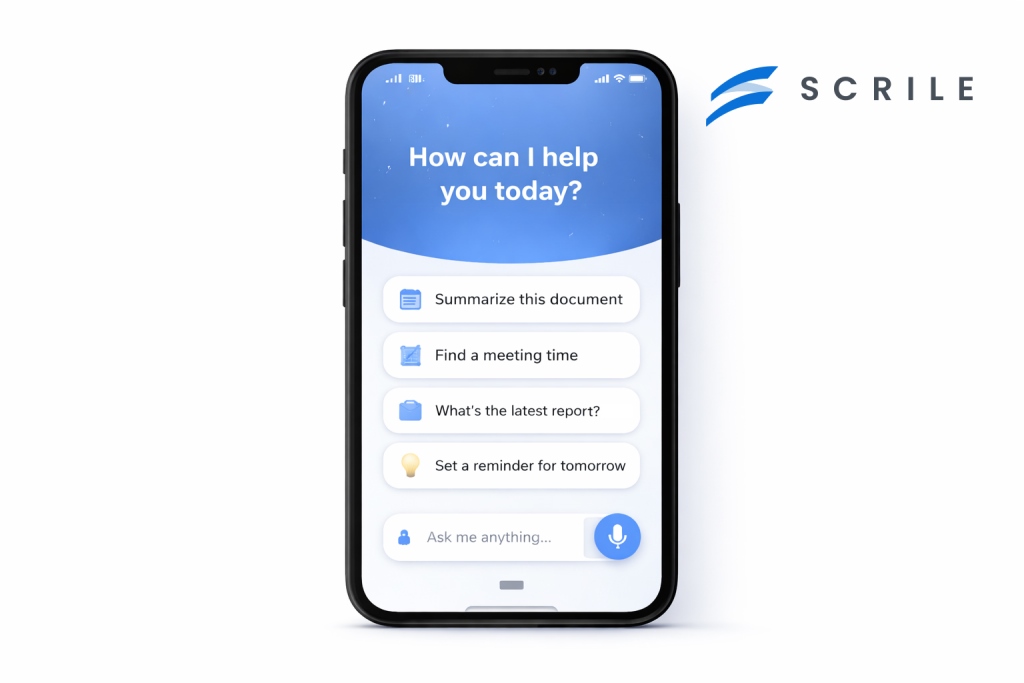
Many teams reach a point where off-the-shelf assistants stop fitting their needs. The behavior feels generic, integrations are shallow, and control is limited. This is usually when the question shifts from features to ownership, and what is an AI virtual assistant becomes a design decision rather than a definition.
Scrile AI approaches this from a different angle. It is a custom development service, not a platform with preset logic. That means the assistant is built around how your business actually works, not the other way around. Workflows, data access, and response behavior are defined at the architecture level instead of being patched in later.
What a Custom Assistant Can Actually Handle
With Scrile AI, virtual assistants are designed to operate inside real systems. They can connect to internal databases, CRMs, payment tools, content platforms, or moderation pipelines. This applies to standard business assistants as well as more complex use cases, including adult-oriented AI assistants where behavior control, privacy, and moderation rules are critical from day one.
Instead of acting as a surface-level chat layer, the assistant becomes part of your infrastructure. It can retain context across sessions, follow multi-step workflows, and apply different logic depending on user roles or access levels. Deployment is also flexible, covering web, mobile, private dashboards, or embedded tools.
Key benefits of this approach include:
- Logic tailored to business rules, so responses and actions follow your processes rather than generic patterns.
- Custom domain language, allowing the assistant to speak in terms your users already understand.
- Privacy and data controls, essential for regulated industries or sensitive content environments.
- Scalability by design, supporting growth in users, features, and complexity without rebuilding the system.
Scrile AI works best for teams that want long-term control. Instead of adapting to a platform’s limits, you define how your assistant behaves, evolves, and integrates as your product grows.
Conclusion
AI assistants are no longer something people try once and forget. They are becoming part of how work gets done and how daily tasks are handled, quietly reducing friction where it matters most. When they work well, they feel less like software and more like a natural extension of intent.
As expectations grow, the difference between adopting a ready-made tool and building something purpose-built becomes clearer. Generic assistants solve common problems. Custom assistants solve your problems. That distinction matters for businesses that want control, continuity, and long-term value.
If you are thinking beyond experimentation and want an assistant designed around real workflows, explore Scrile AI’s solutions and see what building on your own terms looks like.
Polina Yan is a Technical Writer and Product Marketing Manager, specializing in helping creators launch personalized content monetization platforms. With over five years of experience writing and promoting content, Polina covers topics such as content monetization, social media strategies, digital marketing, and online business in adult industry. Her work empowers online entrepreneurs and creators to navigate the digital world with confidence and achieve their goals.
by Polina Yan
Flirting has moved into the chat box. A wink emoji, a half-serious line dropped into Messenger, a long thread of late-night banter — most connections now start and grow through text. But here’s the thing: not everyone knows what to say, and even the smoothest talker runs dry sometimes. That’s where an AI flirty text generator comes in.
Think of it as backup for your brain. Fire it up, and you’ve got a tool that can suggest playful openers, craft a cheeky response, or carry on a spicy roleplay chat without running out of steam. Some people use it for dating apps, others for more explicit spaces where adult creators keep fans entertained in private messages. The draw is the same: it keeps the conversation flowing.
In the pages ahead, we’ll unpack how these generators work, where they shine, and which five stand out in 2026 — plus how Scrile Connect lets you build one of your own.
What Is an AI Flirty Text Generator?
At its core, an AI flirty text generator is software built to handle the kind of conversations that usually make people pause and overthink. Instead of staring at the blinking cursor, you can let the system throw out playful suggestions, smooth compliments, or even entire replies that keep the mood alive. The tech behind it isn’t magic — it’s natural language processing, fine-tuned conversation models, and personality presets that give the AI a certain “voice.”
In practice, this means you can set the tone. Want witty and lighthearted? It can do that. Prefer sultry or more direct? That’s just a switch of a setting. Some tools even allow you to train the model with your own chat history so the replies feel more personal, less like something borrowed from the internet.
People use these tools in different ways. A teenager might lean on one for courage when texting a crush. Long-distance couples often use them to keep the spark alive across time zones. Adult creators go a step further, turning the AI into a sexting companion that scales conversations with dozens of fans at once. In those scenarios, the software isn’t just fun — it’s part of the business.
Of course, a flirty text response generator AI isn’t flawless. Without enough context, the output can feel generic or slightly off. Sometimes the AI misses sarcasm or tone, which can create awkward moments. But when it works, it takes the pressure off and helps people focus less on typing the “perfect” line and more on enjoying the exchange.
Why Use AI for Flirting? Benefits & Use Cases
Flirting through text is fun, but also stressful. Thinking too long about a reply can kill the moment, and running out of ideas makes conversations flat. An AI flirty text generator helps keep the spark alive by throwing out playful lines, cheeky one-liners, or even handling an entire roleplay chat when you’re too tired to think.
What makes these tools popular is how many different roles they can play. People use them for fun, for business, and sometimes just for emotional support.
Key Areas Where AI Flirty Text Generators Shine:
- Entertainment and dating apps: Many singles rely on AI for flirting to avoid dry conversations. Instead of the boring “hey, what’s up,” they get smart suggestions that help them stand out.
- Long-distance relationships: When calls aren’t possible, AI for texting can help couples keep their daily chats fresh with creative prompts and playful messages.
- Adult creators and webcam performers: Handling dozens of private chats a day is exhausting. An AI assistant can cover flirty banter at scale, helping creators make fans feel noticed while focusing their real energy on the highest-value interactions.
- Companionship for lonely users: Not everyone uses these tools for dating. Some people just want to feel less isolated. A flirty text response generator AI can simulate intimacy and conversation, making late nights less quiet and giving users the sense of being cared for.
- Roleplay and fantasy: For fans of interactive storytelling, AI tools can take on different characters, moods, or tones, bringing imagination into chat form.
- Coaching and confidence building: Practicing lines in private builds social skills. Users can test humor, boldness, or timing with AI before trying the same in real life.
- Education and workshops: Some online coaches even integrate these tools into lessons on communication, showing students how different approaches change the feel of a conversation.
From casual dating to adult services, from practicing confidence to simply having someone “there,” an AI flirty text generator makes it easier to start, sustain, and enjoy conversations.
5 Best AI Flirty Text Generators in 2026
AI has crept into every corner of online life, and flirting is no exception. An AI flirty text generator can throw out witty one-liners, keep a conversation playful, or even build long-term roleplay threads. For some, it’s about spicing up dating app chats. For others, it’s companionship — a way to ease loneliness with a digital partner who never runs out of things to say. The tools on this list cover the spectrum, from lighthearted banter to fully NSFW sexting engines.
Replika
Replika is one of the best-known AI companions and remains a popular choice in 2026. It started as a general friend-bot but has grown into something closer to a customizable partner, with modes that support flirting and romance. Many people use it for emotional connection, while others enjoy it as a gentle entry point into AI-powered intimacy.
Features
- Personality that adapts over time, remembering details and building continuity.
- Flirty conversation mode that can shift tone depending on how bold you want it.
- Optional NSFW features for users who want something beyond sweet talk.
Pros
- Conversations feel personal because of memory and emotional cues.
- Easy to start — no steep learning curve.
- Works on mobile and desktop with a clean interface.
Cons
- Flirty interactions can feel soft compared to more explicit apps.
- Extra features often locked behind a paywall.
- Limited control over how far adult content can go.
Replika works best for people looking for consistency and warmth. It’s not the raciest option, but as an AI flirty text generator it delivers a sense of stability that many find comforting.
CrushOn.AI
CrushOn.AI is built for people who don’t want filters holding them back. Unlike softer apps, it leans heavily into explicit conversations and roleplay. The design is simple: you pick or design a character, set their personality, and the system generates dialogue that adapts to the mood you create. It’s one of the few options where NSFW is a central selling point rather than a quiet add-on.
Features
- Custom character creation with sliders for personality, tone, and kinks.
- Fully NSFW roleplay options without strict limitations.
- Ability to save scenarios and return to them later.
Pros
- Ideal for adult users who want unfiltered, spicy chat.
- Highly customizable personalities make every experience unique.
- Strong focus on roleplay compared to casual conversation bots.
Cons
- Less emphasis on emotional bonding, more on fantasy.
- Interface can feel clunky compared to mainstream apps.
- Free tier is very restricted, pushing users toward paid plans quickly.
CrushOn.AI works well for anyone searching for an AI flirt app that’s upfront about being erotic and customizable. It’s less about companionship and more about immersive, adult scenarios.
ChatGPT (with Flirty Personality Prompts)
ChatGPT isn’t marketed as a dating or flirty tool, but creative users have been bending it into one. With the right prompts, it can shift tone toward playful, cheeky, or romantic conversation. Some people even use it to draft lines before sending them in real chats, treating it as a brainstorming partner rather than a companion.
Features
- Adaptable tone: can move from professional writing to playful banter with a simple prompt.
- Works across multiple apps and platforms thanks to integrations.
- Creative flexibility: users decide the persona, from casual flirt to fantasy roleplay.
Pros
- Extremely flexible compared to specialized tools.
- Great for drafting responses that feel natural.
- Large knowledge base makes it versatile beyond flirting.
Cons
- Doesn’t remember conversations well without extra setup.
- Not designed for intimacy, so replies can feel generic.
- Requires user effort to guide tone and avoid dullness.
ChatGPT is the Swiss Army knife of AI texting. It’s not marketed as an AI flirty text generator, but for people who like experimenting, it doubles as a powerful sandbox to shape their own playful partner.
Anima AI
Anima AI positions itself as a virtual companion first, but it has steadily gained popularity as a playful chat partner. Its main draw is the focus on roleplay and light romance. Younger users often test it out as a low-pressure way to practice flirting, while others enjoy it as a casual digital companion that’s always available.
Features
- Customizable avatars with different looks and personalities.
- Roleplay settings ranging from sweet to teasing, with mild adult elements.
- Conversation memory that helps maintain consistency across chats.
Pros
- Friendly entry point for people new to AI companionship.
- Visual avatars add to immersion, not just text.
- Offers a balance between fun and emotional support.
Cons
- NSFW capabilities are limited compared to explicit apps.
- Dialogue can repeat if you push longer conversations.
- Some features feel paywalled, especially personalization.
Anima AI isn’t the most advanced or risqué option, but it fills a niche. For users who want an approachable AI flirt app that mixes lighthearted romance with companionship, it’s a comfortable fit.
Candy.ai

Candy.AI markets itself directly as an adult-first AI companion. Unlike softer apps, it leans heavily into NSFW sexting and explicit roleplay. Personalization is a big part of the appeal: users can design their AI partner’s look, style, and conversational personality to match specific fantasies.
Features
- Explicit sexting and roleplay modes baked into the core experience.
- Detailed customization of characters, from looks to dialogue tone.
- Ongoing chat memory for more realistic interactions.
Pros
- One of the most direct adult-oriented tools available.
- Deep customization means you can build a partner tailored to your preferences.
- Strong appeal for people looking for explicit companionship rather than general conversation.
Cons
- Little focus on emotional support — fantasy comes first.
- Not as polished in design as mainstream apps.
- Subscription costs can add up quickly for heavy users.
Candy.AI makes no secret of its intent: it’s for explicit companionship. For users who want an AI flirty text generator that’s bold, customizable, and adult-only, it stands out as one of the more daring entries on the list.
Scrile Connect: Build Your Own AI Flirty Text Generator
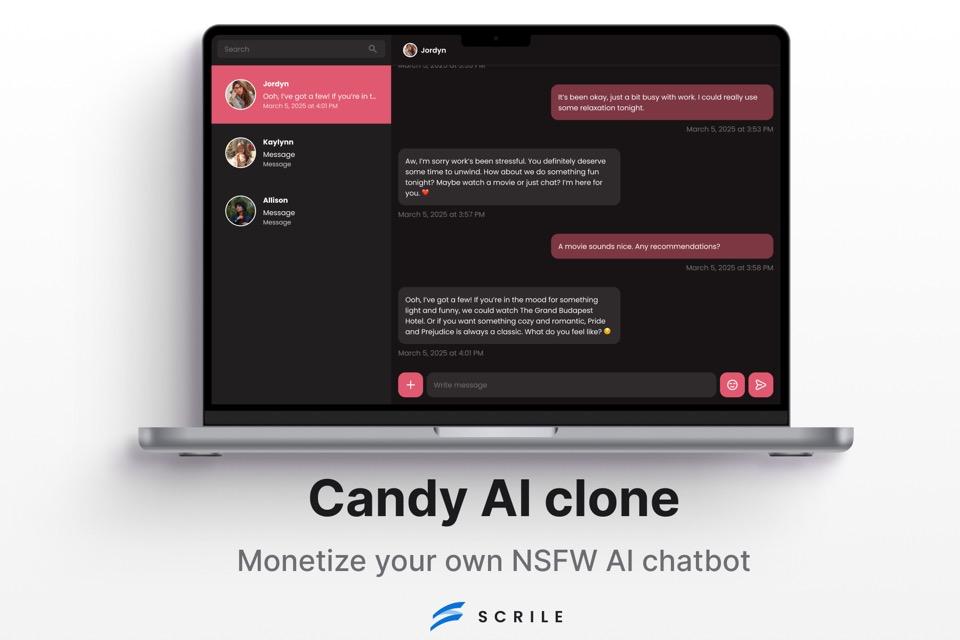
Most of the apps in this list are built for mass audiences. They’re polished, easy to download, and quick to start using — but they’re also limited. You don’t own the brand, you can’t control the roadmap, and revenue always flows through someone else’s system. Scrile Connect takes a different route. It isn’t a ready-made app at all. It’s a development service that builds a white-label solution designed around your vision.
With Scrile Connect, your AI project carries your brand, domain, and design. Want a sleek modern UI? Or a more playful, adult-friendly layout? The service adapts. Under the hood, it supports advanced features like creating your own AI girlfriend, fine-tuning personalities, selling AI art directly to fans, and managing subscriptions without middlemen. For monetization, the toolkit includes recurring subs, one-time tips, pay-per-chat access, and premium content paywalls — everything creators or businesses need to keep revenue flowing.
This isn’t just an app; it’s full AI flirting platform development. That means NSFW readiness, flexible integration with payments, and zero restrictions from third-party vendors. Instead of being stuck with what an app allows, you shape the rules and keep ownership.
Possible use cases with Scrile Connect include:
- Dating startups that want to launch their own branded AI chat service.
- Adult cam agencies scaling private chat and premium content with custom-built AI companions.
- Niche roleplay communities seeking tailored personality-driven conversation engines.
- AI art sellers combining flirty avatars with creative digital content on their own site.
Scrile Connect stands out because it hands control back to the business. No revenue cuts, no platform branding, no ceiling on creativity — just a custom build that reflects exactly what you want to offer.
Conclusion
AI flirty text tools have become more than novelties — they’re playful, practical, and in many cases, profitable. The five apps highlighted here each cater to different needs, from gentle companionship to bold, explicit roleplay. But all of them share the same limitation: they’re closed systems.
Scrile Connect breaks that mold. As a development service, it lets you create something entirely your own — branded, monetized, and flexible enough to grow with your audience. If you’re ready to take control, explore Scrile Connect and build an AI flirty text generator that’s truly yours.
Polina Yan is a Technical Writer and Product Marketing Manager, specializing in helping creators launch personalized content monetization platforms. With over five years of experience writing and promoting content, Polina covers topics such as content monetization, social media strategies, digital marketing, and online business in adult industry. Her work empowers online entrepreneurs and creators to navigate the digital world with confidence and achieve their goals.

by Polina Yan
Digital identities are everywhere now — in gaming worlds, on social media, inside virtual classrooms, and even in adult streaming. They’re no longer side projects or novelties. For many people, these avatars are how they connect, entertain, and make money.
So, what is an AI avatar? Think of it as a computer-generated character designed to look and act human. It can speak in natural voices, mirror expressions, and hold conversations that feel real enough to build trust. Some are used in education, some in customer service, and plenty are already thriving in the adult industry where personalization and privacy matter most.
The appeal is obvious: avatars are cheaper than hiring live actors, always available, and easy to scale across platforms. In this article, we’ll explore the benefits, real use cases, and highlight five of the best AI avatar software tools worth knowing in 2026.
What Is an AI Avatar?

At its core, an AI avatar is a computer-generated human. Not a cartoon, not a static profile picture, but a figure that can move, talk, and even react in a way that feels natural. The realism comes from the tech behind it: speech models that create convincing voices, computer vision systems that animate facial expressions, and rendering engines that sync mouth movements with dialogue. Together, they produce the illusion of a lifelike digital character.
The machinery under the hood usually blends:
- Natural Language Processing (NLP): so the avatar can understand input and reply.
- Computer vision: for lip-sync, gestures, and expressions.
- Text-to-video synthesis: turning a script into a talking, moving persona.
That combination makes an avatar more than a skin on a chatbot. It creates presence. You’re not just reading a line of text back from an AI — you’re watching “someone” deliver it. This is why what is an AI avatar has become a real question for businesses, creators, and adult platforms alike. The technology has evolved enough that interacting with these digital humans feels less like software, and more like meeting a character built for you.
Benefits of AI Avatars

One of the biggest draws of AI avatars is how quickly they can mold themselves to whoever is watching. They don’t have a single script or fixed persona — the same avatar can crack a joke with one person, act professional with another, and switch into flirt mode in an adult chat without missing a beat. That level of personalization is something even real performers struggle to scale.
Another benefit is their stamina. No sleep, no breaks, no time zones. An avatar can be online around the clock, serving customers, entertaining fans, or running a pay-per-view show at three in the morning. For creators, this opens the door to global audiences instead of being tied to a personal schedule.
Money is another angle. Instead of hiring actors, streamers, or models, businesses can rely on avatars that work for a fraction of the cost while still creating engaging experiences. And in the adult space, they’ve already proven themselves as money-makers through subscription tiers, one-off tips, and premium requests.
To sum it up, the perks look like this:
- Personalized interaction that adapts to the user.
- Always on — no downtime or fatigue.
- Cheaper to run than real performers.
- Built-in monetization hooks from subs to pay-per-view.
These advantages explain why so many industries are taking avatars seriously.
Best Use Cases for AI Avatars
So, what is an AI avatar really good for? The short answer is: almost anything that involves people paying attention to a screen. The long answer is a growing list of use cases that’s expanding every year as the tech gets sharper.
- Entertainment and gaming: NPCs that feel alive, characters who remember your progress, storylines that adapt.
- Adult industry: porn avatars that perform custom scenes, chat-based companions that never log off, and NSFW roleplay that gives privacy without losing intimacy.
- Influencers: virtual doubles that post while the real person sleeps, avatars that can speak multiple languages for global reach, or digital clones that handle fan engagement at scale.
- Education and training: tutors who can demonstrate tasks on demand, corporate avatars that lead onboarding sessions, or language-learning partners who never get tired of your mistakes.
- Business and enterprise: customer service avatars for 24/7 support, branded mascots that replace generic chatbots, interactive guides inside apps or websites.
- Healthcare: therapy companions for mental health check-ins, virtual nurses reminding patients to take meds.
- Events: hosts for conferences or adult cam sites, moderators that keep digital spaces running smoothly.
The list keeps growing because avatars aren’t bound to a single role. Once the character is built, it can shift across industries without new training or added cost — one of the reasons adoption is spreading so fast.
Top 5 AI Avatar Software in 2026
Colossyan
Colossyan built its reputation in the corporate world, but its technology is versatile enough to cross into other spaces. At its core, it’s a text-to-video tool: you write a script, pick an avatar, and the platform produces a professional-looking video with a digital presenter. For training departments, this removes the cost of hiring actors or booking video shoots. The avatars look realistic, and the lip sync is convincing enough that most viewers won’t question whether they’re watching a person or an AI-driven model.
Pros: realistic visuals, simple workflow, strong use for corporate learning and tutorials.
Cons: avatar variety is limited, and customization options can feel restrictive for creators outside the training niche.
Synthesia
Synthesia is one of the most well-known names in the AI avatar space. It’s become a go-to for marketers, educators, and even independent creators who want polished videos without needing production teams. The library of avatars is large, and you can even create custom avatars that look like you — a feature that appeals to influencers and businesses alike. The platform supports dozens of languages, making it useful for global brands or creators with international audiences.
Pros: wide avatar selection, strong customization, multilingual support.
Cons: pricing can be high for heavy users, and some avatars still look a little “uncanny” in emotional scenes.
HeyGen
HeyGen feels less like a stiff corporate tool and more like a playground for creators. You can spin up avatars that sell products, narrate social videos, or even test adult-friendly concepts in a safe space. The software leans heavily on flexibility — you’re not stuck with one format. Marketing teams can drop an avatar into promo videos, while independent creators experiment with edgier or NSFW ideas without risking their own face on camera. The editing workflow is smoother than most: drag, drop, adjust, render.
Pros: creative freedom, good balance between pro use and casual creators, NSFW-friendly flexibility.
Cons: still maturing compared to giants like Synthesia, occasional quirks in lip sync.
Replika
Replika takes avatars in a different direction. Instead of polished corporate presenters, it focuses on companionship and conversation. You design an avatar, chat with it, and over time it learns your habits. For some, it’s a wellness tool; for others, it slides into emotional support or even intimate territory. It’s one of the few services where people form genuine attachments to their avatars, sometimes stronger than with real contacts. That mix of empathy and persistence is its unique edge.
Pros: strong conversational depth, personalized interactions, emotionally engaging.
Cons: limited to chat and light roleplay, not built for polished video production.
D-ID
D-ID is best known for turning still images into moving, talking avatars. Upload a portrait, feed it text or audio, and suddenly the image starts speaking with realistic lip sync. For history projects, marketing campaigns, or even adult-themed photo-to-video experiments, it opens doors without needing a live performer. The tool is simple to use but surprisingly effective at creating a sense of presence from nothing more than a headshot.
Pros: quick results, unique “photo to video” capability, easy to learn.
Cons: mostly limited to head-and-shoulder avatars, output can look repetitive if pushed too far.
Why Scrile AI Stands Out
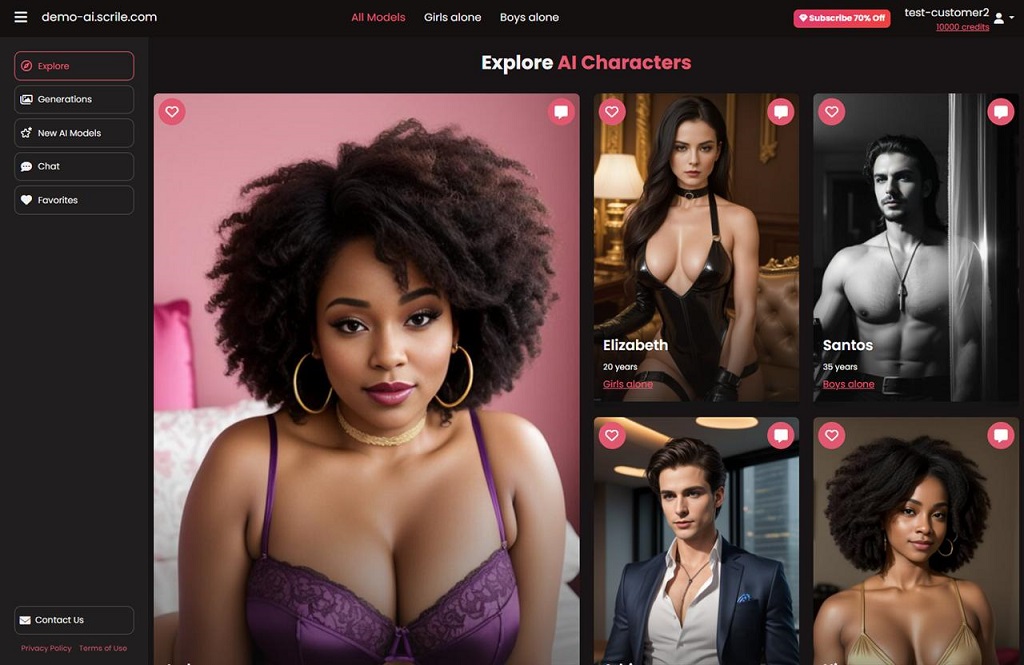
Most of the tools we’ve covered so far are ready-made platforms. They’re great for quick use but come with limits: you rent space, you follow someone else’s rules, and you give up a slice of revenue. Scrile AI goes in a different direction. It isn’t a platform — it’s a development service that lets you build an AI avatar business on your own terms.
The biggest difference is ownership. With Scrile AI, the product wears your brand, not theirs. You control the domain, the design, and the interface. That means your audience sees your name, your colors, and your style — not another company’s watermark.
What Scrile AI provides out of the box is impressive:
- Avatar builder that lets you create characters with unique looks and personalities.
- Integration with leading LLMs (GPT, Claude, Gemini), so your avatars can chat, roleplay, or run scripts.
- Adult-friendly features that make NSFW use cases not only possible but polished.
- Flexible monetization — subscriptions, pay-per-chat, tipping, and bundles.
For anyone asking what is an AI avatar in the context of business, Scrile AI is the answer that goes beyond experiments. Instead of being locked into a SaaS plan with fixed options, you get a system that adapts to your goals. That flexibility makes it valuable for startups chasing new niches, creators looking to launch adult-focused services, or enterprises that want to add avatars without handing over revenue to a third party.
Scrile AI doesn’t just hand you a tool. It hands you the keys to an entire ecosystem that’s yours to scale.
Conclusion
Avatars have moved from curiosity to everyday tools. They’re shaping how people learn, play, work, and even build intimacy online. The five software picks we looked at each serve a purpose — from text-to-video production to companionship apps — and they show just how wide the field has become. But none of them hand over full control.
That’s where Scrile AI changes the picture. Instead of renting space on someone else’s platform, you get the chance to build your own. Your brand, your design, your rules. For businesses and creators who want to turn avatars into a real venture, that kind of ownership is the edge that matters.
If you’re ready to explore what’s possible, reach out to the Scrile AI team. They’ll help you create something that isn’t just another tool, but a system designed around your goals.
Polina Yan is a Technical Writer and Product Marketing Manager, specializing in helping creators launch personalized content monetization platforms. With over five years of experience writing and promoting content, Polina covers topics such as content monetization, social media strategies, digital marketing, and online business in adult industry. Her work empowers online entrepreneurs and creators to navigate the digital world with confidence and achieve their goals.
by Polina Yan
Knowing how to make an AI chatbot in 2026 is less about coding and more about clarity — because AI bots aren’t just hype anymore. They’re running help desks, chatting up customers, selling subscriptions, and even simulating intimacy through NSFW chat experiences like Candy AI.
Whether you’re a solo founder building a niche app or a business owner automating support, chatbots have become essential tools. Some answer FAQs. Others act like personal assistants. A growing number? They’re designed for companionship, education, or paid fan interactions — and users expect them to sound human, remember things, and work across platforms.
You don’t need to be a developer to build one. But you do need to understand how they work, what options exist, and what makes a chatbot actually useful (and not just noisy). This guide breaks it all down — from quick-build tools to custom AI platforms with monetization built in.
Why Chatbots Still Work in 2026
If you’re wondering how to make an AI chatbot that people actually want to use, start with this: the market is thriving. According to Grand View Research In 2026, the global chatbot market is projected to exceed $27 billion, driven by demand across ecommerce, health, entertainment, and adult industries. Bots aren’t replacing humans — they’re augmenting them, doing the repetitive stuff faster and around the clock.
And they work. Studies show that AI-powered chat outperforms static FAQ pages and clunky help forms. Why scroll through a support database when you can just ask a bot?
Here’s where people are using them:
- Ecommerce brands use them as product recommenders and upsell engines.
- Mental health startups are building bots as virtual therapists or check-in partners.
- Hotels and clinics rely on chatbots for bookings and reminders.
- Fan sites and creators use chat to build loyalty through personalized interaction.
- And yes, NSFW AI bots — inspired by services like Candy AI — are becoming a mainstream monetization channel for adult content creators.
People are getting more comfortable chatting with bots, especially when the bot remembers things, responds with nuance, and sounds like an actual personality — not just a script.
If you’re considering creating an AI chatbot for your business or platform, the use cases are wider (and more profitable) than ever. It’s all about building something that feels human — without needing a human on the other end.
Pick Your Bot Type First
Before you even ask how to make an AI chatbot, you need to know what kind of chatbot you’re building — because not all bots are designed to do the same job.
Some bots are built to handle support tickets and help customers navigate FAQs. Others are made to capture leads, qualify prospects, or drive product sales. And increasingly, chatbots are being used for creative and highly personalized experiences — from writing assistants to NSFW AI bots and even fan roleplay companions.
Here are just a few types you might consider:
- Support bots for troubleshooting and onboarding
- Lead capture bots that gather emails and segment traffic
- Writing or knowledge bots to help brainstorm, draft, or summarize
- NSFW-style AI companions for entertainment or monetization
- Character bots or fiction-based personas for fandom interaction
- Booking bots for scheduling and reminders
Every chatbot solves a different problem. And if you’re creating an AI chatbot for a specific use case, getting clear on that problem first will shape every decision: the tone of voice, the backend logic, and the tools you’ll need.
No-Code and Low-Code Options

Not everyone building a chatbot in 2026 is a developer — and the rise of no-code and low-code tools proves that. Platforms like ChatBot.com, Tidio, and Landbot have made it possible for almost anyone to launch a functioning AI assistant in less than a day. These tools offer visual builders, simple logic flows, and pre-built conversation templates, so even someone without a tech background can piece together a working bot.
If you’re running a small business or need a basic virtual assistant, these platforms can do a lot. You might want a chatbot on your Shopify store to handle product questions, process simple returns, or guide customers to the right category. Or maybe you need something that helps book appointments, answers FAQs, or directs visitors to the right department. These tools are ideal for those kinds of jobs.
The biggest benefit of going the no-code route is speed. It’s fast to launch, affordable to test, and easy to manage without a dedicated dev team. You can tweak flows, add messages, and adjust triggers in a visual dashboard with little effort. But with that simplicity comes limitations. These tools aren’t built for deep customization. You can’t always control tone or personality, and memory is often limited to a single session — which can be a dealbreaker for more interactive or emotionally intelligent bots.
For many, though, that trade-off is fine. If your needs are straightforward and your brand doesn’t rely on advanced logic or tone-sensitive replies, these platforms offer a great entry point. Still, if you’re thinking long-term — or want your bot to actually sound human, remember context, or monetize — no-code tools might feel like a short-term fix.
Understanding how to create an AI chatbot is as much about knowing your options as it is about knowing your limits.
Building Your Own: Custom Chatbot Architecture
If you want total control over how your bot looks, talks, and behaves, then you’re probably thinking about going custom. Learning how to make an AI bot from scratch gives you flexibility that no template-based builder can match. This is where things get technical — but it’s also where they get powerful.
The Anatomy of a Custom AI Chatbot
A solid architecture starts with three essential components: the user interface (chat screen or voice interaction), the AI engine, and the logic layer that holds it all together. For the UI, you might use a web or mobile front-end designed in React, Vue, or Flutter. It’s the part the user sees and interacts with. Behind the scenes, the real work happens.
Most modern bots hook into powerful APIs like OpenAI (GPT-4), Claude, or Mistral for generating responses. These engines don’t “understand” in a human sense, but they’re excellent at language prediction, tone matching, and context generation — especially when guided by well-structured prompts.
That’s where prompt engineering comes in. A strong prompt is more than “talk like a pirate.” It’s a carefully crafted instruction set that sets tone, role, memory behavior, and guardrails. You can also integrate LangChain for building logic flows or multi-turn conversations, and tools like Pinecone or Weaviate to manage vector-based memory — so your bot can “remember” things users said days or weeks ago.
You’ll also need a backend — Firebase is a popular choice — to store user data, authentication, and interaction history. Combine this with analytics and optional payment integration, and you’ve got the bones of a real product.
Use cases are only growing. Some developers build bots that write poetry in the user’s tone. Others create Candy AI-style NSFW companions, trained on romantic or explicit fiction and designed for real-time, emotionally adaptive responses.
If you’re considering custom AI chatbot development, this is the route that lets you build exactly what you want. But it also means thinking like a product owner, not just a builder. That’s the trade — freedom for complexity.
What a Good AI Bot Needs in 2026
Building a chatbot is one thing. Building a good one — the kind users actually enjoy talking to — is something else entirely. Whether you’re creating an AI chatbot for a business, a creative project, or something more personal, the difference between “meh” and “wow” usually comes down to a few key features.
Memory is at the forefront. The very best 2026 bots don’t just react in the moment – they remember context. This may involve tracking a user’s name and tastes or reading a series of conversations over several months. Without memory, exchanges become shallow, mechanical, and unmemorable.
There’s also tone. Your bot may not have to feel, at least not in an emotional way, but it will need to respond in ways that will feel empathetic or energetic when required by circumstance. Insert some safety rails and moderation filters, particularly if your bot is dealing with sensitive subjects or NSFW material, and you’ve got something that will feel complete and credible.
Smart bots also connect to other tools. Want to process payments? Integrate with Stripe. Want to notify users or sync to groups? Plug into Telegram or Discord. APIs are your best friend here.
Privacy is another deal-breaker. If your chatbot handles personal or adult interactions, strong privacy controls and user filters are essential. Clear terms, encryption, and opt-in systems go a long way toward building user trust.
Finally, language flexibility is key. A growing number of bots are expected to handle multiple languages or offer seamless translation on the fly — especially when used in global communities.
These aren’t just features. They’re expectations. The bar is higher now, and the bots that stand out are the ones that feel less like widgets — and more like something real.
Scrile AI: Building Custom Chatbots that Work — and Sell
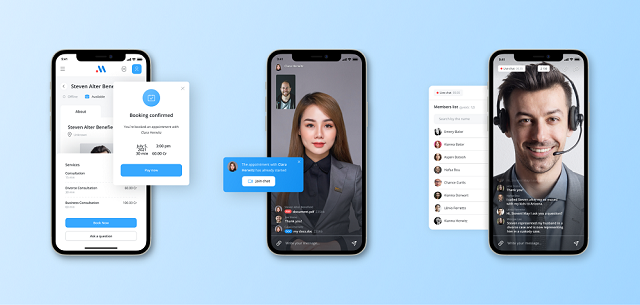
Once you’ve explored prebuilt tools and basic frameworks, one thing becomes clear: real success with chatbots doesn’t come from off-the-shelf options. If you want full creative control, long-term ownership, and real monetization potential, it’s time to think about how to make an ai chatbot with a custom approach.
That’s where Scrile AI stands out. It’s not a plug-and-play chatbot builder or a SaaS subscription with rigid limitations. Scrile AI is a custom development service — a technical team that helps founders, startups, and creators launch their own branded, scalable AI chatbot platforms from scratch.
The difference? You don’t just get a bot — you get an entire product.
Scrile AI specializes in custom chatbot solutions designed for business models where personalization and revenue matter. That includes NSFW platforms, fitness coaching, fan communities, subscription services, and interactive education tools. These aren’t bots bolted onto an existing website — they’re full ecosystems built around user interaction, automation, and monetization.
Some of the use cases Scrile AI delivers:
- Subscription-based customer service bots for SaaS platforms
- Adult AI chatbots like Candy AI — private, monetizable, with built-in pay-per-message models
- Fitness and wellness coaches using chat-based programs, journaling, or daily feedback
- Dating site bots that simulate human conversation with realistic pacing, tone, and memory
- Fan hubs and roleplay platforms where characters interact in real time
And it’s not just about chat. Scrile builds systems that include:
- Custom-designed UIs tailored to your brand
- Full payment integration: Stripe, crypto, PPV, or affiliate models
- Scalable backend infrastructure and long-term chat memory
- Admin dashboards with user analytics and content moderation
- NSFW-friendly setup with privacy layers and content filters
- Voice, avatar, or live cam modules (optional)
Why choose Scrile?
Because launching from scratch doesn’t mean reinventing the wheel — it means skipping generic and building what actually fits.
With Scrile, you get:
- Fast time to market with agile rollout plans
- No vendor lock-in — you own everything
- Customization at every level, from UX to AI personality
- Clear pathways to monetize without third-party rules
If you’re looking for custom chatbot solutions that actually serve your business, Scrile AI gives you the control, tools, and support to make it real — and profitable.
Conclusion
The chatbot space in 2026 is more powerful and more versatile than ever. Whether you’re building a friendly customer service assistant, a creative storytelling bot, or even a romantic AI companion inspired by platforms like Candy AI, the tech is there — and it’s surprisingly accessible.
You no longer need a massive dev team or a year-long roadmap to launch something functional. If you just want a simple bot that handles support or collects leads, no-code platforms can get you going fast. But if your goals include deeper personalization, real AI memory, monetization, or NSFW functionality, that’s where things shift. The question isn’t just how to make an AI chatbot, but how to make one that actually reflects your idea — your brand, your voice, your audience.
And that’s where custom development makes all the difference. You get total control, data ownership, and the freedom to build a product that grows with you — not within someone else’s limitations.
Scrile AI was built for that purpose. They’re not handing you a template. They’re helping you create something original, branded, and ready to launch — fast.
If you’re ready to stop renting chatbot tools and start owning your vision, talk to Scrile AI. They’ll help you build the chatbot you’ve been imagining — and make it something users will actually want to talk to.
Polina Yan is a Technical Writer and Product Marketing Manager, specializing in helping creators launch personalized content monetization platforms. With over five years of experience writing and promoting content, Polina covers topics such as content monetization, social media strategies, digital marketing, and online business in adult industry. Her work empowers online entrepreneurs and creators to navigate the digital world with confidence and achieve their goals.