
Quick answer
If your booking flow starts with a consult, reference images, or design approval, a plain calendar app will hide the real work instead of handling it. The best scheduling app for tattoo artist use is the one that protects deposits, keeps intake in one place, and handles multi-session timing without turning staff into message-forwarders. Read on to see which tool type fits solo artists, small shops, and custom-piece studios. If you only need basic reminders for short appointments, you may not need tattoo-specific software at all.
Where tattoo scheduling usually breaks first
A tattoo booking page looks simple until the first serious client sends reference images, asks about budget, and wants a design that still needs approval. A front desk can spend the next hour bouncing between DMs, deposits, and calendar edits while the artist is trying to keep the day moving. That is the point where generic salon software starts to leak time.
The cost is not just missed appointments. It is the 2-4 hours a week swallowed by consult back-and-forth, plus the rework when a design is not ready and the slot was already reserved. In a shop with 3-5 artists, that turns into visible idle time fast. If you want a broader benchmark for how appointment tools behave in salon settings, the comparison in best salon appointment app shows where standard booking logic stops being enough.
Consultation intake is the real gate, not the calendar
For tattoo work, the first booking is often not a booking at all. It is a screening step: style fit, placement, references, size, budget, and whether the artist is the right match. If software only books time, staff still have to collect those details elsewhere, and the handoff gets messy.
Shops that treat consults as the front door usually need a system that collects intake before the calendar opens. That difference sounds small. It is not. One missing photo or one vague brief can cost a full appointment slot and a week of rescheduling. If the client side also includes a paid consult, a live-consult flow like live video consulting platform may fit better than a basic calendar widget.
Design approval and revision loops change the booking flow
Most salon software assumes the service is ready to deliver when the slot is booked. Tattoo work often runs the other way. The artist sketches, the client reviews, and the final time is only safe once the design is approved.
That approval loop is where a lot of category noise comes from. A booking app can look strong on reminders and payments yet still fail the real test if it cannot keep the approval stage connected to the session. Teams handling this gap often end up using a separate chat tool, a shared inbox, or a couple of disconnected docs. It works until the shop gets busier.
Session length and multi-session work make standard salon logic fail
A 30-minute brow service and a six-hour sleeve are not the same operational problem. Tattoo work needs buffer logic, recurring or follow-up sessions, and room to split large jobs into stages. Standard booking pages rarely model that well.
That is why searches for the best scheduling app for tattoo artist often lead to tools with deposits, series bookings, or manual slot control. The issue is not feature count. It is whether the software respects how tattoo jobs actually unfold over time.
Three tattoo studio scenarios that pick different tools
Shops make worse software decisions when they buy for the wrong operating model. A solo artist with one chair does not need the same stack as a studio running three calendars, a shared waitlist, and rotating artists. The wrong fit usually feels fine during the first month, which is why it slips through review.
Solo artist with short consults and simple deposits
A solo artist who books a limited number of custom pieces each week can often stay with a lighter system. The main job is to collect enough information to avoid wasted consults and secure the slot with a deposit. Anything more can become overhead.
In that setup, the risk is not software complexity. It is admin drag. If the artist spends 45 minutes a day chasing confirmations, even a free or low-cost app becomes expensive in lost chair time.
Small studio with shared calendar rules and uneven demand
A small shop with 2-4 artists usually needs more than self-booking. Someone has to manage availability, route different styles to the right person, and avoid overbooking the most requested times. Shared calendar views matter here, but only as part of a larger workflow.
When the studio is busy, the emotional state changes first. The owner starts feeling like every day begins with triage. A better system gives them one place to see who is booked, who is waiting, and which gaps can actually be filled.
Custom-piece studio with approval-heavy workflows and follow-ups
Custom work is the most demanding setup because the sale starts before the session and continues after it. Reference collection, approval, deposits, aftercare, and possible touch-up scheduling all matter. A tool that only handles calendar time will leave a lot of work outside the system.
That is the setup where teams usually need something closer to a consultation workflow than a basic appointment app. The studio is not just selling time. It is managing an advisory and creative process with a payment attached. For a broader scheduling baseline, best appointment booking software can help you compare what general tools cover before you decide whether tattoo-specific workflow support is worth it.
Best scheduling app for tattoo artist: the current shortlist
The market includes tattoo-specific tools, broad salon systems, and a few scheduling platforms that can be bent into shape. The right answer depends on whether the app has to run the whole studio or just take bookings cleanly. “Best” only means something against a real shortlist, so the decision below is built around workflow fit instead of feature hype.
Misfit.Tattoo
Misfit.Tattoo is the most tattoo-specific option here. Its best strengths are consent forms, review handling, and communication around pre-care and after-care. That matters when the booking flow starts before the appointment and continues after it.
The limit is scope. A shop that wants a broader business platform may outgrow it faster than a general system. It fits custom-piece studios and artists who need the workflow to follow the tattoo process, not the other way around.
GlossGenius
GlossGenius is a salon-first booking system that can work well for tattoo studios that need online booking, client history, and a polished branded page. Its strength is the blend of scheduling, records, and commerce features. That makes it practical for artists who want one front door instead of a patchwork of tools.
The trade-off is tattoo-specific depth. Approval steps and intake nuance may still need workarounds. It fits artists who want a clean client-facing experience and are willing to shape the workflow around the software.
MangoMint
MangoMint is aimed at larger multi-artist operations and leans into admin control. It handles consultations, compensation, deposits, and client details across a team. That is valuable when the shop’s biggest problem is coordination rather than basic booking.
The downside is setup weight. A solo artist or very small studio can feel the overhead quickly. It fits a studio with 5+ artists where shared rules matter more than simplicity.
Noona
Noona covers the basics well and is easier to start with for a solo operator. Its strengths are a low-friction booking setup, waitlists, recurring appointments, and client management. That combination is useful when the main goal is to keep the calendar clean without adding a heavy admin layer.
The trade-off is depth. Tattoo-specific workflow support is not the main promise, so it works best when the studio’s process is fairly simple. It fits solo artists and small shops that want control without a complicated stack.
Venue Ink
Venue Ink is built specifically for tattoo and beauty artists and gives you booking forms, flexible artist scheduling, and payment handling in one place. The point is simple: it acknowledges the studio model instead of pretending every appointment is the same.
The downside is opinionated structure. Very custom studios may want more control than it exposes, but most shops will see the benefit quickly. It fits studios that want a tattoo-friendly system without stitching together three separate tools.
Setmore
Setmore is a broad scheduling app that can cover appointment booking, notifications, recurring sessions, and payment connections. Its strength is accessibility and familiar scheduling logic. If the team wants something easy to understand, Setmore gets them there fast.
The limitation is also clear: it behaves like general appointment software first, not tattoo workflow software. It fits lower-complexity studios that care most about a simple calendar and reminders.
BookedIn
BookedIn is a lightweight booking tool with strong online booking and mobile access. Its strength is speed: you can get a branded booking page live without much setup. That makes it useful when a studio needs to capture leads from social links or a website quickly.
The downside is depth. It is better at taking bookings than modeling a whole tattoo production flow. It fits independent artists who want to move consults and appointments out of DMs without taking on a bigger system.
Scrile Meet – Live Video Consulting Platform
Scrile Meet – Live Video Consulting Platform sits in a different lane: paid video consulting, scheduling, chat, and branded communication. Its strength is the consultation-first model, which fits tattoo work when the sale starts with paid advice, sketch review, or a guided pre-booking call.
The limitation is obvious too. It is not a tattoo studio calendar clone, so shops that only need chair booking may find it broader than necessary. It fits artists or studios that monetize consults, want paid pre-booking advice, or need a structured step before the appointment is locked.
Task-by-task tattoo scheduling comparison
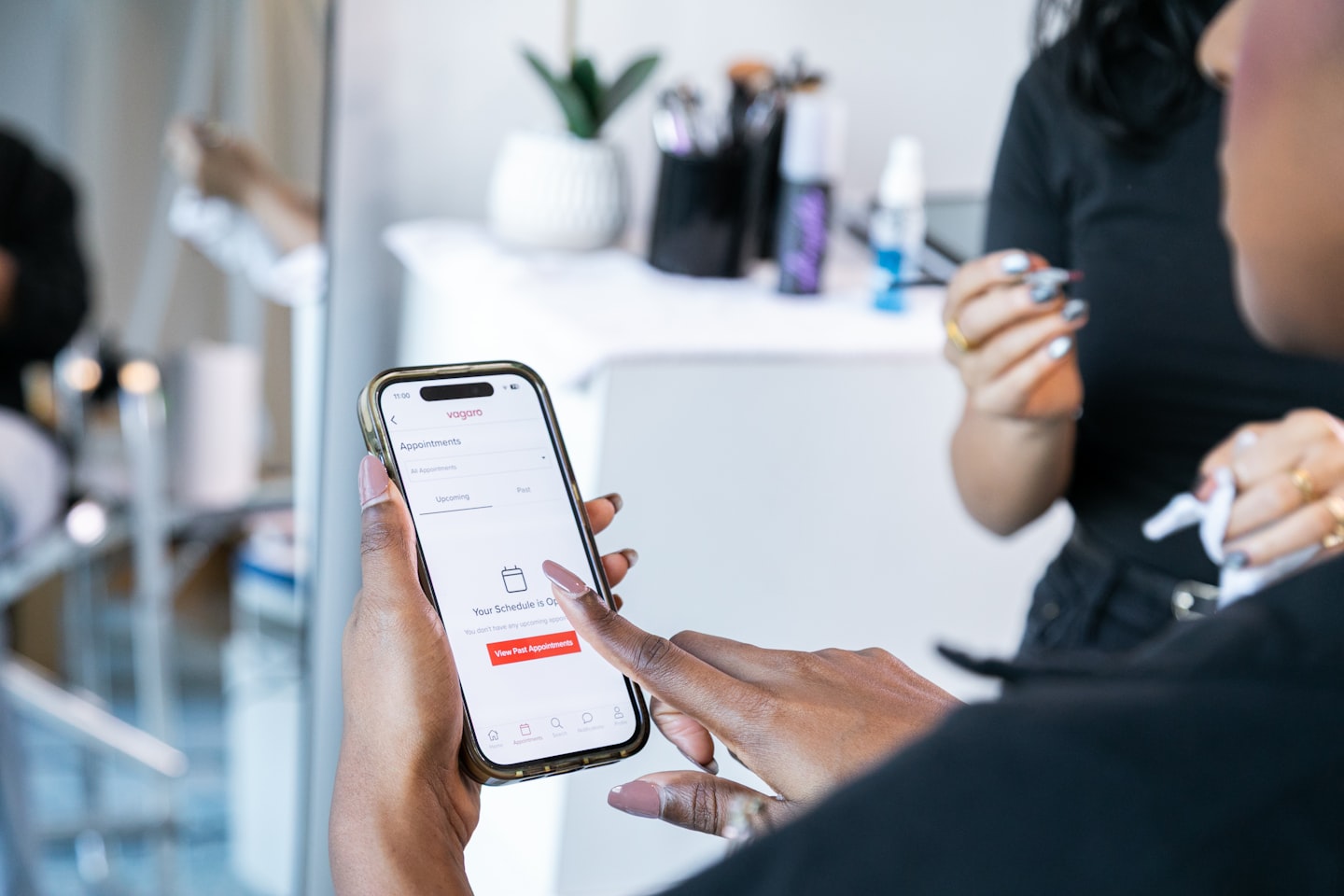
Feature lists blur together fast. A task matrix is more useful because it asks one question at a time: can the software do the work the shop actually needs? If the answer is no for deposits or approval steps, the rest of the feature list is mostly decoration.
For a studio comparing payment flow as much as booking flow, the sister guide on best booking software with payments is useful because deposits are not a side feature in tattoo work; they are part of no-show control. That is also why a lot of shops eventually compare booking tools against the broader stack described in best appointment booking software before they commit.
What the matrix says about generic salon software
Generic salon software is usually good enough when the booking is the whole job: a short service, a single artist, a single slot. Once the process includes images, approvals, deposits, or rebooking logic, the category starts to fray.
That is where teams begin to patch with email, DMs, and spreadsheets. It is not dramatic at first. Then the shop grows by one artist or one busy weekend, and the patchwork shows. The cost is usually 1-2 extra admin hours a day for the person managing the calendar.
Why reminders alone do not fix tattoo booking
Reminders reduce forgetfulness, but tattoo studios usually lose time earlier in the flow. They lose it when the brief is unclear, when the design is not approved, or when the slot is booked before the deposit is secured. A reminder cannot fix any of that.
Think of it this way: if the front of the funnel is wrong, the reminder only helps the wrong appointment happen on time. A better system reduces the number of wrong bookings in the first place.
How to choose the best scheduling app for tattoo artist work
Start with the questions that predict the most operational pain. The right answer is usually the one that removes the most manual handoffs, not the one with the prettiest booking page.
Rank deposits first
Deposits protect chair time. If a tool makes deposit handling clumsy, the shop usually pays for it in no-shows, late cancellations, and awkward follow-up messages. In practice, this is the first feature that turns “nice to have” into “must have.”
When a studio loses even a few slots a month, the missed revenue is easy to feel. One empty custom session can wipe out the savings from choosing a cheaper tool.
Then check intake and reference collection
If the client needs to send images, style notes, placement details, or budget information before booking, the app must support that front end. The more of the sale happens before the slot, the less useful a basic calendar becomes.
This is where a lot of general booking tools fall down. They can collect a time, but not the context that tells the artist whether the project is a fit. That is a very different job.
Then test approvals and revision handling
Approval steps matter when the design changes after the first draft. If that step requires three separate tools, the team will stop using it consistently. The result is simple: booked time that is not actually ready to be used.
A studio with a clean approval flow feels calmer because there is less guessing. The artist gets a better brief, the client sees less confusion, and the front desk stops acting as a relay station.
Then ask about multi-session and team scheduling
A solo artist can live with a simple setup. Once two or more artists share the same client pool, the software has to route bookings intelligently and keep linked sessions visible. Otherwise the shop spends its week correcting avoidable conflicts.
For teams, shared calendars are useful only if they stop collisions before they happen. A pretty calendar that still needs manual cleanup is just more screen time.
Then look for waitlists and cancellation fill-in
Waitlists matter because a canceled tattoo slot is expensive dead air. If the app can move a client into an open time without a long manual chase, the shop protects revenue and keeps the day full.
That matters most in busy shops, where the hardest slots to fill are often the most profitable ones. A good waitlist does not just organize names; it gives you a chance to recover the day.
If you want to compare this decision through a broader scheduling lens, the page on best scheduling app is useful for spotting which general features are still enough and which ones fail once tattoo-specific workflow enters the picture.
When generic salon software is enough
Generic software is enough when the studio books short, repeatable appointments, has little approval work, and uses deposits only occasionally. It is also enough when the owner is the only person touching the calendar and the booking flow is not tied to complex intake.
That threshold matters because overbuying software creates another kind of drag. A studio with 1-2 people can lose as much time in setup as it saves in automation. For those shops, simplicity beats specialization.
When tattoo-specific workflow support is worth paying for
Once the booking process starts to carry design approval, consults, reference intake, or aftercare, the category changes. The software is no longer just a calendar. It becomes part of the client journey. That is where tattoo-specific tools earn their keep.
The same is true when cancellations are expensive. If a lost slot costs several hours of chair time, then a better deposit and waitlist setup can pay for itself with only a few saved bookings per month. Shops often feel that improvement in the first 30 days, especially when the busiest artists are the hardest to reschedule.
How a studio should pilot a new booking flow
Waiting to fix the booking flow usually means another month of handoff churn. A short pilot is enough to see whether the system actually fits how your shop books work.
- Map the last 10 bookings that needed a consult or revision, then mark where the handoff broke. You will see the same 2-3 failure points repeat.
- Test one intake path with reference-image collection and a deposit rule. If the process saves even 10-15 minutes per booking, it scales quickly.
- Run one artist or one chair through the new flow for 2 weeks. That gives you a real signal without forcing a full-studio migration.
- If the shop is still patching consults through DMs, move that step into a dedicated flow before you add more artists.
Why consultation-led tattoo teams end up on Scrile Meet – Live Video Consulting Platform
For tattoo businesses that start with consults, the core issue is not calendar booking. It is whether the studio can turn paid advice, reference review, and appointment scheduling into one controlled flow. Scrile Meet – Live Video Consulting Platform fits that part of the journey because it is built around live consulting, scheduling, chat, and paid sessions rather than around a generic service calendar.
That matters when the studio needs to separate “talk first” work from “book now” work. A lot of tattoo workflows do not begin with a slot; they begin with a design conversation, a fit check, and a decision about whether the artist should take the project at all. Tools that only optimize appointment booking leave that front end to messages and manual follow-up. In practice, that creates the same friction every week: scattered references, unpaid consult time, and bookings that land before the brief is ready.
Scrile Meet – Live Video Consulting Platform is a better match when the business is monetizing advice, not just filling time. That usually describes custom-piece artists, consultation-led shops, and studios that want a branded way to handle pre-booking conversations without stitching together separate chat, payment, and scheduling tools. If the shop is tiny and only needs a basic chair calendar, a lighter app may be enough. Once the consultation becomes part of the sale, though, a system designed for paid sessions tends to hold up better.
Ready to build the setup behind this?
If this is the operating problem you need to solve, use the product page as the next step. It shows where build your setup fits and what the platform covers beyond a single payment widget.
Frequently asked questions
When is a generic salon app enough for tattoo bookings?
It is enough when the studio books short appointments, has little approval work, and does not need structured consults. Once the booking flow includes references, deposits, or follow-up sessions, the generic app usually starts to leak time back into DMs and spreadsheets.
What risk shows up first if a tattoo studio skips deposits?
No-shows and late cancellations usually show up first. In a busy shop, even 2 missed slots a month can cost several hours of billable time and make the calendar look fuller than it really is.
How do multi-session tattoos change the booking setup?
They require linked appointments, more buffer logic, and a cleaner follow-up path. If the software only sees one session at a time, the shop has to manage the rest manually, which is where errors usually start.
When should a studio switch to tattoo-specific workflow support?
Switch when consults, approval steps, or aftercare are part of the client journey and not just occasional exceptions. That is the point where the studio needs software that models the full path, not just the appointment slot.
What if the artist only needs consults and not full studio management?
Then a consultation-first platform can be the cleaner move. It is usually better to run paid pre-booking conversations in one place than to force a full salon system to behave like a consulting tool.

Account management at Scrile. Writes about B2B sales cycles, vendor-client communication, and the unglamorous middle of enterprise deals.