
by Polina Yan
Live streaming isn’t limited to one industry or audience anymore. It’s used by everyone — from teachers running virtual classrooms, influencers hosting fan events, and content creators launching pay-per-minute shows, to large-scale streaming services and global tech companies powering massive live broadcasts. The demand for real-time connection is universal, and behind many of these experiences, one protocol quietly continues to do the work: RTMP.
So, what is RTMP protocol, and why is it still trusted in 2026?
Despite its age, RTMP remains a go-to method for getting video from source to server — fast, stable, and widely supported. In this guide, we’ll unpack how it works, where it fits in today’s tech landscape, and how you can use it to build your own streaming platform — whether you’re launching a niche startup or architecting a large-scale service.
RTMP Demystified: What It Does and How It Works
RTMP stands for Real-Time Messaging Protocol, and while it’s an oldie, it remains one of the most reliable building blocks in live video workflows. Macromedia developed RTMP in the early 2000s to stream audio, video, and data over the internet, and Adobe later adopted it. The protocol primarily served Flash-based playback. While Flash itself is no more, the protocol it used isn’t.
What keeps RTMP relevant in 2026 isn’t nostalgia. It’s usefulness. RTMP creates a long-duration TCP connection between the source (usually a live encoder) and the server. That is, rather than pushing bits of data, as more modern HTTP-based protocols do, RTMP has a steady, low-latency stream of information. It’s a continuous feed that works particularly well when timing matters — like live events, real-time interaction, or performance-based content.
RTMP’s Role in the Contribution Workflow
Most of the time, platforms used RTMP at the contribution stage to transfer content from the broadcaster to an RTMP streaming server.From there, other technologies (like HLS or WebRTC) typically take over to deliver the content to end viewers. RTMP still dominates this ingest phase because it’s fast, reliable, and widely supported across encoders like OBS, vMix, Wirecast, and even hardware streaming tools.
Here’s how a simple RTMP stream setup looks:
- A live camera feed is captured through an encoder
- The encoder pushes that stream using RTMP to a streaming server
- The server then handles playback distribution using HLS, WebRTC, or both
Another reason RTMP persists is how well it performs under poor network conditions. It’s not the most modern option, but it’s incredibly stable and easy to deploy — two traits that matter a lot when you’re dealing with unpredictable connections or limited budgets.
Of course, not everything about the original protocol fits today’s standards. That’s where RTMPS comes in. If you’re wondering what is RTMPS, it’s simply RTMP secured through SSL/TLS encryption. The encrypted variant is especially useful for platforms handling sensitive data, adult content, or private pay-per-view events. It ensures your stream can’t be easily intercepted or hijacked mid-transmission.
Maybe it’s no longer the technology powering your playback, but it’s still the protocol quietly handling the heavy lifting when your content first leaves the source — and for many streamers, that’s the most critical moment.
RTMP in 2026: Still Relevant or Outdated?

Developers designed RTMP long before smartphones and 5G entered the picture, but it’s still widely used. While it might seem outdated compared to newer streaming protocols, the RTMP protocol continues to play a vital role in modern live video workflows. It remains especially popular for getting a live video feed from the source — your encoder — to the server before it’s sent to the audience.
One reason it’s still around is that it just works. RTMP has stood the test of time because it’s:
- Easy to implement and well-documented
- Low-latency, with faster delivery than chunk-based protocols
- Supported by nearly every software and hardware encoder on the market
These strengths make RTMP the go-to solution for the “contribution” part of streaming — that is, the link between your broadcasting software and the server. From there, many setups now use a second protocol like HLS or WebRTC to handle playback, especially for mobile and browser-based viewers. This hybrid setup — RTMP in, modern protocol out — has become standard practice.
In 2026, streamers and developers still choose RTMP because it’s stable, flexible, and proven. It’s widely used in live cam platforms, coaching businesses, private membership-based streaming services, and even large-scale commercial platforms that want fast deployment and full control.
At the same time, infrastructure around RTMP is still evolving. Services like RTMP.pro now offer cloud-based RTMP ingestion, making it easier to build a modern workflow without sacrificing speed or reliability.
RTMP might not be the headline tech anymore, but it hasn’t gone away. For many use cases, it’s still the simplest and most dependable way to deliver real-time video from source to server — and that’s exactly what most streaming businesses need.
RTMP VS Other Protocols: Picking the Right Tool

When it comes to live streaming protocols, there’s no one-size-fits-all solution. Each has strengths and trade-offs, and choosing the right one depends on how you’re using it — whether you’re delivering to a global audience, operating a pay-per-minute cam site, or building a high-interaction virtual event platform.
Let’s break down how the RTMP protocol compares to three other common options: HLS, RTSP, and WebRTC.
RTMP VS HLS
This is one of the most common comparisons, especially for developers working on full-scale streaming platforms. The key difference? Many streaming workflows rely on RTMP for contribution, while HLS handles playback
RTMP sends video from the encoder to the media server. It keeps a persistent connection, which means low latency — often under 5 seconds, and in ideal setups, even lower. It is therefore an excellent choice for anything that involves real-time interaction, like live auctions, adult content streaming, or live chat-supported coach sites.
However, Apple developed HLS (HTTP Live Streaming) specifically to support scalable video delivery. It breaks up video into tiny pieces and sends them as HTTP, allowing for easy caching, worldwide distribution, and playing on nearly any device or browser. But it costs more in terms of latency: delays of 15–30 seconds are typical.
So comparing RTMP vs HLS, the rule is simple: utilize RTMP to feed content into the system in a hurry; utilize HLS to publish it in scale. Both are utilized by a lot of current streaming setups, which blend RTMP ingest with HLS delivery to strike a balance between real-time creation and level delivery.
RTMP VS RTSP
Another common comparison is RTMP vs RTSP. While they might sound similar, they’re built for very different things.
RTSP (Real Time Streaming Protocol) is often used in closed environments, like security camera systems, IP surveillance setups, or internal network video feeds. It supports real-time control — play, pause, record — which makes it great for video-on-demand or camera monitoring systems.
RTMP, in contrast, is more focused on delivering live video for web applications. It works better in browsers, integrates more easily with common encoders and CDNs, and is widely supported by public-facing streaming services. It’s also better suited to interactive live content, like virtual performances or monetized live chats.
So if you’re building a consumer-facing streaming site, RTMP protocol is generally the better choice. RTSP is fine for internal systems, but it’s rarely used in public streaming environments without complex configuration and support layers.
RTMP VS WebRTC.
WebRTC is the newest of the major streaming protocols and was designed for true real-time communication. It’s peer-to-peer, supports two-way audio and video, and delivers sub-second latency. On paper, it sounds like the perfect solution for any kind of live interaction.
But it comes with its own set of challenges. WebRTC is far more complex to implement and harder to scale without dedicated media servers. It also requires more resources from both the server and the viewer’s device. This makes it ideal for video conferencing or one-on-one chat, but not always the best choice for large public broadcasts.
RTMP, on the other hand, is easy to configure, works well with existing encoders, and can be scaled up using traditional media server setups. That’s why many developers don’t pick one — they combine both. RTMP handles content ingestion, and WebRTC delivers the final stream to users where latency needs to be as close to real-time as possible.
So RTMP is stable and easy to use. WebRTC is faster, but harder to manage. Use them together when your platform needs both simplicity and speed.
Who’s Still Using RTMP?

Despite being more than two decades old, the RTMP protocol continues to be part of the modern streaming stack — especially when it comes to contribution workflows. While newer protocols like HLS and WebRTC have taken over playback, RTMP still plays a critical role in getting content from creators to servers efficiently and reliably.
It’s not just legacy broadcasters keeping it alive. A wide range of industries and businesses continue to rely on RTMP in 2026 — from small startups to global-scale streaming platforms.
Most common use cases:
- Virtual event platforms. Companies hosting conferences, expos, or panel-style events often use RTMP for stable, scalable stream contribution before handing off to a CDN for global playback
- E-learning platforms. Schools, tutors, and educational creators use RTMP to feed live classroom sessions into learning management systems or interactive content portals
- Live music and entertainment. Small to mid-sized artists stream performances to fans via RTMP workflows, sometimes blending with HLS or WebRTC depending on viewer needs
- Gaming and esports. Niche platforms outside of Twitch often build on RTMP for broadcasting and commentary streaming setups
- Fitness and wellness sessions. Real-time yoga, personal training, or guided meditation classes often rely on RTMP to push high-quality video to their branded websites
- Corporate communications. Internal all-hands meetings or product launches can stream through private RTMP-based networks, bypassing public platforms for security
- Faith-based streaming. Churches, mosques, and spiritual communities use RTMP to broadcast services reliably without relying on external streaming apps
- Niche media hubs. Independent film festivals, regional news outlets, or cultural broadcasts often need fast, cost-effective streaming infrastructure
- Adult webcam sites. These platforms prioritize low latency and performance consistency, especially for private and group video chats. RTMP remains the protocol of choice for many cam businesses because it integrates smoothly with real-time chat and monetization features, without the overhead of more complex options.
For many of these use cases, understanding what is RTMP protocol helps explain why it remains the preferred choice when setting up stable, scalable live video systems. Whether you’re working with a global audience or a private subscriber base, RTMP offers the kind of stability and ease that still makes sense in 2026.
How to Set Up a Streaming Site with RTMP
If you’re planning to build your own streaming site — whether for gaming, coaching, events, or adult content — understanding how RTMP fits into the setup is essential. Even with all the newer protocols on the market, RTMP remains the fastest and most reliable way to get live video from your source to your server.
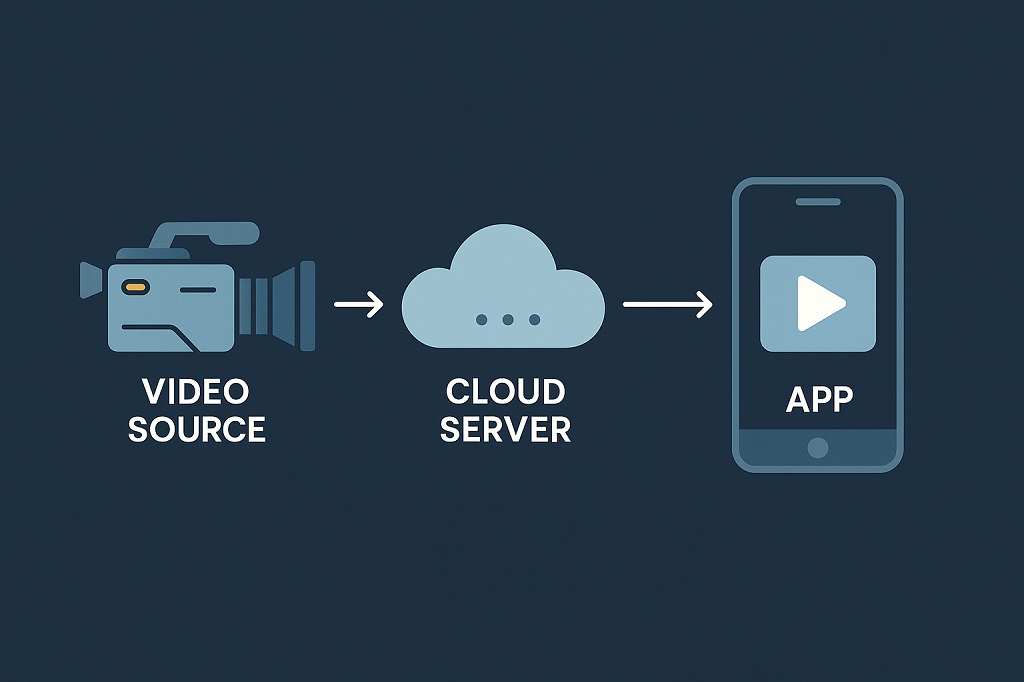
At a basic level, every RTMP-powered stream follows this path: Encoder → RTMP server → Viewer. The encoder captures and compresses your video. The RTMP server receives and distributes it. And the viewer accesses the stream through a compatible player — often using another protocol like HLS or WebRTC for playback.
To get started, you’ll need three core components:
- A live encoder (OBS Studio is the most popular RTMP streaming software and it’s free)
- A media server that supports RTMP (you can build one using the NGINX RTMP module or go with a hosted solution like Wowza or Nimble)
- A frontend player for your users, often embedded on your site via HTML5 with protocol fallback support
Setting up
When you understand what is rtmp protocol, setting up that flow becomes far less intimidating — it’s all about pushing content in and letting other tools handle the output. For site owners and creators, this setup is a smart entry point. It’s relatively inexpensive, the tech is mature and stable, and there’s a massive ecosystem of plugins, tutorials, and open-source tools to help you launch faster. Unlike more complex real-time protocols, RTMP doesn’t require specialized hardware or deep networking knowledge to configure.
Some tips for getting started:
- Start with a test stream using OBS to a local or cloud-based RTMP streaming server
- Use a player that supports multiple protocols so you can serve viewers using HLS or WebRTC while still relying on RTMP for contribution
- Monitor stream quality closely — especially audio sync and latency — during early tests
- Keep bandwidth and server specs in mind; your ingest server needs enough resources to handle incoming video without lag
RTMP might not be your end-to-end solution, but as the core of your live video pipeline, it remains a powerful and proven way to get a streaming platform up and running.
Why Scrile Stream Is Ideal for RTMP-Based Streaming Sites
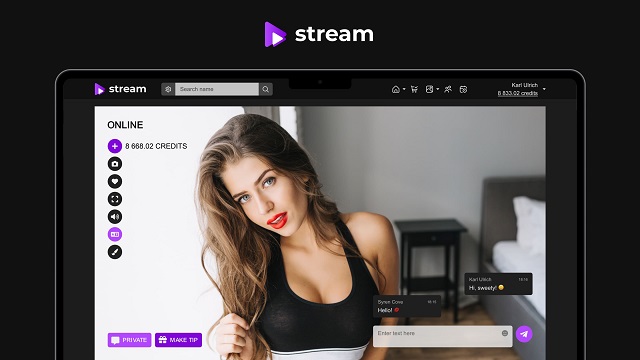
When building a live streaming business, the biggest challenge isn’t just getting video online — it’s creating a platform that reflects your goals, brand, and audience. That’s exactly where Scrile Stream stands out. It’s not a generic SaaS product or limited turnkey platform. Scrile Stream is a custom development service built to help you launch a fully branded, fully owned live streaming site — with RTMP integration at its core.
Unlike pre-packaged tools that box you into templates, Scrile Stream gives you complete flexibility. Whether you’re planning a pay-per-view concert site, a high-end private coaching platform, or a full-featured adult cam business, it’s built around your specific needs.
Scrile Stream includes:
- Live video functionality with support for RTMP streaming server input
- Real-time chat systems for audience interaction and private messaging
- Flexible monetization features: tips, subscriptions, pay-per-minute video, and premium galleries
- Full white-label branding, from logo and colors to custom domain integration
- An admin dashboard for managing users, content, and revenue in one place
RTMP remains one of the best options for ingesting live content — and Scrile Stream is built to support that. You can use any RTMP streaming software to send your stream to the platform. From there, Scrile Stream handles everything else: content delivery, viewer access, payments, and real-time features.
You also get the freedom to scale. Start lean, then add custom features or integrations as your business grows — payment gateways, affiliate systems, mobile optimization, or anything else your audience needs.
If you’re serious about building a professional streaming site from scratch — with full control over how it looks, works, and earns — Scrile Stream gives you the foundation, tools, and development muscle to make it real. RTMP gets the content in; Scrile Stream helps turn that content into a business.
Conclusion
RTMP remains a reliable backbone for streaming input — fast, stable, and widely supported. It’s still the go-to for creators who want to build and own their platform. Ready to turn live video into a real business? If you’re still asking what is RTMP protocol and whether it belongs in your stack, the answer is yes — especially if you’re planning to own your platform end-to-end. Contact the Scrile Stream team and start building something that goes beyond just broadcasting.
Polina Yan is a Technical Writer and Product Marketing Manager, specializing in helping creators launch personalized content monetization platforms. With over five years of experience writing and promoting content, Polina covers topics such as content monetization, social media strategies, digital marketing, and online business in adult industry. Her work empowers online entrepreneurs and creators to navigate the digital world with confidence and achieve their goals.
by Polina Yan
Booksy made online scheduling easy for barbershops, salons, and wellness studios. For a while, that was enough. You got a booking page, a customer app, and a few basic tools to run things. But as more businesses built loyal client bases and expanded, the cracks showed up. The software didn’t scale with them. Owners started looking for Booksy alternatives that fit better. Maybe they needed tighter control over fees. Maybe they wanted to remove third-party branding. Some just got tired of working around limitations instead of having software that worked how they do.
This guide breaks down why people leave Booksy, what really matters when choosing a new tool, and which five options actually get it right in 2026. It also explains when it’s time to move beyond premade apps and build something custom.
If you’re in the market for Booksy alternatives, this list doesn’t just throw names at you. It gives you a clear picture of where each one fits, what you’re signing up for, and what to expect once you switch.
What Users Really Want from Booking Software
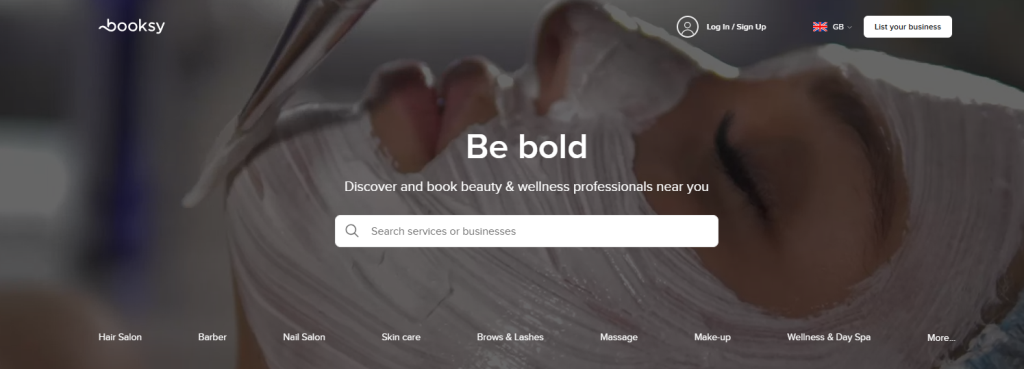
People who start looking for Booksy alternatives usually don’t do it out of curiosity. They’re reacting to small frictions that add up over time—confusing fees, lack of control, or limits on how they present their business.
One of the top complaints is pricing. Many service providers don’t want to deal with layers of commissions, boosts, or sliding fees. They want a flat cost, something they can plan around without surprises. It’s not about being cheap. It’s about knowing exactly what they’re paying for.
Then comes branding. A lot of salon owners don’t want their business name sitting next to dozens of others in a shared marketplace. They want a direct link, their logo, their look, their booking flow.
From hundreds of user reviews and software comparisons, these five priorities come up again and again:
- Transparent pricing with no hidden extras
- Full control over branding and booking pages
- Clean mobile experience for clients
- Rescheduling that doesn’t take extra steps
- Data access without third-party limits
Many Booksy competitors now focus on these areas, because they’ve seen where users get stuck. Tools that lock client data or force visibility into crowded directories tend to wear out their welcome.
For salon owners and independent professionals, the right software feels invisible. It works in the background, lets them stay on brand, and doesn’t interfere with how they run things. That’s the bar now. And anything less feels outdated.
Top 5 Booksy Alternatives for 2026
When salons look beyond Booksy, different paths emerge. Some tools keep costs predictable. Others bundle payments and scheduling in one place. A few focus on simplicity. Here are five strong options worth considering in 2026.
Fresha
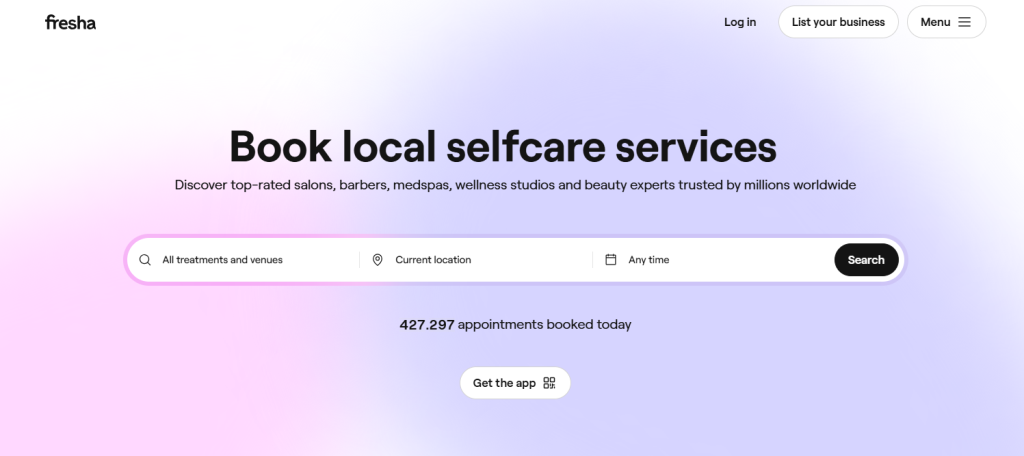
Best for: Salons and spas on a tight budget or early stage.
Fresha attracts attention because it doesn’t charge a monthly fee. Many small businesses use it to keep overhead low while still offering online bookings, appointment reminders, and point-of-sale tools. Its dashboard shows appointments, sales, and daily tasks all in one place. Fresha also handles client notifications and payment links without needing a separate system.
Pros:
- No subscription cost for core features.
- Clients can book online without jumping through extra steps.
- Built-in inventory and POS tools help upsell retail products.
Cons:
- Its free model includes transaction fees that can add up.
- Advanced branding options are limited.
- If you want deeper marketing tools or custom branding, you might hit a ceiling.
Pricing: Free subscription tier for solo stylists; Plus plan starting at $9.95 monthly per bookable team member.
Square Appointments
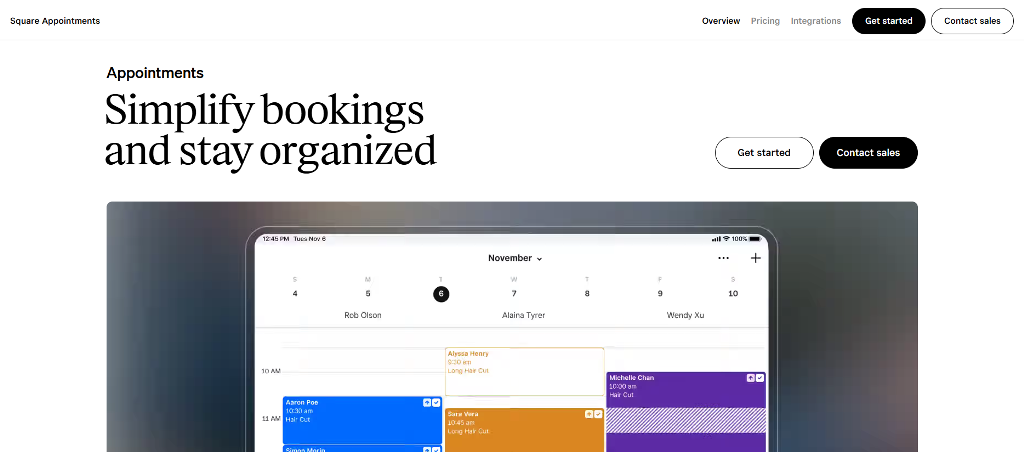
Best for: Teams that want booking and payments under one roof.
Square Appointments fits businesses that want tight links between schedules and payments. It handles online booking, client reminders, calendar management, and payments all in one interface. Salons that already use Square for retail or in-person checkout find this especially convenient.
Pros:
- Unified system for bookings and payments.
- Works smoothly with Square POS hardware if you need it.
- Flexible plans for individual stylists up to multi-location shops.
Cons:
- Processing fees apply to every transaction.
- Some advanced features are gated behind higher plans.
- True power comes when you lean into the broader Square ecosystem.
Pricing: Free core plan available; Plus plans start from $49/month.
GlossGenius
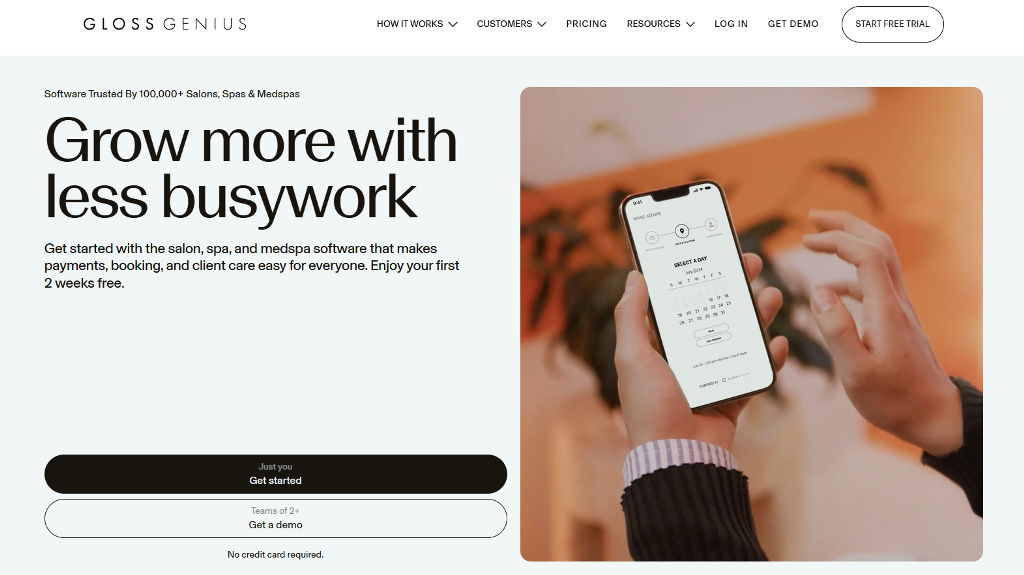
Best for: Solo stylists and small teams who want simple, stylish tools.
GlossGenius focuses on ease of use. The interface looks modern and is built around mobile devices first, so clients can book without fuss. It also includes built‑in payment processing and basic marketing tools. Many users say it feels friendlier than most legacy salon software.
Pros:
- Simple setup with strong mobile booking experience.
- Payments and tips handled in the same app.
- Automatic reminders and no‑show protection built in.
Cons:
- Customization options are limited compared to larger suites.
- Monthly price can feel high for very small shops.
- Some advanced reporting tools aren’t as rich as competitors.
Pricing: Plans typically start around $24 per month for basic tools, with payment processing fees around 2.9% + $0.30 per transaction on card payments. Tip and booking fees vary by region.
StyleSeat
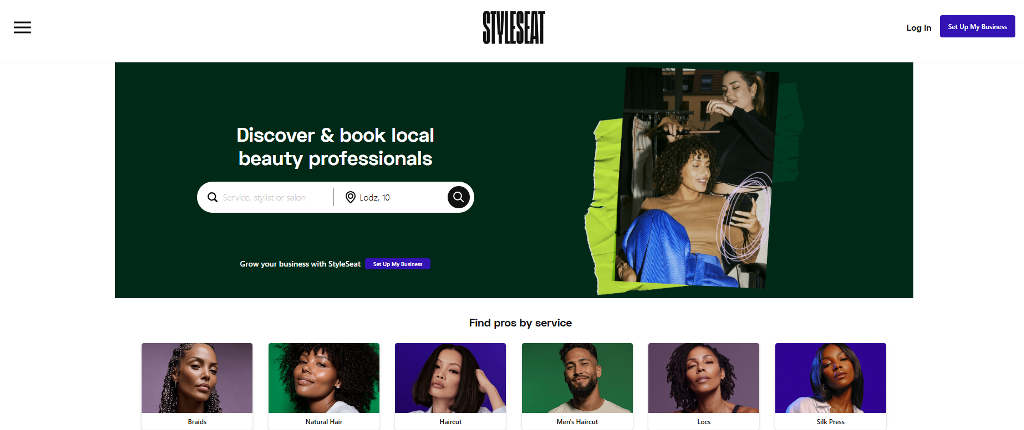
Best for: Independent stylists and freelance beauty pros focused on discovery.
StyleSeat combines appointment booking with a built‑in marketplace where clients browse and choose providers. Many professionals compare Booksy vs StyleSeat when deciding how much visibility they want versus how much control they’re willing to give up. StyleSeat leans heavily toward discovery, which works well for stylists who rely on new client traffic rather than repeat bookings alone.
Pros:
- Built‑in client discovery helps new customers find you.
- Integrated reviews and profile pages make marketing easier.
- Simple client reminders and calendar sync.
Cons:
- Marketplace models often take a percentage per booking.
- Custom branding is limited within marketplace listings.
- Some users find the fee structure harder to predict.
Pricing: StyleSeat’s pricing is a $35/month subscription. Fees vary, but many pros report fees around 20–30% per appointment depending on features used.
Vagaro
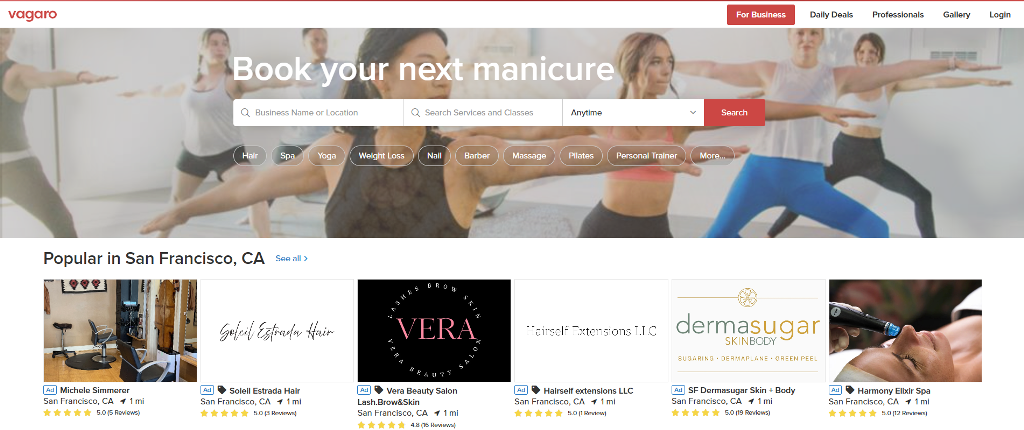
Best for: Growing salons and multi‑location studios.
As one of the Booksy alternatives, Vagaro aims to be a full salon and spa management suite. It includes scheduling, client history, email marketing, and robust reporting. Many larger businesses use it because it scales from solo use to complex setups with many employees.
Pros:
- Feature‑rich with advanced scheduling and client management.
- Built‑in marketing tools and reporting dashboards.
- Works for salons, spas, massage clinics, and fitness studios.
Cons:
- Can feel overwhelming if you only need basic booking.
- Some features are add‑ons that increase total cost.
- Learning curve is steeper than the simplest tools.
Pricing: Vagaro plans generally start around $24 per month per user, with additional costs for added marketing tools or payroll/management modules. Payment processing is typically an extra fee similar to industry standards (~2.7% + per transaction).
Table: Quick Comparison of Top Alternatives
| Platform | Pricing Model | Best For | Key Limitation |
| Booksy | $29.99 a month, with each additional team member costing an additional $20 a month | Marketplace exposure | Commission cuts on Boost |
| Fresha | Commission-based + Pro plan from $9.95 monthly per bookable team member | Budget salons | Limited custom branding |
| Square Appointments | Free + Plus plans start from $49/month. | Solo professionals | Best in Square ecosystem |
| GlossGenius | Monthly subscription from $24 per month | Luxury solo salons | No team scheduling |
| StyleSeat | Commission + subscription $35 per month | Discovery via marketplace | High fees, few customization options |
| Vagaro | Tiered pricing starting from $24 per month | Growing small salons | Feature overload |
This chart gives a quick glance, but the real answer lies in how you work and what you’re building long-term. Some will benefit from plug-and-play tools. Others may need something custom.
Why a White-Label App Might Be the Real Upgrade
Most salons start with a booking tool that’s easy and cheap. That’s fine in the beginning. But over time, marketplace apps start to feel crowded. You end up competing on the same platform that’s supposed to support you.
That’s why more businesses are looking for Booksy alternatives that give them real ownership. A white-label app puts your brand front and center. Your name, your colors, your features. You’re not renting space—you’re building it.
Unlike apps like Booksy, white-label systems don’t promote competitors or charge you to get noticed. Clients book directly through your app or website without distractions.
Who Should Consider White-Label?
White-label works best when your brand already has momentum. It’s built for:
- Independent stylists tired of marketplace rules
- Chains with multiple locations that want full control
- Professionals searching for StyleSeat alternatives that aren’t tied to commission-based pricing
If client loyalty matters more than discovery, white-label is the natural next step.
Build Your Own Booking System with Scrile Connect
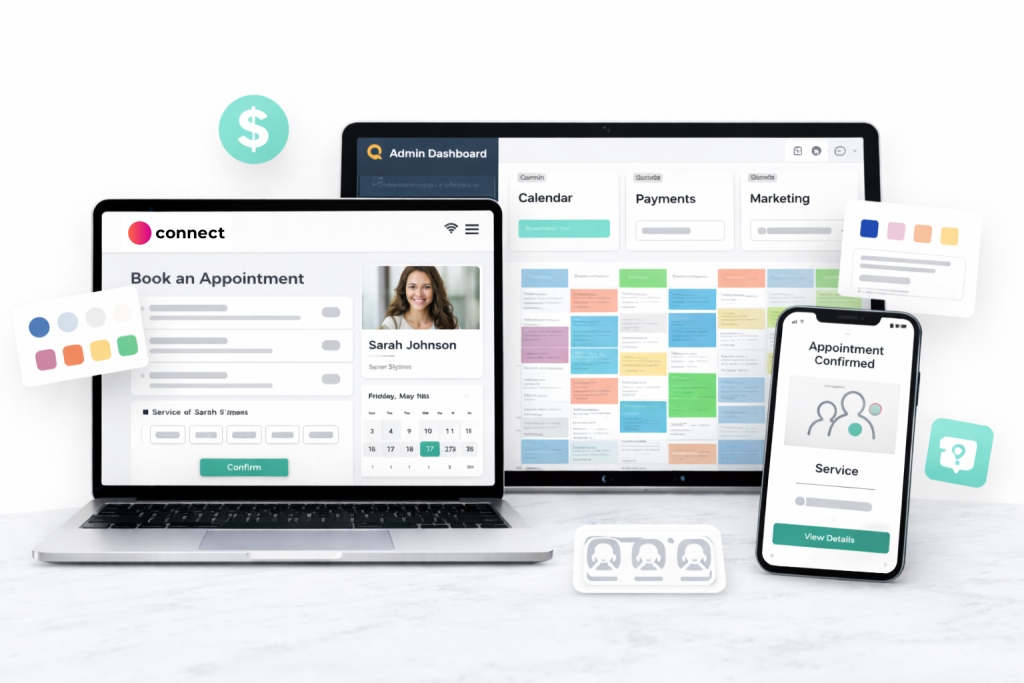
If you’re tired of boxed-in templates and commissions that eat into your earnings, it’s time to consider building your own tool. Scrile Connect isn’t another off-the-shelf product. It’s a custom development service that helps you create a branded, white-label booking system from the ground up.
You decide how it looks, how it works, and how it fits into your business. No more bending to someone else’s logic. Whether you’re running a multi-location salon or offering one-on-one sessions as an independent provider, this is the foundation you actually own.
Here’s what you can build with Scrile Connect:
- A client experience that starts with your brand, including custom sign-up flows, loyalty tiers, or exclusive content gates
- A booking engine tailored to your service logic: split sessions, prep time buffers, or specialist-specific rules
- A payment system that fits how you operate—whether you prefer Stripe, crypto, or bank transfers, with no platform cuts
- A mobile-first interface that feels native to your clients, with styling and UX that match your brand
- Admin tools that give you full oversight: analytics, appointment data, payout flows, and role-based access
If you’re serious about long-term control, Scrile Connect gives you a Booksy alternative that doesn’t ask you to compromise. It’s not a workaround. It’s your system, built your way.
Conclusion
Looking for Booksy alternatives usually starts with wanting something better—fewer commissions, more control, simpler tools. But the real upgrade doesn’t always come from picking a new app off a list. It comes from deciding you want full control over how your booking system looks, feels, and functions.
Pre-built software locks you into fixed designs, unclear fees, and crowded marketplaces where your brand fades into the background. Even if you switch tools, you’re still playing by someone else’s rules. But what if you didn’t have to?
When you build your own system, your branding stays front and center. Your payment logic, calendar flow, user experience—every part can reflect how your business actually works. That’s the core advantage of going custom.
Scrile Connect is a white-label development service, not a plug-and-play app. It gives you the tools to design your booking system from backend to interface—fully owned, commission-free, and made for your audience.
Reach out to the Scrile Connect team to explore what your own booking tool could look like.
FAQ
Which is better, Fresha or Booksy?
As one of Booksy alternatives, Fresha appeals to professionals looking for a free-to-use platform with built-in marketplace exposure. It doesn’t charge monthly fees but takes a commission on new client bookings. Booksy, on the other hand, charges a monthly subscription but gives providers more control through its optional “Boost” feature. This lets you pay for visibility when you need it—without giving up a cut of every new client. The better option depends on whether you value upfront savings or flexible control over marketing.
Is StyleSeat or Booksy better?
Many solo professionals prefer Booksy over StyleSeat, especially those frustrated by StyleSeat’s commission-heavy structure. Booksy offers flat-rate pricing with optional promotional tools, which can be easier to predict and manage. However, both platforms limit your control over branding and workflow, which becomes a problem as businesses grow.
Is there a free version of Booksy?
The Booksy app for clients is completely free to use. Clients can browse, book, and review appointments at no cost. For providers, however, Booksy charges a monthly subscription. Additional features like Boost or marketing automation may add to the total cost, especially if you rely on them to grow your client base.
Polina Yan is a Technical Writer and Product Marketing Manager, specializing in helping creators launch personalized content monetization platforms. With over five years of experience writing and promoting content, Polina covers topics such as content monetization, social media strategies, digital marketing, and online business in adult industry. Her work empowers online entrepreneurs and creators to navigate the digital world with confidence and achieve their goals.

by Polina Yan
The online coaching market is estimated at $7.3 billion in 2026 and is expected to surge to nearly $26 billion by 2032, making it one of the fastest-growing sectors in the digital economy. People now turn to digital coaches for everything: fitness plans, business growth, career changes, language learning, even adult guidance.
If you’ve been thinking about how to start an online coaching business, the conditions are finally lined up. Remote work made video calls second nature. Payment systems are simple enough that clients from any country can subscribe in minutes. And audiences are more willing than ever to invest in expertise that feels personal.
In this article, we’ll map out the essentials: how to choose a niche, set up the business side, build a digital presence, deliver value online, and scale when the first clients come in. By the end, you’ll know what it takes to launch in 2026.
Why Coaching Thrives in 2026

Look around and it’s clear: people are spending more money on guidance than ever. Market research puts coaching in the multi-billion range, and the curve is still climbing. The interesting part is how wide the field has become. Ten years ago, most people thought of coaching as either business or fitness. Now, it stretches across dozens of professions, with real clients paying for one-on-one time online.
Some of the strongest niches right now are:
- Tutors and teachers supporting students after school or preparing for exams.
- Wellness and nutrition consultants building structured meal and lifestyle plans.
- Astrology and spiritual mentors giving personalized readings and advice.
- Life coaches helping with career moves or building confidence.
- Fitness trainers running workouts over video with tracking and accountability.
For anyone asking how to start online coaching, this diversity is the real gift. You don’t have to chase the same crowded categories as everyone else. The market rewards specialists, people who bring expertise and package it in a way that feels personal and practical.
Defining Your Niche and Value

Specialization isn’t about boxing yourself in — it’s about making it clear why someone should hire you instead of scrolling past. The online coaching space is crowded, and the easiest way to stand out is by carving a narrow lane that highlights both your skills and your personality.
Start by asking yourself two questions: What do I know well enough to teach or guide? and Who actually needs this right now? The sweet spot is where those answers overlap. For example, a certified nutritionist might narrow down to busy professionals who struggle with meal planning. A lawyer might focus on helping small businesses draft their first contracts. A yoga teacher might turn her weekend classes into a stress-relief program for remote workers.
Testing demand doesn’t require big budgets. Run a poll in your existing network, offer a short free session, or post sample tips on social media and see who responds. If the engagement is there, you’ve got proof that people care about the problem you’re solving.
Value comes from clarity. When a potential client lands on your page, they should immediately know what problem you solve and how you deliver it. Broad promises like “I’ll help you live your best life” don’t move the needle. Clear, specific offers — “I’ll help first-time managers lead their teams with confidence” — are what turn curiosity into paying clients. Your niche is the hook, and your value is how you prove it.
Setting Up Your Coaching Business Basics

Before you go live with your first client, it helps to treat your coaching idea like a real business from day one. That means putting some structure in place — nothing fancy, just enough to protect you and make payments smooth. Anyone exploring how to start a coaching business online will find these basics make the difference between a side hustle and something sustainable.
Things worth setting up early:
- Registering a business entity and opening a dedicated bank account so client payments don’t mix with your personal finances, and you can present invoices under an official name.
- Sorting out taxes and basic bookkeeping from the start so you know what percentage of your income to set aside each month instead of scrambling when deadlines arrive.
- Drafting simple coaching agreements or contracts that outline session length, cancellation rules, payment terms, and confidentiality. Clients respect clarity, and it saves headaches later.
Pricing models that work for coaches:
- Hourly sessions are straightforward but make scaling harder since your income is tied to time.
- Packages or bundles of sessions give stability, reduce cancellations, and create momentum for your clients.
- Subscriptions or retainers turn coaching into recurring revenue, rewarding consistency and freeing you from constantly chasing new clients.
These basics don’t take long to set up but will give your coaching work a professional backbone from the beginning.
Building Your Digital Presence

Once the paperwork is done, the real challenge starts: showing up online in a way that feels trustworthy. Anyone asking how to start an online coaching business needs more than a LinkedIn profile or a random Instagram account. You need a digital footprint that tells potential clients, “this is someone worth paying.”
That usually begins with a website. Keep it simple but professional — a homepage that explains what you do, a clear call to book a session, and a way to collect emails. From there, layer in branding: colors, photos, tone of voice. Consistency across your site and socials makes you look reliable, even if you’re just starting out.
Content is what drives people into your orbit. Blogs, short videos, or free webinars act as funnels, giving value upfront and pulling curious followers toward your paid offers. An email list turns those casual followers into a community you can reach without worrying about algorithm changes.
Tools worth focusing on:
- A clean website with booking and payment options.
- Social channels where your audience already hangs out, not where you feel you “should” be.
- Regular content — posts, videos, or podcasts — that teach something useful and hint at your paid services.
- An email list, even if it’s small, because subscribers are more likely to convert than casual followers.
Why Brand Matters More Than Reach
It’s easy to get obsessed with follower counts, but numbers don’t pay bills. A coach with 500 loyal subscribers and a clear brand can earn more than someone with 50,000 unengaged followers. People don’t buy coaching because you’re popular; they buy because you look credible, consistent, and aligned with what they need.
Choosing the Right Tech Stack

You don’t need to reinvent the wheel to coach online. At the simplest level, plenty of people run sessions on Zoom or Google Meet, take payments through PayPal, and schedule with Calendly. That setup can work fine for your first handful of clients. But if your goal is how to become an online business coach with a long-term brand, you’ll quickly notice the gaps.
The essentials are always the same:
- Video software that supports stable one-to-one or group sessions.
- Scheduling tools so clients can book without back-and-forth emails.
- Payment processing that works globally, including cards, wallets, or even subscriptions.
- Chat and messaging to keep communication alive between sessions.
SaaS platforms bundle many of these features, and they’re tempting because they let you start quickly. The trade-off is lack of control — you’re tied to their branding, their fees, and their feature set. A personal website stitched together with third-party tools gives you more flexibility but can feel clunky for clients if the systems don’t integrate smoothly.
Custom builds sit at the other end of the spectrum. They take longer to set up, but they give you complete ownership: your name on the interface, your payment flow, your rules. For some coaches, that level of control is what makes the difference between a side gig and a business that grows steadily year after year. The tech is there — the choice is about how far you want to take it.
Delivering Coaching Online
Once you’ve got clients through the door, delivery is where you prove your value. Online coaching isn’t one-size-fits-all — the best format depends on your style and what your audience expects. Some coaches thrive in one-on-one sessions, giving clients deep personal attention. Others prefer group programs, which create peer support and let you scale faster. Many blend both with hybrid models, combining live coaching with recorded lessons or worksheets.
Retention is just as important as the first sale. Clients stay when they feel supported and see progress. That requires structure, not just casual chats.
Engagement tactics that work well:
- Clear session roadmaps so clients know what’s coming next.
- Homework or follow-up tasks to keep progress moving between calls.
- Recorded replays for people who miss live sessions.
- Chat groups for accountability and peer interaction.
- Regular check-ins outside scheduled sessions, even short messages.
Clients who feel momentum are less likely to cancel. When they can see tangible outcomes — a new skill, a fitness milestone, a confident career shift — they tell others. Word-of-mouth is still one of the strongest growth drivers in coaching, and that starts with how you deliver.
Scaling Beyond the First Clients
The early months often feel like freelancing: hustling for clients, juggling calls, sending invoices. But once you’ve proven your model works, it’s time to think bigger. Learning how to start an online coaching business doesn’t end with your first paying clients — it’s about creating something that runs beyond you.
The next step is building community. A group space where members interact gives more value than one-on-one calls alone. Partnerships help too: teaming up with other coaches, influencers, or local businesses expands your reach without doubling your workload.
Revenue expansion comes naturally once the base is solid. Some coaches add subscription tiers, others launch digital products like courses or workbooks. A few move into retreats or high-ticket programs. Each step pushes you further from being a solo freelancer toward owning a coaching business that scales.
And it all ties back to that first question: how to start an online coaching business in a way that grows with you.
Scrile Meet: Built for Coaching Growth
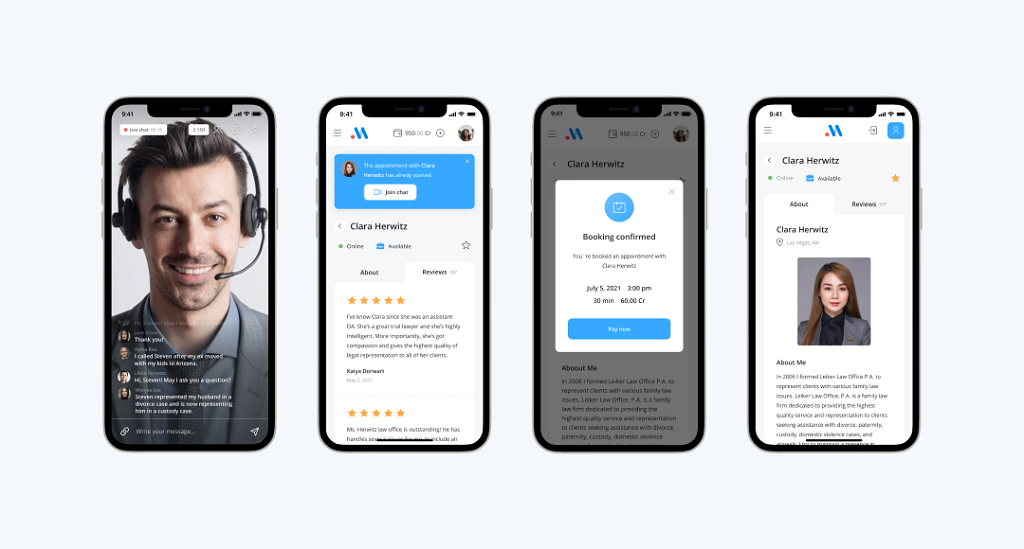
There comes a point where juggling Zoom, PayPal, and scheduling links starts to feel like patchwork. That setup works for a few clients, but once you begin to grow, the cracks show: missed bookings, clients confused about payment, and branding that feels like it belongs to someone else. This is where coaches discover that off-the-shelf tools are built for convenience, not for scale. If you want your coaching business to look professional, stay organized, and actually earn like a business, you need infrastructure that bends around your needs — not the other way around.
That’s where Scrile Meet comes in. Unlike pre-packaged platforms that force you into their templates and take a cut of your income, Scrile Meet is a custom development service. It’s designed to give coaches ownership, flexibility, and the chance to grow their work into a recognizable brand.
What Scrile Meet brings to the table:
- Full white-label branding with custom design so your clients only see your logo, your colors, and your name — no third-party banners reminding them they’re renting someone else’s system.
- Live video features for both one-on-one sessions and group calls, letting you choose the right delivery style without bolting on separate tools.
- Integrated booking and scheduling that syncs with your calendar, making it easy for clients to choose a time and reducing the endless back-and-forth emails.
- Direct payments wired straight to your account without middlemen fees, giving you predictable cash flow and full control over pricing.
- Flexible monetization models, from monthly subscriptions to pay-per-view access and premium content libraries, so you can experiment with different revenue streams under one roof.
- An admin dashboard with reporting and analytics that tracks revenue, client activity, and engagement — so you’re not guessing which part of your business works.
Why Scrile Meet Helps Scale Coaching
For anyone serious about how to start an online coaching business and move beyond freelancing, Scrile Meet acts like a foundation, not a patch. You’re not stuck with clumsy workarounds or losing money to transaction cuts. Instead, you’re building a branded coaching hub that’s flexible enough to grow and strong enough to last. This is the difference between coaching as a side hustle and coaching as a sustainable company.
Conclusion
Starting an online coaching journey in 2026 isn’t about luck — it’s about making deliberate choices. Pick a niche you can own, set up the business foundations early, build a digital presence that feels professional, and deliver coaching in formats that keep clients engaged. From there, scaling comes naturally through communities, partnerships, and additional revenue streams.
The one factor that separates short-lived projects from lasting businesses is the infrastructure behind them. Free tools are fine to test ideas, but sustainable coaching requires systems built for growth.
If you’ve been asking yourself how to start an online coaching business, the path is clear: strategy plus the right technology. Explore Scrile Meet service today to shape your coaching into a branded, scalable business without relying on clunky third-party platforms. It’s the step that transforms coaching from a side project into a sustainable company.
Polina Yan is a Technical Writer and Product Marketing Manager, specializing in helping creators launch personalized content monetization platforms. With over five years of experience writing and promoting content, Polina covers topics such as content monetization, social media strategies, digital marketing, and online business in adult industry. Her work empowers online entrepreneurs and creators to navigate the digital world with confidence and achieve their goals.
by Polina Yan
Scroll through any app store today and it’s impossible to miss the dominance of video. From Netflix binges to Twitch streams to short TikTok clips, audiences now expect content to be available live or on demand, anytime, anywhere. This shift has turned video streaming app development into one of the most active fields in tech.
The numbers are staggering. Analysts estimate that the global video streaming market has already crossed $230 billion in annual revenue in 2024 and is still climbing, with growth fueled by mobile devices, remote work, and the explosion of creator-driven platforms. Businesses from media giants to fitness coaches are investing in custom apps to control their own distribution, monetize audiences directly, and avoid being trapped by the limits of third-party platforms.
This guide breaks down everything you need to know: how the streaming services market works, what features define a strong app, examples of the biggest players, what development actually costs, and the exact steps to follow if you want to launch your own service. Toward the end, we’ll also explore how Scrile Stream helps companies and creators build fully branded apps that don’t compromise on ownership or scalability.
The Streaming Services Market

Video is no longer just another type of content — it’s the default format for entertainment, news, and even day-to-day communication. From billion-dollar OTT giants like Netflix and YouTube Live to niche platforms dedicated to yoga, language learning, or gaming, streaming has carved out space in every corner of the internet. Industry reports put growth in double digits year over year, and while the headlines usually focus on Hollywood, the most interesting momentum often comes from much smaller players.
One big reason for this surge is the shift to mobile. The phone has become the first screen for younger audiences, which is why video streaming mobile app development has become a core priority for companies trying to capture attention. A polished mobile app is often the difference between a service people try once and one that becomes part of their daily routine.
At the same time, niches are thriving. You don’t need a library of ten thousand titles if you can deliver the right kind of community. A streaming app built for Spanish-language films, for live music sessions, or for regional sports can grow faster than yet another generic “all-you-can-watch” catalog.
Streaming Trends to Watch in 2026

The way people watch video is evolving quickly. Developers and businesses moving into streaming this year are paying attention to a few standout directions:
- Live commerce — Imagine QVC, but rebuilt for the digital age. Influencers and retailers now host live shows where viewers can ask questions and purchase products instantly without leaving the stream.
- Fitness platforms — From Peloton to small trainers running live Zoom-style workouts, exercise has become one of the strongest niches in streaming. Apps that add features like leaderboards or real-time encouragement see higher retention.
- Education hubs — Video is now central to how we learn. Universities broadcast lectures, startups sell micro-courses, and even schools rely on video libraries. The mix of live sessions and on-demand access has become standard.
- Regional streaming apps — In markets like India, Nigeria, and Latin America, services built around local languages and culture are outperforming some global competitors. Localization isn’t just a feature — it’s the business model.
- Creator-owned platforms — Tired of algorithms and ad revenue swings, many creators are building their own branded apps. It gives them direct control over their audience and revenue streams.
- Adult video streaming apps — The adult industry has always been an early adopter of streaming technology. Platforms that combine pay-per-view, subscriptions, and live interaction continue to generate billions annually. These services rely heavily on privacy tools, secure billing, and moderation features to maintain user trust while handling massive volumes of traffic.
Key Features Every Streaming App Needs
Building a streaming service isn’t just about uploading videos. The app has to deliver a smooth experience, keep users engaged, and give businesses room to grow. Successful video and streaming app development always starts with a clear set of core features that can later be expanded.
Core essentials:
- Reliable video player — fast load times, adaptive quality, and full-screen support are non-negotiable. The player is the heart of the service, and even minor glitches can push viewers away.
- Subscriptions and paywalls — recurring memberships, one-time purchases, or hybrid plans give creators flexible monetization options.
- Chat functions — live chat during events or comment threads under VOD content build a sense of community.
Engagement tools:
- Reactions and polls — viewers like having quick ways to interact without breaking focus. Polls are especially effective during live sessions.
- Community features — groups, forums, or even watch parties keep people returning long after the stream ends.
Advanced functions:
- AI recommendations — personalized content suggestions improve watch time and reduce churn.
- Multi-device synchronization — users expect to start watching on a laptop and finish on a phone without losing progress.
These features form the foundation of any modern streaming app. Adding them early makes the difference between a product people test once and a platform that becomes part of their daily habits.
Examples of Popular Solutions

When people talk about streaming, a few names come up immediately. Netflix dominates on-demand viewing with a library that seems endless, but its real strength is how it guides you to the next show before you even think about closing the app. Disney+ didn’t try to compete on volume. Instead, it built its service around a handful of massive franchises, and that gamble worked. Families know exactly what they’re paying for.
In the live streaming world, Twitch set the standard. It isn’t just video; it’s the constant scroll of chat, the streamers reacting in real time, and the feeling that you’re part of a crowd. YouTube Live leans on Google’s infrastructure to handle anything from a wedding streamed to a few dozen relatives to a global press conference with millions watching at once.
And then there are sectors outside of mainstream entertainment. Adult platforms account for some of the highest web traffic anywhere online, and they’ve pushed technical innovation for years — payment models, adaptive video, even early mobile streaming. Fitness services turn workouts into interactive classes with live feedback and leaderboards. Religious organizations have created streaming hubs to keep congregations connected, especially for those who can’t attend in person.
The examples are different, but the point is clear: successful platforms understand their audience and design around those needs, whether that’s blockbuster films, social interaction, or community-driven content.
Step-by-Step Development Guide
Building a streaming service isn’t guesswork. The projects that succeed usually follow a clear process. Skipping steps almost always leads to higher costs later, broken features, or an app that people abandon after the first try. This section lays out the stages of video streaming app development, from the first brainstorm to launching a live product.
Step 1: Define Your Audience & Choose a Hosting Platform
Any serious attempt at video streaming app development begins with a clear picture of the audience. Who do you want to serve? A fitness startup has different needs than an esports community, just as a classroom app is structured differently from an adult-oriented platform. Audience profiles determine design, features, and even how strict your moderation will be.
Alongside this, you need to lock in a hosting platform. Streaming eats bandwidth, and the wrong choice here can lead to buffering, crashes, or sky-high bills. Founders typically evaluate three main routes:
- Cloud hosting (AWS, Google Cloud, Azure): Great for scaling quickly, paying only for what you use, and tapping into global data centers.
- Dedicated servers: Higher upfront costs, but more predictable performance and control — often chosen by apps with steady, heavy traffic.
- Hybrid hosting: A mix of both. Start small in the cloud, then move heavy operations onto dedicated machines once traffic stabilizes.
Getting these two elements right from the beginning saves money and avoids painful migrations later. It also frames the rest of your development roadmap, since your infrastructure limits what you can build on top.
Step 2: Design UI/UX
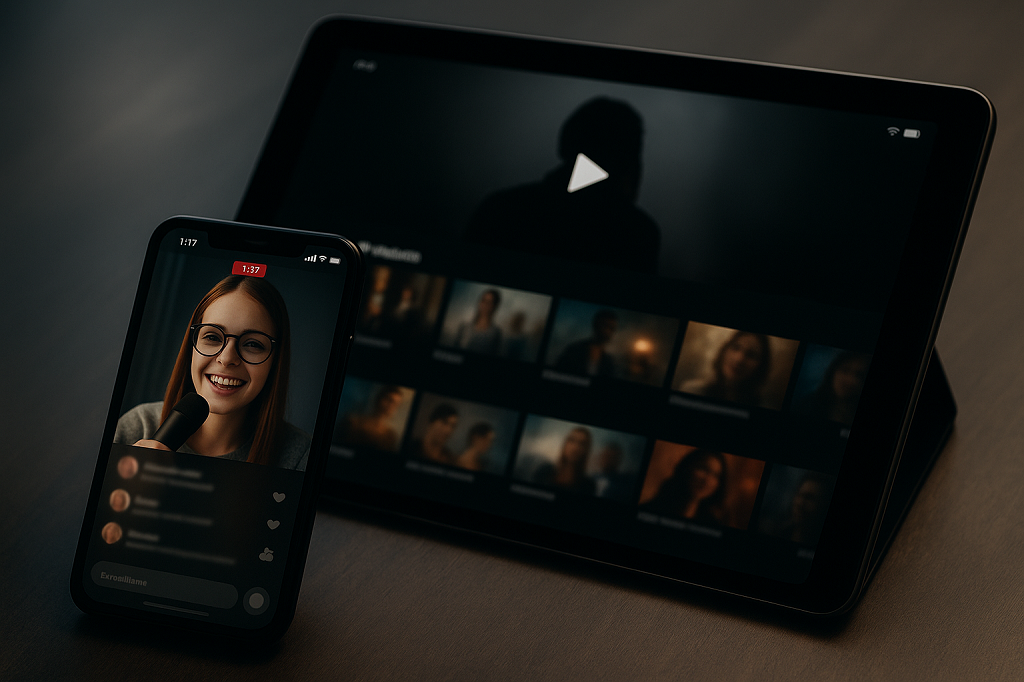
After sorting out your hosting and audience, the next challenge is the interface. People don’t download a streaming app because it’s “innovative.” They download it because it’s easy, fast, and feels natural from the first tap.
Start with the basics: the player. If users have to search for the play button, you’ve already lost them. Menus should be obvious, subscriptions simple to manage, and search powerful enough to actually find things. Think Netflix simplicity, not a maze of hidden options.
A few design decisions that usually separate winners from throwaways:
- Personalization that suggests shows or streams without being creepy.
- Subscription buttons that are impossible to miss and easy to cancel.
- Lightweight interaction — chats, likes, reactions — so people feel connected instead of isolated.
This stage of video streaming app development often gets underestimated. Yet design is what most users will judge first. The smoother the flow, the more likely they’ll stay for a second show or a longer session.
Step 3: Develop Core Features

Now comes the heavy lifting — the features that actually make your app worth using. A streaming service is more than a video player wrapped in an app shell. It’s the ecosystem around that player.
At the center sits the video player itself. It has to handle different formats, adjust quality on the fly when bandwidth dips, and keep latency low enough for live sessions. From there, you add the tools that define how people interact and pay:
- Subscriptions and paywalls that are flexible enough for monthly plans, bundles, or even one-off passes.
- Community features such as chat, comments, or polls, because watching alone doesn’t keep users engaged for long.
- Cross-device syncing, so a movie started on a laptop continues seamlessly on a phone or smart TV.
Each of these touches plays into retention. Core features are not about stacking extras — they’re about building a product people trust to work every time they press play. And in streaming, reliability is everything.
Step 4: Integrate Payments, Security & Launch
The last phase ties everything together. Once features are running smoothly, you need to make sure people can pay, their data is safe, and the system can handle real-world pressure. This is the stage where many projects stumble — skipping details that later cause chaos.
Payments come first. Viewers expect familiar names like Stripe or PayPal, but in global markets, you’ll also want credit card processors, crypto gateways, or services like CCBill for adult content. The more options you give, the easier it is to convert free users into paying subscribers.
Security is next. Streaming isn’t just about delivering video; it’s about protecting it. Content leaks, stolen logins, or hacked databases can ruin trust overnight. Adding DRM, encrypted streams, and fraud detection early is far cheaper than fixing problems later.
Finally, launch. Don’t throw it open to the world right away. Run a closed beta, stress-test the servers, and watch how the app behaves under real use. That’s when you’ll find the weak spots. Only after this cycle should you roll out to a bigger audience.
Handled well, this last step transforms a working prototype into a real business.
How Much Does Development Cost?

Budgets for streaming apps vary widely, and the gap between a simple test product and a full commercial platform is enormous. What drives the cost most is the feature list. A barebones app that only plays videos and charges a subscription has a very different price tag from one with live chat, recommendation engines, and support for thousands of concurrent users.
The technology stack adds another layer. Using cloud infrastructure with built-in streaming tools can lower some costs, but fees build up quickly as traffic grows. Choosing the right protocol matters too. RTMP is cheap to start with but needs conversion for broad delivery. HLS works almost everywhere but adds latency. WebRTC gives low delay but requires more engineering. Each option carries its own price implications.
Location of the team is another factor. Developers in North America or Western Europe are expensive, while teams in Eastern Europe or South Asia usually quote less for the same workload. That doesn’t always mean lower quality, but it does change the overall budget planning.
Then come the costs that people often underestimate. Content delivery networks (CDNs) charge per gigabyte, which means a viral event can multiply monthly bills overnight. Security licenses, DRM, and payment integrations all add line items. And beyond tech, there’s the ongoing cost of people: moderators, support staff, and engineers who keep the service stable.
For a rough frame: an MVP with limited features can sit between $30,000 and $70,000. Adding interactivity and global reliability easily moves the figure past $100,000. Large-scale platforms can cost several times more. What matters is aligning ambitions with resources before development starts.
Launch a Turnkey Streaming Service
The quickest way to enter the streaming market is to use a SaaS platform. It gets you online fast, with hosting, billing, and a basic video player already set up. That’s why many creators and small businesses choose this path first. But convenience comes at a price. Features are limited, customization is shallow, and revenue shares or monthly fees keep eating into profits.
Over time, these limits push businesses to look for more control. That’s where white-label and custom builds become attractive. Instead of renting someone else’s platform, companies work with a video streaming app development company or a dedicated dev team to create software that reflects their brand, supports unique features, and scales without hidden restrictions.
SaaS vs Custom Build Comparison Table:
| Approach | Pros | Cons | Best For |
| SaaS turnkey | Fast launch, lower upfront cost | Limited features, revenue share, weak branding | Small creators, early pilots |
| Custom build | Full ownership, scalable, no hidden fees | Higher upfront cost, longer delivery time | Businesses, startups, enterprises |
Scrile Stream: Custom Video Streaming Development
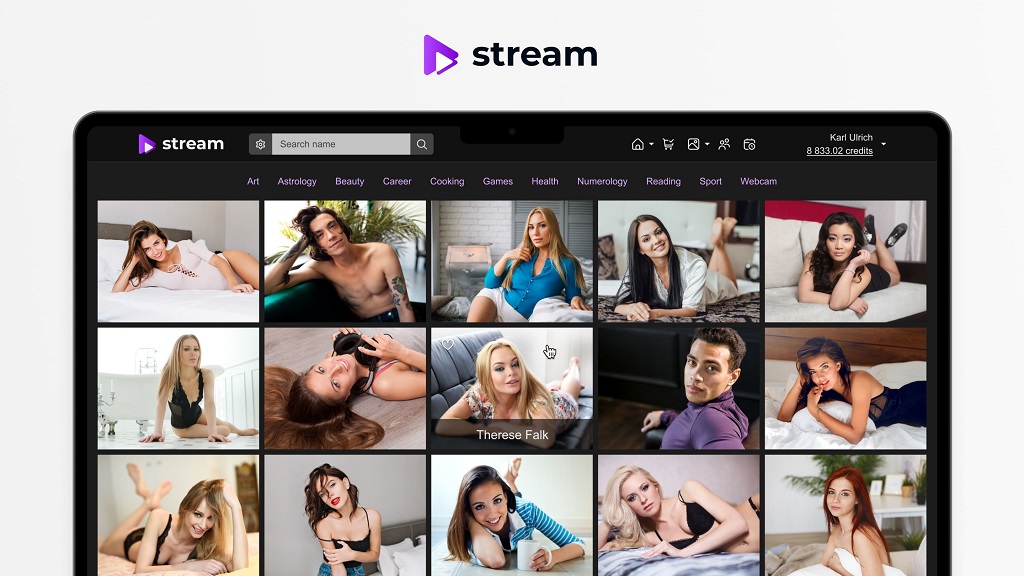
Most companies begin with templates or SaaS platforms, but sooner or later the limits show up. Branding looks generic, revenue is shared with the provider, and scaling costs more than expected. Scrile Stream exists to solve those problems. It’s not a one-size-fits-all product. It’s a development service that builds streaming apps from the ground up, giving businesses full ownership.
The difference shows in the details. Every app is designed around the client’s brand identity and audience needs. That includes the interface, the monetization logic, and even the security stack. Companies that work with Scrile avoid the problem of patching together plugins or settling for half-finished features.
What You Actually Get
Scrile Stream delivers more than a video player. Teams building with it get access to:
- Monetization freedom — subscriptions, tips, pay-per-view, all without platform commissions.
- White-label branding — design reflects your brand, not someone else’s.
- Secure payment options — Stripe, crypto, and CCBill integration ready for global markets.
- AI and chat integrations — keep viewers engaged with smart recommendations and real-time interaction.
- Scalable architecture — a setup that works for both startups and enterprises.
- Adult-content-friendly features — designed to support teams building in the adult industry alongside mainstream use cases.
Support is part of the package too. Scrile assigns a project manager to every build, provides 24/7 technical help after launch, and even includes referral systems to help drive organic growth.
Working with Scrile Stream means treating video streaming app development as a long-term asset instead of a rented service. For businesses serious about owning their platform, it offers a clear path: from idea, to design, to a functioning app that’s built to last.
Conclusion
Video has become the backbone of digital media, and the appetite for streaming apps shows no sign of slowing down. From global giants like Netflix and Twitch to niche services built around fitness, education, or adult content, the market keeps expanding and fragmenting at the same time. That growth creates opportunity, but it also makes the bar for success higher. Users expect smooth playback, polished design, and a sense of community from day one.
Successful are those who think of streaming as a product they own, not a borrowed element of yet another platform. Off-the-shelf software is good for piloting a concept, but scaling a service, securing revenue, and standing apart demand being in complete control of design, functionality, and infrastructure.
That’s where Scrile Stream comes in. It provides businesses with fully customized development, white-label branding, secure payments, and round-the-clock support. If you’re ready to take streaming seriously, reach out to the Scrile Stream team today and start building a platform that’s entirely yours.
FAQ
How long does video streaming app development take?
A basic MVP may be finished in 3–4 months. Complex builds with live chat, payments, and global scaling often need 6 months or more.
What’s the average cost of a video streaming app?
Budgets usually start at $30,000–$70,000 for simple apps and exceed $100,000 for advanced platforms. Ongoing expenses for hosting, content delivery, and moderation must also be planned. Smart video streaming app development keeps these costs under control.
Can small businesses launch their own streaming service?
Yes. Niche apps in fitness, education, and entertainment show that smaller teams can thrive if they focus on a clear audience and choose flexible custom builds.
Polina Yan is a Technical Writer and Product Marketing Manager, specializing in helping creators launch personalized content monetization platforms. With over five years of experience writing and promoting content, Polina covers topics such as content monetization, social media strategies, digital marketing, and online business in adult industry. Her work empowers online entrepreneurs and creators to navigate the digital world with confidence and achieve their goals.

by Polina Yan
Designing a home used to mean imagination, sketches, and a lot of guesswork. Now, you can lift your phone, scan the room, and watch new furniture, lighting, and colors appear instantly. That’s the magic of AR interior design — a technology that turns empty rooms into interactive canvases.
By 2026, AR is no longer an experimental toy. Interior designers, furniture brands, and even DIY homeowners rely on it to plan spaces that actually work. Augmented visuals reveal proportions, color balance, and flow in real scale, helping people make confident decisions before a single purchase.
This guide explores how AR reshapes the design process — from AR room design tools that simplify client work to full-scale business apps that bring 3D creativity into everyday life. You’ll also learn how Scrile AI helps studios and startups build their own AR design solutions from the ground up.
Why AR Has Become the Standard in Interior Design

Interior design has always been about visualization. It began with pencil sketches, moved to computer-generated 3D renders, and now stands in the era of interactive overlays that merge the digital with the real. With AR home design, clients can finally see what a concept will look like in their actual rooms, not just on paper or screen.
The appeal is simple: less imagination, more accuracy. Designers don’t have to rely on mood boards or verbal explanations; they can show the transformation live. Clients walk into their living rooms and instantly view how a new sofa fits, how colors change the atmosphere, or how lighting shifts the mood. It’s practical, visual, and persuasive.
The augmented reality home design market is growing fast. Analysts predict that by 2030, the combined AR/VR design sector will be worth tens of billions. The reason is efficiency. AR cuts revision cycles, lowers material waste, and allows teams to finalize layouts in hours instead of days. It’s no longer a futuristic concept but an everyday design tool — used by professionals who value precision and by homeowners who just want to get things right before buying.
How AR Changes the Client Experience
AR changes how people understand space. Through an app, clients can walk around a room, rotate furniture, and swap color palettes in real time. They can even change flooring or wall textures while standing in the same physical spot.
Designers use AR room design tools to showcase multiple versions of a project without moving a single object. For larger projects, AR house design software allows real estate professionals to stage full properties virtually, helping buyers and renters imagine potential renovations.
One design studio, for example, uses AR projection to show clients how sunlight moves through a kitchen during the day. It’s a small demonstration that builds trust — and a big reason AR now defines how modern interior design gets done.
Core Technologies Powering AR Interior Design

You don’t need fancy headsets or studio gear to use AR design anymore. Most of it now runs on phones and tablets. The same camera that takes your selfies can map walls, measure corners, and drop a virtual sofa right where it belongs.
There’s also a new wave of web-based AR. These versions run straight from a browser, no downloads required. For designers and retailers, it means fewer steps between showing and selling. A client can tap one link and see a full design appear inside their own living room.
Modern AR apps rely on a mix of sensors, frameworks, and rendering tools that make everything look believable.
- ARKit and ARCore – the base technology for iOS and Android tracking, handling surface detection and scaling.
- LiDAR sensors – send laser pulses to capture precise depth data, crucial for accurate placement and measurements.
- Depth mapping and photogrammetry – rebuild rooms as 3D models, including light and surface texture.
- echo3D and Unity – manage 3D rendering, spatial anchoring, and cloud-based visualization.
- Cloud anchors and shared maps – allow multiple people to see the same digital layout in one room.
- AI scene recognition – helps detect walls, furniture, and room types to keep proportions right.
- WebAR engines – power browser-based AR experiences without any app install.
Examples of Popular Solutions
Once people got comfortable using AR for simple room previews, a wave of polished apps followed. Each one found its niche — from fast home makeovers to full architectural visualization. These are the tools shaping AR interior design in 2026.
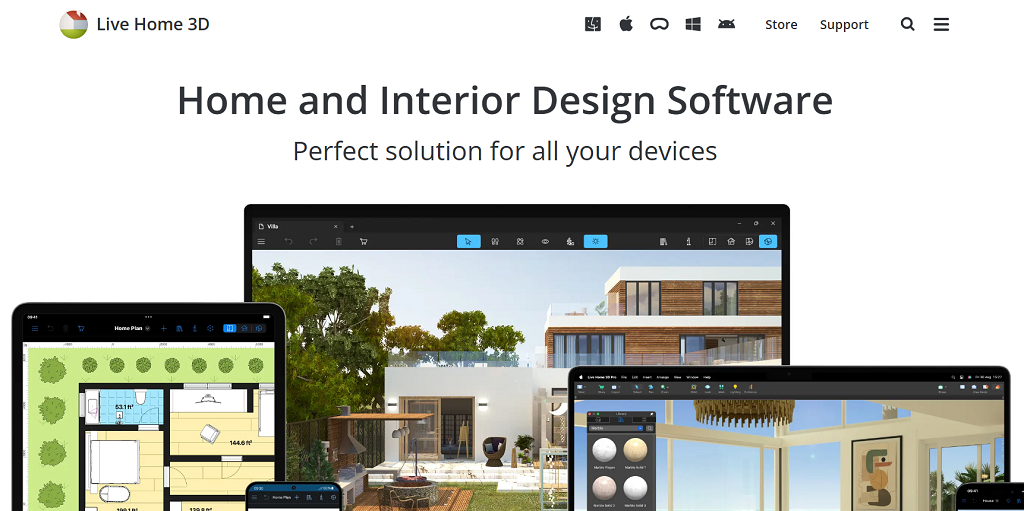
- LiveHome3D — professional-grade software that blends floor planning, 3D modeling, and AR walkthroughs. It’s popular among studios that need to show layouts and lighting before construction begins.
- Houzz — part catalog, part AR viewer. It lets users browse furniture and instantly project it into their living rooms to compare materials and colors.
- IKEA Place — made for simplicity. Scan the space, pick an item, and view it in true scale — ideal for everyday buyers testing fit and style.
- Morpholio AR SketchWalk — used by designers to walk clients through projects. They can adjust walls or textures right inside the virtual room.
- echo3D — a backbone for many AR apps. It handles 3D rendering, syncing, and cloud storage so multiple users can view the same layout in real time.
- Spacely AI — one of the newest entries in augmented reality home design. It suggests furniture placement and color palettes automatically, using AI to make spaces feel balanced..
These tools make AR design easy to trust. They let people experiment with style, structure, and scale while seeing every change unfold inside their actual homes.
Monetization Opportunities for Studios
For many studios, AR interior design started as a way to impress clients. Then they realized it could earn money on its own. When people see results right in front of them — not as sketches but as full-scale visuals — they’re more likely to commit. AR isn’t just a design preview anymore. It’s a service model that builds trust before a project even starts.
Design firms now use AR to package new kinds of offers:
- Subscription-based access. Clients pay a monthly fee to use interactive 3D previews and experiment with layouts at home.
- Paid design templates. Digital catalogs of pre-modeled furniture, wall textures, or lighting setups can be sold as ready-to-use assets.
- Consultation upgrades. Instead of sending 2D renders, studios can charge extra for live AR sessions — clients walk through their future space while the designer explains every detail.
- Virtual staging services. Real-estate agents or homeowners pay to showcase a property using AR previews that make empty rooms look furnished.
For design firms ready to create their own branded AR experience, there are flexible ways to build it — customized interfaces, subscription models, and secure payment systems can all come together under one tailored solution.
Create an AR App for Interiors with Scrile AI

After exploring popular tools, it becomes clear that most ready-made apps only go so far. They work for basic previews but fall short when a studio wants to stand out — with its own branding, features, and revenue system. That’s where Scrile AI comes in.
Scrile AI isn’t a plug-and-play app builder. It’s a custom development service that helps studios and design businesses build full-scale digital products. Every part of the system — visuals, chat, payments, analytics — can be adapted to match the way a company works.
Unlike generic AR kits, Scrile AI focuses on personalization, privacy, and long-term ownership. You decide what data stays private, how your clients interact with the tool, and which features drive profit. Designers can request 3D room scanning, in-app chat for consultations, video previews, or integrated payment gateways. It’s built to match your workflow, not the other way around.
Scrile AI enables:
- Building a full AR interior design or visualization app from the ground up.
- Integrating chat, video, and community spaces for real-time client collaboration.
- Adding secure payments, subscriptions, and analytics dashboards.
- Maintaining complete control over code, data, and interface design.
For studios, this means scalability without compromise. You can start small — maybe with a simple AR preview app — and expand it later into a full ecosystem for clients and designers. Each feature grows with your business instead of locking you into someone else’s framework.
Scrile AI gives creative teams what they’ve been missing: freedom to shape technology around design, not the other way around. It’s a long-term foundation for studios that want to own their tools, their brand, and their future.
Conclusion
AR interior design is no longer a novelty — it’s a core part of how modern studios work and sell ideas. It blends creativity with precision, turning imagination into something clients can see and trust. Success now comes from realism, ease of use, and interactive detail.
For studios, the real growth starts with ownership. Scrile AI helps teams build their own AR tools — fully branded, scalable, and designed for long-term profit.
Contact the Scrile AI team and bring your AR design vision to life.
FAQ
What is AR in interior design?
AR interior design projects digital furniture, decor, and lighting into real rooms using a phone or tablet. It helps clients visualize layouts, test styles, and make confident choices before buying or renovating.
Is there a free AI for interior design?
Yes. Spacely AI lets users upload room photos and get instant design suggestions for free. It’s beginner-friendly and ideal for experimenting with furniture, lighting, and colors.
What is the VR app for interior design?
Live Home 3D creates detailed virtual home models for Apple, Windows, and Android devices. With VR headsets, users can explore rooms, test layouts, and refine designs before any real changes begin.
Polina Yan is a Technical Writer and Product Marketing Manager, specializing in helping creators launch personalized content monetization platforms. With over five years of experience writing and promoting content, Polina covers topics such as content monetization, social media strategies, digital marketing, and online business in adult industry. Her work empowers online entrepreneurs and creators to navigate the digital world with confidence and achieve their goals.
by Polina Yan
If you’ve ever tried to handle hundreds of customer messages at once, you’ve probably looked for a way out. That’s how tools like ManyChat became so popular — they promised to take the chaos of DMs and turn it into organized, automated conversations. For small shops and growing creators, it sounded like magic. But as more users started relying on chatbots for sales and customer service, the cracks began to show. Many businesses began searching for a ManyChat alternative that could do more than just reply on Facebook.
ManyChat built its name on simplicity — linking Instagram DMs, Facebook Messenger, and Shopify checkout flows without coding. It’s perfect for short-term automation: sending a coupon, collecting leads, confirming an order. But once a brand grows, these systems hit a wall. Custom logic? Limited. Full ownership of data? Not really.
This article looks at what happens beyond that wall. You’ll see where ManyChat works well, where it struggles, and what to consider when choosing something more flexible. We’ll also touch on how tools like Scrile Connect help teams create chat systems that actually feel like their own — not just another borrowed inbox.
What Is ManyChat and How It Works
ManyChat started back in 2015 with one simple goal — help small businesses automate conversations on Facebook Messenger. It caught on fast. Within a few years, it expanded to WhatsApp, Instagram, and even SMS, making it one of the first tools that didn’t require a developer to build a chatbot.
Its main draw is how visual it feels. You don’t write lines of code — you drag, drop, and link blocks together like puzzle pieces. Templates handle most of the setup. Want to build a welcome message, a product quiz, or an abandoned cart reminder? There’s a prebuilt flow for that. Businesses can also use growth widgets — pop-ups, links, or QR codes that direct users straight into a conversation.
ManyChat runs on a freemium model. The Free plan gives limited messages and basic automation. The Pro plan, starting around $15 per month, scales based on the number of active subscribers — the more people you message, the more you pay. For a few hundred contacts, it’s affordable. But once your list grows into the thousands, the price climbs quickly.
Picture a small online clothing store. It uses ManyChat to send discount codes, cart reminders, and thank-you messages after purchases. It works beautifully — until the store wants more: custom branding, deeper analytics, or integration with its CRM. That’s where ManyChat stops feeling limitless and starts feeling small. It’s a great launchpad, but every brand that scales eventually needs more control.
Where ManyChat Falls Short
ManyChat is a great entry point into automation — quick, simple, and accessible to anyone. But once your business grows past a few hundred subscribers, the cracks start to appear. The same simplicity that made setup so easy begins to limit what you can actually build. The difference between ManyChat vs custom-built systems becomes obvious: one gives convenience, the other gives control.
Flexibility and Branding
Every ManyChat bot feels familiar — and not in a good way. The user interface looks the same across brands, and customization is minimal. Businesses that want to match their chatbot’s design with their website or app often hit a wall.
Here’s what users typically notice:
- Generic design: fonts, colors, and chat bubbles can’t truly reflect your brand identity.
- Limited integrations: you can connect basic CRMs or email tools, but not full custom databases.
- Restricted logic: no room for complex user journeys or dynamic content.
ManyChat handles linear conversations well but struggles when workflows become unique — for example, when you need conditional logic, multi-language content, or real-time analytics.
Pricing and Scale
ManyChat starts cheap but scales fast. The Pro plan charges by active subscriber count, so as your audience grows, so does your bill.
- 1,000 subscribers ≈ around $25/month
- 10,000 subscribers ≈ $65 per month
- 30,000+ subscribers ≈ $165 per month
For a small business, that’s a heavy lift — especially when several features still stay locked behind higher tiers.
Data and Ownership
ManyChat runs through Meta’s ecosystem. That means you never truly own your user data. If your Facebook or Instagram page gets flagged or suspended, your chatbot and all your contacts go dark with it.
Brands have reported losing access to hundreds of leads overnight — not because they did anything wrong, but because the platform decided to change its policy.
For companies serious about scaling, these limits become dealbreakers. That’s why many start searching for a ManyChat alternative — a system that gives ownership, flexibility, and freedom to grow without hidden strings attached.
Top ManyChat Alternatives
The chatbot market is growing fast — valued at over $7 billion in 2024 and projected to double by 2030. That surge means businesses have more choices than ever before. Some want simplicity. Others want control. And for those seeking a solid ManyChat alternative, there’s no shortage of options that mix automation, personalization, and integration in smarter ways. Here are five tools worth exploring.
Chatfuel
Chatfuel is one of the oldest names in no-code chatbot builders, originally created for Facebook Messenger. It’s still one of the most beginner-friendly tools available. With prebuilt templates, visual flow creation, and strong Telegram support, it lets users automate sales, send updates, and manage customer queries with minimal setup.
The platform shines for small businesses — restaurants, online boutiques, or local service providers who want to automate responses without hiring developers. Pricing starts around $24 per month, making it affordable for small teams that just need quick, functional automation. Its main drawback? Limited flexibility once you need custom integrations or multi-channel automation.
Botpress
For those who like control, Botpress is a completely different breed. It’s open-source and developer-friendly, with advanced features like NLP (Natural Language Processing) and a flexible API system. You can host it on your own server, connect it to any database, and design conversation logic down to the smallest detail.
Unlike many no-code tools, Botpress works more like a development framework. It requires some technical know-how but pays off in scalability and ownership — ideal for companies with in-house teams or tech partners. It’s also free to start, with paid plans for enterprise hosting.
Tidio
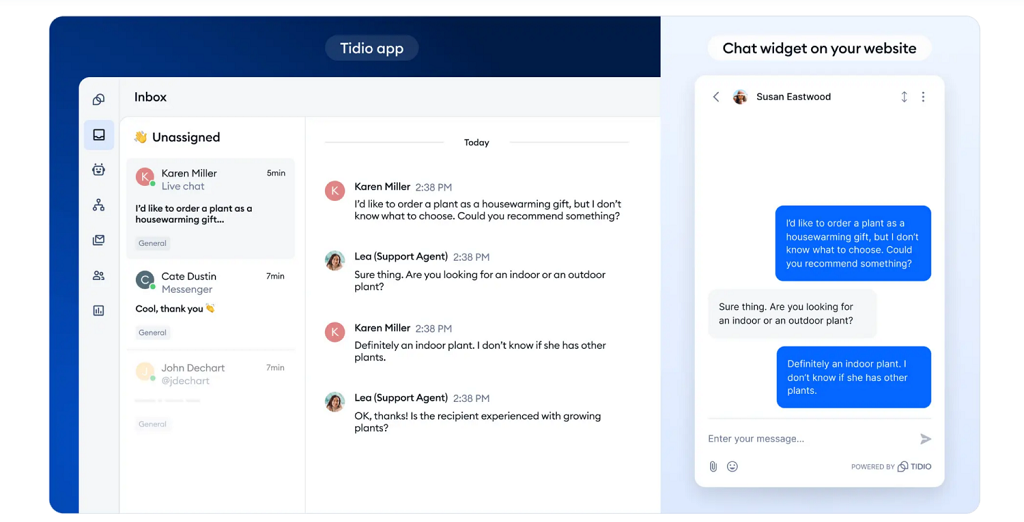
Tidio sits between simplicity and sophistication. It combines chatbot automation with live chat, making it perfect for eCommerce. A single dashboard lets support teams handle real-time messages, abandoned cart reminders, and customer segmentation.
It integrates smoothly with Shopify, WordPress, and WooCommerce, letting you manage both automation and personal responses in one interface. Prices begin at around $29 per month. For online shops, this hybrid model helps cut response time and recover lost sales, making Tidio one of the most balanced ManyChat alternative options on the list.
Respond.io
Respond.io is a multichannel hub rather than a standalone chatbot tool. It connects WhatsApp, Line, Telegram, email, and web chat into one inbox — especially useful for businesses managing high message volumes.
Its focus is sales and support automation, helping teams assign leads, track conversions, and even sync with CRMs like HubSpot or Salesforce. Starting at $79 per month, it’s a solid ManyChat alternative for larger teams who need central control and analytics instead of separate chat tools.
LiveChatAI
The newest player on the list, LiveChatAI, takes a different approach — it builds AI-powered chatbots that can learn from your documents, FAQs, and website content. It’s built for businesses that want conversational depth rather than scripted flows.
You can embed your chatbot directly into your site or product dashboard, train it on your company data, and even connect it to APIs for dynamic responses. Starting at around $49 per month, it’s one of the most modern solutions for businesses aiming to deliver personalized automation.
When to Build Your Own Chatbot with Scrile Connect
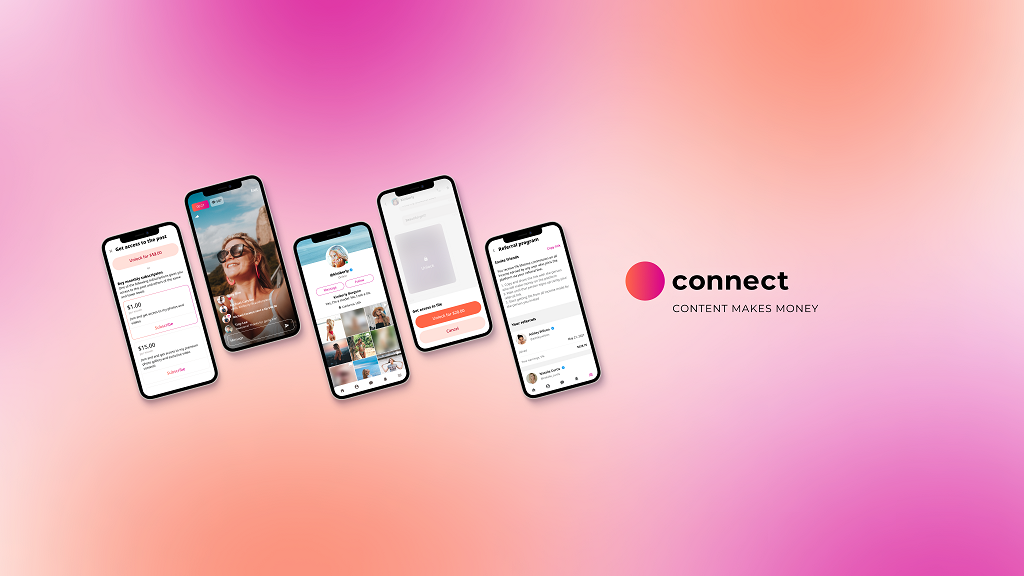
There comes a point when drag-and-drop tools stop growing with you. What once felt quick and convenient turns into a box you can’t step out of. That’s where Scrile Connect steps in — not as another chatbot app, but as a full development service that helps you design a communication system built entirely for your business.
Companies ready to move past templates often share the same pain points: they’ve hit integration limits, can’t customize the interface, or want stronger control over data. A custom build changes all that. It gives room to scale, evolve, and truly own every part of the user experience.
Here’s what makes custom development stand out:
- Total flexibility: every flow, message, and trigger works the way you need it to — not the way a preset allows.
- Real branding freedom: colors, tone, layout, and behavior all match your brand, not someone else’s theme.
- Scalability and integrations: connect your CRM, ERP, or payment gateway, and add features as your business expands.
- Security and compliance: full control of storage, permissions, and data processing — perfect for GDPR or HIPAA-sensitive projects.
- Revenue ownership: no platform cuts or unpredictable billing; what you earn stays yours.
Imagine a consultant network running its own portal through Scrile Connect — onboarding clients, scheduling sessions, hosting chats, and processing payments in one secure ecosystem. Or an e-learning brand automating lessons and private feedback within a branded app instead of juggling third-party widgets.
That’s the power of going custom. You move from relying on platform rules to building your own. For any company ready to outgrow no-code tools, Scrile Connect is the ManyChat alternative built for ownership — not just automation.
Conclusion
Quick tools like ManyChat work well in the beginning — they’re simple, fast, and good enough for small campaigns. But as your business grows, you’ll want something you can actually control. Real ownership means setting your own rules, keeping your data private, and shaping the user experience around your brand.
Every business reaches that point where convenience stops paying off. That’s when it’s time to move from borrowed automation to a system built entirely for you.
If you’re searching for a ManyChat alternative that gives you full control and long-term flexibility, reach out to the Scrile Connect team to design a chatbot that matches your workflow, your brand, and your vision — built to grow with your business.
Polina Yan is a Technical Writer and Product Marketing Manager, specializing in helping creators launch personalized content monetization platforms. With over five years of experience writing and promoting content, Polina covers topics such as content monetization, social media strategies, digital marketing, and online business in adult industry. Her work empowers online entrepreneurs and creators to navigate the digital world with confidence and achieve their goals.
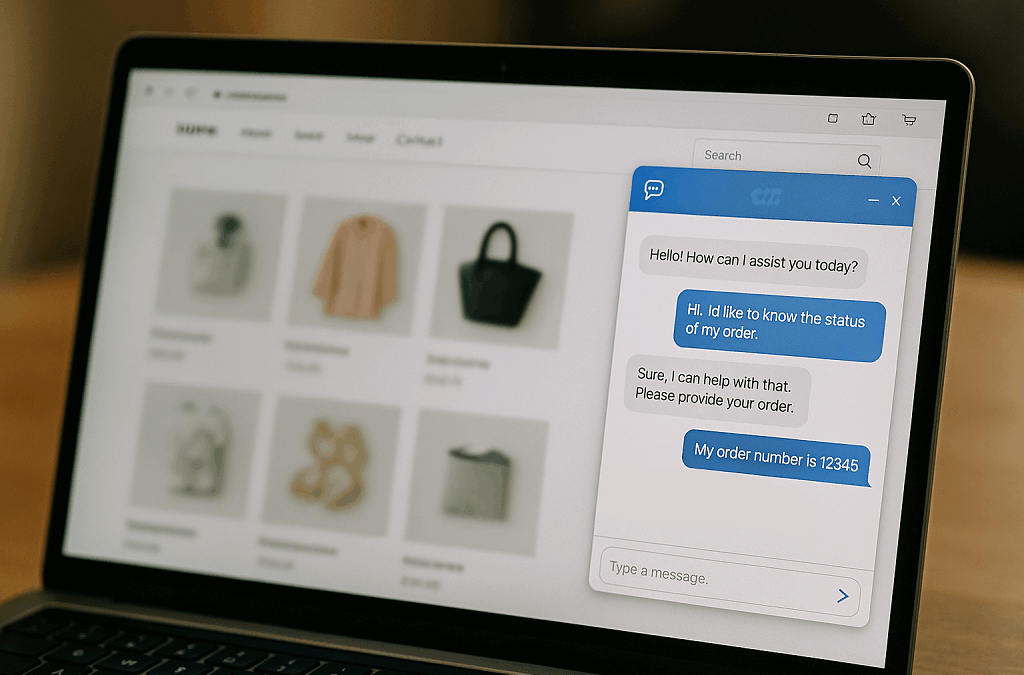
by Polina Yan
If you’ve ever wondered how to add chatbot to WordPress website, you’re not the only one. Every business owner who runs a WordPress site eventually hits that moment — when emails pile up, visitors bounce too soon, and you realize you can’t talk to everyone at once. That’s where chatbots come in. They greet your visitors, answer questions instantly, and quietly collect leads while you’re asleep or on vacation.
It’s no surprise this technology exploded. Studies show that by 2026, chatbots will handle around 70% of all customer interactions, saving companies billions in support costs. Meanwhile, WordPress still powers over 43% of the world’s websites, making it the most logical place for these smart assistants to live. If your site is built on WordPress, adding a chatbot isn’t just a trendy upgrade — it’s a direct way to turn passive traffic into conversations that convert.
In this article, we’ll walk through every practical method: WordPress plugins, embedded scripts, and API-based connections. And finally, we’ll explore how to go beyond ready-made tools with a fully custom chatbot built through Scrile Connect, a development service designed for businesses that want something truly their own.
Chatbot Integration Options
When learning how to add chatbot to WordPress website, the first step is understanding how you can actually connect one. WordPress gives you plenty of flexibility — from beginner-friendly plugins to advanced custom integrations. Let’s break down the three main paths you can take.
1. WordPress Plugins — the Quick, No-Code Option
If you want something fast and painless, start here. Plugins like WPBot or Chatling.ai install directly from your WordPress dashboard. Just hit Add New Plugin, activate it, and customize your chatbot inside a simple interface.
- Setup time: a few minutes.
- Control: limited to plugin settings.
- Maintenance: handled by the plugin developer.
It’s perfect for small business owners or bloggers who want a working chatbot without writing code.
2. Embedded Scripts — Add a Chat Widget Anywhere
Some chatbot tools like Botpress or LiveChatAI let you copy a short JavaScript snippet and paste it into your site’s header, footer, or specific pages. This script instantly loads your chatbot widget on the front end.
- Setup time: short but requires access to site code.
- Control: moderate — you can choose design, position, and triggers.
- Maintenance: you manage updates manually.
This option fits creators who want more design control while keeping things simple.
3. APIs & Custom Connections — Advanced and Scalable
For developers or growing companies, connecting through APIs (like OpenAI, Dialogflow, or Social Intents) unlocks deep customization. You can define conversation logic, pull real-time data, or link to your CRM.
- Setup time: longer and technical.
- Control: full — every function and response is yours to design.
- Maintenance: requires ongoing management.
Most businesses begin with plugins, but as they expand, they often upgrade to API or custom chatbot builds that fit their brand and workflow exactly.
WordPress Chatbot Plugins — Practical Examples
If you want to see how to add chatbot to WordPress website without diving into code, plugins are the easiest place to start. The WordPress ecosystem is packed with solid options that let anyone build a chatbot in minutes. Let’s look at four reliable choices — all different, yet equally useful depending on your goals.
WPBot — The All-Rounder for Quick Setup
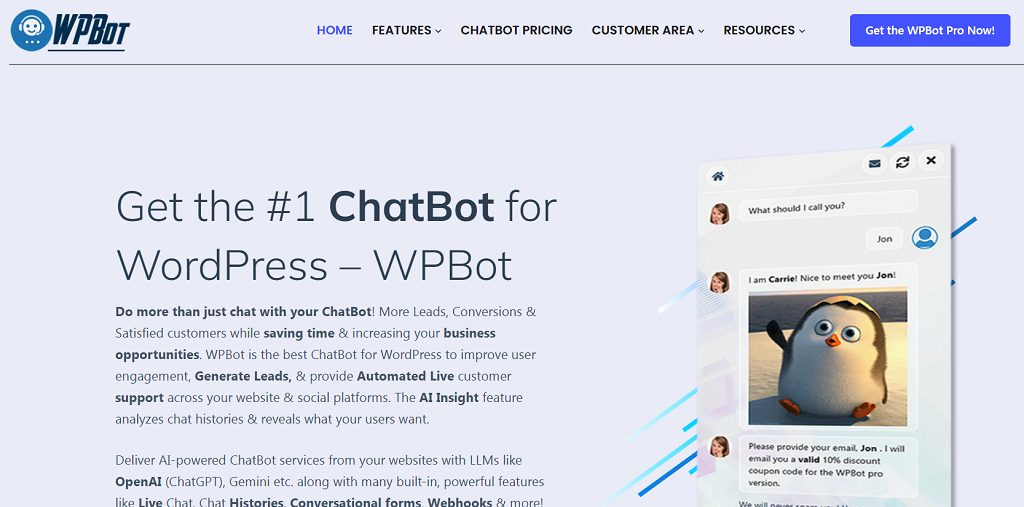
WPBot has been around for years and remains one of the most downloaded chatbot plugins for WordPress. It’s designed for non-technical users: install it directly from your dashboard under Plugins → Add New, activate it, and it’s ready to chat. You can customize its greeting, adjust colors, and add simple conversation flows for FAQs, feedback, or lead capture. WPBot is perfect for small websites that need an instant chat assistant to guide visitors or collect contact info.
Chatling.ai — AI-Powered and Multilingual
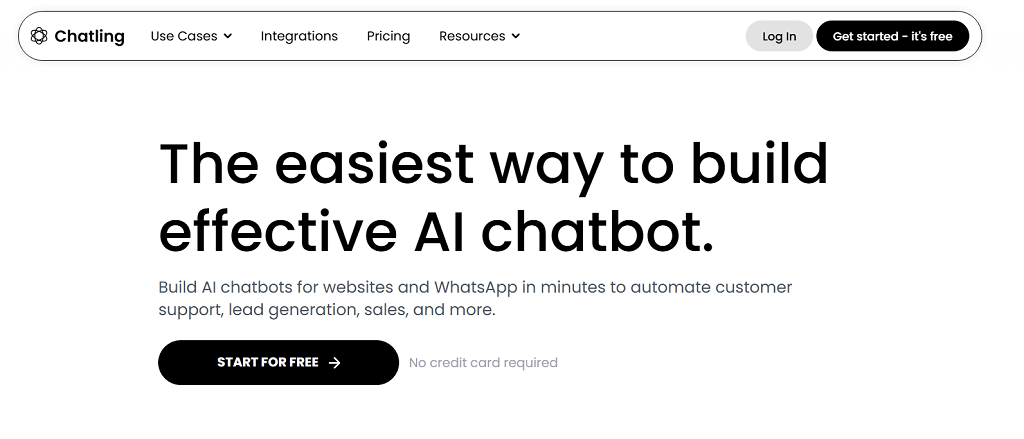
Chatling.ai brings a modern twist. Instead of predefined scripts, it learns from your content — FAQs, PDFs, or website text — and answers questions accordingly. You connect it to WordPress using either its plugin or a script snippet. Once installed, Chatling can handle queries in over 85 languages, which makes it ideal for international businesses or multilingual blogs.
ChatBot.com — Designed for Teams and CRM Integration

This plugin focuses on automation and customer relationship management. It lets you create conversation scenarios using a visual drag-and-drop builder. ChatBot.com also connects easily to CRMs like HubSpot or email tools such as Mailchimp. Great for e-commerce or customer service portals that want to automate repetitive chat tasks.
Botpress — Open-Source Flexibility
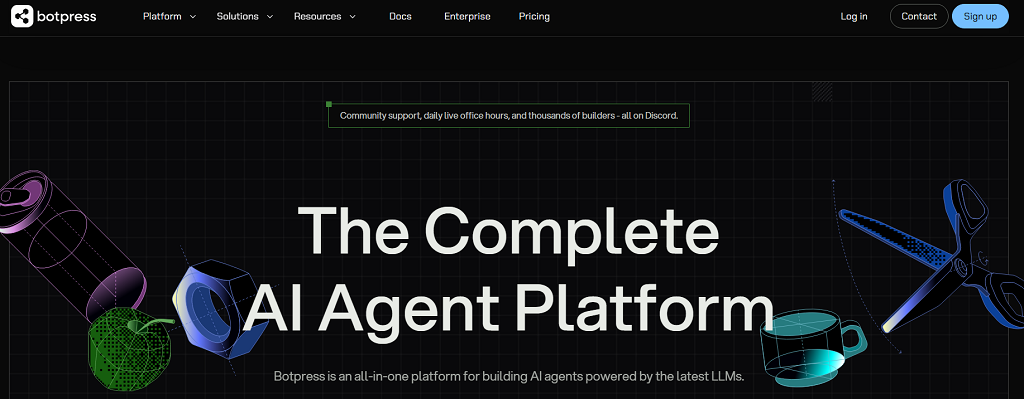
Botpress is the developer’s favorite. You host it yourself or embed it using a JavaScript snippet. It allows advanced logic, AI training, and integration with databases. It’s not as plug-and-play as WPBot, but it’s incredibly flexible for large or tech-savvy teams.
Across the board, websites using chatbots report up to 30% faster response times and 15% higher user retention. The tradeoff? Plugins are easy to set up but depend on third-party updates and often limit how deeply you can customize the chat experience.
Use Cases & Data Benefits
After figuring out how to add chatbot to WordPress website, it’s worth asking what it really brings to the table. The short answer — a lot more than canned greetings. Picture a small store owner who’s tired of answering the same “Do you ship to Canada?” emails. Or a blogger who wants visitors to stay a little longer instead of bouncing after one post. A chatbot steps in quietly and handles those moments. It doesn’t sleep, it doesn’t take weekends off, and it never forgets to follow up.
For an e-store, it may assist customers in choosing the appropriate size, remind them of items in the cart, or even nudge them toward that ultimate “purchase now” click. On blog pages or service pages, it may ask people to register, respond to brief questions, and recommend related posts. These gentle nudges pay back — research supports sites that deploy chatbots see 10–15% higher conversion rates and significantly fewer support tickets.
The best part is how easy it is to see what’s working. Most chatbots include built-in analytics that show how many people engage, how long they stay in conversation, and whether they end up buying or signing up. Tie that data to Google Analytics, and you’ll see the full picture — proof that those short, friendly messages are doing more than chatting; they’re growing your business quietly in the background.
Limitations of Ready-Made Chatbots
For all their convenience, off-the-shelf chatbot plugins come with a few strings attached. They’re great for getting started, but sooner or later, those limits start to show — especially when your business grows or your workflow gets more complex. Here are the most common drawbacks:
- No deep connections. Most plugins can’t tap into private CRMs, databases, or internal dashboards. They live on the surface of your website and can’t exchange data beyond what the plugin allows.
- Locked-in design. The look and behavior of ready-made bots follow preset templates. You can tweak colors or greetings, but not the full interaction flow or brand personality.
- Scalability headaches. A chatbot that works fine for a few hundred users may slow down or crash under heavy traffic because it depends on shared servers or third-party uptime.
- Data control issues. When your chatbot runs on someone else’s infrastructure, user messages and analytics often sit in their cloud, not yours — which can raise privacy and compliance questions.
At some point, these limits stop being small annoyances and start blocking real growth. That’s when it makes sense to move toward a custom chatbot, one built around your brand, your systems, and your rules.
Build a Custom Chatbot with Scrile Connect
Once plugins and scripts can’t keep up with your workflow or reflect your brand the way you want, custom development becomes the answer. That’s where Scrile Connect steps in — not as another SaaS subscription, but as a white-label development service that builds tailored chatbot systems from the ground up.
Scrile Connect isn’t about giving you a tool to rent. It’s about creating technology that belongs to you — designed, branded, and integrated to fit your exact business model. Every chatbot built through Scrile Connect is unique because it’s made around a company’s specific structure and audience, not squeezed into a generic template.
Here’s what sets it apart:
- Full ownership. You control everything — branding, user data, and logic. Nothing gets stored on someone else’s servers without your say.
- Deep integration. The chatbot connects directly to your CRM, internal databases, payment systems, or scheduling tools. It’s part of your digital ecosystem, not an add-on.
- Flexible design. From tone of voice to button layout, the chatbot mirrors your brand personality.
- Scalability. Built to handle thousands of simultaneous chats with top-level security and reliability.
The Scrile team goes far beyond simple chatbots. They create full ecosystems with features like paid content, private memberships, or client consultations — all seamlessly managed within your own branded environment.
One client example: a coaching platform used Scrile Connect to build an AI assistant that books sessions, collects payments, and answers onboarding questions automatically. That’s something no off-the-shelf plugin could pull off.
Conclusion
There’s no single path when it comes to how to add chatbot to WordPress website. You can start small with quick plugins like WPBot or Chatling, experiment with embedded scripts, or take full control through API integrations. Each method works — it just depends on how far you want to go.
Plugins are fast and convenient, but true flexibility comes from a custom build that fits your brand from the inside out. If you want a chatbot that belongs entirely to your business — secure, scalable, and deeply integrated — reach out to the Scrile Connect team and create a solution built to grow with you.
FAQ
Does WordPress have a chatbot plugin?
Yes — plenty of them. Tools like WPBot or Chatling.ai can be installed straight from the WordPress marketplace. They automate conversations, collect leads, and answer visitor questions. Still, they’re built within fixed templates, so customization remains limited.
How to add chatbot to WordPress website?
Pick the method that fits your needs — a plugin, an embed script, or an API connection. Add the bot’s code or API key, set up its responses or knowledge base, and test how it interacts with users. Adjust tone and flow as you go.
How to add ChatGPT to WordPress?
Create your OpenAI API key, connect it through a service like Social Intents or a custom script, and embed it in your WordPress header or via a chatbot plugin. Once live, monitor performance and refine your prompts for better accuracy.
Polina Yan is a Technical Writer and Product Marketing Manager, specializing in helping creators launch personalized content monetization platforms. With over five years of experience writing and promoting content, Polina covers topics such as content monetization, social media strategies, digital marketing, and online business in adult industry. Her work empowers online entrepreneurs and creators to navigate the digital world with confidence and achieve their goals.

by Polina Yan
Digital identities are everywhere now — in gaming worlds, on social media, inside virtual classrooms, and even in adult streaming. They’re no longer side projects or novelties. For many people, these avatars are how they connect, entertain, and make money.
So, what is an AI avatar? Think of it as a computer-generated character designed to look and act human. It can speak in natural voices, mirror expressions, and hold conversations that feel real enough to build trust. Some are used in education, some in customer service, and plenty are already thriving in the adult industry where personalization and privacy matter most.
The appeal is obvious: avatars are cheaper than hiring live actors, always available, and easy to scale across platforms. In this article, we’ll explore the benefits, real use cases, and highlight five of the best AI avatar software tools worth knowing in 2026.
What Is an AI Avatar?
At its core, an AI avatar is a computer-generated human. Not a cartoon, not a static profile picture, but a figure that can move, talk, and even react in a way that feels natural. The realism comes from the tech behind it: speech models that create convincing voices, computer vision systems that animate facial expressions, and rendering engines that sync mouth movements with dialogue. Together, they produce the illusion of a lifelike digital character.
The machinery under the hood usually blends:
- Natural Language Processing (NLP): so the avatar can understand input and reply.
- Computer vision: for lip-sync, gestures, and expressions.
- Text-to-video synthesis: turning a script into a talking, moving persona.
That combination makes an avatar more than a skin on a chatbot. It creates presence. You’re not just reading a line of text back from an AI — you’re watching “someone” deliver it. This is why what is an AI avatar has become a real question for businesses, creators, and adult platforms alike. The technology has evolved enough that interacting with these digital humans feels less like software, and more like meeting a character built for you.
Benefits of AI Avatars

One of the biggest draws of AI avatars is how quickly they can mold themselves to whoever is watching. They don’t have a single script or fixed persona — the same avatar can crack a joke with one person, act professional with another, and switch into flirt mode in an adult chat without missing a beat. That level of personalization is something even real performers struggle to scale.
Another benefit is their stamina. No sleep, no breaks, no time zones. An avatar can be online around the clock, serving customers, entertaining fans, or running a pay-per-view show at three in the morning. For creators, this opens the door to global audiences instead of being tied to a personal schedule.
Money is another angle. Instead of hiring actors, streamers, or models, businesses can rely on avatars that work for a fraction of the cost while still creating engaging experiences. And in the adult space, they’ve already proven themselves as money-makers through subscription tiers, one-off tips, and premium requests.
To sum it up, the perks look like this:
- Personalized interaction that adapts to the user.
- Always on — no downtime or fatigue.
- Cheaper to run than real performers.
- Built-in monetization hooks from subs to pay-per-view.
These advantages explain why so many industries are taking avatars seriously.
Best Use Cases for AI Avatars
So, what is an AI avatar really good for? The short answer is: almost anything that involves people paying attention to a screen. The long answer is a growing list of use cases that’s expanding every year as the tech gets sharper.
- Entertainment and gaming: NPCs that feel alive, characters who remember your progress, storylines that adapt.
- Adult industry: porn avatars that perform custom scenes, chat-based companions that never log off, and NSFW roleplay that gives privacy without losing intimacy.
- Influencers: virtual doubles that post while the real person sleeps, avatars that can speak multiple languages for global reach, or digital clones that handle fan engagement at scale.
- Education and training: tutors who can demonstrate tasks on demand, corporate avatars that lead onboarding sessions, or language-learning partners who never get tired of your mistakes.
- Business and enterprise: customer service avatars for 24/7 support, branded mascots that replace generic chatbots, interactive guides inside apps or websites.
- Healthcare: therapy companions for mental health check-ins, virtual nurses reminding patients to take meds.
- Events: hosts for conferences or adult cam sites, moderators that keep digital spaces running smoothly.
The list keeps growing because avatars aren’t bound to a single role. Once the character is built, it can shift across industries without new training or added cost — one of the reasons adoption is spreading so fast.
Top 5 AI Avatar Software in 2026
Colossyan
Colossyan built its reputation in the corporate world, but its technology is versatile enough to cross into other spaces. At its core, it’s a text-to-video tool: you write a script, pick an avatar, and the platform produces a professional-looking video with a digital presenter. For training departments, this removes the cost of hiring actors or booking video shoots. The avatars look realistic, and the lip sync is convincing enough that most viewers won’t question whether they’re watching a person or an AI-driven model.
Pros: realistic visuals, simple workflow, strong use for corporate learning and tutorials.
Cons: avatar variety is limited, and customization options can feel restrictive for creators outside the training niche.
Synthesia
Synthesia is one of the most well-known names in the AI avatar space. It’s become a go-to for marketers, educators, and even independent creators who want polished videos without needing production teams. The library of avatars is large, and you can even create custom avatars that look like you — a feature that appeals to influencers and businesses alike. The platform supports dozens of languages, making it useful for global brands or creators with international audiences.
Pros: wide avatar selection, strong customization, multilingual support.
Cons: pricing can be high for heavy users, and some avatars still look a little “uncanny” in emotional scenes.
HeyGen
HeyGen feels less like a stiff corporate tool and more like a playground for creators. You can spin up avatars that sell products, narrate social videos, or even test adult-friendly concepts in a safe space. The software leans heavily on flexibility — you’re not stuck with one format. Marketing teams can drop an avatar into promo videos, while independent creators experiment with edgier or NSFW ideas without risking their own face on camera. The editing workflow is smoother than most: drag, drop, adjust, render.
Pros: creative freedom, good balance between pro use and casual creators, NSFW-friendly flexibility.
Cons: still maturing compared to giants like Synthesia, occasional quirks in lip sync.
Replika
Replika takes avatars in a different direction. Instead of polished corporate presenters, it focuses on companionship and conversation. You design an avatar, chat with it, and over time it learns your habits. For some, it’s a wellness tool; for others, it slides into emotional support or even intimate territory. It’s one of the few services where people form genuine attachments to their avatars, sometimes stronger than with real contacts. That mix of empathy and persistence is its unique edge.
Pros: strong conversational depth, personalized interactions, emotionally engaging.
Cons: limited to chat and light roleplay, not built for polished video production.
D-ID
D-ID is best known for turning still images into moving, talking avatars. Upload a portrait, feed it text or audio, and suddenly the image starts speaking with realistic lip sync. For history projects, marketing campaigns, or even adult-themed photo-to-video experiments, it opens doors without needing a live performer. The tool is simple to use but surprisingly effective at creating a sense of presence from nothing more than a headshot.
Pros: quick results, unique “photo to video” capability, easy to learn.
Cons: mostly limited to head-and-shoulder avatars, output can look repetitive if pushed too far.
Why Scrile AI Stands Out
Most of the tools we’ve covered so far are ready-made platforms. They’re great for quick use but come with limits: you rent space, you follow someone else’s rules, and you give up a slice of revenue. Scrile AI goes in a different direction. It isn’t a platform — it’s a development service that lets you build an AI avatar business on your own terms.
The biggest difference is ownership. With Scrile AI, the product wears your brand, not theirs. You control the domain, the design, and the interface. That means your audience sees your name, your colors, and your style — not another company’s watermark.
What Scrile AI provides out of the box is impressive:
- Avatar builder that lets you create characters with unique looks and personalities.
- Integration with leading LLMs (GPT, Claude, Gemini), so your avatars can chat, roleplay, or run scripts.
- Adult-friendly features that make NSFW use cases not only possible but polished.
- Flexible monetization — subscriptions, pay-per-chat, tipping, and bundles.
For anyone asking what is an AI avatar in the context of business, Scrile AI is the answer that goes beyond experiments. Instead of being locked into a SaaS plan with fixed options, you get a system that adapts to your goals. That flexibility makes it valuable for startups chasing new niches, creators looking to launch adult-focused services, or enterprises that want to add avatars without handing over revenue to a third party.
Scrile AI doesn’t just hand you a tool. It hands you the keys to an entire ecosystem that’s yours to scale.
Conclusion
Avatars have moved from curiosity to everyday tools. They’re shaping how people learn, play, work, and even build intimacy online. The five software picks we looked at each serve a purpose — from text-to-video production to companionship apps — and they show just how wide the field has become. But none of them hand over full control.
That’s where Scrile AI changes the picture. Instead of renting space on someone else’s platform, you get the chance to build your own. Your brand, your design, your rules. For businesses and creators who want to turn avatars into a real venture, that kind of ownership is the edge that matters.
If you’re ready to explore what’s possible, reach out to the Scrile AI team. They’ll help you create something that isn’t just another tool, but a system designed around your goals.
Polina Yan is a Technical Writer and Product Marketing Manager, specializing in helping creators launch personalized content monetization platforms. With over five years of experience writing and promoting content, Polina covers topics such as content monetization, social media strategies, digital marketing, and online business in adult industry. Her work empowers online entrepreneurs and creators to navigate the digital world with confidence and achieve their goals.
by Polina Yan
AI avatars have moved far beyond cartoon filters and novelty apps. In 2026, they’re redefining how we present ourselves online — from personalized content on social media to branded spokespeople in marketing videos. Whether you’re an individual creator or part of a business team, a high-quality AI-generated avatar can act as your always-ready digital twin.
An AI avatar generator uses artificial intelligence to create lifelike representations of people — animated, still, or even interactive — based on photos, prompts, or style presets. And the quality? Better than ever. Advances in AI and visual processing have made it easier to generate avatars that feel expressive, realistic, and customizable.
The shift from simple filters to full-fledged digital selves isn’t just a visual upgrade. Analysts who study online identity point out that AI avatars are quickly becoming part of how people actually exist in virtual spaces.
“AI avatars are not just futuristic novelties—they are quickly becoming foundational elements of online identity in the metaverse and beyond.”
— Evelyne Hoffman, WINSS Solutions
This aligns with what we see in 2026: when you choose an AI avatar generator, you’re not just picking a fun effect. You’re choosing the engine behind your digital presence across social media, games, virtual meetings, and future metaverse platforms.
In this guide, we’ll help you find the best AI avatar generator for your needs — whether you’re looking for free tools, mobile apps, or advanced solutions that create avatars from scratch. Let’s dive into the tools shaping digital identity in 2026.
Top 7 AI Avatar Generators in 2026
| Tool | Best For | Strengths | Limitations |
|---|
| Synthesia | Professional video avatars | Talking avatars, multilingual voice, business-ready | Paid-only features, limited styling |
| MagicShot AI | Social media visuals | Huge style variety, easy to use | No video/animation, photo quality dependent |
| Fotor AI Avatar | Influencers & coaches | Beginner-friendly, solid headshots | Static images only |
| Picsart AI Avatar | Gen Z & casual creators | Fast, vibrant, mobile-first | Limited realism, subscription for full use |
| Ready Player Me | Gaming & VR | 3D full-body avatars, engine integration | Technical setup, fewer 2D options |
| Reface App | Viral animated content | Fun, animated avatars, free/low-cost | Not high-res, privacy concerns |
| Lensa AI | Artistic personal branding | Painterly, fantasy & Instagram-ready | Style packs can be pricey |
How We Chose These Generators

Selecting the best AI avatar generators is less about exceptionally high-quality graphics. From numerous dozen tools released annually, we focused on those aspects of highest value to users — whether you’re developing content to post to Instagram, making character assets to integrate into your game, or building a virtual representative of your business.
First and foremost, realism was at issue — just how realistic the avatars look and move. An advanced digital character needs to be immersive and never off-putting nor robotic. Other than that, diversity mattered. We wanted to have software where users can create avatars with different styles, body types, and moods.
Usability was paramount as well. Some websites don’t require any design experience at all, and others need you to have some level of technical know-how. We considered both options.
We balanced free versus paid features — not just what’s free, but whether or not paid tiers are worth it.
Finally, we looked at output quality. Does the generator produce still images, animated avatars, or video-ready content? Can the files be used across social media, YouTube, game engines, or enterprise platforms?
From creators to marketers to indie game devs — these tools have use far beyond novelty. So we picked solutions that truly deliver.
Top 7 AI Avatar Generators in 2026
Not all AI avatar tools are built the same. Some focus on hyper-realistic video avatars for business, others on stylized portraits for social media. Whether you want to make an AI avatar for your Twitch profile, marketing campaign, or personal brand, there’s a tool out there tailored to your needs.
We’ve tested and compared dozens of popular platforms and narrowed it down to seven that really stand out in 2026 — based on realism, features, ease of use, and the kind of content you can create. From polished video presenters to artsy cartoon styles, here’s our take on the best of the best.
Synthesia
If your goal is to create video avatars that actually talk — not just static profile pics — Synthesia is a strong contender. Originally built for corporate training and explainer videos, it’s now used by marketers, educators, and small business owners who want to replace on-camera filming with smart, polished AI presenters.
The process is simple: choose an avatar, type your script, and let the system turn it into a video with realistic lip-syncing. You can also clone your own voice and use your own avatar if you’re on a higher plan.
That straightforward workflow is exactly why tools like Synthesia became popular with training and marketing teams. Even the company’s own product messaging emphasizes how far AI avatars have come as a replacement for traditional video production.
“Produce studio-quality videos with AI avatars and voiceovers in 140+ languages. It’s as easy as making a slide deck.”
— Synthesia
This quote reinforces the use case you describe: Synthesia isn’t about fun profile pics — it’s about scalable, multilingual, business-ready video. In your review, it underlines why you put Synthesia at the “professional video avatar” end of the spectrum, compared to more casual selfie-style generators later in the article.
Strengths
- High-quality avatars with natural motion and expression
- Multilingual voice support
- Ideal for explainer videos, training content, and branded video messaging
Limitations
- Not great for casual users or creative expression — very business-focused
- Requires a paid plan for most features
- Limited customization of avatar appearance in lower tiers
Synthesia isn’t the best AI avatar app for selfies or fun — but it’s excellent if you need professional, video-ready avatars at scale. Think: onboarding videos, product walkthroughs, or educational content where you want a consistent, polished look.
MagicShot AI
MagicShot AI is built for people who want to create multiple versions of themselves — not just one perfect selfie. It’s especially popular with social media users, digital creators, and professionals looking to generate a wide range of stylized portraits for content and branding.
Upload a few photos, choose your styles, and the platform spits out dozens of unique AI-generated avatars: cartoon, cyberpunk, watercolor, anime, fashion editorial — you name it. It’s easy to use, and most results look polished enough to use as profile pictures, thumbnails, or promo visuals.
Strengths
- Huge variety of artistic styles
- Simple interface with no learning curve
- Great for creating eye-catching content fast
Limitations
- Mostly image-based — no video or animation support
- Not suited for professional business use (e.g., training videos)
- Best results require high-quality photo input
If you’re looking for the best AI avatar creator to experiment with different aesthetics or update your personal brand visuals, MagicShot AI is a fun, flexible option.
Fotor AI Avatar Generator
Fotor has been around as a photo editor for years, but its AI avatar generator has become a standout feature in 2026. It’s a great choice for anyone who wants quick, creative avatars without diving into complex tools or pricey subscriptions.
The Fotor AI Avatar Generator lets you generate dozens of avatars by uploading a few selfies — similar to Lensa or MagicShot — but with smoother output and better color harmony. It leans toward polished, semi-realistic styles with just enough flair to make your avatars pop on social media or websites.
Strengths
- Accessible to beginners
- Reliable output even with average-quality photos
- Includes editing tools to tweak results
Limitations
- Mostly focused on headshots
- Limited to static images
- Some features hidden behind a paywall
If you’re searching for the fotor AI avatar generator that balances speed, quality, and ease of use, this is an easy one to recommend — especially for influencers, coaches, and creators.
Picsart AI Avatar
If you’re already familiar with Picsart as a creative editing app, you’ll be glad to know its AI avatar generator online tool is just as intuitive. It’s geared toward casual creators, Gen Z users, and anyone who wants a personalized digital look for their socials without spending hours tweaking settings.
Upload a handful of selfies, and you’ll get back stylized avatar sets in various aesthetics — futuristic, dreamy, gritty, cartoonish. The avatars are clearly AI-generated, but that’s part of the appeal: they’re bold, vibrant, and perfect for platforms like TikTok, Instagram, or Discord.
Strengths
- Mobile-first, quick, and fun to use
- Great for personal branding and content creation
- Integrated with Picsart’s broader editing tools
Limitations
- Limited realism — not great for business use
- Subscription needed for full access
- May repeat certain looks if you don’t upload diverse photos
As an AI avatar generator online, Picsart hits the sweet spot for users who value speed, color, and content-ready visuals over ultra-precise realism.
Ready Player Me
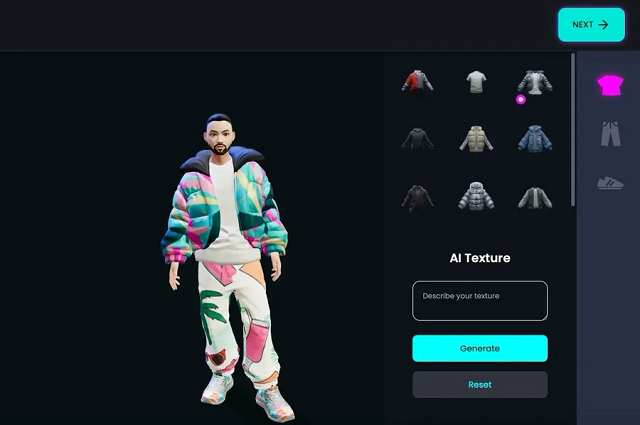
Ready Player Me takes avatars into the world of 3D. If you’re building a virtual world, VR experience, or game — or just want a fully rigged 3D version of yourself — this is hands-down the best avatar generator in that space.
It’s especially popular among developers and game designers because of its wide compatibility with Unity, Unreal Engine, and WebXR. You start by uploading a selfie, and the platform creates a full-body avatar you can customize in style, outfit, and movement. It’s also used in virtual meetings, social VR platforms, and metaverse-style apps.
Strengths
- Generates ready-to-use 3D avatars
- Integrates well with development pipelines
- Ideal for gaming, VR, and interactive platforms
Limitations
- More technical than image-based avatar apps
- Requires understanding of game engines for full use
- Limited options if you’re looking for stylized 2D content
If you’re building for Web3, gaming, or immersive tech, this may be the best avatar generator for bringing your virtual self to life in real-time environments.
Reface App
Reface made a name for itself with real-time face-swapping and viral deepfake content, but its newer avatar tools have given it a fresh edge in 2026. If you’re after quick, animated, personality-filled avatars for memes, messages, or fun promos, this might be the best free AI avatar generator for you.
The app lets you create animated avatars that lip-sync, emote, and mimic expressions. It’s not meant for polished professional output — but that’s exactly why it works so well on platforms like TikTok, Snapchat, and Reels. It’s fast, weirdly accurate, and way more engaging than a still image.
Strengths
- Totally mobile, built for viral content
- Includes animated avatars and motion-based templates
- Many features are free or low-cost
Limitations
- Not business-oriented
- Output isn’t high-res enough for large-scale media use
- Data/privacy concerns with some users
If you’re focused on fun, humor, or storytelling, this is one of the best ways to experiment without spending a dime. For sheer personality, it’s a standout among the best free AI avatar generator options.
Lensa AI (by Prisma Labs)

Lensa exploded in popularity for its dreamy, highly stylized portraits — and its best AI avatar maker features in 2026 continue to deliver. It’s designed for people who want something more aesthetic than realistic: think painterly effects, fantasy themes, and Instagram-worthy images.
Upload 10–20 photos, choose a style pack, and get back dozens of variations. Some look cinematic, some lean into anime or fantasy, and others have that bold digital art vibe that works great for personal branding or content aesthetics.
Strengths
- High-quality, artistic results
- Super easy to use with a sleek mobile interface
- Beautiful filters and visual themes
Limitations
- No animation or video options
- Style packs can get expensive
- Output sometimes over-processes faces
As a best AI avatar maker, Lensa isn’t built for corporate needs — but it’s perfect if you want avatars that feel more like art than identity. Creators, freelancers, and influencers will find a lot to love here.
Custom-Built AI Avatar Generators: Scrile AI as Your Development Partner
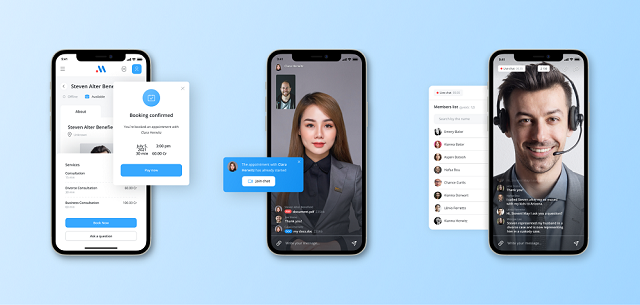
Choosing the best AI avatar generator is great if you’re creating content for fun or personal branding. But what if your goal is bigger — launching your own product, offering avatar features in your app, or building something truly custom that no one else has? That’s where Scrile AI becomes more than just a name — it becomes your technical partner.
Scrile AI is not a tool, template, or marketplace. It’s a custom software development service that helps startups, businesses, and creators build their own AI avatar generator from scratch — fully tailored to their goals, user experience, and branding. You bring the idea. Scrile brings the engineering, AI models, and product infrastructure to make it real.
Custom-built avatar systems make the most sense when you zoom out and look at the business potential. Virtual influencers and human-like digital personas are no longer a niche experiment — they’re a fast-growing global market.
“The global virtual influencer market size was estimated at USD 6.06 billion in 2024 and is projected to reach USD 45.88 billion by 2030.”
— Grand View Research
For founders and teams who want to launch their own avatar-based product, numbers like this validate the idea of investing in a custom AI avatar generator. Scrile AI fits into that picture as the technical partner that turns those market opportunities into an owned platform instead of just another account on someone else’s SaaS.
Their team can build advanced functionality, including:
- AI-powered face generation and photo-to-avatar transformation
- Model training for custom styles, voice, animation, and emotional expression
- Support for real-time video avatars, screen recording, and voiceovers
- Workflow integration with messaging, content publishing, and user accounts
- Custom dashboards for managing avatars, user data, and moderation
Most tools on the market force you into their limitations. With Scrile AI, you build your own product — not rent space in someone else’s. That means full ownership of your technology, your data, and your brand. No subscription traps. No API rate limits. No licensing headaches.
Want your avatars to look, sound, and move the way you envision? Want to sell avatar-based content directly to your users? Scrile builds that for you — tailored to your market and tech stack.
If you’re ready to move from user to creator, and from idea to product — get in touch with Scrile AI. Your custom avatar solution starts with one smart conversation.
Off-the-Shelf Avatar Tools vs. Scrile AI (Custom Build)
| Option | Ownership & Branding | Capabilities | Monetization | Best Fit |
|---|
| Pre-Built Generators (Synthesia, Lensa, etc.) | Limited control | Fixed styles & features | None | Individual users & creators |
| Scrile AI (Custom Solution) | Full ownership & branding | Custom avatars, animation, voice, integration | Subscriptions, tipping, content sales | Businesses & platforms |
Conclusion
AI avatar generators have come a long way — from novelty filters to powerful tools used across marketing, gaming, education, and content creation. The options available in 2026 are more diverse, realistic, and customizable than ever. Whether you’re looking to boost your personal brand, add some personality to your social presence, or automate your company’s video content, there’s a best AI avatar generator out there for you.
If your goals go beyond using what already exists — if you want to build your own solution, control the user experience, and scale on your terms — Scrile AI is the partner you need. Their team helps businesses and creators develop custom avatar software with full ownership and flexibility baked in from the start.
Ready to take that next step? Reach out to Scrile and turn your vision into a tailored AI avatar platform that stands out from the crowd.
Polina Yan is a Technical Writer and Product Marketing Manager, specializing in helping creators launch personalized content monetization platforms. With over five years of experience writing and promoting content, Polina covers topics such as content monetization, social media strategies, digital marketing, and online business in adult industry. Her work empowers online entrepreneurs and creators to navigate the digital world with confidence and achieve their goals.
by Polina Yan
Chatbots aren’t a gimmick anymore. They’ve become the invisible workforce behind millions of daily conversations — answering customer questions, helping users place orders, even flirting with lonely fans in late-night chats. Businesses, creators, and solo entrepreneurs are all looking at the same thing: how to make your own chatbot that does the job exactly the way you need.
Some want a simple support bot that cuts down on emails. Others dream of an AI companion, a tutor, or even an NSFW chatbot that can generate income around the clock. The use cases are endless, but the building blocks are surprisingly similar.
This guide walks through seven clear steps anyone can follow, from sketching your idea to testing and scaling. And if you’re ready for a solution that’s branded, monetized, and fully under your control, Scrile AI can help you skip the limits of cookie-cutter tools and launch something truly yours.
Step 1 — Define Purpose and Use Case

Before you rush into tools, code, or fancy AI models, stop and answer the most important question: what do you actually want the bot to do? Without a clear purpose, you’ll end up with something that looks cool but fails to deliver. When you make your own chatbot, this clarity up front saves hours of development and avoids building features nobody needs.
Think about it in terms of roles. A chatbot can act as:
- Customer support agent — answering FAQs, guiding users through troubleshooting.
- Sales assistant — recommending products, upselling, tracking orders.
- Booking manager — handling appointments for a clinic, gym, or salon.
- AI companion — entertaining users, offering coaching, or even working as an adult chatbot for NSFW audiences.
- Productivity helper — organizing reminders, managing calendars, giving quick answers.
Each of these roles requires a different personality, knowledge base, and technical setup. An e-commerce FAQ bot has to integrate with product databases and answer shipping questions in seconds. A personal productivity bot needs access to calendars and natural dialogue skills. An NSFW chatbot must prioritize realism and privacy, while still giving the creator room to monetize it.
According to industry research, chatbots can handle around 70% of routine questions without human help. That statistic alone shows how much time and money you can save by defining your bot’s scope correctly.
So, before diving deeper, map out the use case. Write down your must-have features and your “nice-to-haves.” This first step transforms the vague idea of wanting to create own chatbot into a practical plan that can actually work.
Step 2 — Choose Your Approach: DIY or Development Service
After you’ve figured out what your bot should actually do, the next decision is pretty practical: do you want to build it yourself with a no-code tool, or have a team craft something that’s entirely yours? Both roads exist, but they lead to very different places.
The DIY chatbot route is what most people try first. Tools like Tidio or ChatBot.com give you a visual builder — drag, drop, connect a few blocks, and you’ve got a bot answering questions on your website within a day. It feels almost like playing with Lego. If you’re a small online shop or a freelancer just wanting a digital helper, this is often enough.
But the cracks appear once you start asking for more. Maybe you want the bot to push upsells, handle payments, or speak in a very specific tone. At that point, you realize you’re working inside someone else’s box. The platform decides what’s possible, not you.
That’s where a custom build comes in. A development service like Scrile AI doesn’t hand you a box — it helps you design your own. You’re not limited to a template; the team can connect the bot with your payment systems, add NSFW features if that’s your market, or give it a personality that feels like a real extension of your brand.
A small bakery might get by on a DIY chatbot that lists today’s specials. But if that bakery grows into a chain with delivery, loyalty programs, and custom upsell logic, a one-size-fits-all tool quickly feels like a toy. Sometimes speed is enough. Sometimes you need something that lasts.
Step 3 — Design the Conversation Flow
After you decide on the purpose and approach, the real work begins: shaping how your chatbot actually talks. If you want to make your own chatbot that doesn’t frustrate users, you need more than canned replies. A good bot has structure, but it also feels like a conversation.
At the core, every flow revolves around a few building blocks:
- Intents — the goals people bring into a chat. Someone might want to check delivery status, cancel a booking, or simply ask about pricing. Each of those needs its own path.
- Entities — the small details buried in the request. An order number, a date, or the name of a product all help the bot deliver a relevant answer instead of a generic one.
- Decision trees — the “choose your own adventure” backbone. Based on the user’s response, the bot knows which branch to follow next and where to end the conversation.
Designing these pieces is only half the job. The harder part is keeping the dialogue natural. People type in fragments, throw in emojis, or change their mind mid-sentence. If you’re serious about how to build a chatbot from scratch, your design has to account for that chaos. That means adding fallbacks (“Sorry, I didn’t catch that — do you mean tracking or returns?”) and giving the bot memory. If someone already entered their city, don’t ask for it again.
You can create flows visually in drag-and-drop builders like ChatBot.com, or go deeper with code using Node.js or Python. Either way, think of it like writing dialogue for a script: short lines, clear intent, and enough personality to keep people talking.
Step 4 — Select the Tech Stack and Integrations

Choosing the right engine for your chatbot is like picking the motor for a car. If you want to make your own chatbot that actually works under pressure, you have to match the tech to your goals. There are three common approaches:
- Rule-based bots follow scripts. They’re reliable for simple Q&A or yes/no trees but break down fast once users go off script.
- NLP-based bots (natural language processing) understand free text, handle slang, and feel more conversational. They’re ideal for support or companion chatbots.
- Hybrid bots combine both: rules for structure and NLP for flexibility. This is where most modern projects land.
But tech on its own isn’t enough. A useful bot plugs into the rest of your systems. Imagine connecting directly to:
- CRM tools like HubSpot or Salesforce, so the bot can pull customer history on the fly.
- Live chat systems, handing conversations to humans when things get too complex.
- Payment gateways such as Stripe or PayPal, letting customers buy products or renew subscriptions without leaving the chat window.
That’s also where Scrile AI stands out. As a development service, it doesn’t limit you to pre-set integrations. Their team can tie your bot into custom APIs, add monetization layers, or even enable NSFW features if that’s your niche. In other words, if you’ve been wondering how to create your own AI bot that doesn’t just chat but also earns, integrations are the piece that make it possible.
Step 5 — Train with Content and Data

Here’s the part where your chatbot starts to sound alive. Building the frame is one thing, but if you don’t feed it the right material, it ends up mumbling nonsense. Training is all about giving the bot access to the information it needs and shaping how it delivers that information.
Most people begin with the basics: an FAQ page, product descriptions, or existing support emails. That data becomes the first layer of knowledge. From there, you can pull in content scraped from your website, add documentation, or connect the bot to a live database so answers stay current.
Tone matters just as much as facts. If you want a friendly bot, write answers that feel conversational. If the brand is more formal, keep the language tight and professional. For an AI companion — or even an NSFW chatbot — tone is the entire product. Scripts, roleplay prompts, and carefully curated dialogue give it personality instead of leaving it flat.
Numbers prove why training pays off. Tidio’s research shows that its Lyro AI, once trained on FAQs, can handle about 70% of customer questions instantly. That’s fewer support tickets, less wasted time, and more satisfied users.
So when you’re thinking about how to create your own AI chatbot, don’t stop at building the shell. The content you put inside it — and the way you tune its voice — is what makes people come back to talk again.
Step 6 — Test, Refine, and Add Personality
You can’t just launch a bot and assume it works. If you want to make your own chatbot that people actually enjoy, you need to run it through real conversations, gather feedback, and polish the weak spots.
The easiest way is to recruit a handful of beta testers. Let them throw questions at the bot the same way a real customer or fan would. Don’t coach them, just watch how the dialogue plays out. Where do they get stuck? Which answers feel awkward? That’s where you focus your fixes.
Here’s a checklist that usually helps during refinement:
- Track failed conversations in detail: note when users type “talk to a human,” abandon the chat, or repeat the same question. These signals show where your bot isn’t clear enough.
- Expand intents with real wording: people rarely phrase things the way you expect. Add slang, shorthand, and typos to your training data so the bot understands natural input.
- Tighten answers with personality: avoid long robotic blocks of text. Instead, write short lines that sound like a person — even in corporate contexts.
- Test edge cases on purpose: ask the bot absurd or irrelevant things. See if it crashes or handles them gracefully with a polite fallback.
- Rotate testers over time: don’t rely on the same five people. Fresh users will always find new blind spots.
When you finally add personality — humor, empathy, or a brand-specific tone — the bot stops being a script and starts feeling like a real part of your business.
Step 7 — Launch, Monitor, and Scale
So, the bot is trained, polished, and has a voice. Now comes the part that feels both exciting and terrifying: pressing “go live.” When you make your own chatbot, the launch isn’t the end of the job — it’s just the beginning.
First, decide where it lives. A widget on your website is the classic choice, but plenty of projects start with Messenger, WhatsApp, or even a custom mobile app. Meet people where they already hang out.
After launch, don’t just let it run blind. Keep an eye on numbers that actually matter:
- Response time — how fast does it reply? Delays kill engagement.
- Satisfaction — are people leaving happy, or asking for a human right away?
- Conversions — does the bot actually help sell, book, or retain users?
Scaling is all about timing. Once the core works, add features slowly: voice input if your users like talking, image generation for creative bots, or multi-language support for global audiences.
The trick is simple — launch lean, learn from data, then grow. That’s how you keep the bot relevant long after the first wave of users shows up.
Why Scrile AI is the Best Way to Make Your Own Chatbot
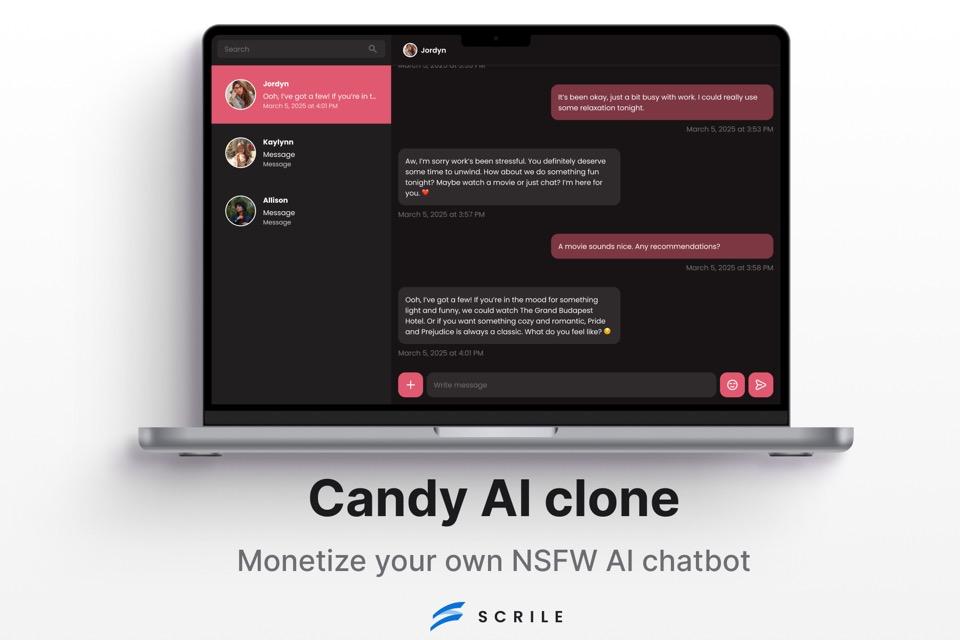
Each step in building a chatbot takes effort — shaping conversations, training data, testing, and scaling. Doing it alone with a DIY tool works for small projects, but if you want to make your own chatbot that feels polished, monetized, and truly yours, Scrile AI covers those bases in one package.
Here’s what sets it apart:
- White-label development — the chatbot lives under your brand with your domain and interface. No “powered by” tags or cookie-cutter layouts.
- Monetization built in — subscriptions, pay-per-chat, and token systems ready to deploy, so revenue streams are part of the design from day one.
- Support for NSFW and adult chatbots — something mainstream platforms avoid. Scrile AI enables projects in niches that others simply don’t allow.
- Zero commission model — unlike platforms that take a cut, Scrile AI leaves 100% of revenue and all customer data in your hands.
- Custom integrations — APIs, payment gateways, or unique workflows adapted to your business instead of forcing you to adapt to theirs.
Most chatbot builders stop at templates and drag-and-drop flows. Scrile AI acts more like a development partner, tailoring the solution to fit your vision. For creators, educators, startups, and even adult content entrepreneurs, it’s the difference between renting space on someone else’s system and owning the whole building.
With Scrile AI, you don’t just launch a chatbot — you launch a business asset that scales with you.
Conclusion
Making your own chatbot isn’t reserved for tech giants anymore — it’s something anyone can tackle by following a clear process. Seven steps are all it takes: define the purpose, pick your approach, design the flow, choose the tech, train with real content, test thoroughly, and scale with data. Each step builds on the last, and before long, you’ve got a bot that can answer questions, book appointments, or even entertain users.
DIY tools are a good launchpad, especially for small shops and side projects. But serious creators and businesses eventually need more control — branding, monetization, integrations, and features that free templates can’t offer.
That’s exactly where Scrile AI shines. Explore their service and contact the Scrile AI team to turn your idea into a chatbot that grows with your business, not against it.
Polina Yan is a Technical Writer and Product Marketing Manager, specializing in helping creators launch personalized content monetization platforms. With over five years of experience writing and promoting content, Polina covers topics such as content monetization, social media strategies, digital marketing, and online business in adult industry. Her work empowers online entrepreneurs and creators to navigate the digital world with confidence and achieve their goals.

