
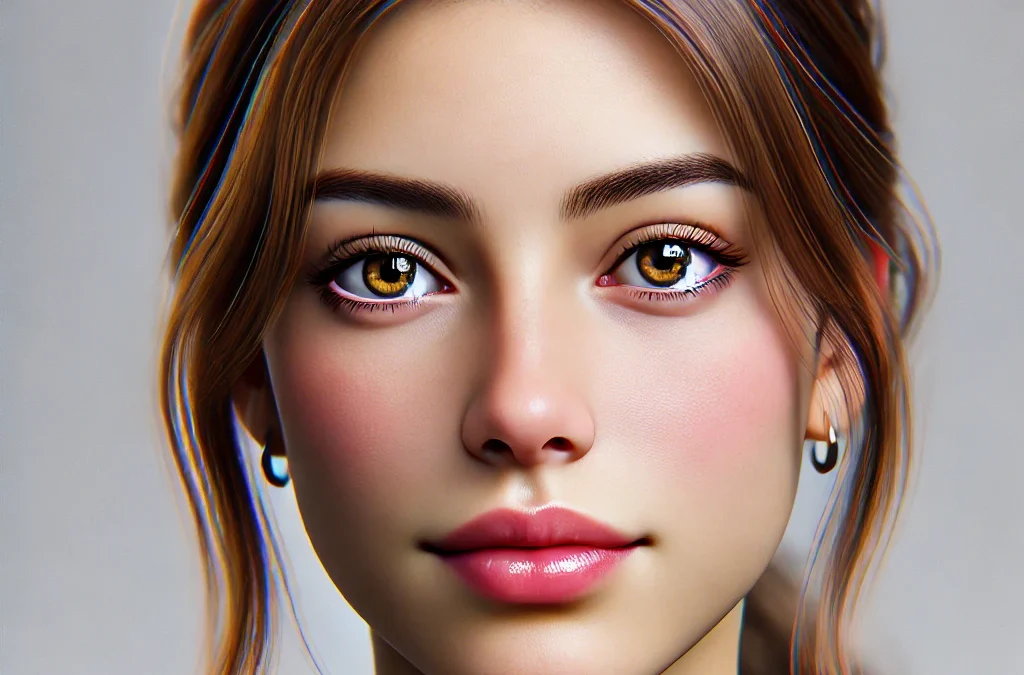
Imagine transforming your selfie into an engaging, creative digital persona instantly. Thanks to powerful advancements in AI, it’s now simpler than ever to create avatar from photo. AI avatar makers are not just quicker—they’re also affordable and easily customizable. People from all walks of life, including influencers, gamers, and business owners, now use personalized avatars to stand out online. Instead of settling for ordinary profile images, individuals can showcase their creativity by using digital representations. This shift highlights how technology helps users express identity and enhance branding.
Ready to explore the best solutions to effortlessly create an AI avatar? In this article, we’ll guide you through the top five AI-powered tools available in 2026. From free AI avatar makers ideal for beginners, to customized solutions perfect for creators, we’ve covered all you need to know. Let’s dive in and discover how you can turn simple selfies into stunning, professional-quality avatars today.
What is an AI Avatar Maker?
An AI avatar maker is software that transforms ordinary photos into creative and personalized digital avatars using artificial intelligence. These smart tools analyze uploaded images, identifying facial details and expressions with machine learning algorithms and neural networks. After analyzing the original photo, AI then recreates the image as an entirely new avatar, offering various visual styles. Users can effortlessly create AI avatar from photo with realistic, cartoonish, or artistic appearances.
Regular users often use these avatars for social media profiles, gaming accounts, and unique personal branding. Businesses find value by creating a custom AI avatar to represent their brands, enhance marketing, or add personalized interaction on websites. AI avatar makers simplify complex digital design processes, providing high-quality avatars without professional graphic skills. This technology makes creative avatar generation accessible to anyone, from individuals to businesses, regardless of their budget or technical background. It’s an engaging, practical tool for building a standout online identity.
🔎 Best Tools to Create Avatar from Photo in 2026
| Tool | Strengths | Limitations | Best For |
|---|---|---|---|
| Lensa AI | Realistic, polished portraits; viral on socials | Mostly style packs, limited customization | Influencers & social media users |
| Fotor | Free, beginner-friendly, quick results | Basic output, fewer pro features | Bloggers & small businesses |
| StarryAI | Artistic & abstract styles; creative variety | Not suited for realistic avatars | Artists & digital creators |
| Picsart | Avatars + strong editing tools, background tweaks | Subscription needed for full features | Marketers & content campaigns |
| ArtGuru | Stylish options (sketch, watercolor, portraits) | Focused on aesthetics, less pro/business | Creators & hobbyists |
| Scrile AI | Fully custom avatar software, monetization, brand control | Requires tailored setup, not free | Businesses, influencers, niche platforms |
Benefits of Using an AI Avatar Creator
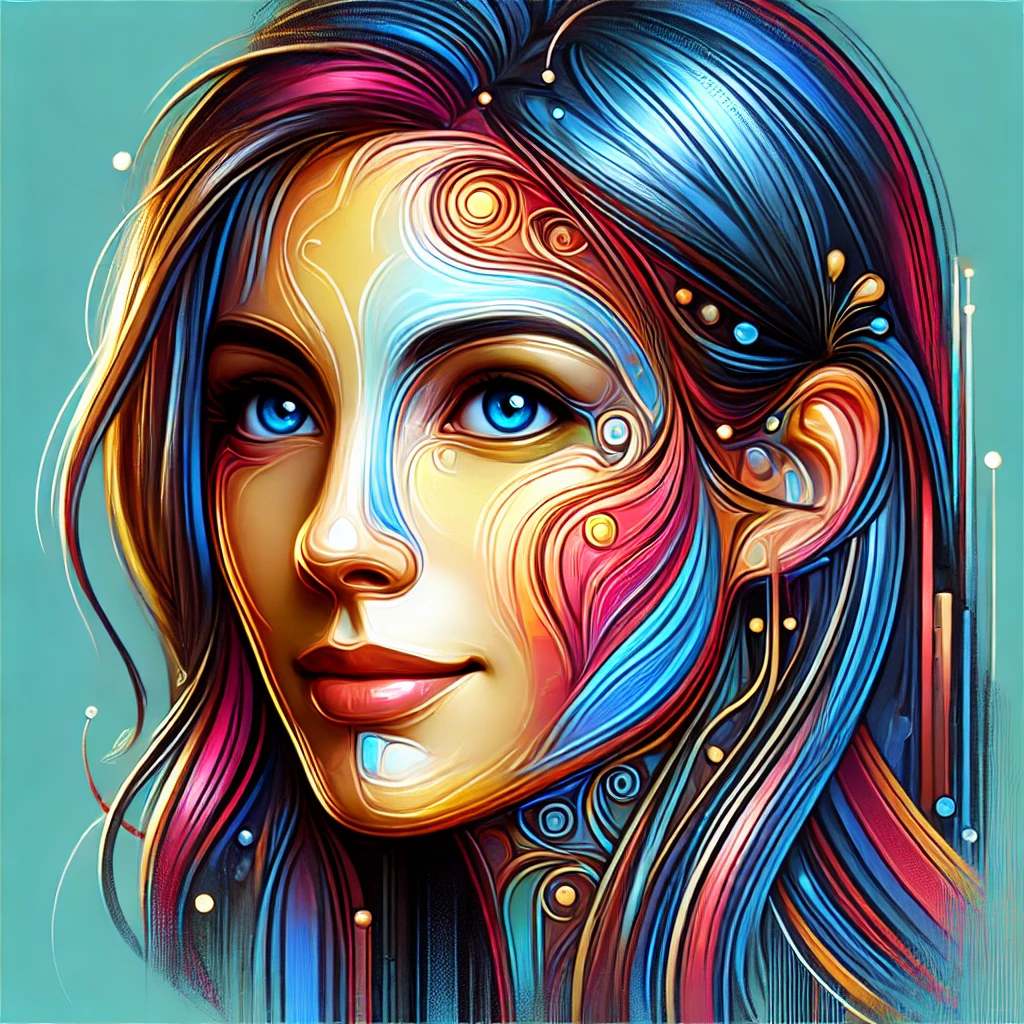
AI avatar makers offer great branding opportunities with the ability to create attractive, memorable online personas. Businesses and users can differentiate themselves in overcrowded platforms with ease through unique avatars. Users can avoid incurring significant design costs through the use of graphic designers, as users can easily create professional-level avatars in no time themselves. AI avatar makers also offer several different creative directions—realistic, cartoon-like, artistic, or abstract.
For instance, influencers frequently adopt custom AI avatars to enhance their personal brands and boost engagement. An influencer who previously struggled with visibility online could instantly improve follower interaction by switching to distinctive, visually appealing avatars. Within days, follower engagement significantly increased, demonstrating the real-world impact of visually appealing avatars.
Moreover, such tools are not used for professional purposes alone. Free AI avatar makers benefit non-professionals in seeking social media or gaming accounts, quickly creating their customized avatars. By using easy interfaces, AI avatar makers simplify design for everyone to enhance their online identity.
Top 5 Tools to Create Avatar from Photo in 2026
Following are five top tools for designing personalized avatars in 2026. Ranging from realistic to stylized, these easy-to-use tools provide the solution for personal branding, social media, or business communication. Learn the features, advantages, and how each tool can simplify the process to create avatar from photo to enhance your online presence and convey your message to people effectively.
Lensa AI
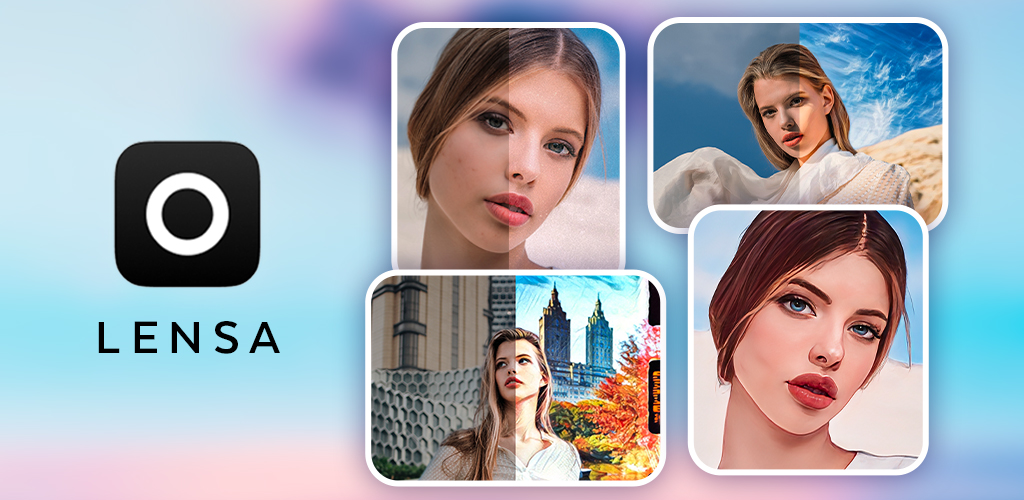
Lensa AI became popular overnight with its realistic and beautiful avatars. Lensa is for social media users and turns plain selfies into classy avatars in just a few seconds. Lensa uses powerful neural networks to capture the look and demeanor of your original image. Influencer accounts, for one, saw over 35% engagement with followers when profiles were updated with Lensa avatars.
Fotor Avatar Maker
Fotor Avatar Maker is an excellent free AI avatar maker, perfect for newbies. The website boasts easy-to-use features, which turn photographs into personalized avatars in a matter of seconds, no design skills required. A selection of various looks, such as cartoon-like, realistic, and artwork styles, is provided. The ease of Fotor made it the go-to tool for bloggers, social media users, and small business owners requiring beautiful branding with or without professional designers.
StarryAI
StarryAI is the perfect option for creators seeking something distinctive. It is known for its extensive range of artwork, creating avatars ranging from abstract painting to highly intricate digital artwork. The user just uploads a photograph, selects the type of artwork desired, and leaves the rest to StarryAI. StarryAI avatars are typically used by artists and digital artists for fan interactions, creating distinctive visual identities, or enhancing portfolios. It is great at creating a powerful look for competitive spaces such as Instagram and TikTok.
Picsart
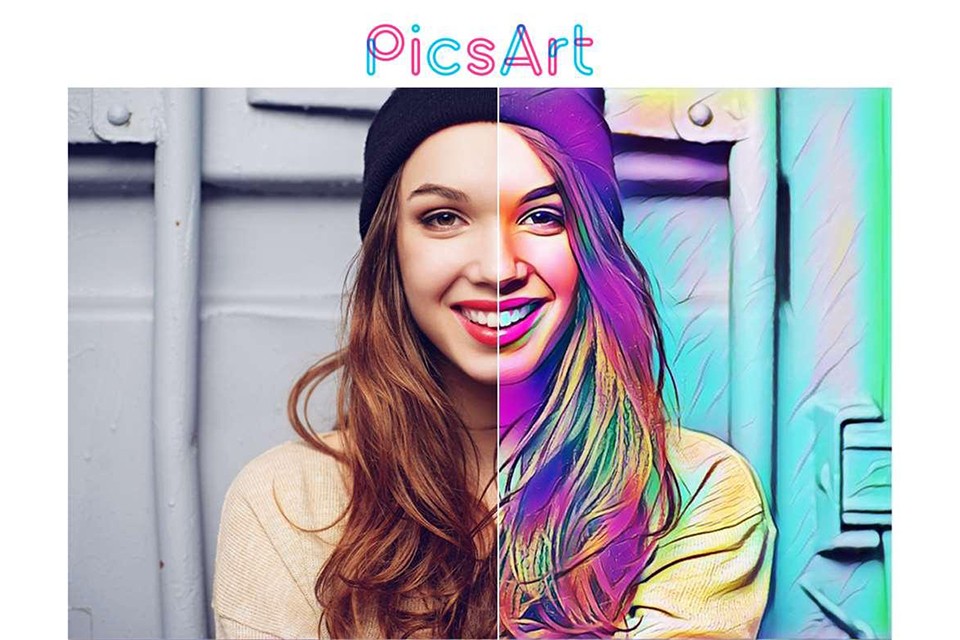
Picsart combines AI precision with powerful editing features to allow users to create avatar AI from photo in various design concepts with ease. It is both for professionals and hobbyists, and it provides avatars for social media, business branding, or web campaigns. The user can quickly design avatars, edit details, incorporate backgrounds, and customize visual elements. Avatars created by Picsart are used by marketers to fine-tune images in campaigns, which enhances click-through.
ArtGuru
ArtGuru can professionally convert ordinary selfies into unique digital artwork with the simplest efforts. ArtGuru is a beloved choice among artists and influencers and offers fashionable styles including watercolor, cartoon, realistic portrait, and hand-drawn sketch. Its user-friendly interface allows for rapid production of avatars, which can be experimented with speedily until the desired look is obtained. Artists and creators use ArtGuru avatars extensively on social media websites like Instagram or TikTok, which tends to increase the engagement of viewers to a significant extent. The website offers different kinds of avatars suitable for different online groups.
Why Choose Scrile AI for Custom Avatar Generation
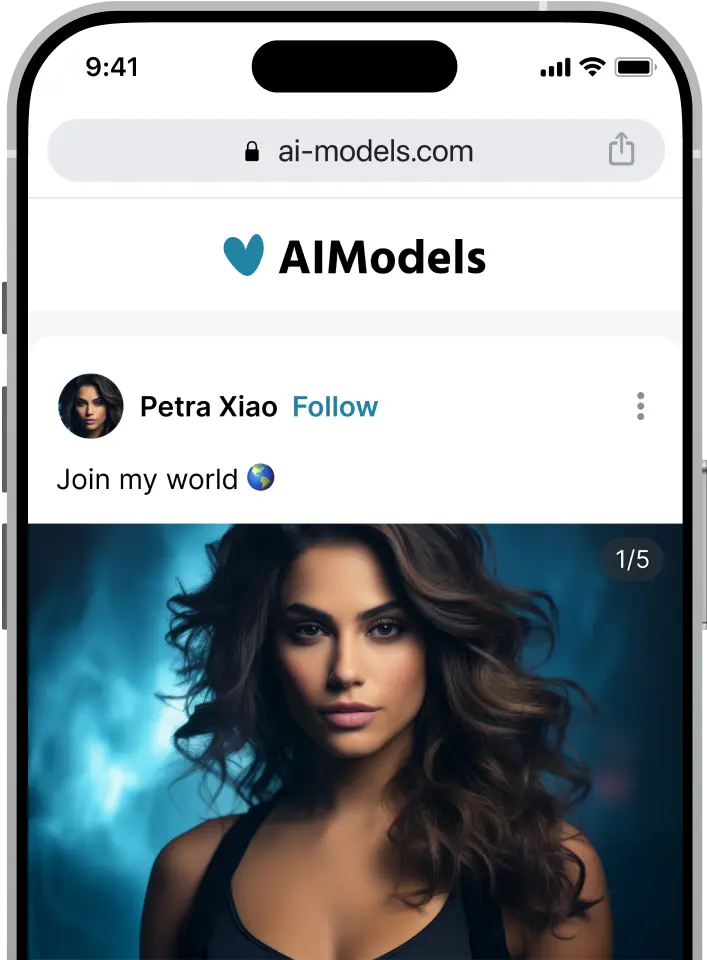
Scrile AI isn’t just another generic free AI avatar maker. Instead, it’s a specialized software developement service creating custom solutions for avatar generation. This flexibility makes Scrile AI perfect for businesses, influencers, and digital creators aiming to create avatar from photo tailored precisely to their audience.
The main strength of Scrile AI is its adaptability. Influencers looking to boost audience interaction can effortlessly create an AI avatar tailored specifically to their image. Businesses can build branded avatar tools to attract customers and strengthen loyalty. Even niche markets like adult websites or specialized creators can leverage Scrile’s custom technology to drive engagement.
For instance, imagine a content creator who used Scrile’s tools to design avatars from fan-submitted selfies. This unique feature significantly increased fan interaction, growing subscriptions and revenue by over 40%. With Scrile’s intuitive solutions, creators don’t need technical skills to deliver these experiences effectively.
Scrile AI stands apart through its flexibility, customization, and ease of integration. Users can quickly launch their avatar creation solutions without extensive technical expertise. If you’re exploring how to create an AI avatar, Scrile AI offers the perfect solution—simple, personalized, and designed precisely for your business needs.
Conclusion
AI-based avatar creation turns ordinary images into interactive, customized digital avatars while Scrile AI excels in offering end-to-end personalized services for the easy generation of avatar from photo. Make your online existence brighter with Scrile AI technology by designing innovative, customized avatars exclusively for your use.
FAQ – Create Avatar from Photo (AI Avatar Makers in 2026)
What does “create avatar from photo” mean, and what kind of avatar will I get?
It usually means you upload a selfie (or a set of selfies) and the tool generates a new image that looks like you, but in a chosen style. Depending on the app, the output can be a realistic “portrait,” a cartoon-like profile picture, or an artistic illustration.
The key detail is style control. Some tools focus on polished realism, while others are built for creative looks like watercolor, sketch, or abstract art. Pick the tool based on where you’ll use the avatar: social profile, brand page, or a campaign.
What’s the best AI avatar maker for realistic, “camera-ready” portraits?
If you want a realistic avatar that still looks like a believable photo, choose a tool known for polished portraits and stable facial proportions. Realism is where lighting, skin texture, and eye placement matter the most.
A practical test: generate 20–40 results and see how many look consistently like you, not like “a random person in a similar style.” If resemblance drops fast, reduce style variation and use clearer input photos.
What’s the best free AI avatar maker to create an avatar from a photo?
Free tools are perfect for quick “good enough” avatars: social profile updates, casual branding, or first tests before you commit to a paid plan. Usually the workflow is faster and simpler, with fewer advanced controls.
The tradeoff is output limits: fewer styles, lower resolution, watermarks, or fewer attempts per day. If you need consistent brand visuals or high-resolution exports, paid plans tend to be worth it.
Which tools are best for artistic avatars (sketch, watercolor, abstract, anime)?
If your goal is “style first,” pick tools designed for creative variation. These are great for creators, streamers, and brands that want a recognizable visual vibe rather than strict realism.
The main trick is to stay consistent: choose one aesthetic direction and generate in batches. Mixing too many styles can make your identity drift, so your avatar stops looking like the same person across posts.
How many photos do I need to upload to get a good avatar?
Most apps perform best with 10–20 photos. Use a mix of angles (front, 3/4, side), good lighting, and sharp focus. This helps the model learn consistent facial structure instead of guessing.
Avoid heavy filters, extreme makeup edits, sunglasses, and low-light party photos. If the avatar looks “off,” the fix is usually better input photos, not more style changes.
How do I make the avatar look more like me (and less like a generic face)?
Start with consistent photos: same hairstyle range, minimal accessories, and clean lighting. If the tool supports “similarity” or “reference strength,” increase it when you want identity consistency more than style experimentation.
Also limit extreme style packs. Strong stylization can overwrite face features, which is why some results look cool but stop looking like you. Pick one style direction and refine there.
Can I use an avatar created from my photo commercially (ads, brand pages, products)?
Often yes, but it depends on the app’s terms. Some tools allow commercial use only on paid plans, and some styles/assets may have restrictions. If the avatar becomes part of a real business asset, always check licensing.
For serious campaigns, prioritize predictable rights and consistent outputs. “Fun avatar apps” are great for experiments, but business branding benefits from clarity and stability.
Is it safe to upload my selfie to an AI avatar generator?
Treat it like any third-party platform. Before uploading, check whether the service stores images, how long it keeps them, and whether you can delete your data. If policies are vague, avoid uploading sensitive photos.
For extra privacy, use a separate email and avoid images with personal identifiers (IDs, uniforms, family photos, or anything that reveals location details). Your input photos are the “source material,” so handle them carefully.
What’s the difference between using an app and building a custom avatar tool for my brand?
Apps are fast: upload, pick a style, export. That’s perfect when you only need avatars for yourself. But apps usually limit brand control, customization depth, and how you can integrate avatar generation into your own product.
A custom tool makes sense when avatars are part of your business workflow: fan-submitted selfies, branded templates, paywalls, analytics, or a “create your avatar” feature inside your own platform.
How can creators or businesses monetize “create avatar from photo” features?
The simplest monetization is access: subscription-only avatar creation, paid “style packs,” or pay-per-generation credits. This works well when the avatar output feels like a collectible or a “premium perk.”
More advanced models include branded campaigns (avatars for launches), fan engagement mechanics (submit selfie → get avatar), and upsells like merch, prints, or profile bundles. The better the workflow and consistency, the easier it is to charge for it.

Polina Yan is a Technical Writer and Product Marketing Manager, specializing in helping creators launch personalized content monetization platforms. With over five years of experience writing and promoting content, Polina covers topics such as content monetization, social media strategies, digital marketing, and online business in adult industry. Her work empowers online entrepreneurs and creators to navigate the digital world with confidence and achieve their goals.
ArtGuru surprised me! The watercolor + sketch looks actually feel hand-touched. Not for corporate headshots, but if you’re building a personal brand with a softer aesthetic, it hits that sweet spot.
StarryAI is my go-to when I need something weird and painterly for Twitch. Realism? Meh. But for splash screens and emotes it’s 🔥. Thanks for calling out that it’s not the best for realistic avatars—that expectation check helps.
The Scrile AI angle is interesting — owning the pipeline, not just renting an app. We’re exploring fan-submitted selfies → avatar merch. If Scrile can integrate paywalls + analytics, that’s a real business case.
Fotor was perfect for me as a total beginner. I made a friendly “shopkeeper” avatar for our Etsy store in 10 minutes. Not fancy, but it matched our vibe and saved me paying a designer this month.
Lensa still gives me the cleanest, “camera-ready” look for IG, but I hate feeling boxed into style packs. Your note on limited customization is so true. Curious about Scrile AI if I ever want a brand-owned avatar system for my membership site.
Love the breakdown of “best for” vs “limitations.” I see so many lists that hype everything. Lensa: polished, yes; control: not so much. For product launches I’d rather have brand-consistent avatars than endless presets.