
Quick answer
Use this embedded workflow accessibility checklist to accept the assembled customer journey, including recovery and service participation. Record expected and observed behavior across keyboard, screen-reader and phone runs, with a repair owner for each failure. Retain embeds that pass. Hold essential paths that fail or remain untested until a repair, replacement or tested accessible alternative delivers the required outcome.
Accept the customer's complete task
A calendar can select the right date and a payment can succeed while the customer loses their place between them. Release a connected workflow only when its required actions, handoffs and recovery paths are demonstrated in the stated test environments. Separate widget passes cannot settle that decision.
Embedded workflow means the connected process across host pages, third-party components and service delivery. Follow the customer from entry through confirmation and participation, including required accounts or payment. Supplier ownership changes who repairs a barrier; it does not exclude that barrier from the task.
Use WCAG 2.2 AA as a proposed project target, subject to your actual requirements. This checklist is a focused acceptance gate, not an exhaustive conformance evaluation or a legal determination. Full-page and complete-process scope matter: an inaccessible checkout cannot be excluded because the surrounding booking page works. A passing matrix supports a decision about the tested journey, rather than a claim about every page and environment.

The embedded workflow accessibility checklist matrix
Use the matrix on the assembled staging journey with test accounts and test transactions. Each row pairs an action with observable acceptance behavior. The evidence cell belongs to the actual run: replace its recording prompt with what happened, the result and the retest. A supplier assurance is useful context, but cannot fill that cell.
| Boundary or behavior | Action to test | Acceptance behavior | Observed result and evidence, including retest | Accountable repair owner |
|---|---|---|---|---|
| Keyboard journey | Complete required actions without a mouse; enter and leave each embed. | All actions work, focus stays visible and no component traps the user. | Record pass/fail/not tested, focus trace and retest. | Host developer; supplier for internals |
| Dialogs and focus recovery | Open, cancel, complete and reopen each dialog. | Named dialog receives focus; modal navigation stays inside; close works; focus returns logically. | Record entry/return destination and retest for both exits. | Dialog implementer and host developer |
| Chat announcements | Receive a message while typing, then review history. | New content is announced without stealing focus; history remains readable. | Record spoken output, typing continuity and retest. | Chat implementer or supplier |
| Forms and errors | Submit empty and invalid fields, then correct them. | Meaningful labels, textual correction and perceivable feedback; valid entries retained under project policy. | Record error feedback, retained values and retest. | Form implementer |
| Booking | Enter a date; navigate calendar, change month, select and cancel. | Format is explained; selection is operable; month/date changes are conveyed; focus returns predictably. | Record selection, cancellation and focus on retest. | Booking implementer or supplier |
| Payment and authentication | Review and correct details; cancel; sign in; complete payment and return. | Commitment can be checked; errors and success are conveyed; resulting state leads to the next action. | Record test transaction outcome, return feedback and retest. | Payment/sign-in integration developer |
| Time limits | Approach booking, sign-in or payment expiry. | Adjustable limits offer accessible warning and extension; genuinely fixed limits have explained, tested recovery. | Record warning, extension or recovery and retest. | Integration developer and service owner |
| Video participation | Join; enable captions; operate required controls; leave and rejoin. | Named controls work; captions are usable under project policy; essential visual content has an accessible presentation. | Record participation task, caption issues and retest. | Video implementer and session owner |
| Language changes | Switch offered language; inspect mixed-language instructions. | Language changes are marked; essential instructions, errors and actions remain understandable. | Record offered language, announcement and retest. | Content owner and component implementer |
| Phone and enlargement | Repeat completion on phone screen readers and narrow/enlarged layouts. | Controls, errors, captions and next actions stay usable, including with the on-screen keyboard open. | Record affected layout/input and phone retest. | Host and component developers |
| Fallback and failure | Block embed, deny permissions and disconnect; follow alternative. | Discoverable route delivers required outcome; failed content cannot obstruct it. | Record completed alternative, fulfillment and retest. | Workflow owner, developer and service owner |
Record pass, fail or not tested, with observations and evidence such as recorded spoken output. Preserve the initial failure beside its retest. An untested essential action is not a pass. Mark payment inapplicable for an unpaid service, or authentication inapplicable when no account is required, stating that task-specific reason. Customers needing a step makes it part of acceptance.
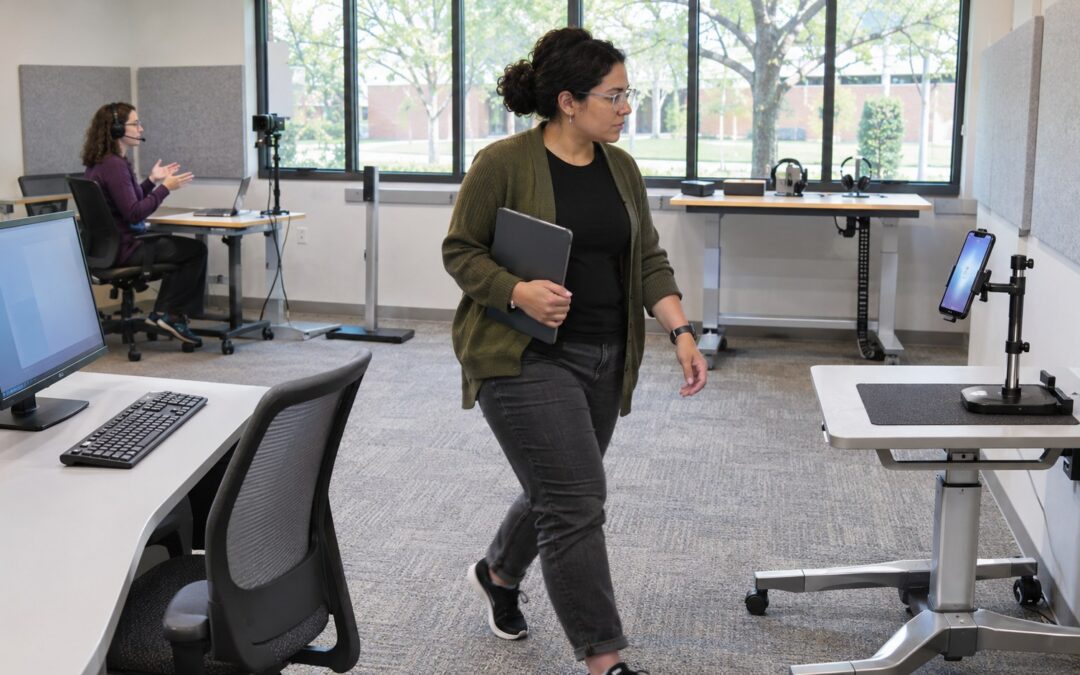
Begin with automated checks, then put the mouse aside. Use the keyboard through chat, intake correction, booking cancellation and selection, required payment and session entry. Check focus after each transition. Repeat with a recorded desktop screen-reader/browser combination, listening for instructions, changed values, errors and success. Visible feedback alone does not demonstrate an announcement.
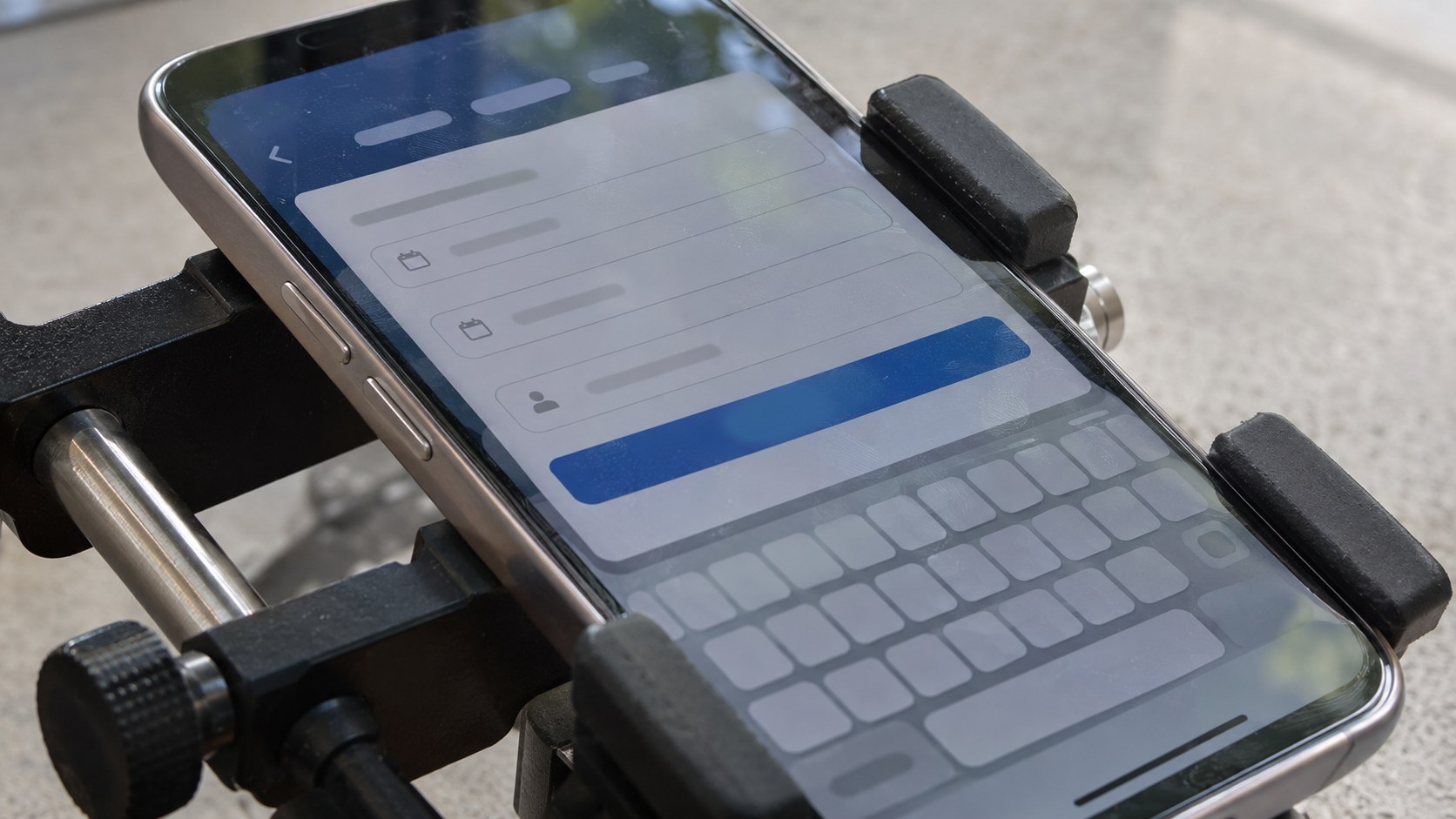
On a real iPhone, repeat with VoiceOver; on an Android device, use its available screen reader, such as TalkBack. Use both touch exploration and sequential navigation to find controls, enter details, correct errors and reach the session. Keep the on-screen keyboard open during submission checks. If it covers the final action and that action cannot be reached, the phone journey fails. Repair the layout and repeat entry, validation, submission and confirmation on the affected phone; a desktop pass cannot close that finding.
Repeat with narrow layouts and enlarged content. Can customers find errors, read captions while operating call controls, and reach the next action? Record the settings exercised. A successful run on a phone demonstrates that environment; it cannot establish universal mobile support.
Arrange competent testing where the team lacks screen-reader experience; unfamiliar gestures can obscure the cause of failure. Include relevant offered languages. A selector that translates the header but leaves essential payment errors incomprehensible has not demonstrated that language’s journey.
Implementation patterns illustrate behavior rather than confer acceptance. The W3C date-picker example shows date entry, month announcements and focus return, but is not production-ready code. Exercise browser and assistive-technology support. Apply the same criteria to custom and AI-generated interfaces; their origin earns no accessibility credit.
Use the findings to retain, repair or replace
Hold a failed essential path, then locate the cause before changing suppliers. If the component works alone and the failure comes from host navigation, layout or return handling, repair that handoff first. If an essential barrier reproduces inside supplier-controlled behavior and no adequate repair is available, evaluate replacement or a controlled interface against the same acceptance behavior.
Consider this illustrative tutoring release: chat, intake, booking, payment and video are required, payment uses a test transaction, and competent desktop and phone testing is available. Separate component passes initially suggest approval. The assembled run loses keyboard focus after calendar closure; payment succeeds without spoken confirmation or findable lesson entry. Hold release, but investigate before replacing suppliers.
The host replaces the calendar launcher after selection, removing its focus-return target. Repair returns focus to the date control with the selection conveyed. Cancellation leaves the value unchanged; reopening has an intelligible starting point. Containing navigation inside an open modal is intentional when closing works. An inescapable keyboard trap prevents leaving and continuing.
Payment return now exposes confirmation and a reachable next action: Your lesson is booked. Use Join lesson to enter your session. Inline updates need announcements without unnecessary focus movement; advancing steps needs a logical destination. Chat messages should be conveyed while typing continues. Form errors need corrective text, associated field feedback and a route back to the affected control, retaining valid entries under project policy.
Retest cancellation, definitive decline and interrupted successful return separately. A decline explains correction and permits retry. An interrupted return shows Checking payment status while available integration records or an assigned support owner resolve it. Invite another charge only after the state is known. Here, the successful test transaction leads to confirmation rather than a second payment request.
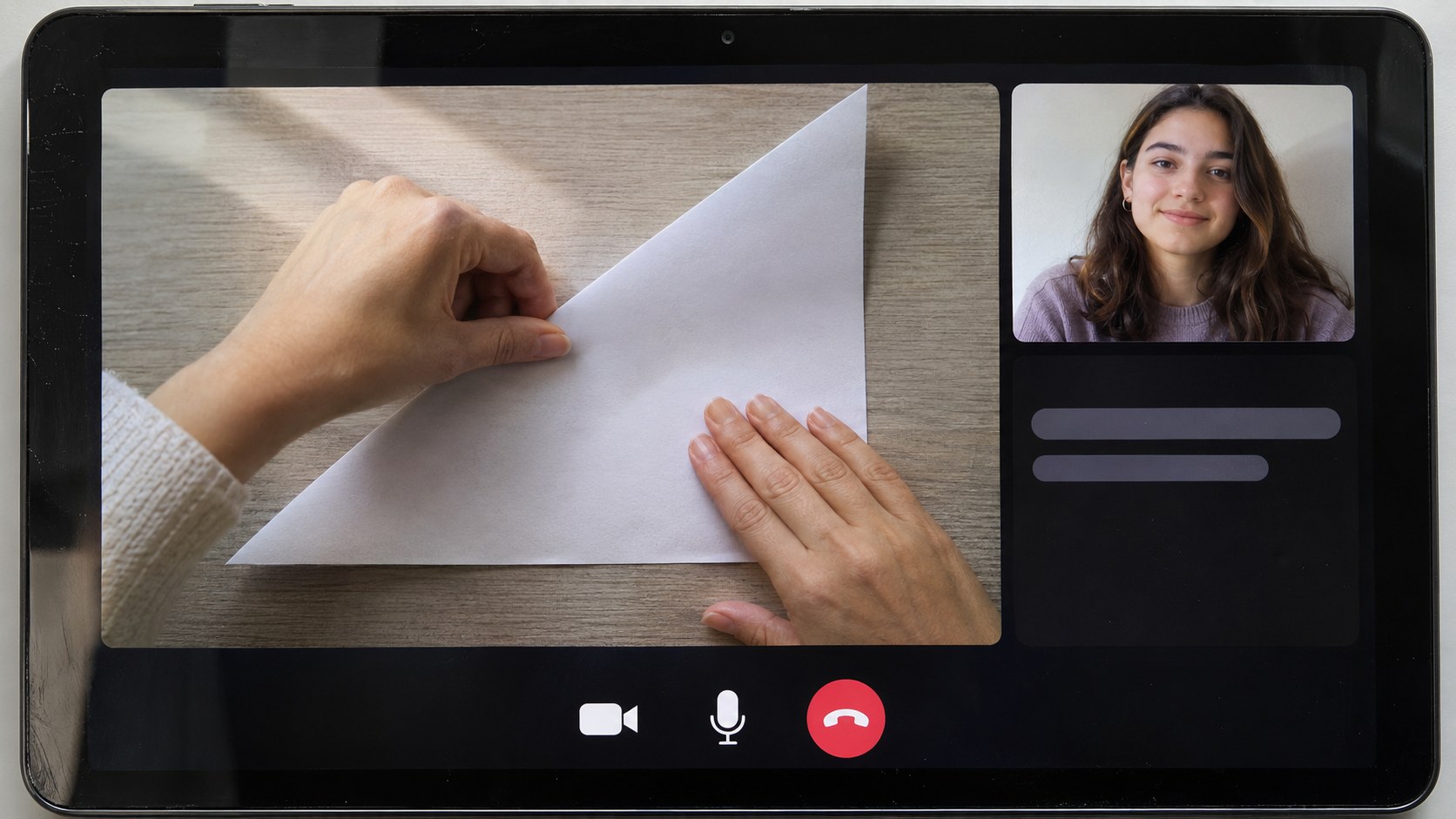
After repaired desktop and phone runs, the owner retains the embeds. A tutor and learner then rehearse the lesson: enter from confirmation, understand permissions, operate required device controls, discover and enable captions, leave and rejoin. The session owner checks representative speech and teaching terms for meaning-changing caption errors. Under the proposed policy, captions remain readable alongside necessary controls.
The tutor silently highlights the answer. Captions convey speech, so cannot reveal this instruction. Repeating the activity with spoken identification and accessible text lets the learner follow the task. This delivery requirement belongs to the session owner, not an assumed vendor feature. Assess captions and audio description for required prerecorded material as applicable; a transcript may omit essential visual information.
Warn before adjustable expiry and offer accessible extension. For genuinely fixed limits, document why and demonstrate recovery. Place an accessible alternative before a blocking embed and test fulfillment. An unanswered contact link fails. Assisted booking needs an assigned team, published hours and a response commitment it can cover. Comparable service terms are a proposed acceptance policy.
Human assistance can support customers during repairs; it does not automatically establish a conforming alternate web version. Correct or remove interfering content: a focus trap can prevent reaching even a good fallback. Hold the affected path if no adequate route or capacity exists. Passing the repaired journey and participation task supports the tutoring owner’s scoped approval.

Turn the findings into a release decision
Keep ownership and retesting in the existing matrix. A failure closes when the required behavior is demonstrated in its affected environment and adjacent handoffs still work. The workflow owner then accepts the complete journey. A merged change or a supplier ticket marked resolved is a reason to retest, not the acceptance result.
- Define the service outcome and applicable target. Name the entry point, confirmation, participation task, required dependencies and offered languages.
- Map the required steps and transitions, then run the baseline matrix in staging. Preserve both the expected behavior and the observed failure.
- Assign the smallest adequate repair to the person controlling the cause. Add reproduction steps, affected environment, task impact, next review and required retest in the result cell.
- Retest failed behavior and adjacent handoffs, including cancellation and recovery. Repeat a complete journey in the relevant desktop and phone environments.
- Ask the workflow owner to record retain, repair, replace or hold, with the tested scope and remaining gaps. Arrange missing test or service capacity before accepting a route that depends on it.
Host developers own surrounding navigation, layout and handoffs; suppliers or implementers own component internals. Service owners deliver accessible participation and alternatives; evaluators record evidence. A small team may combine roles if time is allocated. Repeating one busy person’s name does not create capacity.
Start the actual booking-through-lesson journey in staging and record the first boundary failure. Continue where possible to reveal downstream effects, then assign its reproduction. Retest repairs in the failed environment. After release, repeat affected checks and a complete journey following relevant changes, and reproduce reported barriers in their reported environment.
If the sequence itself is still being designed, the embedded booking workflow guide helps clarify where booking should sit in the customer task. Use the workflow automation testing checklist for broader regression planning beyond accessibility. Where a supplier-controlled boundary prevents a repair, api sdk workflow integration architecture provides adjacent reading on where integration control can live. Those decisions support this matrix; they do not replace the observed completion evidence.

Choose the control the video step needs
Keep a video embed that passes the journey checks. Greater control becomes relevant when an essential session-entry or interface barrier cannot be repaired through the existing integration. Compare approaches against that specific failure, including how the customer arrives from booking and returns after interruption, rather than replacing the call window on appearance alone.
A simple embed exposes provider-defined UI and features. An API connects call functions to your application; an SDK provides interface building blocks. Greater control requires implementation effort and the same acceptance tests. Ask which approach allows the responsible team to repair and demonstrate the failed behavior.
Scope the demonstration to booked-account entry, required controls, service participation and recovery from the triggering failure. Include the affected phone or screen-reader combination. Seek a proposed integration approach and demonstrable scope, with responsibility clear for any remaining supplier-controlled behavior.
Make the failed journey your integration brief
Explore Website Video Calling to compare provider-defined embeds with API/SDK integration. If supplier limits prevent an essential repair, bring the failed journey, reproduction and acceptance matrix to the guide’s custom-development discussion with Scrile Stream. Request an approach and demonstration scope for the affected scheduling, roles or interface behavior. Choosing customization provides control; the resulting workflow still needs to pass acceptance testing.
Frequently asked questions
Does passing this checklist establish WCAG conformance?
No. It supports a scoped release decision for the journey and environments tested. A complete conformance evaluation must address the other applicable criteria and requirements.
Must an unpaid workflow test payment?
No. Mark payment inapplicable with the reason that the service is unpaid. Required sign-in, booking and participation still remain in scope.
Should every status update move keyboard focus?
No. Inline updates should be conveyed without unnecessary movement. Opening a dialog or advancing to a new step needs a deliberate, logical focus destination.
Can an automated accessibility scan replace phone testing?
No. Real phone runs reveal touch-navigation, keyboard and layout barriers that a scan cannot demonstrate away. Retest a phone failure on the affected phone.
Are live captions enough for a visual lesson?
Captions convey speech. Essential silent visual actions also need an accessible presentation, such as spoken identification and accessible text, tested in the teaching task.
What should an interrupted payment return say?
Use an understandable checking state while the integration or assigned support owner resolves the transaction. Distinguish uncertainty from a confirmed decline before inviting another charge.
Who accepts the complete workflow?
A named workflow owner accepts the assembled result, using evaluator evidence and repairs owned by host developers, component suppliers and service operations.
When should an embed be replaced?
Consider replacement when an essential barrier remains inside supplier-controlled behavior without an adequate repair. Any replacement or custom interface needs the same journey tests.

Project lead at Scrile. Helps clients pick what actually moves growth and bridges them with the engineering team. Writes about the operational side of software delivery — scoping, requirement translation, and vendor-team alignment.