

Quick answer
A booking app for photographers wins only when it matches the way shoots really happen: different session lengths, deposits, buffers, approval rules, and a branded page that can turn portfolio or social traffic into a confirmed booking. If the app cannot separate a headshot, a mini-session, and a commercial shoot without manual cleanup, it will create extra work instead of removing it. Use this guide to compare workflow fit, not just calendar polish.
What photographers miss when they compare booking apps
Most photographers do not lose bookings because they lack software. They lose them when the software cannot model how a real day works: short consults, long shoots, travel time, setup, teardown, deposits, reschedules, and the trust-building step that happens before a client ever picks a slot.
The common mistake is to compare apps by reminder messages or colors and ignore the part that breaks first. A tool can look neat in a demo and still fail the first busy week if it cannot keep a 20-minute headshot separate from a 3-hour commercial job. That mismatch creates double-booked buffers, slot errors, and payment exceptions that eat 3-5 hours a week in a studio that books heavily.
One more thing gets missed: photography bookings often begin on Instagram, in a portfolio gallery, or through a referral link, not on a plain calendar. That means the booking page is part of the sales path, not just an admin form. If the handoff from image to booking feels generic, the client often stalls before the final click.
Session types by workflow
Portrait, family, headshot, wedding consultation, engagement shoot, mini-session, passport, editorial, commercial, and travel-heavy jobs do not behave the same way. A tool that can list services but not respect how each session runs will look fine in a demo and fail under real volume.
A headshot workflow may need a short duration, a small deposit, and a 15-minute reset. A wedding consult may need approval before payment. A commercial booking may need a longer intake, a custom prep note, and a different calendar rule. The point is not cosmetic. It is whether the schedule stays usable after the fifth booking of the day.
For the website side of that setup, the sister guide on how to make a website for booking appointments shows how the booking path sits inside the wider site structure.
Generic calendar link vs branded booking page
A generic calendar link works when the only question is which slot is open. Photography is rarely that simple. Clients are also deciding whether the package fits, whether the photographer looks credible, and whether the process feels easy enough to finish.
A branded booking page can show service names, price cues, policy notes, prep tips, and visual proof in one place. A plain calendar can collect a time. It cannot carry the trust work that usually closes the sale.
The gap gets wider when the traffic comes from a portfolio post or a social profile. Someone who moves from a polished image to a bare scheduler feels a break in the story, and that is where drop-off starts. The page should feel like the next step in the same conversation.
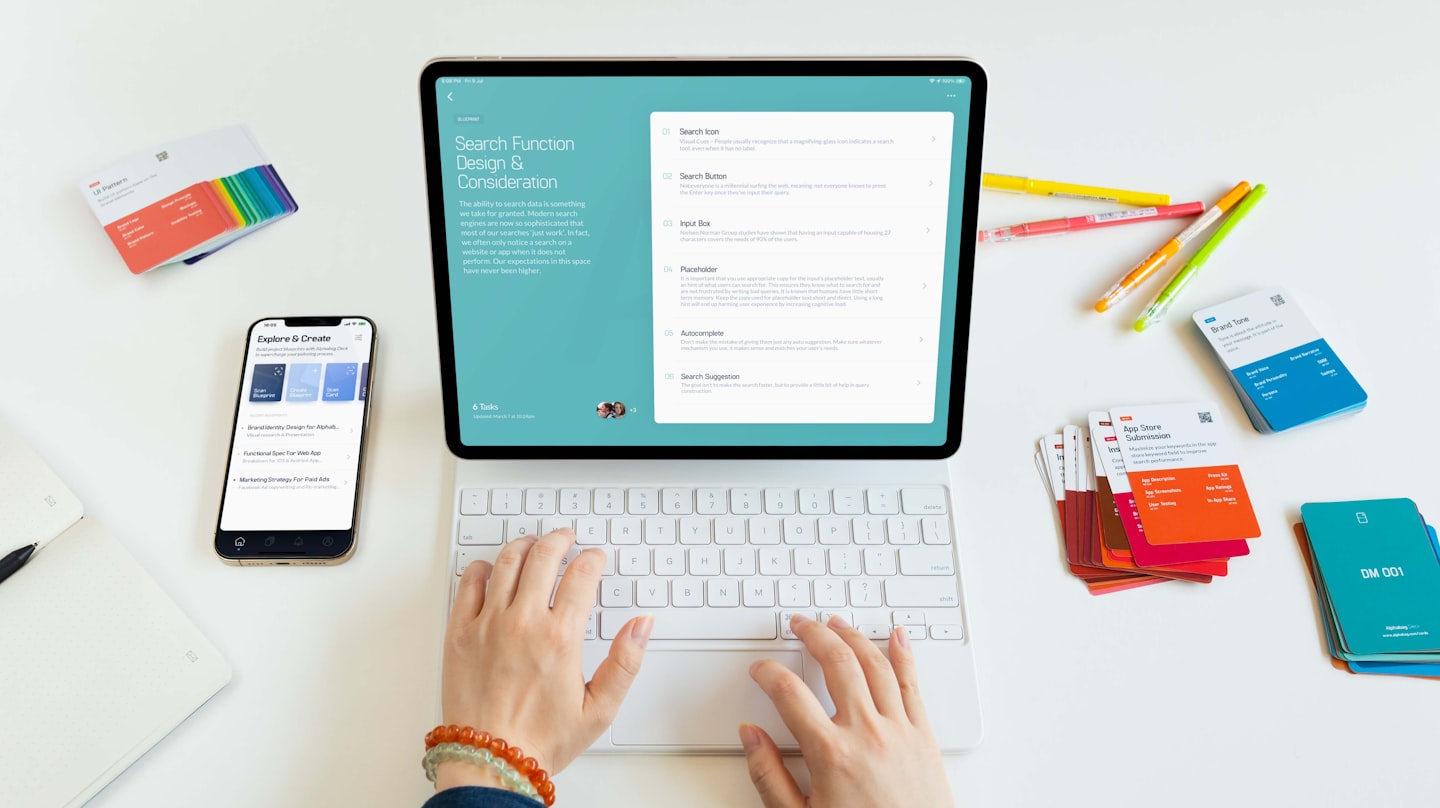
The booking-page elements photographers actually need
At minimum, the page should show shoot types, session lengths, prices or deposits, availability rules, cancellation policy, prep notes, and a way to contact the studio when the client is not sure which service fits.
Stronger pages add turnaround expectations, location notes, wardrobe guidance, and a short line that explains what happens after booking. A passport session may need a checklist. A wedding consult may need a list of what to bring. Commercial work may need intake questions and manual approval.
If the page cannot carry those pieces clearly, the software is too thin for photography work. This is also why calendar app for sharing is a useful adjacent question: sharing availability is easy; sharing a branded booking experience is the harder part.
Vendor evaluation checklist for a photographer booking app
Use this as an RFP-style screen. If a vendor cannot answer these questions clearly, it will probably cost you time after launch. The support burden is usually hidden at first and shows up once the calendar gets busy.
Photographers who skip this step usually find the same thing after a month: the app was built for generic appointments, not for sessions with rules. That turns into 2-4 hours a week lost to manual fixes and client back-and-forth.
Question 1, Can it handle variable session lengths cleanly?
Look for separate session types, distinct durations, and pricing that follows the session instead of forcing one calendar pattern. A portrait consult and a commercial shoot should not share the same booking logic unless you want constant edits.
Red flag: the vendor only offers one appointment length with a few free-text notes. That sounds flexible, but it usually creates hidden manual work within two weeks of launch.
Question 2 — Does it support deposits, full prepayment, and no-payment bookings?
Photography businesses usually need more than one payment rule. Some sessions need a retainer. Some need full prepayment. Some should stay unpaid until confirmation.
Look for a tool that lets you choose the rule by service type. If every booking is forced through the same checkout path, you lose control over cancellation risk and cash flow. That matters most when shoots are booked weeks ahead.
For photographers, payment rules are not a checkout feature. They are part of the booking policy.
Question 3, Can you set buffer rules by shoot type?
Buffer time is not just a convenience. It protects gear changes, travel, parking, setup, teardown, and the reset after a difficult session. A 15-minute buffer may work for a studio portrait. It may fail for a location shoot across town.
Good tools let you set buffers per service or per provider. Weak tools make you choose a single buffer for every booking, which breaks down once your calendar includes both studio and travel work.
Teams with mixed services usually save the most time here because buffers stop being guesswork and become a rule. That keeps the day from slipping into recovery mode.

Question 4 — Does it support manual approval when a booking is risky?
Manual approval matters when the booking needs review before you commit. That can mean weddings, commercial shoots, unusual locations, difficult timing, or anything that requires a longer intake.
The right tool should let you route some bookings automatically and keep others pending. If it cannot do that, you either over-automate and regret it later, or you keep everything manual and lose the point of the software.
Question 5 — Can it handle packages and multi-service sessions?
Many photographers sell combinations: consultation plus shoot, session plus add-on, or one booking that contains several services. The app should add time and price correctly when the package is booked as one session.
If a client needs separate bookings for what you sell as one offer, the flow is broken. That creates confusion, and confusion lowers close rate. Multi-service support is one of those quiet features that feels small in a demo and large in production.
Question 6 — What happens with cancellations, rescheduling, and no-shows?
You need to know where the rule lives and who can enforce it. A clean booking app should support policy text, reminders, and a reschedule path that does not require a manual email chain every time.
Without that, no-show risk rises and the calendar becomes unstable. For a small studio, even 1-2 missed sessions a week can become a visible revenue loss. For a busy one, the bigger cost is lost confidence in the schedule.
Question 7, Can the page carry portfolio-led conversion content?
Booking pages should not be blank forms. They need a few lines that help a client decide: what the session includes, what they should bring, how long it takes, and what happens after they book.
That matters most when the page gets traffic from Instagram, a portfolio gallery, or a link in bio. A page that looks detached from the brand weakens trust right before the click.
The strongest flows usually blend one booking page with one deeper website path. That is why how to make a website for booking appointments is often the next piece teams read after they choose software.
Question 8, Does it work from social traffic without sending people through a dead end?
Social traffic converts only when the page feels like a continuation of the post. If a client clicks from a portrait carousel or wedding preview and lands on a generic scheduler, the story breaks.
Good tools let you add branded entry points from Instagram, Facebook, or other social profiles and keep the client in a familiar path. The goal is not “social integration” as a checkbox. The goal is fewer abandoned bookings and less chasing people after they click.
Question 9 — Are there known feature gaps like waitlists?
Waitlists are one of the clearest examples of a gap that only shows up when you need it. Some tools do not support them at all. In photography, that hurts mini-sessions and high-demand dates most.
If waitlist support is missing, check whether the vendor gives you a reliable workaround. A manual form is acceptable only if your team can actually manage it during busy weeks. Otherwise, the gap turns into missed revenue.
Question 10 — Can you track which channels actually book?
Tracking matters because photography demand often comes from several places: social posts, portfolio pages, referrals, search, and paid campaigns. Without tracking, every channel looks equally useful because none of them is measured cleanly.
That is a bad way to spend a marketing budget. A studio that knows which channels produce bookings can shift spend within a month. A studio that does not is guessing.
For teams that care about channel attribution, the shared-availability angle in calendar app for sharing is useful, but attribution is the harder layer.
Common mistakes when choosing booking software for photographers
These are the errors that show up after launch, not during the sales demo. They are also the reason photographers replace their first booking app faster than expected.
Mistake 1 — Treating every shoot like the same appointment
This is the biggest failure mode. A tool can look clean and still be wrong if it cannot distinguish portrait work from commercial work or consults from travel shoots.
The cost is concrete. One wrong slot pattern can create a chain of reschedules, and a chain of reschedules usually means 2-3 days of calendar noise every busy week.
Mistake 2, Building on a generic calendar link too early
A calendar link is attractive because it is simple. But simple is not the same as fit. If the page cannot explain packages, deposits, or prep, the client still has questions after the booking step.
That extra email thread is where the friction lives. It also shifts work back to the photographer, which defeats the point of automation.
Mistake 3, Ignoring operational limits and policy friction
No-show rules, rescheduling rules, and post-booking instructions are not add-ons. They are the structure that keeps the booking flow reliable when volume grows.
Teams often notice this only after the first few weeks of heavier demand. By then, the calendar is full enough that every missed rule costs real time. A cleaner system at the start is cheaper than fixing the process later.
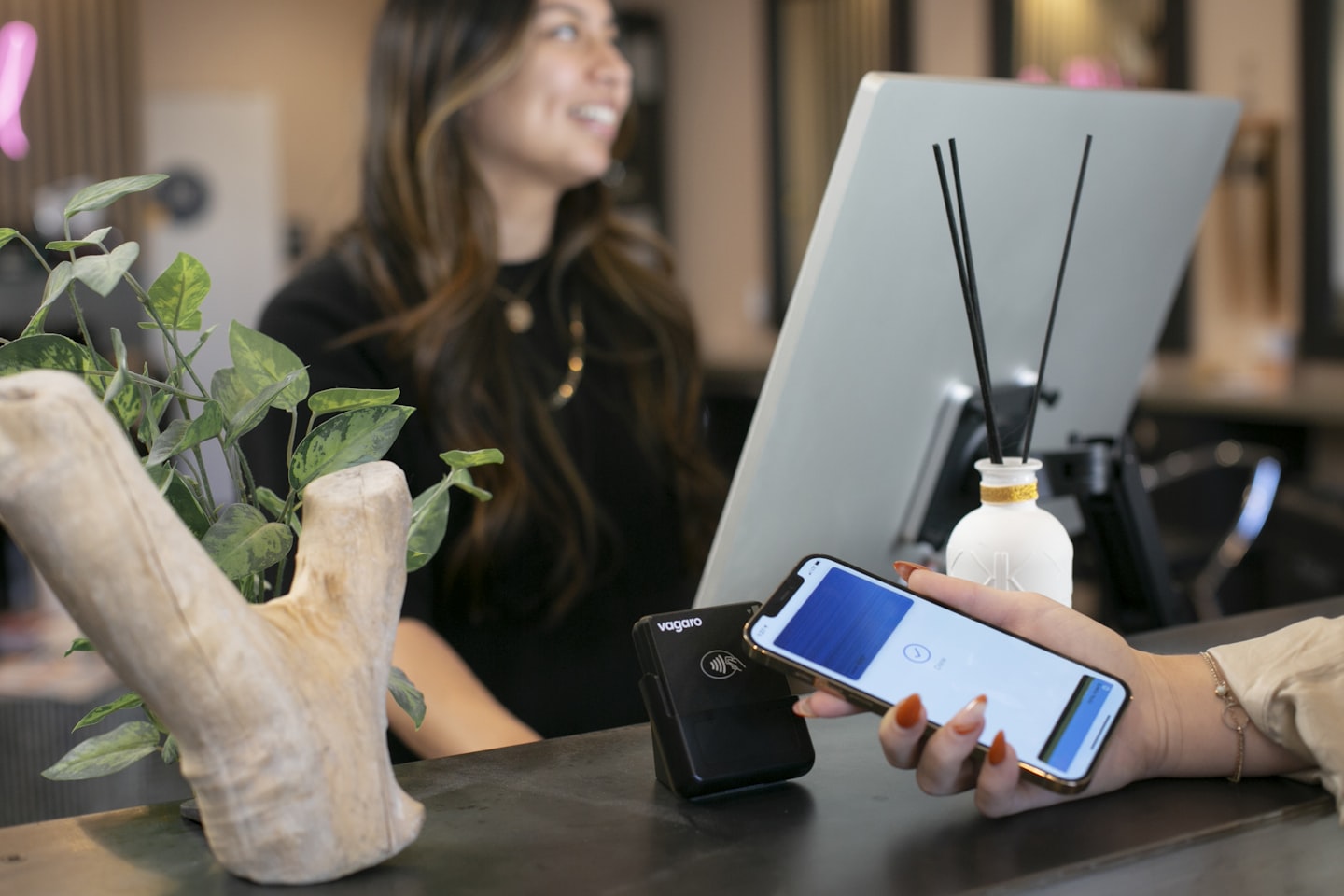
| Photographer type | Required features | Deal-breakers |
|---|---|---|
| Portrait and headshot | Short durations, deposits, buffers, branded page, reminders | No service-specific slots, no buffer control, weak branding |
| Family and mini-session | Package selection, pre-session notes, limit on daily appointments, waitlist support | No package logic, no waitlist path, hard-to-read policies |
| Wedding and engagement | Manual approval, consult flow, deposit handling, reschedule rules, client messaging | Instant auto-booking for every request, no policy fields, no approval step |
| Commercial and editorial | Longer intake, variable session length, admin oversight, custom workflow, reporting | Single fixed appointment length, no admin controls, no workflow split |
| Passport and high-volume studio | Fast booking, reminders, strict duration rules, channel tracking, no-show handling | Slow checkout, unclear availability, no way to separate appointment types |
How to evaluate a booking app by photographer type
Different photographers need different controls. The right vendor for a portrait studio can be a poor fit for commercial work. Keep that in mind before you compare prices or reviews.
A studio owner usually wants speed and simple self-booking. A wedding photographer often wants approval and stronger policy controls. A commercial team often wants the most admin visibility. If those needs are mixed together, the app has to support the mix, not just one default flow.
Portrait, headshot, and family work
This category usually needs the cleanest self-booking path. Clients should be able to choose a service, see open times, pay a deposit, and get clear prep notes without waiting for email replies.
Buffers matter here because the day fills quickly. A 15-minute reset after each session can be the difference between a smooth day and a hard one. If the app cannot apply that rule reliably, the schedule turns fragile fast.
Wedding, engagement, and consultation-heavy work
These bookings often start with a consult, not a direct checkout. Manual approval is helpful because the photographer may want to confirm fit before accepting the date.
This is also where policies matter most. Cancellation windows, retainer language, and reminders are not decoration. They are part of the sale. In practice, a strong workflow saves 1-2 hours of admin for every serious booking cycle.
Event, commercial, and travel-heavy work
Travel-heavy shoots need different buffer logic, sometimes different staff oversight, and often more than one person touching the booking. The tool should make that visible.
If you run this kind of work, lean toward software that can show who owns the booking, what the intake says, and how the calendar was blocked. That keeps operations from becoming detective work.
Mini-sessions, passport, and high-volume studio work
High-volume booking is where a bad fit becomes obvious fastest. A missing waitlist, slow form, or weak channel tracking can cost real revenue in a single month.
These sessions need discipline. That usually means fewer open slots, stronger reminders, and a page that keeps the booking decision short. The easier the flow, the less support work lands back on the team.
When the question shifts from booking software to broader service scheduling, the adjacent guide on app reservations management is useful for thinking about capacity, not just appointments.
Where to put your decision effort first
Do not start by comparing twenty tools. Start by writing the rules your current calendar already follows, even if they are only in your head. That alone will show which app is too shallow.
- List your shoot types and assign a duration, buffer, and payment rule to each one. The result is a simple spec you can test against vendors.
- Review the last 10 bookings that needed manual intervention. You will usually find one repeating failure pattern in under an hour.
- Decide which sessions can auto-book and which ones need approval. That decision reduces avoidable mistakes within the first month.
- Check whether your booking page needs to function as a mini landing page from social traffic. If yes, treat branding as a requirement, not an extra.
- Test how fast a client can move from Instagram, site, or email into a confirmed booking. If the path feels long on desktop, it will feel longer on mobile.
If you want the next layer after this checklist, the piece on how to make a website for booking appointments helps connect the booking decision to the website structure around it.
Why teams settle on Scrile Meet for this
When the real requirement is not just a calendar but a controlled client flow, Scrile Meet becomes relevant for a different reason than most photography booking tools. The core problem in this article is not only scheduling; it is keeping booking, payment, messaging, and service logic in one branded path so the client does not bounce between disconnected tools.
That matters most for studios and service teams that need a single workflow across appointment types, especially where one-to-one and group formats both exist. In those setups, the advantage is less about a flashy booking widget and more about reducing tool switching, keeping the client experience under one brand, and giving the team a way to manage the process without stitching together separate systems.
Scrile Meet fits the same operational shape this guide keeps returning to: structured session types, paid bookings, messaging around the appointment, and admin oversight when more than one person touches the calendar. It is a stronger fit when the business model has already moved beyond simple self-serve booking and into a branded consultation flow with real control needs. If the studio is still small and only needs a bare link, the migration cost can outweigh the benefit at first; if the process is already fragmented, the consolidation value shows up quickly.
Ready to build the setup behind this?
If this is the operating problem you need to solve, use the product page as the next step. It shows where build your setup fits and what the platform covers beyond a single payment widget.
Frequently asked questions
When is a generic scheduler enough for a photographer?
Only when every booking is the same length, there is no deposit logic, and the page does not need to sell trust. The moment shoot types diverge, a generic scheduler starts creating manual cleanup.
What breaks first when sessions have different lengths?
Buffer time and slot accuracy usually break first. After that, rescheduling gets messy because the calendar no longer reflects how long each job really takes.
How do you know deposits matter more than reminders?
If cancellations are expensive, deposits matter more. Reminders reduce missed appointments, but they do not protect you from last-minute churn the way a retainer does.
What if your booking tool has no waitlist?
You can patch it with a form or spreadsheet, but that is a workaround, not a system. It is acceptable only if your team has enough capacity to manage it during busy weeks.
When should a photographer require manual approval?
Use approval when the shoot is high value, unusual, travel-heavy, or needs review before the date is held. That is common for weddings, commercial work, and bookings with complex logistics.
What happens if social traffic lands on an unbranded booking page?
Conversion usually drops because the page feels disconnected from the post that brought the client there. The fix is a branded booking page with enough context to keep the story going.

Builds SaaS platforms for content creators, agencies, and entrepreneurs. Writes about the business mechanics behind creator-economy products and how custom software actually ships.