

Scheduling tools run half the modern service economy. Coaches, small clinics, tutors, wellness studios, and consultants rely on booking software to keep their calendars from collapsing. Acuity built a strong early lead, but 2026 looks different. The user base expanded, demands changed, and patience shrank. Across Reddit threads and review platforms, people describe the same friction: slow loading during busy hours, limited customization, and the sense that Acuity works best only if you stay inside the Squarespace ecosystem. That shift is why more teams compare Acuity alternatives before committing to another year.
Some want easier integrations. Others want better branding, smarter automation, or a tool that fits how they actually deliver services. This guide walks through the reasons users move on, the criteria that matter when choosing a replacement, the strongest options available, and what a custom-built solution can offer when ready-made tools can’t keep up.
Why Users Replace Acuity Scheduling
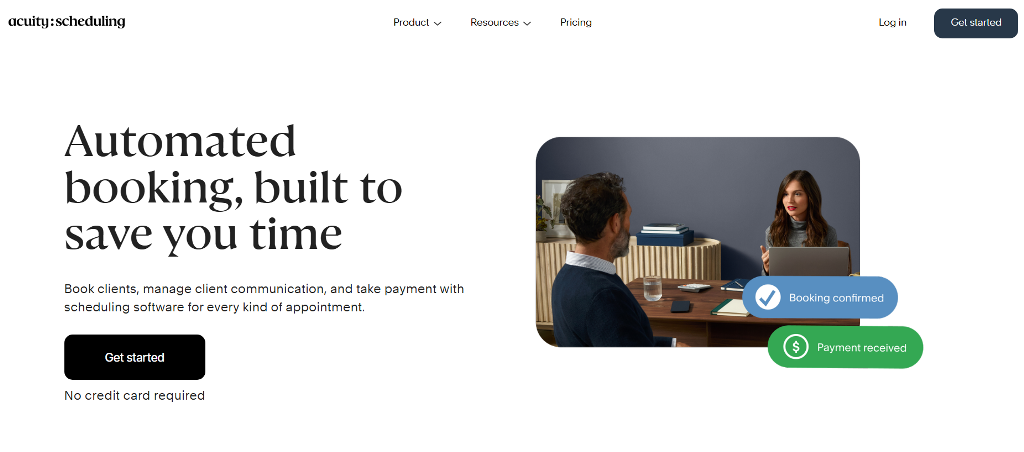
Acuity Scheduling has been around long enough to become the default choice for many small operations. The entry plan usually falls somewhere around $16 per month, with higher tiers reaching roughly $49 as more calendars and features get added. For a solo consultant, that’s manageable. Trouble appears once a business tries to scale or needs a workflow outside Acuity’s narrow lane.
A second piece of context matters here: Acuity became a Squarespace product after the 2019 acquisition. That shift worked well for users already building their websites on Squarespace, but it also created a wave of confusion. Some people search Squarespace Scheduling vs Acuity as if they were unrelated tools. Others ask is Acuity and Squarespace the same thing, trying to understand how tightly the two products overlap. The simplest way to describe it is this: Acuity lives in the Squarespace family, but it still behaves like its own standalone scheduler — with its own advantages and its own ceilings.
Once people look past the branding link, the same pressure points surface again and again:
- Automation runs out of room. Reminders and basic follow-ups exist, but anything beyond simple sequences requires workarounds.
- Branding tools feel thin. Businesses want booking pages that match their identity, not generic forms with basic color swaps.
- Team scheduling becomes pricey. As more calendars get added, the overall subscription jumps fast, pushing people toward tools listed as Acuity Scheduling Competitors.
- Multi-location logic is limited. Clinics, salons, and coaching groups often need resource rules, roles, and complex timetable management. Acuity doesn’t stretch far.
- Squarespace users feel boxed in. Some stay only because it’s bundled. When they try to migrate, the ecosystem makes it harder than expected.
User Pain Points Surfaced Across
The finer details matter even more. Many reviews mention lag during peak usage, confusing time-zone conversions for international clients, and shallow intake form controls. Those issues sound small until they hit real business scenarios.
A yoga studio needs strict class-size limits and waitlists. A consultant juggling different services wants separate intake steps for each. A clinic needs layered permissions so staff only see their own schedules. When these needs collide with Acuity’s ceiling, the workflow breaks. That is the moment people start looking for Acuity alternatives that match the complexity of their daily work instead of forcing them into rigid templates.
How to Evaluate the Right Alternative
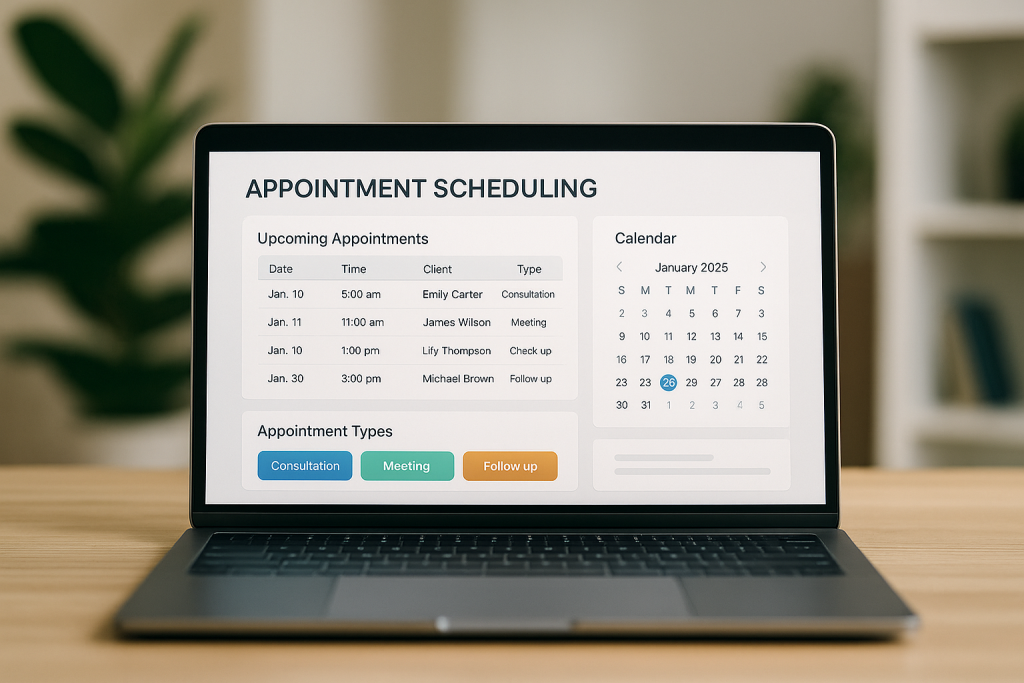
Once a team decides to move on, comparing tools becomes overwhelming. Websites pitch similar features, and marketing copy hides the details that matter. These points help filter the noise when reviewing Alternatives to Acuity Scheduling.
Pricing logic defines long-term cost. Some tools charge per staff member. Others price by feature tier. A business with ten calendars will feel a per-seat plan immediately, while a solo operator won’t.
Integration depth shapes workflow. Strong options sync cleanly with Google Calendar, Outlook, Stripe, PayPal, or CRMs. Teams using Zoom or Microsoft Teams need native video integrations, not meeting links pasted manually.
Automation determines how much the tool actually saves time. Good alternatives can handle follow-ups, reminders, cancellations, and sequences that change depending on the service.
Branding and white-labeling influence client perception. Some businesses need a booking page that looks like part of their site—not an embedded widget with limited styling.
Data ownership and export rules matter more than people expect. Vendors that lock down exports create headaches later. Good platforms let teams back up client lists, booking records, and financial reports without obstacles.
Vendor lock-in is a real risk. Some tools work beautifully until a team needs something slightly unusual. If the platform can’t bend, the business ends up switching again.
With these factors in mind, evaluating Acuity alternatives becomes far more honest and less about shiny features.
The Top Acuity Alternatives for 2026
Choosing between the many Acuity Alternatives can feel messy until you compare them in a structured way. Different tools work better for different rhythms: some are built for speed, some for teams, some for people who need fine-tuned branding. Below are five options worth looking at in 2026, each with a clear purpose and transparent pricing so you can decide which one genuinely fits your workflow.
Calendly
Best for: professionals and teams who want quick scheduling with minimal setup.
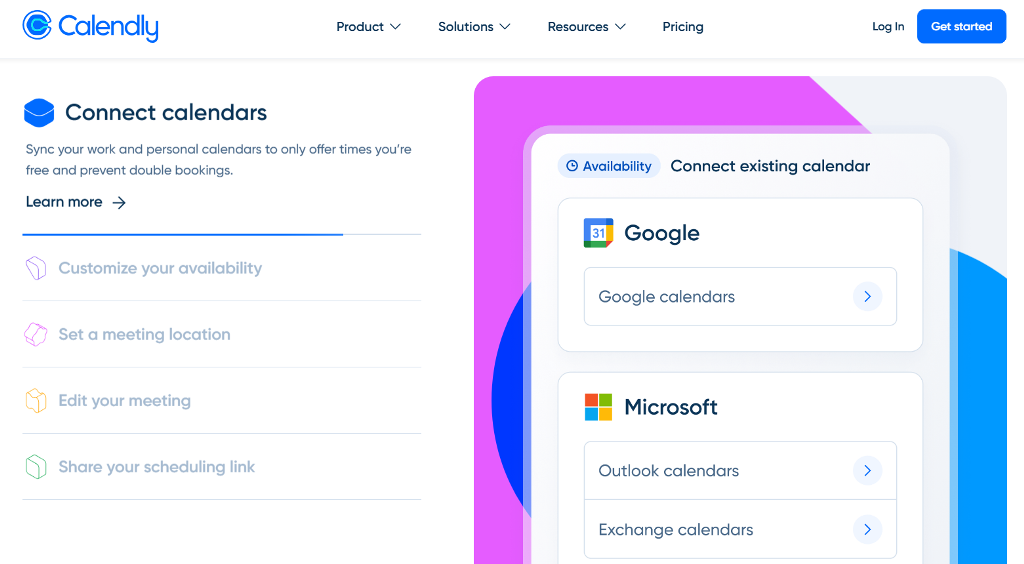
Calendly built its reputation on simplicity. You pick your availability, share a link, and clients book without friction. It supports Google and Outlook calendars, plugs into Zoom and Teams, and includes automatic reminders. The tool works especially well for consultants, recruiters, and sales teams that rely on fast back-and-forth scheduling.
Pros:
- Very fast initial setup.
- Large integration library.
- Clean booking pages with predictable behavior.
Cons:
- Branding options feel limited.
- Not ideal for service providers who need intake steps or questionnaires.
Pricing: starts with a free plan; paid seats typically fall into the $10–$16 range.
One of the clearer Acuity scheduling alternative options for straightforward workflows.
Microsoft Bookings
Best for: teams inside Microsoft 365, HR departments, clinics, and corporate training operations.
Bookings works well because it fits naturally into the Microsoft ecosystem. If a team already uses Outlook, Teams, OneDrive, or SharePoint, setup feels almost seamless. Admins can manage staff calendars, service types, and permissions from one interface. Video calls integrate directly into Teams without extra work.
Pros:
- Strong fit for enterprises and corporate teams.
- Deep integration with Outlook and Teams.
- Useful for multi-staff environments that require internal permissions.
Cons:
- Confusing for freelancers or small service providers.
- Customization is limited compared to more flexible tools.
Pricing: included in many Microsoft 365 Business subscriptions; some plans cost $6–$22 per user depending on region and licensing.
Great option for organizations already anchored in Microsoft workflows.
Zoho Bookings
Best for: service teams, coaches, educators, and growing businesses that want automation depth without enterprise pricing.
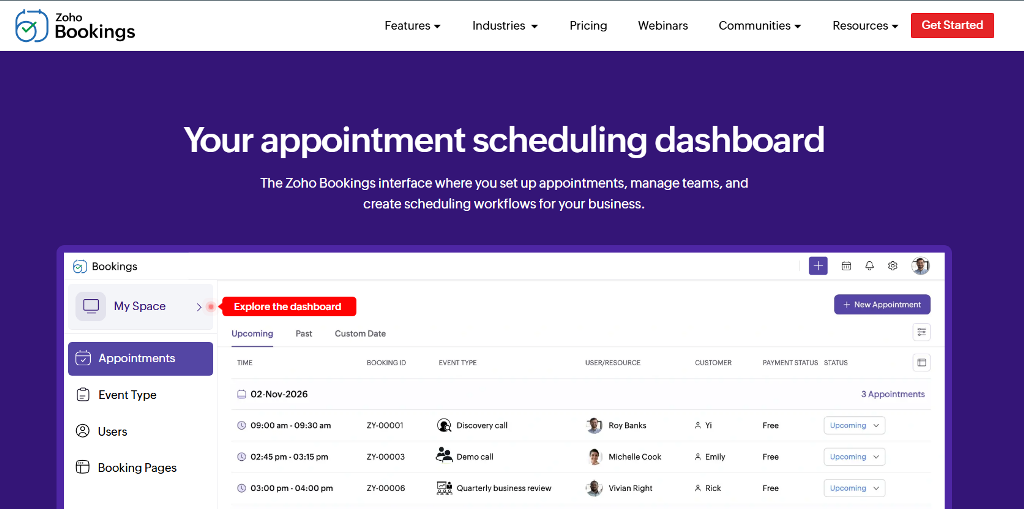
Zoho Bookings benefits from living inside the broader Zoho suite. Teams can link scheduling with CRM, invoicing, campaigns, and helpdesk tools. Workflows support conditional logic, customized intake, and reminders tied to different service categories.
Pros:
- Automation that adapts to varied appointment types.
- Strong connections to Zoho CRM and external calendars.
- Affordable for multi-staff setups.
Cons:
- UI takes time to master.
- Branding tools are solid but not limitless.
- Sync delays occasionally appear when using many Zoho apps at once.
Pricing: plans range from $6 to $9 per user/month.
Zoho is a strong choice for teams that want deeper workflows without jumping into more expensive enterprise platforms.
Setmore
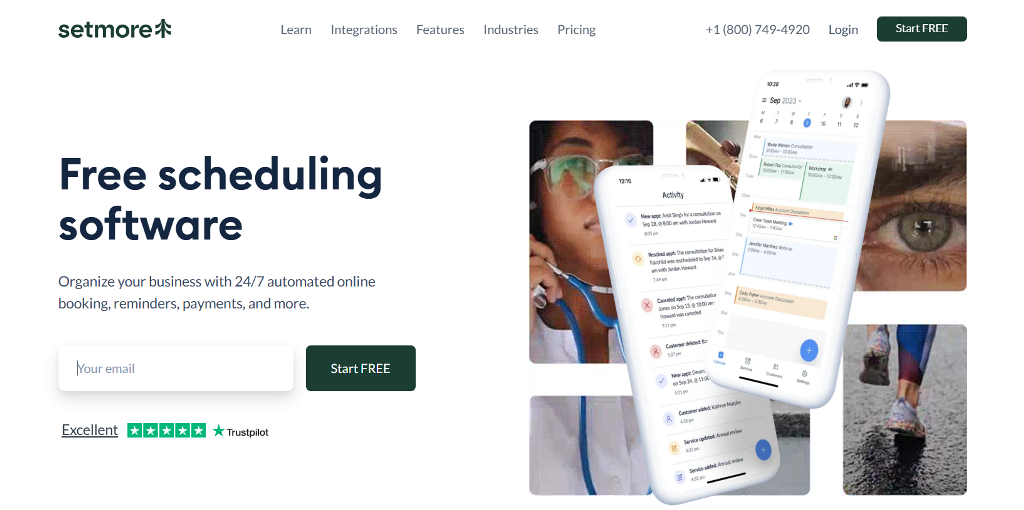
Best for: barbers, fitness coaches, massage therapists, and other small operations that want simple booking with a professional touch.
Setmore is known for its generous free tier and easy learning curve. It connects with Facebook and Instagram, letting clients book directly through social profiles—useful for small businesses that don’t rely on heavy websites. Its appointment pages feel clean and mobile-ready.
Pros:
- One of the best free plans in the category.
- Social media booking tools built in.
- Simple interface that doesn’t overwhelm new users.
Cons:
- Reporting and analytics stay fairly light.
- Limited customization for advanced workflows.
Pricing: free tier available; paid plan lands around $5–$12 per user/month depending on the billing cycle.
Among the most straightforward Acuity alternatives for small, fast-moving service providers.
YouCanBookMe
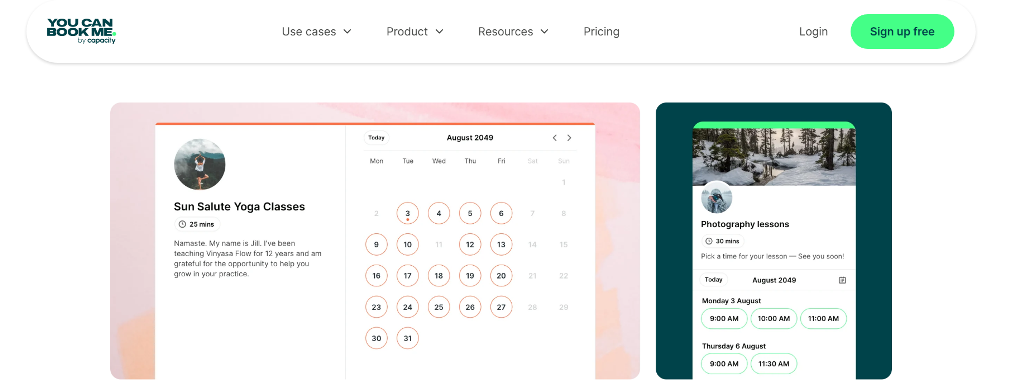
Best for: educators, consultants, freelancers, and teams that want calendar-driven booking with strong personalization.
YouCanBookMe focuses on customization inside a simple framework. Users can adjust text, layout, email templates, and time-slot rules without touching code. It shines in environments where tight syncing with Google or Outlook matters more than complex automation.
Pros:
- Excellent email and template personalization.
- Intuitive time-slot control.
- Reliable calendar syncing.
Cons:
- Not built for complex multi-location scheduling.
- Limited workflow automation.
Pricing: typically $7–$14 per calendar/month, depending on billing cycle; free plan is available.
A strong pick for teams reviewing Acuity Scheduling Alternatives that emphasize communication over heavy operational structure.
Create a Turnkey Online Booking System With Scrile Connect
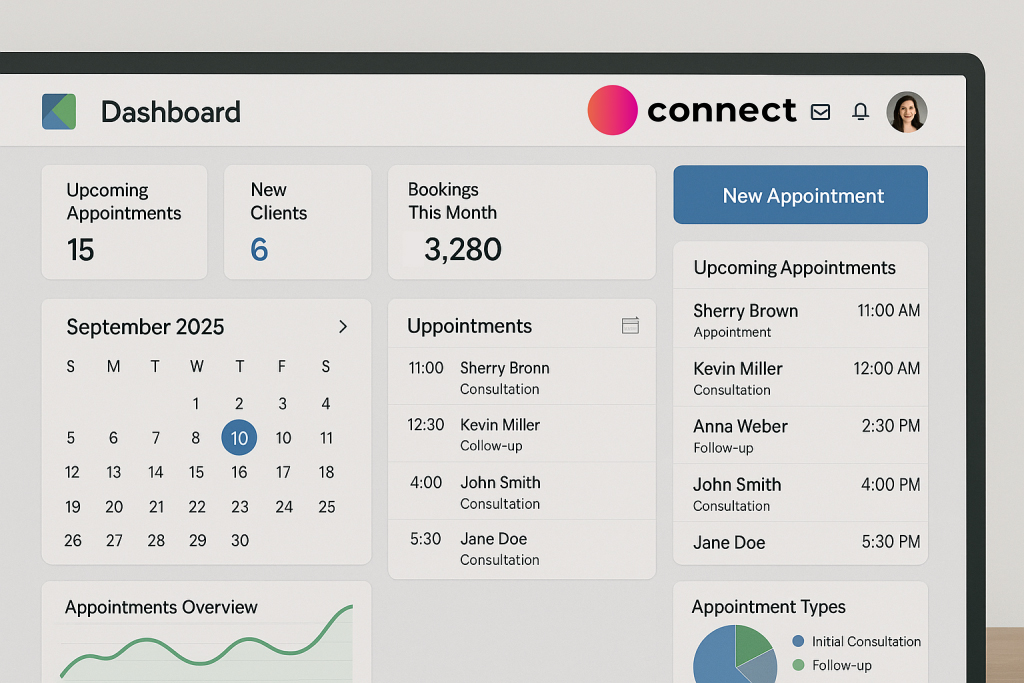
All the tools above solve scheduling in their own way. They work best when a business fits the mold they were built for. But many teams don’t. They run unusual appointment types, manage multiple service layers, or need a branded client experience that prebuilt software can’t offer. That’s where Scrile Connect comes in—not as another booking app, but as a custom-built system shaped around the business itself.
Scrile Connect is a development service, not a SaaS subscription. The team builds a private scheduling platform with the exact features a business needs: unique intake flows, multi-role dashboards, resource-based scheduling, class and group booking logic, membership areas, integrated payments, messaging, or anything else required. Because everything is custom, there are no constraints on layout, branding, automation, or workflows.
Key advantages:
- Custom UI and branding that match the business perfectly.
- Scheduling flows built from scratch for the service type.
- Payment logic, subscriptions, bundles, or credit systems.
- Multi-staff permissions, internal notes, and audit tools.
- API-based structure for future integrations and expansion.
- Full data ownership with no platform lock-in.
For businesses that outgrow Acuity—or any replacement—Scrile Connect offers a way to build an alternative to Acuity Scheduling that truly fits how the team works.
Conclusion
The market for scheduling tools is broader than ever, with Acuity Alternatives available for nearly every business stage and need. From simple booking apps to robust client management systems, the right solution depends on your goals and workflow. When out-of-the-box tools no longer fit, custom development becomes the smartest next step. Scrile Connect offers tailored platforms designed to scale with your business.
Explore what Scrile Connect can build for you — and move beyond limitations.
FAQ
What’s better than Acuity Scheduling?
Different tools excel in different areas. Calendly handles quick booking; Microsoft Bookings works well inside corporate Microsoft 365 setups; Zoho Bookings adds automation and CRM links; YouCanBookMe focuses on personalization; Setmore gives small businesses an easy free option. These are the main competitors among modern Acuity alternatives, and the right choice depends on the workflow.
Is there a free version of Acuity Scheduling?
Acuity doesn’t offer a permanent free plan, but new users get a free trial. It’s enough to test basic booking, reminders, and calendar syncing before committing to a paid tier.
Is Calendly or Acuity better?
Calendly fits teams that want fast, simple scheduling with clean integrations and minimal setup. Acuity suits people who need packages, memberships, or deeper client management.

Polina Yan is a Technical Writer and Product Marketing Manager, specializing in helping creators launch personalized content monetization platforms. With over five years of experience writing and promoting content, Polina covers topics such as content monetization, social media strategies, digital marketing, and online business in adult industry. Her work empowers online entrepreneurs and creators to navigate the digital world with confidence and achieve their goals.