Telemedicine App Development G …
Telemedicine app development is no longer a niche investment. In 2026, it sits at the center of healthcare strategy for startups, private clinics, and hospital networks. Remote consultations are not an experiment anymore. They are part of how care is delivered.
The global telehealth market was estimated at roughly $175–$190 billion in 2025, depending on methodology. Most projections point to a compound annual growth rate above 20%, which places the market well above $350–$400 billion by 2030. That growth is not driven by hype. It is driven by operational necessity.
During the pandemic, telemedicine surged as an emergency substitute. In 2026, it operates as a permanent channel. Patients expect to book video visits the same way they order a taxi. Clinics expect digital scheduling, online intake forms, and secure document exchange. Insurers continue expanding coverage for remote care, especially for mental health, chronic disease management, and follow-up visits.
Healthcare providers are digitizing internal workflows as well. Appointment management, prescription handling, billing, and patient records are increasingly integrated into digital systems. Video consultations are just one layer of a broader transformation.
Most importantly, patient behavior has shifted. Convenience is no longer optional. People compare wait times, pricing transparency, and digital access before choosing providers. That expectation shapes product decisions and defines why telemedicine is now infrastructure rather than an add-on.
What a Telemedicine App Actually Includes

When people talk about telemedicine, they usually imagine a video consultation. A doctor on one side, a patient on the other. In practice, that’s only part of the picture.
If you’re planning serious telemedicine mobile app development, think in terms of workflow. A patient books, joins, talks, pays, receives instructions, maybe comes back next week. That whole loop has to work without friction.The consultation itself may last fifteen minutes. Everything around it determines whether the system actually works.
Core Features
A real telemedicine product typically includes:
- Video consultations built on WebRTC, because browser-based real-time communication reduces friction. It adapts quality to connection speed and avoids forcing users to install heavy plugins. Latency and stability matter more than visual polish.
- Secure messaging, not just during the call but before and after. Patients often send photos, lab results, or follow-up questions. Doctors respond later. That async layer reduces unnecessary appointments.
- Scheduling with logic, not just a static calendar. You need time slot management, automatic reminders, cancellation rules, and sometimes buffer time between appointments. Otherwise providers burn out fast.
- Payment handling, especially for private clinics and startups. Stripe-like integrations, subscription models, invoice exports. In some regions, insurance workflows complicate this further.
- Provider-facing dashboards, where doctors can see upcoming visits, patient notes, uploaded files, and history in one view. If they need three tabs to operate, they won’t use it.
- Notifications, because missed appointments kill revenue. SMS reminders and push alerts dramatically reduce no-show rates.
That’s the base. Without it, the product feels unfinished.
Monitoring and Integrations
Where things get interesting is beyond the call itself. Telemedicine app development solutions today often include remote patient monitoring. Blood pressure readings. Glucose logs. Pulse oximeter data. Sometimes manual input, sometimes connected devices.
EHR integration becomes critical once you deal with established clinics. Doctors don’t want duplicate documentation. Integration reduces administrative load and lowers compliance risk.
Analytics also matter. Appointment duration, retention rate, revenue per provider. Founders ignore this at first. They shouldn’t.
Role-based access control is another layer that sounds boring until it isn’t. Receptionists shouldn’t see full medical records. Nurses need partial access. Providers need everything. Permissions are not optional in healthcare.
A telemedicine product is infrastructure. Video is just one piece of it.
Real-World Telemedicine Platforms
Looking at existing products gives a more realistic picture of what serious telemedicine app development looks like in practice. These companies didn’t just build video tools. They built structured healthcare delivery systems with clear revenue logic.
Teladoc Health
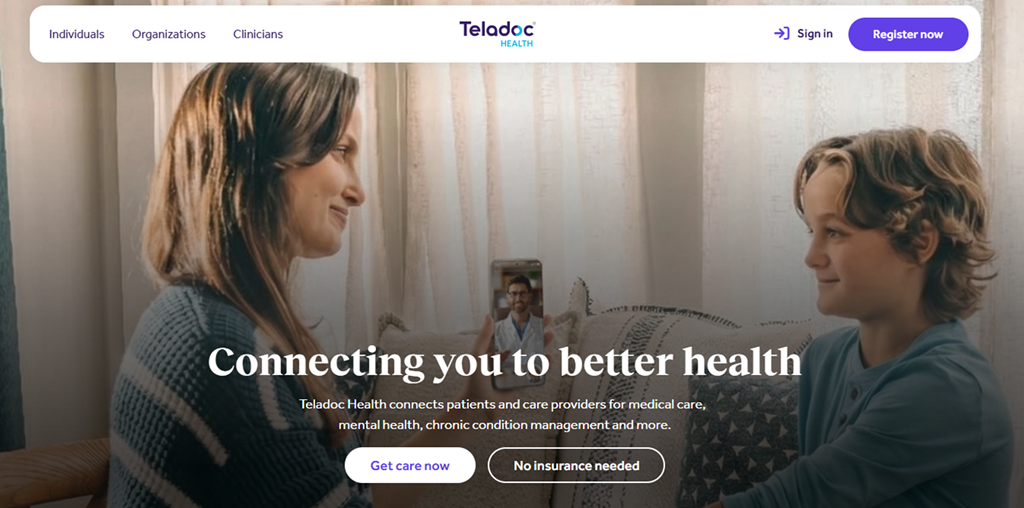
Teladoc operates at enterprise scale. Its primary customers are employers, insurers, and health systems rather than individual patients browsing an app store. The company earns revenue through large contracts that give employees access to virtual care, mental health services, and chronic disease management programs. Technically, Teladoc integrates video consultations, care coordination workflows, and long-term monitoring tools into a single infrastructure. The platform is designed for volume and reliability. It handles appointment routing, provider matching, and secure data storage while maintaining compliance across multiple jurisdictions.
Amwell
Amwell also focuses on institutional partnerships. Hospitals and insurers use its infrastructure to offer virtual visits under their own branding. That means Amwell’s technical stack supports white-label deployments, EHR integrations, and secure clinician dashboards. Monetization typically comes from enterprise agreements and transaction-based fees. The system is built to plug into existing clinical operations rather than replace them.
MDLIVE
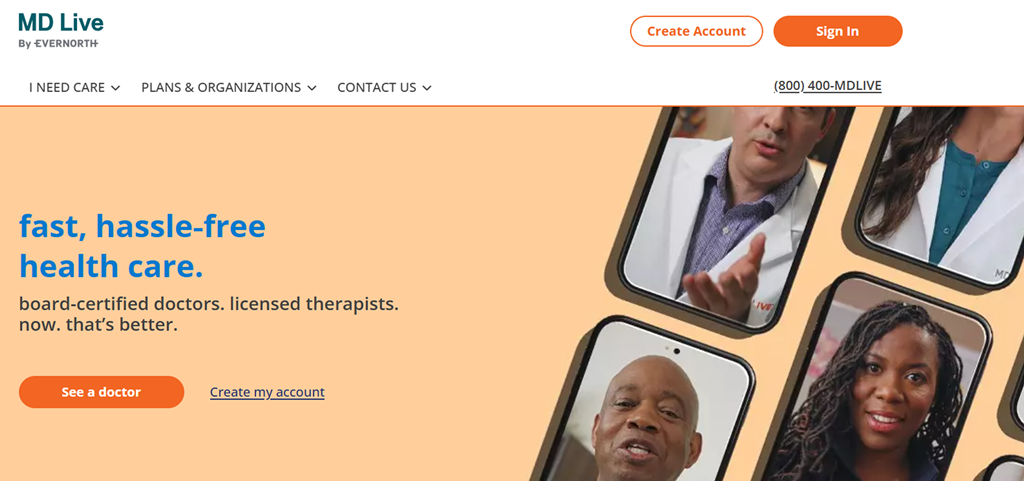
MDLIVE targets insured patients who want quick access to urgent care, dermatology, or behavioral health services. Its strength lies in reducing friction. Fast account creation, short intake forms, and clear pricing improve conversion. Revenue comes from a mix of insurance billing and per-visit payments. From a technical perspective, stability and mobile responsiveness are critical, since many consultations happen on smartphones.
Included Health / Doctor On Demand
Included Health, which absorbed Doctor On Demand, combines telehealth with care navigation. It works closely with employers to provide coordinated care experiences. The platform integrates scheduling, provider search, and video consultations while maintaining compliance standards required by large organizations.
PlushCare
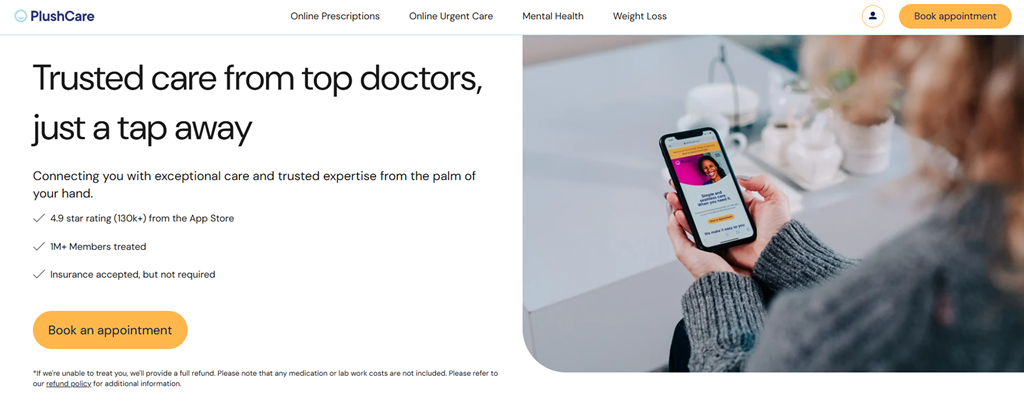
PlushCare follows a direct-to-consumer subscription model. Patients pay monthly for ongoing access to primary care providers. The product emphasizes simplicity. Clean UI, recurring appointment logic, and integrated prescription workflows drive retention. Technically, the platform focuses on ease of use rather than enterprise complexity.
These examples show that successful telemedicine platforms align product architecture with business goals first. The technology supports that strategy, not the other way around.
Why Telemedicine Actually Helps — For Patients and Doctors
When telemedicine works, the impact shows up in everyday routines. Not in marketing slogans. In small, practical shifts that make care easier to access and deliver.
Less Friction for Patients
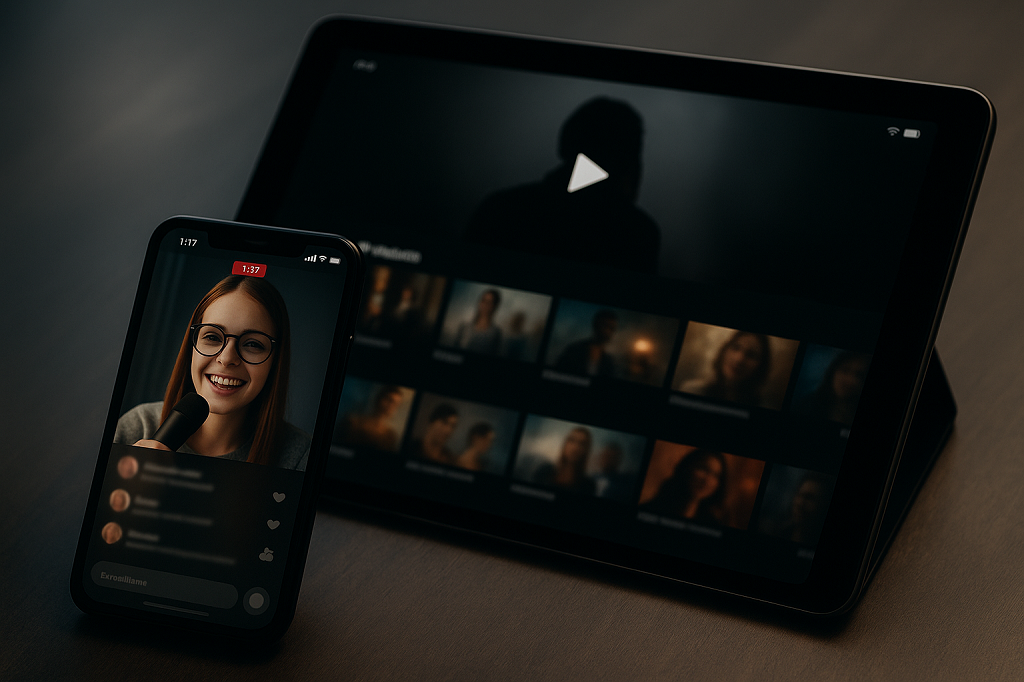
For patients, the biggest shift is time. There’s no commute to plan, no waiting room to sit through, and no need to block half a workday for a 15-minute follow-up. They simply open the app, join the session, and talk to their doctor.
This matters most for repeat visits. Mental health therapy, medication adjustments, chronic disease check-ins — these require consistency. The easier it is to attend, the more likely patients stick to their care plan. Convenience directly affects adherence.
Smarter Time Allocation for Doctors
For doctors, telemedicine changes how the day is structured. Not every appointment requires physical examination. Short follow-ups, result discussions, medication reviews — these can be handled remotely without blocking clinic rooms.
It also reduces idle gaps in scheduling. Digital calendars and automated reminders cut down on no-shows. Over time, providers gain more control over how their time is used.
Better Continuity of Care
Digital consultations create centralized records. Notes, prescriptions, previous discussions — all accessible inside the same system.
Patients don’t need to repeat their history every visit. Doctors can review prior context before the call begins. That continuity makes consultations more focused and decisions more informed.
Telemedicine doesn’t replace traditional care. It removes unnecessary barriers around it — and that changes how both sides experience healthcare.
Telemedicine App Development Process

Most teams underestimate how complex telemedicine app development becomes once real patients and licensed doctors are involved. On paper, it sounds manageable: build video calls, add scheduling, integrate payments. In practice, every one of those pieces is shaped by regulation, medical responsibility, and operational detail. If those constraints aren’t defined early, the product ends up being rebuilt midstream.
Step 1: Planning and Compliance Mapping
Before design begins, clarify where the platform will operate. Jurisdiction determines almost everything — licensing rules, prescription rights, reimbursement models, and even how data can be stored. A clinic launching in one U.S. state has very different requirements than a startup targeting multiple EU countries.
HIPAA in the United States governs how protected health information is stored and accessed. GDPR in Europe regulates personal data handling and imposes strict consent and deletion requirements. The technical implications of these frameworks differ. Logging, encryption standards, breach response policies, and even how long data may be retained can change depending on location. These frameworks will be unpacked in detail later, but at this stage they directly affect architecture.
Licensing also needs attention. If you allow multiple providers on the platform, credential verification becomes part of onboarding logic. You can’t bolt that on later. Risk level matters as well. A platform offering mental health consultations or prescription services carries more legal exposure than a general wellness check app. That difference affects audit logs, access control design, and documentation workflows.
An experienced telemedicine app development company usually starts by mapping these regulatory and operational boundaries before discussing technology choices.
Step 2: MVP Architecture
Once the regulatory frame is clear, define what the first release must accomplish. An MVP is not a demo. It must support a complete care loop — patient registration, appointment booking, video consultation, documentation, and payment or billing logic.
At the technical level, WebRTC remains the standard for browser-based real-time communication. It allows low-latency video without forcing patients to install additional software. The backend handles authentication, encrypted data storage, scheduling algorithms, and role-based permissions. Whether you choose a web-first approach or native mobile applications depends on your target audience, but either way the system must be stable under variable internet conditions.
Scalability planning begins here. Even a modest launch can produce uneven traffic spikes. Basic load balancing, database optimization, and session management cannot be postponed. Choosing the right telemedicine app development solution often determines how quickly an MVP moves from prototype to reliable service.
Step 3: Development and Testing
Development should proceed in iterations, not in one long build cycle. Start with the consultation flow and expand outward. Security testing is not optional. Penetration testing, encryption validation, and access-control verification should happen before launch. Every access to sensitive data must be traceable.
Video testing requires equal attention. Latency above a second disrupts conversation rhythm. Test under different bandwidth conditions, including mobile networks. Observe how the system behaves when a call drops and reconnects — because it will.
Before a full release, run a controlled beta with selected providers and patients. Track appointment completion rates, technical issues, and user confusion points. Adjust workflows before scaling marketing efforts.
A structured process may feel slower at first, but in healthcare, rebuilding after launch is far more expensive than building carefully once.
Compliance and Security
Security in healthcare is not a marketing checkbox. It is operational survival. One data leak can destroy trust, trigger regulatory fines, and shut down partnerships with insurers or clinics. In telemedicine app development, compliance decisions shape architecture from the start — not after launch.
If your product handles medical consultations, you are dealing with sensitive health data. That means encryption, logging, identity verification, and structured data access are mandatory, not optional features.
HIPAA Essentials
In the United States, HIPAA governs how protected health information (PHI) is stored, accessed, and transmitted. For telemedicine platforms, this has very practical consequences.
At a minimum, systems must implement:
- Encryption in transit and at rest. All video sessions, chat messages, uploaded files, and database entries containing PHI must be encrypted. TLS for transport is standard. Database encryption and secure cloud storage policies must also be in place.
- Access logs and audit trails. Every access to patient data must be recorded. Who viewed it, when, from which device. These logs are critical during audits and incident investigations.
- Role-based access control. A receptionist should not see full medical histories. A nurse may need limited access. Physicians require broader permissions. Access must match responsibility.
- Business Associate Agreements (BAAs). If you use third-party services such as cloud hosting or payment providers, those vendors must sign BAAs acknowledging their compliance responsibilities.
- Secure PHI handling policies. Data backups, password policies, session timeouts, and multi-factor authentication are not optional extras.
GDPR Considerations
If your telemedicine platform operates in the EU or serves EU residents, GDPR applies. It focuses on personal data protection and user rights.
Key implementation areas include:
- Explicit consent management. Patients must clearly agree to data processing. Consent should be recorded and retrievable.
- Data minimization. Only collect information necessary for care delivery. Avoid storing excessive personal data.
- Data storage location transparency. Users have the right to know where their data is stored and processed.
- Right to access and deletion. Patients can request copies of their data or demand deletion when legally permissible.
- Breach notification procedures. Organizations must report qualifying breaches within strict timeframes.
In practice, GDPR compliance requires building flexible data management tools inside your system. It is not just a legal statement on a website footer.
Compliance is often seen as a barrier to entry. In reality, it is a trust-building mechanism. Patients and clinics will not adopt a telemedicine solution if they question how their data is protected.
Telemedicine App Development Cost Breakdown
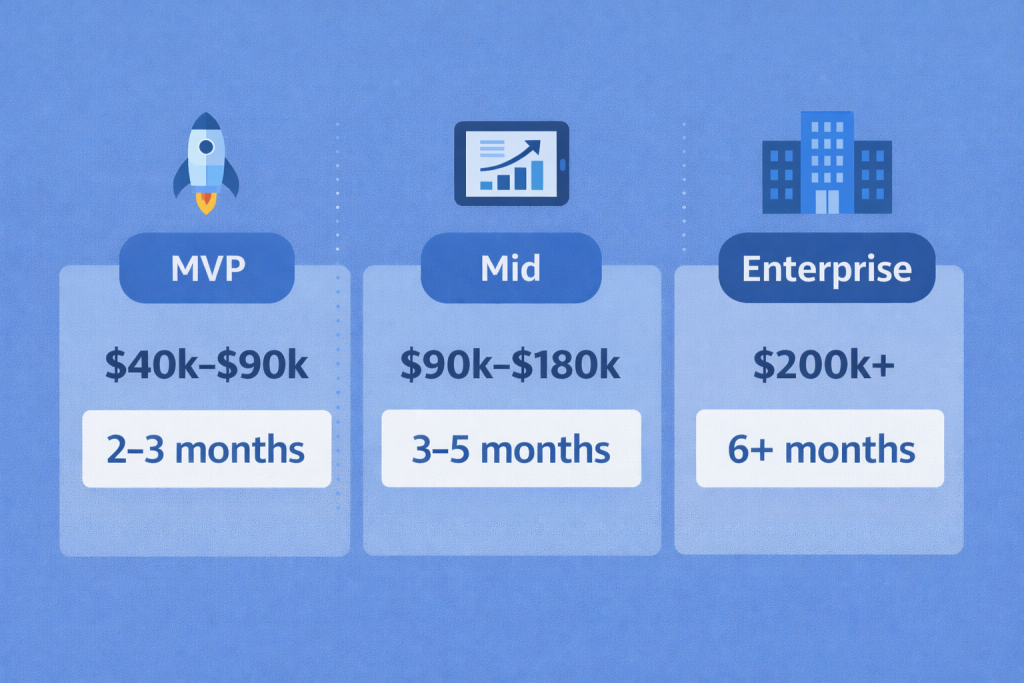
Let’s talk numbers without pretending they’re universal. Telemedicine app development cost depends on what you’re actually building — not what the pitch deck says.
Here’s a grounded view of current ranges:
| Scope | Cost Range | Timeline |
| MVP | $40k–$90k | 2–3 months |
| Mid | $90k–$180k | 3–5 months |
| Enterprise | $200k+ | 6+ months |
Where the Money Actually Goes
An MVP in the $40k–$90k range usually means one core workflow done properly: patient registration, appointment booking, secure video (WebRTC), payment logic, encrypted storage, and basic provider dashboard. Nothing fancy. No deep hospital integrations. No advanced analytics. Just a clean consultation loop that works.
Move into the $90k–$180k zone and complexity increases. You’re adding structured role management, insurance billing flows, audit logging, better infrastructure for traffic spikes, and stronger compliance documentation. This is where security reviews stop being theoretical and start affecting architecture decisions. Database design changes. Hosting strategy changes. Monitoring tools become mandatory.
Enterprise builds cross $200k because you’re no longer building an app — you’re building healthcare infrastructure. Multi-region deployment, failover systems, advanced EHR integrations, AI-based symptom intake, large provider networks. Legal reviews alone can stretch timelines.
Now the part founders underestimate: operating costs.
Video bandwidth is not cheap at scale. Cloud infrastructure bills rise with every additional consultation. Secure storage, monitoring tools, log retention, and regular penetration testing create ongoing expenses. A realistic maintenance budget runs 15–25% of the original build annually. That’s not pessimism. That’s math.
Scaling adds another layer. As user numbers grow, you’ll need better load balancing, more powerful database instances, and possibly dedicated DevOps support.
The honest way to approach telemedicine app development cost is to separate launch investment from long-term operating commitment. One gets you to market. The other keeps you there.
Technical Infrastructure That Affects Performance

When video freezes during a medical consultation, nobody blames infrastructure. They blame the platform. In telemedicine, performance is credibility. A two-second delay changes the tone of a psychiatric session. A dropped connection during prescription review can mean lost revenue and frustrated patients.
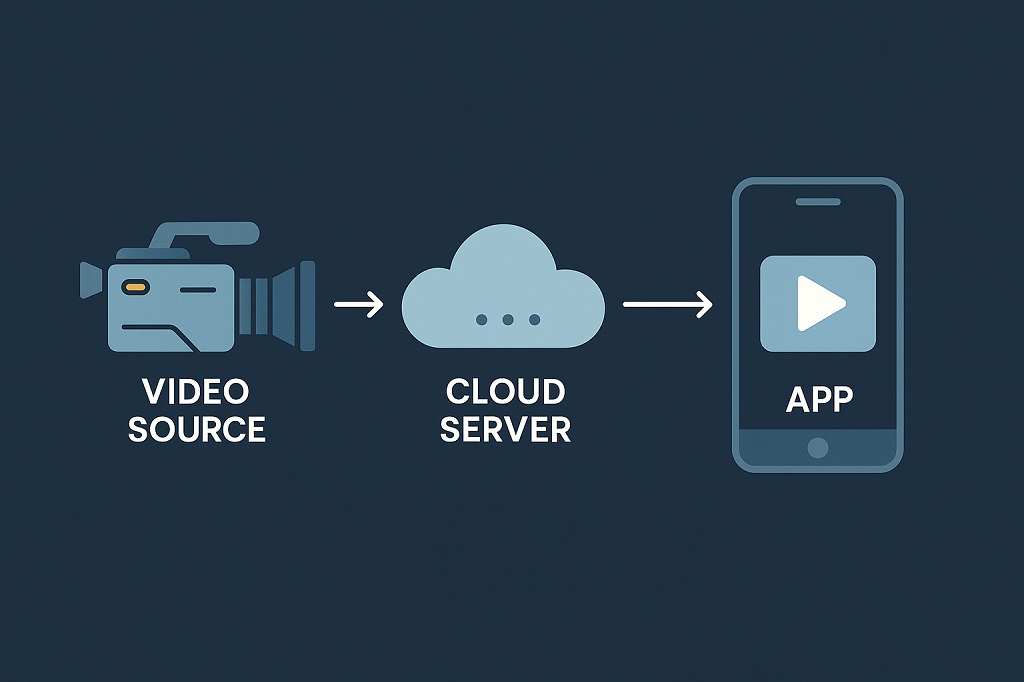
WebRTC is usually the core engine for real-time video. It’s fast because it connects users directly. But in practice, many patients sit behind strict firewalls, hospital networks, or unstable mobile connections. That’s where STUN and TURN servers become critical. STUN helps devices figure out how they appear on the internet. TURN steps in when direct connection fails and relays the traffic instead. Without reliable TURN deployment, a portion of users simply won’t connect — especially in corporate or public networks.
Cloud configuration makes the difference between stable and shaky performance. A telemedicine app doesn’t experience smooth growth. Traffic comes in waves: mornings before work, lunch breaks, late evenings. Infrastructure must scale automatically. That means auto-scaling instances, separate services for video signaling and API logic, and properly configured regional availability zones.
Load balancing spreads traffic across servers so one overloaded node doesn’t affect everything else. It sounds basic, but many early products ignore it until complaints appear.
Then there are integrations. Payment providers, EHR systems, SMS notifications — every external API call adds milliseconds. Multiply that across thousands of users and delays become noticeable.
Performance depends on several moving parts working together:
- Proper WebRTC bitrate tuning so video adapts to weaker networks
- Geographically distributed TURN servers to reduce failed connections
- Cloud auto-scaling that reacts in seconds, not hours
- Database indexing that prevents scheduling slowdowns
- Real-time monitoring dashboards to detect latency spikes early
Infrastructure isn’t visible in marketing screenshots. But it’s what keeps consultations smooth when usage doubles overnight.
Monetization Models
Building the product is one part of the equation. Deciding how money flows through it is just as important. In telemedicine, revenue logic affects UX, compliance setup, and even infrastructure decisions. A pay-per-visit app behaves differently from a subscription-based care model. Insurance billing adds another layer entirely. Before development goes too far, the monetization structure needs to be defined clearly.
Here are the main models used in practice:
- Pay-per-visit. Patients pay a fixed fee for each consultation. This model works well for urgent care, dermatology, or one-time medical questions. Pricing is transparent and simple to communicate. The platform must support instant payments, refunds, and invoice generation. The challenge is volume — revenue depends on continuous patient acquisition. Marketing costs are often higher in this model because repeat visits are not guaranteed.
- Subscription model. Patients pay a monthly or annual fee for ongoing access to providers. This is common in primary care or mental health services. It creates predictable recurring revenue and encourages retention. Technically, the platform must handle recurring billing, plan management, and access control. Churn becomes a key metric. The product must deliver consistent value to justify the subscription.
- Employer contracts. Companies pay to provide telemedicine access to employees. Revenue comes from B2B agreements rather than individual payments. This model requires administrative dashboards, usage analytics, and reporting features for corporate clients. It also demands higher reliability and compliance standards because the scale is larger.
- Insurance integration. Consultations are reimbursed through insurers. This involves eligibility checks, claim submission workflows, and coding logic. Technically and legally, this is the most complex option. However, it increases patient accessibility and expands market reach.
Choosing the right model shapes everything from onboarding to backend architecture. Monetization should not be an afterthought. It defines how the platform operates long term.
Common Pitfalls
A lot of telemedicine products fail quietly, not because the idea was wrong, but because execution drifted in predictable ways.
Overbuilding the MVP is usually the first problem. Teams fall in love with features. Remote monitoring dashboards, AI symptom checkers, insurance auto-coding, multilingual support — all before the first real consultation has even happened. Meanwhile, the core flow isn’t fully stable. If booking, video, and payment don’t work flawlessly, nothing else matters. Healthcare users don’t tolerate half-working systems.
Provider UX gets overlooked more often than founders admit. Doctors are not “users” in the startup sense. They are professionals working under time pressure. If the dashboard hides patient history behind three clicks, if writing notes feels awkward, if switching between appointments is slow — they won’t complain loudly. They’ll just stop using it. That quiet disengagement hurts growth more than a bad app store review.
Compliance is another blind spot. Encryption is implemented, and everyone relaxes. But real compliance means structured audit logs, role-based access, documented consent records, and clear breach response procedures. Regulators don’t care that your UI looks clean.
Onboarding also breaks momentum. Patients abandon signup when identity verification feels confusing. Providers get stuck in credential review loops that take weeks.
And then there’s video stability. Testing on office Wi-Fi proves nothing. Real users connect from mobile networks, rural broadband, hospital systems with strict firewalls. If calls freeze or reconnect too often, trust erodes quickly. In healthcare, instability isn’t an inconvenience — it’s a liability.
Scrile Meet: Custom Telemedicine Platform Development
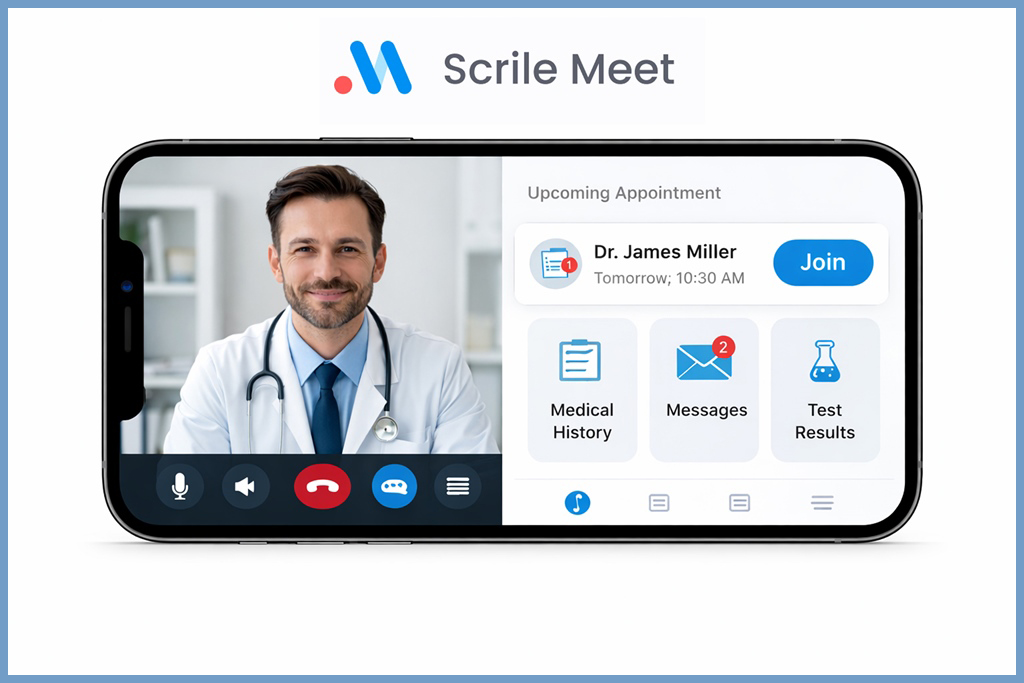
Most telemedicine platforms you hear about are fixed products with rigid templates. They let you “plug in” your logo, maybe choose colors, and hope that’s enough. Real healthcare products need more than a theme switch — they require workflows that match the way clinics and practitioners actually work. That’s where Scrile Meet is different.
Scrile Meet is not a SaaS app you subscribe to and shoehorn your process into. It is a development service that builds fully customized consultation platforms around a business’s exact requirements. Instead of adapting your healthcare service to someone else’s rules, you define how appointments, payments, and interactions work. This matters in telemedicine because consultation logic — scheduling, follow-ups, records, and payouts — varies hugely between practices.
At its core, Scrile Meet gives you the building blocks to create your own branded telemedicine experience with professional polish and operational control. Clinics and startups can both benefit — from a single-specialty practice launching online booking to a multi-provider network offering coordinated patient care.
Key Benefits and Features
- Tailored consultation systems — The structure and flow of visits, provider roles, and patient workflows are built to fit your model, not shoehorned into a generic dashboard.
- Appointment scheduling + payments — Patients book at convenient times while integrated payments handle direct billing or session fees without third-party revenue splits.
- White-label customization — Branding, domain, and visual identity match your organization, not a generic template.
- HIPAA-ready infrastructure — The platform can be configured to meet data protection rules required in medical contexts, including encrypted sessions and secure storage.
- Built for startups and clinics — Whether you’re launching your first telehealth prototype or replacing legacy systems in a large practice, the architecture scales with your needs.
- Admin dashboards and analytics — Manage users, providers, bookings, and revenue in one centralized panel instead of relying on disjointed tools.
What makes this approach practical is flexibility. Instead of adjusting your care model to fit someone else’s product limitations, the system is built around how you actually deliver consultations, manage providers, and structure payments. That level of control matters in telemedicine, where workflows differ between private clinics, therapy practices, and multi-specialty networks. Scrile Meet allows teams to launch a telehealth platform that reflects their operational logic, branding, and long-term growth plans — without being locked into a rigid template.
Conclusion
Telemedicine isn’t an “innovation” anymore. It’s part of how healthcare runs. Clinics book remote follow-ups as routinely as in-person visits. Patients expect to see a doctor on their phone without rearranging their entire day. For many specialties — therapy, dermatology, chronic care management — virtual care is simply another lane of the same road.
Shortcuts rarely hold up in this space. Treat compliance as a checkbox instead of system architecture, and issues show up later — usually at the worst possible moment. Unstable video quality drives patients away after a single appointment. Clumsy provider dashboards push doctors to look for alternatives without much hesitation. Solid fundamentals from day one prevent costly rebuilds and painful migrations down the line.
Budget depends on ambition. A focused MVP built around one specialty is manageable. A multi-region platform integrated with insurers and EHR systems is a different level of complexity. Neither is “better.” It just depends on what you’re trying to operate.
If you’re serious about launching or upgrading a telemedicine product, have a technical conversation before writing a single line of code. The Scrile Meet team can review your business model, regulatory constraints, and growth plans, then outline what a realistic build would require. Talk to the Scrile Meet team and get a clear roadmap before development begins.

Polina Yan is a Technical Writer and Product Marketing Manager, specializing in helping creators launch personalized content monetization platforms. With over five years of experience writing and promoting content, Polina covers topics such as content monetization, social media strategies, digital marketing, and online business in adult industry. Her work empowers online entrepreneurs and creators to navigate the digital world with confidence and achieve their goals.