

Quick answer
If your transcript still leaves someone with a wall of text, you do not have notes yet — you have raw material. The best transcript to notes AI is the one that gives you structure you can scan, edit, search, and export with the least cleanup after the summary lands. That matters more than a flashy accuracy claim when the output has to move into Notion, Slack, a CRM, or a task board. If you only need one recap now and then, a light tool may be enough; if you handle meetings, lectures, podcasts, or long recordings every week, the real test is how the tool behaves on messy input, not how polished the demo looks.
What “transcript to notes” actually means in daily work
A transcript is a record. A summary is compression. Notes are the version people can actually use. That sounds obvious until a team buys a tool that produces a neat paragraph and calls the job done. In practice, the output has to separate decisions from discussion, show action items clearly, and survive one more step into the systems where work actually lives.
That gap is where most tools fail. A file can be technically accurate and still waste time if someone has to rename speakers, reorder bullets, or extract next steps by hand. The cost is concrete. On a 60-minute call with overlapping voices, cleanup can eat 15 to 20 minutes before anyone sends the note onward. For a team with several recurring calls a week, that becomes a real admin tax, not a convenience feature.
There is also a workflow risk that review pages usually skip: if the output has to land in Notion, Slack, Jira, Salesforce, or another system, the note must survive the handoff. The more times content moves, the more likely structure gets lost. That is why a strong tool is not just a transcript maker. It is a note factory with an edit path that keeps the result usable after the first export.
For a useful risk lens, NIST’s AI Risk Management Framework is a good reminder that quality is not just model accuracy. It is also how a system behaves with messy input, unclear ownership, and downstream use. That is exactly where transcript-to-notes tools get judged in real teams.
So the better question is not “which app summarizes best?” It is “which app gives me the least cleanup for this source type and this workflow?”
| Source type | What usable notes need | Common failure | Best procurement question |
|---|---|---|---|
| Meeting | Decisions, action items, speakers, export to team tools | Nice recap, missing ownership | How fast can I edit and share the output? |
| Lecture | Headings, timestamps, key terms, searchable sections | Long text with no study structure | Can it break the content into reviewable chunks? |
| Podcast/interview | Speaker labels, quote-worthy passages, chapter markers | Speaker confusion, weak attribution | Can I quote it without fixing the transcript first? |
| Webinar/recording | Long-file handling, timestamps, export, follow-up tasks | Timeouts and bloated summaries | What happens after 45 to 90 minutes of input? |
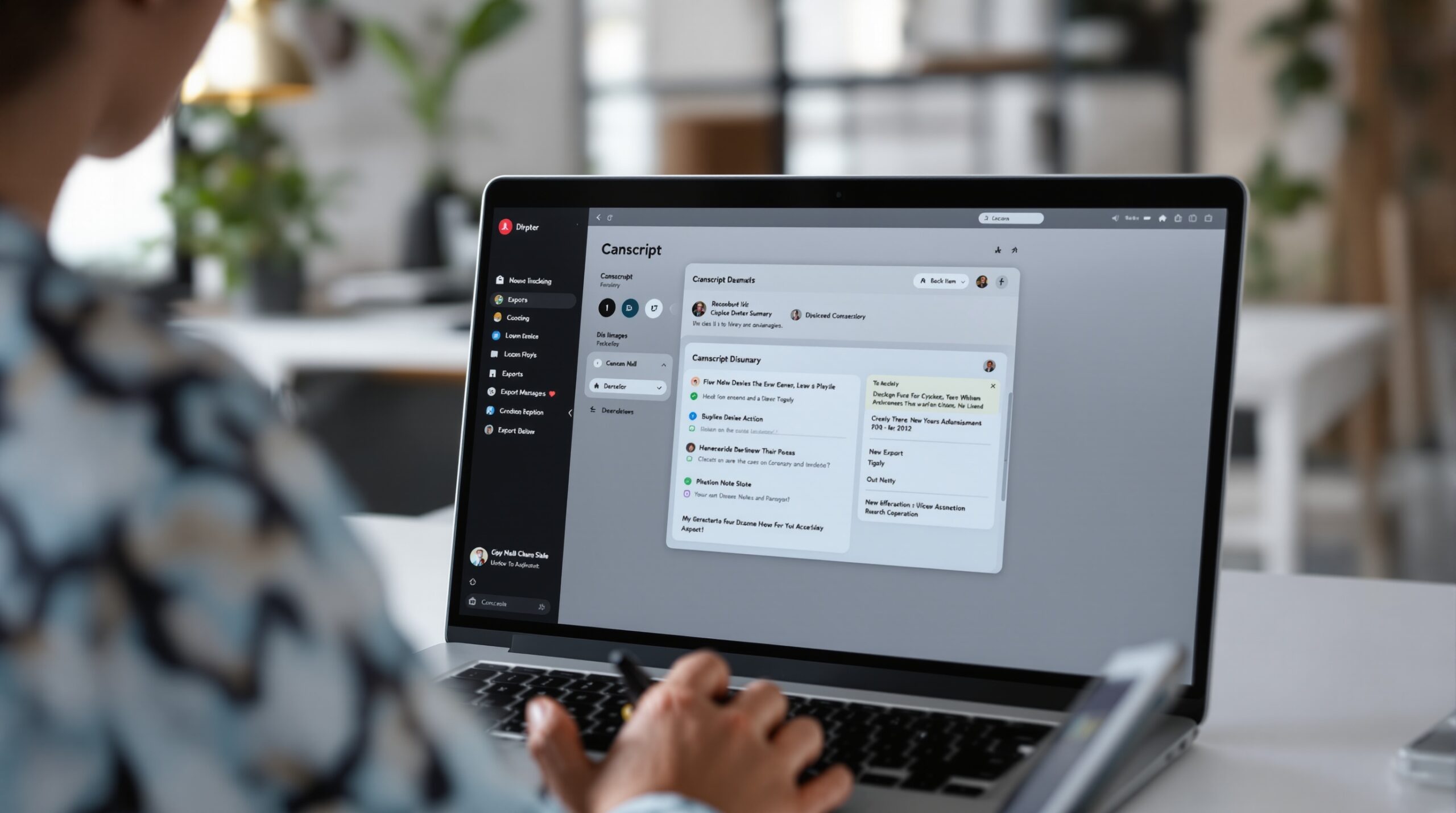
How to choose the right tool for your transcript source
Source type changes the answer. Meeting notes, lecture notes, podcast notes, and webinar notes are not the same job dressed in different clothes. A tool that feels great on a clean boardroom call can look clumsy on a 75-minute class recording or a podcast with two people talking over each other. The best choice is the one that matches the worst file you actually expect to process, not the cleanest sample in the sales demo.
This is also where a single workflow can beat a patchwork stack. If one app captures, edits, searches, and exports the note in one place, you avoid the download-clean-paste-resend loop that burns time. That loop is easy to miss in a trial and impossible to ignore once the tool is in daily use.
Meetings
Meetings need the fastest path from transcript to decisions and action items. Speaker recognition matters, but it matters because ownership matters. If the note cannot show who agreed to what, the team still has to reconstruct the call later.
The failure mode is familiar: the recap looks polished, yet nobody can tell who owns the next step. That is how follow-up slips, and how a “saved time” tool quietly creates a second round of admin work.
Lectures and classes
Lectures usually need headings, timestamps, and searchable sections more than they need action items. Students, researchers, and training teams care about finding a concept later, not turning every paragraph into a task list. A flat summary is rarely enough.
For this source type, the best output looks closer to a study guide than to meeting minutes. If the tool cannot split content into chunks, the note becomes hard to review after the first read.
Podcasts and interviews
Podcasts need speaker separation, quotable passages, and clean chapter boundaries. Interviews are even less forgiving because one bad speaker label can ruin the line you planned to reuse. That is why transcript-to-notes quality here is not just “did it get the words right?” but “did it preserve attribution and context well enough to use?”
This is where summary quality and note quality diverge. A short recap may be accurate and still be weak for publishing, clipping, or citation. If the tool blurs voices, the output is technically complete and practically annoying.
Webinars and long recordings
Webinars punish tools that look strong on short files. A 75-minute recording can expose timeout issues, weak chaptering, and summaries that compress away the steps people need to act on. The upload can succeed and the output can still be too shallow to trust.
That is why long-input handling is not an edge case. For many teams, it is the main case. If the product cannot stay useful when the file gets long, it will not stay useful after rollout.
| Tool | Best fit | Output shape | Editing burden | Long-input behavior | Integration lock-in | Limitation |
|---|---|---|---|---|---|---|
| Notta | Multi-source transcript summarization | Summary, action items, chapters | Low to medium | Strong on audio and video files | Moderate | Can feel broader than a notes-only workflow |
| Otter | Meeting transcription and recaps | Meeting notes and searchable transcripts | Low to medium | Good for meetings, less oriented to post-edit curation | Moderate | Meeting-centric structure can feel narrow |
| Fireflies | Meeting capture and call follow-up | Transcript plus summary and action items | Medium | Useful for recurring calls | Strong if your stack is integration-heavy | More workflow tool than clean notes editor |
| Krisp | External note-taking for meetings | Detailed notes with light AI assistance | Low | Good for live meeting use | Lower than the most integrated stacks | Less deep on cross-app workflow |
| Circleback | Meeting bots with strong summarization | Detailed recap and speaker-aware notes | Low | Works well, but latency can be noticeable | Strong | Pricing and setup may be heavier for small teams |
| Granola | Manual note-taking with AI cleanup | Reorganized notes and transcript reference | Medium | Best when a human already takes notes | Moderate | Less ideal if you want fully automatic action-item capture |
What to compare before you pick a tool
Do not compare logos first. Compare the work the output creates. A good transcript-to-notes app should turn one transcript into notes, a summary, and action items without forcing you into separate workflows. If those pieces live in different screens or different exports, the product is already asking you to do extra stitching.
Editing speed matters just as much. A lot of tools promise smart notes, but the real test is whether you can fix speaker names, headings, and bullet order in under two minutes. If the output takes longer to repair than to reread, the software has moved work instead of removing it.
Long input is the next filter. Clean 20-minute calls are easy. The 87-minute webinar with crosstalk, jargon, and a few bad mics is where buying decisions get made. Test your worst realistic file, not your nicest one.
Finally, check the export path before you commit. If notes need to land in Notion, Slack, Jira, a CRM, or a project board, the tool should fit that path without creating a second inbox. Switching later is expensive because the lock-in is not only data. It is the team habit built around where notes already live.
Questions that decide the shortlist
Some questions matter more than the rest because they decide whether the output is ready to use or only ready to edit. The first is structure. If the tool cannot separate summary, action items, and references, the reader still has to do that manually. That is the difference between a note and a paragraph with bullet points.
The second is editability. Many apps are accurate enough on a clean file, but the practical test is whether the output can be repaired fast. If you cannot fix the note in under two minutes, the product is not saving time. It is moving the time around.
The third is worst-case behavior. A clean boardroom recording is easy. The 90-minute webinar with crosstalk and jargon is where the real cost shows up. A tool that fails there may still look good in a demo and still be the wrong buy.

What makes notes usable instead of just generated
Some tools produce a paragraph and call it a summary. That may be enough for a personal recap, but it is weak for a team workflow. Busy users need headings, action items, and a place for decisions or next steps. Without that structure, the output does not travel well across people or tools.
That is why structure is not cosmetic. It is the part that determines whether a manager can read the note once and move on, or whether the team can reuse it as a record of what was decided.
How much editing should you expect?
A tool can be accurate and still force too much cleanup. If users spend ten minutes fixing speaker names, bullet order, or key points, the tool has not removed the job. It has just moved it into a different window.
The better systems usually win on that second pass. They are not always the loudest at first glance. They are the least annoying when the note has to be sent in a hurry.
What breaks on long or messy input?
Long files are the easiest place for AI note tools to lose shape. Speaker labels drift. Action items get buried. The summary gets so compressed that nobody wants to trust it. That is especially painful when the file is the only record of the call.
If your recordings are often ninety minutes or more, long-file support should be part of the purchase decision, not a surprise after rollout. The file that looks worst on paper is usually the one that tells you whether the product is real.
Will exports and integrations create lock-in?
If the tool exports only one way, you inherit its workflow. That sounds small until your team wants notes in Notion, tasks in Jira, and follow-ups in a CRM. The more places work moves, the more the export path matters.
In practice, the question is not “does it integrate?” but “does it fit where the team already works without creating another destination to check?” If it does, the tool pays for itself faster. If it does not, it becomes another inbox.
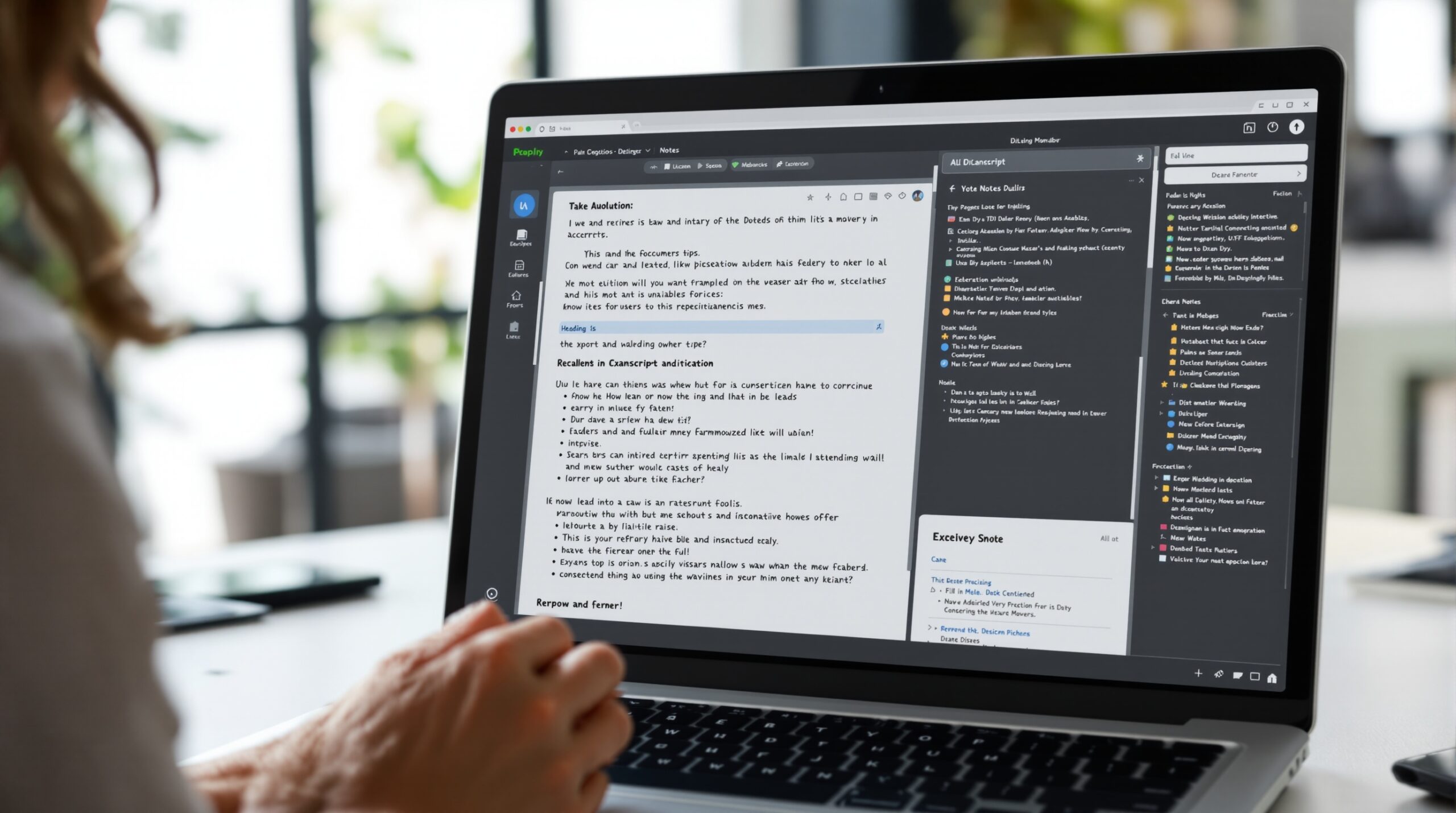
Where AI note tools fail
Every shortlist looks strong on a clean sample file. Real recordings are messier, and that is where the difference between a note tool and a note burden becomes obvious. A product that looks polished in a demo can still cost time once the audio is noisy, the speakers overlap, or the terminology is specialized.
Noisy audio
Background noise does not just lower transcription quality. It also damages note structure because the model starts guessing at sentence boundaries. A 45-minute file with poor audio can take two to three times longer to repair than a clean one.
If you record in open offices, at events, or over weak mic setups, test the file that looks worst on paper. That is the one that will decide the purchase. A tool that survives that file is usually the one worth keeping.
Overlapping speakers
Cross-talk is where speaker recognition starts to matter. If the tool cannot keep people separated, the notes turn into one blended thread. That is fine for a solo recap and poor for a team handoff.
Fast meetings expose this problem quickly. The note may look complete, yet it no longer tells you who committed to what. That is how follow-up slips even when the transcript seems “good enough.”
Long transcripts
Long recordings expose whether the tool is summarizing or just compressing. There is a difference. Compression can erase the steps needed to act, which is why a short-looking summary is not automatically a better summary.
If a 90-minute webinar yields half a screen of notes, ask what disappeared. Usually, it is the detail the team needed most. The healthier state is not a longer summary. It is a shorter summary that still keeps ownership, timing, and next steps visible.
Domain jargon
Industry-specific language is a quiet failure mode. Medical, legal, technical, and revenue-team vocabulary can all get flattened if the model has no context. Then the summary looks clean while the meaning shifts.
That is why notes should be editable at the point of capture. The faster you can correct jargon, the less damage spreads downstream. In a shared workflow, one wrong term can become several wrong actions.
When a transcript-to-notes tool is the wrong choice
Sometimes the right answer is not another AI tool. If your workflow depends on strict confidentiality, manual approval, or subject-matter review before anyone sees the notes, automation can create more risk than value. In that case, the tool should stay behind the review step, not ahead of it.
It is also the wrong choice when the problem is really meeting design. If three people talk over each other because the agenda is broken, a better summary will not fix the process. It will just archive the mess faster. The healthy state is a clean transcript with clear ownership, not a polished record of a bad meeting.
Teams with highly specialized terminology may also need a hybrid approach. AI can draft the note, but a domain owner has to normalize the terms before the output is shared. Without that step, the summary can feel polished and still be misleading.
And if your volume is tiny, the setup cost may not be worth it. A solo operator who needs two summaries a month may not benefit from a full stack. The break-even arrives faster once the same transcript has to serve sales, operations, and delivery at the same time.
How this connects to voice workflows
Transcript-to-notes workflows sit close to voice tooling because the source is often a recording or a live conversation. Once a team treats voice as reusable input, it starts caring about capture quality, naming, and downstream use in the same breath. That is why note workflow often becomes the bridge to broader voice automation.
If your next step is not note cleanup but voice creation or voice setup, the adjacent guide on How to Train AI Voice: Easy Solutions for 2026 covers that side of the cluster. Different job, same logic: make spoken content useful without burying the team in manual work.
That connection matters most when a team wants one workflow for both input and output. A recording should not only exist as a file. It should become a note people can search, route, and act on. That is the common thread between transcript tools and voice tools, and it is why the wrong stack usually fails in the handoff rather than in the capture.
A practical way to test candidates without wasting a week
Do not buy on a polished demo alone. A short test with the wrong file type tells you more than a sales call. The point is not to benchmark the model in the abstract. It is to see how much cleanup the output creates in your own workflow.
- Pick one meeting, one podcast, and one long recording from your own work, then run all three through the same tool and compare cleanup time, not just transcript quality.
- Give the output to the person who would actually use it and ask them to fix it in under five minutes; if they cannot, the tool is too slow for daily work.
- Check whether the notes can land where work already happens — Slack, Notion, CRM, or a task tool, so you do not create a second inbox.
- Test the worst audio file you have, because that is where long-file support and speaker recognition either hold up or fail.
- If you want to go deeper on voice-adjacent setup rather than note output, follow the cluster path to How to Train AI Voice: Easy Solutions for 2026 after you separate capture quality from note quality.
Why teams map this workflow to Scrile AI
Once a team starts caring about transcript-to-notes output as a workflow, the real question becomes whether the system can hold capture, structure, and follow-up in one place. That is where Scrile AI fits the same logic from a different angle: it is a white-label platform for launching an AI companion or chatbot product without building the software from scratch, with user management, content controls, payments, and moderation in one dashboard. For businesses testing a transcript-driven product idea, that matters because the hardest part is rarely the model itself; it is shipping a usable system around it. Scrile AI is the product layer that lets teams move faster than a custom build when they need structure, monetization, and admin control from day one.
What makes that relevant to this article is the same criterion used above: post-output usefulness. A transcript tool is only valuable when the output is editable, searchable, and easy to route into the next step. Scrile AI’s main advantage is that it avoids the stitched-together workflow many teams end up with when they try to bolt one AI piece onto several separate tools. That lowers launch time, but it also lowers the number of places where notes, characters, payments, or moderation can drift apart.
The fit is strongest for founders, agencies, and adult-oriented or companion-product businesses that want fast launch, subscription or token monetization, AI character management, and a branded experience instead of a plain internal utility. It is less relevant if all you need is a lightweight meeting summarizer for a small team. In the first two to four weeks, the early win is usually obvious: a working product shell, a clear monetization path, and one admin view for users, content, and analytics instead of a pile of scripts and manual handoffs.
Ready to build the setup behind this?
If this is the operating problem you need to solve, use the product page as the next step. It shows where build your setup fits and what the platform covers beyond a single payment widget.
Frequently asked questions
When is transcript to notes AI not worth the setup?
If you only need a few summaries a month, the setup time can outweigh the gain. It also makes less sense when every note must be manually reviewed anyway. In that case, a lighter workflow is usually cheaper.
What is the biggest risk if the transcript looks accurate but the notes feel wrong?
The risk is false trust. People assume the summary is safe because the transcript is close enough, but the structure or action items may still be off. That is how errors spread into task tracking.
How do I know when to switch from a simple summarizer to a fuller workflow?
Switch when the same note has to serve more than one team or more than one tool. If the summary needs to become a task, a CRM update, and a searchable record, you have outgrown a one-click recap.
What happens if the recording is long and noisy?
Expect more cleanup, weaker chaptering, and more speaker confusion. A tool that handles clean 20-minute calls can fail badly on a 90-minute file with cross-talk. Test with your messiest input before you buy.
When should I avoid using AI notes for confidential meetings?
Avoid it when policy requires strict review, retention control, or limited sharing. AI notes are not a substitute for a security decision. They are only useful if the governance step is already defined.
How do I compare tools without getting trapped by feature lists?
Use three tests: how much editing is needed, what breaks on long input, and where the output has to go next. If a tool loses on one of those, the feature list does not matter much.

Product designer at Scrile. Focused on user value and business outcomes. Writes about interface decisions, design-system economics, and where UX investment actually pays back.