
Quick answer
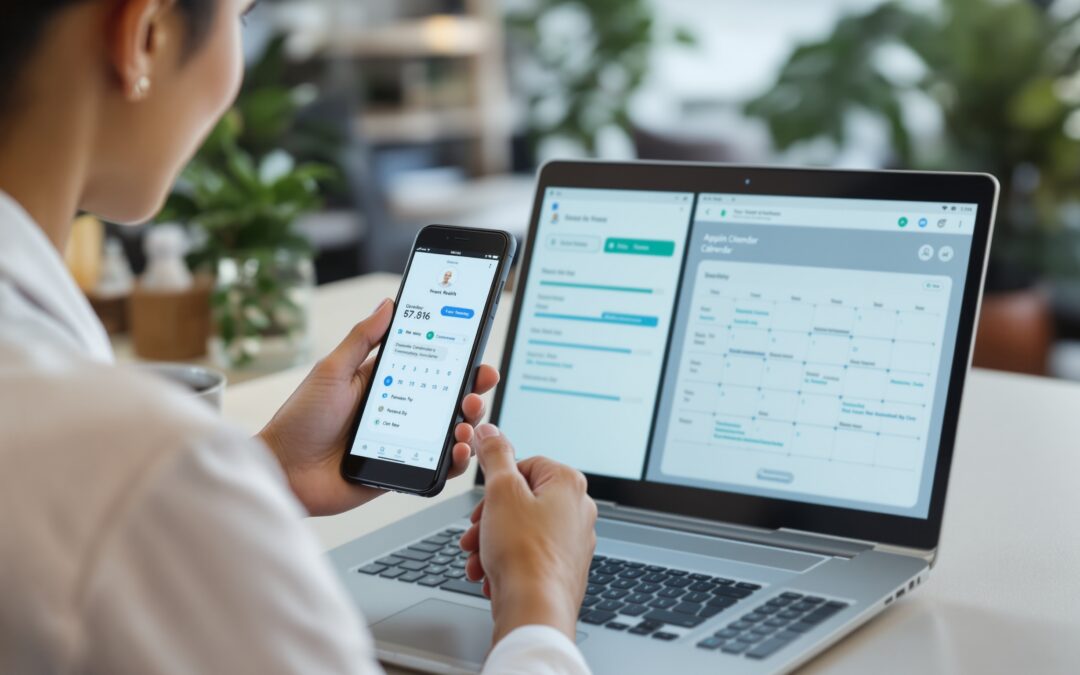
If your app for dr appointment still depends on phone tags, inbox follow-ups, and a front desk retyping the same details, the real loss is slot control. A booking-first app should help people find the right doctor, reserve time, confirm, reschedule, and trust the choice without staff rebuilding the same record twice. It is not a full telehealth stack unless you also need video visits, messaging, payments, and admin oversight in one workflow. If you want a tool, not a system, this page is the right scope check.
For neutral context, this guide cross-checks the topic against W3C WCAG 2.2 standard. So the recommendation is grounded in external market signals rather than only product claims.
Most clinics do not lose time during the visit. They lose it before the visit even starts. A receptionist rewrites the same details, the doctor’s calendar drifts, and one patient still does not know whether the slot is actually confirmed.
A doctor appointment app should fix that booking layer first. It should help patients discover a provider, filter by specialty or location, check availability, book, cancel, and reschedule without chasing staff. That is the lane occupied by marketplace-style tools such as Zocdoc and Practo. While platforms like Doctor on Demand and MFine sit closer to the consultation side. The distinction matters because the buying question changes with the workflow.
According to the NIST Privacy Framework. Personal data handling is part of system design, not a footnote. That is a useful reminder here: appointment data may look lightweight, but it still carries names, dates, contact details, and often visit reasons. Clinics that treat the app as a simple calendar replacement usually end up paying for that mistake later in staff time.
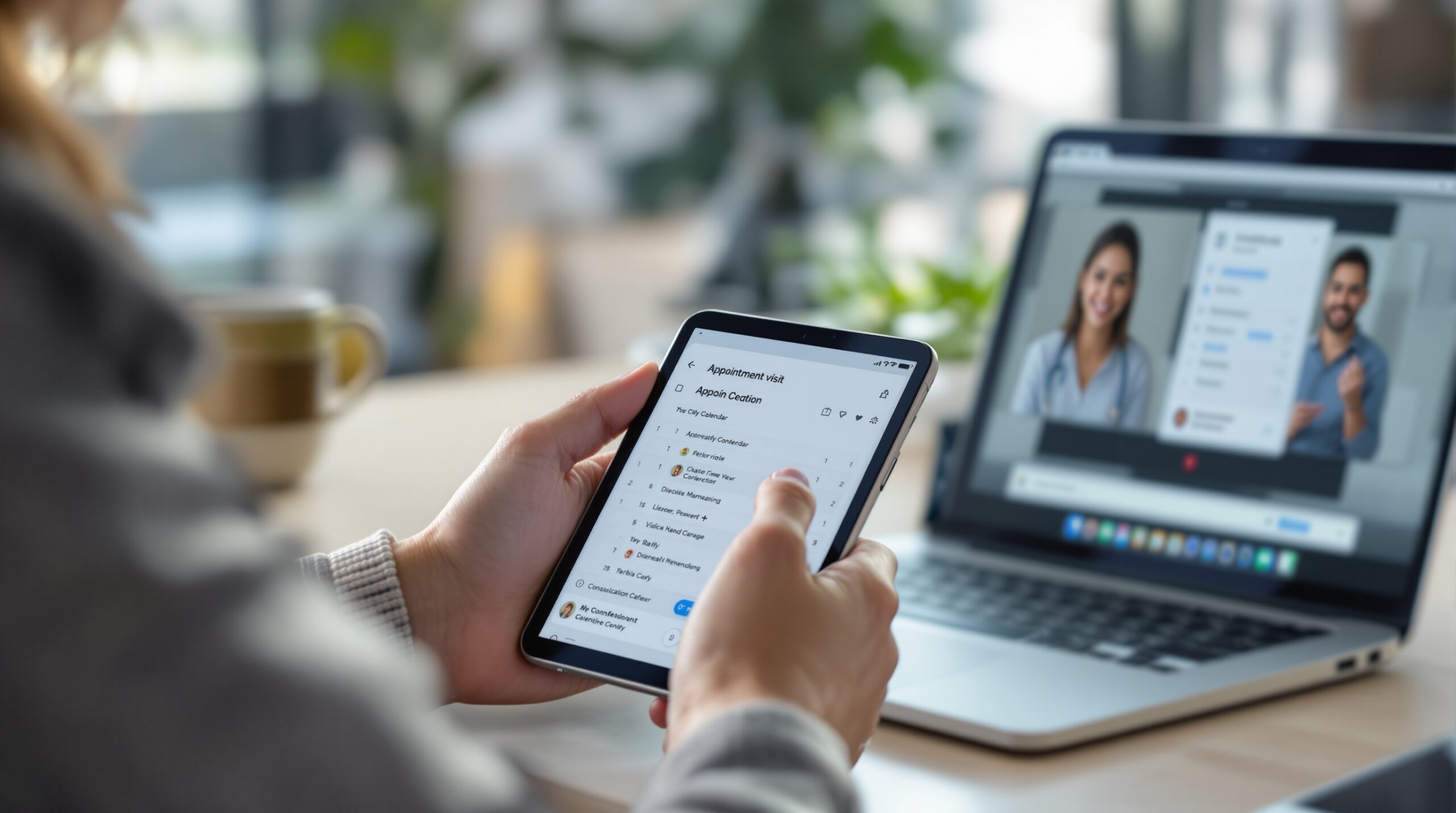
Booking-first tools are enough when the core problem is access and slot management. Once the clinic needs calls, chat, payments, video, or provider oversight in one branded flow, the category shifts. At that point a consolidated platform such as Scrile Meet stops looking like “another app” and starts looking like the next layer of the service.
What a doctor appointment app is supposed to solve
The best apps do not just show a calendar. They reduce the number of handoffs between search and confirmed visit, and they make change management visible when a slot has to move. That sounds small until a front desk is handling dozens of requests a day.
At that volume, even a modest mismatch rate creates work. Six missed confirmations or reschedules in a day means six extra follow-ups that should not have existed in the first place. That is why the app question is an operations question, not a design question.
Booking-first scope
A booking app is supposed to narrow friction around the appointment itself. Search, reserve, confirm, remind, cancel, and reschedule are the core functions. If the app does not close that loop, it only moves the work around.
For a small practice, that loop matters more than “more features.” A clinic does not need a bigger menu if the current problem is that every small change still requires a staff call.
Who it serves: patients, solo clinics, provider teams
Patients want certainty. They want to know who they are seeing, where the doctor practices, whether the slot is real, and whether they can trust the reviews. Solo practices want fewer empty slots and less front-desk drag. Provider teams want ownership rules, reminder logic, and a calendar that reflects the actual workload.
That split is why one doctor app rarely fits every buyer. A patient-centered marketplace can be strong at discovery, while a clinic with its own service model may care more about workflow control than public search.
What breaks when appointments live in phone calls and spreadsheets
When a clinic still schedules by phone and spreadsheet, the failure is usually quiet. One patient says they called twice. Another says the slot was promised elsewhere. By Friday, the front desk is rebuilding the day from memory and voicemail.
The hidden cost is not just frustration. It is leakage. If 8% to 15% of booked slots need manual correction, the clinic spends hours every week cleaning the schedule. No-show prevention becomes guesswork, and rescheduling becomes a back-and-forth chain instead of a self-serve action.
| Booking state | Owner | SLA | What should happen |
|---|---|---|---|
| Search result | Patient | Under 2 minutes | Doctor, specialty, location, and availability are visible. |
| Slot reserved | System | Instant | Confirmation is sent and the calendar updates once. |
| Reminder sent | System | 24 hours before visit | Patient can confirm or request a move without calling. |
| Cancellation | Patient or clinic | Immediate | Slot is released and the waitlist or next patient is notified. |
| Reschedule | Patient | Under 3 clicks | New time is selected without manual re-entry. |
The handoff problem clinics feel first
A “booked” slot often still needs a reminder, a second confirmation, or a manual fix. That gap costs time even when nothing is visibly broken. In a 20-slot day, two fragile bookings can be enough to create an extra hour of admin work.
No-show economics and rescheduling friction
No-shows are not only a patient behavior issue. They are a scheduling design issue. When cancellation is awkward, patients keep the slot and simply disappear. When rescheduling is easy, the calendar recovers faster and the empty time can be used again.
Teams that reduce manual rescheduling usually get back 5% to 10% of usable calendar time. That can absorb a missed morning or shorten the backlog on a busy specialty service.
Trust filters: specialty, location, insurance, reviews
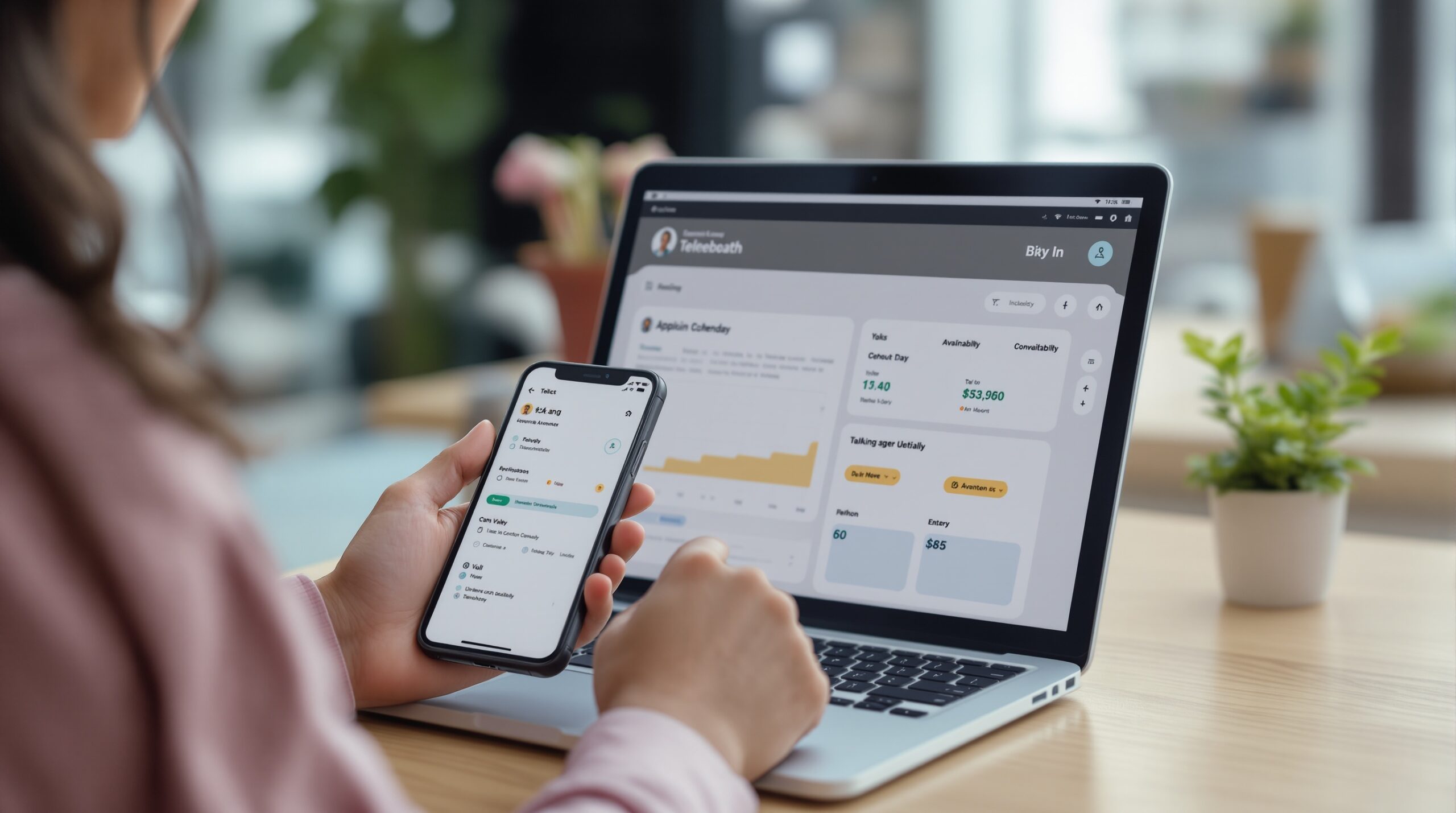
Doctor discovery is part of booking. If a patient cannot filter by specialty, location, insurance network, or verified reviews, the booking screen becomes a dead end. That is why generic scheduling tools often disappoint patients: they book time, but they do not help people choose.
One practical rule is simple. If the app cannot answer “why this doctor?” in under 30 seconds, the patient will bounce or call the office anyway. Search quality is part of the product, not a nice extra.
For readers comparing the app layer with the broader business layer, the next step is usually the guide on how to start a telehealth business. It explains the move from appointment handling to service workflow.
Three clinic scenarios and the features each one actually needs
There is no single best doctor appointment app. The right answer depends on the clinic shape. A patient searching for a dermatologist, a solo GP trying to stop empty slots, and a multi-provider practice handling recalls are solving different problems.
The wrong purchase usually happens when a clinic buys for the loudest pain instead of the broadest workflow. That mistake shows up later as duplicate tools, shadow spreadsheets, or a call center that still owns the real schedule.
Patient booking a specialist
The patient wants the shortest path from need to confirmed visit. Specialty, insurance, location, and verified reviews matter more than admin dashboards. Marketplace-style apps are strong here because the discovery layer is the product.
If the user’s main job is choosing, the app should make comparison easy. If it does not, the user leaves and starts over somewhere else.
Solo practice trying to stop empty slots
A solo clinic usually cares about slot fill, reminders, and fewer interrupted calls. Here the app needs to do more than advertise a doctor. It has to reduce no-shows and keep the calendar honest.
Reminder logic and self-serve rescheduling pay back quickly. Even one or two fewer no-shows a week can free enough time to smooth the whole day.
Multi-provider clinic balancing ownership and reminders
Multi-provider teams need clean role boundaries. One clinician may offer in-person visits, another video sessions, and a third handles follow-up work. If the app cannot route by provider, service type, and availability, the team ends up managing the real schedule outside the system.
Those teams outgrow booking-only tools first. They need reporting, coordination, and one workflow across scheduling and consultation, which is why branded platforms like Scrile Meet become relevant at the next layer.
Market leaders reflect those different needs. Practo is strong on discovery plus appointment booking in several markets. MFine leans toward remote consultations. HealthPlix SPOT is more practice-ops oriented. Doctor on Demand sits closer to the virtual-visit side. Different shapes, different outcomes.
How to choose an app for dr appointment without buying the wrong layer
Pick by scenario, not by feature count. A long checklist can hide the real mismatch. Clinics usually regret the app that looked complete but failed the one workflow they use every day.
The cleanest test is blunt: what must happen without staff intervention, and what still needs a human? The answer changes by buyer type.
For patients
Patients need search quality first. That means specialty, location, insurance matching, and verified reviews. If the app also supports reminders and rescheduling, that is a plus.
Do not pay for consultation features if the main use is appointment discovery. A patient who just wants a slot does not need an enterprise workflow.
For solo practices
Solo clinics should optimize for empty-slot reduction and front-desk load. The app should confirm quickly, remind clearly, and let people move appointments without a call.
If reminders are often abandoned or late cancellations keep piling up, the current system is not really scheduling. It is a bottleneck.
For multi-provider clinics
Multi-provider practices need ownership rules, reporting, and service separation. Which provider owns the slot? Which visit type is open? Who can override the calendar? Those are the questions that keep a team from drifting into spreadsheet mode.
If the answer involves three tools and two people to maintain, the clinic has already outgrown a single-purpose app.
When a team is deciding whether to stay with booking software or move into a broader service platform, the deeper guide on how to start a telehealth business is the right bridge to read next.
| Buyer | Must-have criteria | What usually matters less | Typical mistake |
|---|---|---|---|
| Patient | Doctor discovery and trust filters | Admin reporting | Choosing an app with no reviews or network data |
| Solo practice | Reminders, cancellation, reschedule | Group-session tooling | Buying a portal that still needs staff to move slots |
| Multi-provider clinic | Roles, calendars, reporting | Public discovery marketplace | Using one shared calendar for every service line |
| Clinic adding telehealth | Video, chat, payments, admin control | Public search traffic | Keeping booking and consultation in separate tools |
What this type of app does not replace
A booking-first app solves the appointment layer. It does not automatically solve the consultation layer, the payment layer, or the admin layer. That is the limit many buyers hit too late.
Once a clinic needs branded video sessions, secure messaging, provider oversight, and payment handling, the workflow is no longer a simple booking problem. It becomes a service platform problem. Teams that patch that together with four separate tools usually spend the first month fighting integrations instead of serving patients.
Booking apps also do not replace clinic policy. They cannot decide who owns a late cancellation, whether the patient needs pre-visit intake, or which provider gets the overflow slot. Software can only enforce rules that already exist.
Limits of booking-first tools
Booking-first tools are weak when the service itself is the product. If the patient must upload documents, join video, message the care team, or pay before the visit, the calendar alone is not enough.
That is also where teams start feeling tool friction. The front desk toggles between scheduling software, video links, billing, and chat. Nothing is broken on its own, but the stack feels heavier than it should.
When a fuller telehealth platform is the better fit
If the clinic plans to add virtual consults, recurring sessions, or provider-team oversight, a branded platform is usually the cleaner move. It reduces handoffs and keeps the patient journey in one place.
For teams at that stage, the question is no longer “Can the app book an appointment?” It is “Can one system hold the whole visit cycle without forcing work back onto staff?” That is where Scrile Meet becomes relevant as a category fit, not as a calendar replacement.
| Layer | Booking app | Full telehealth platform | When it breaks |
|---|---|---|---|
| Discovery | Usually strong | Sometimes weak | Patients need search and trust signals |
| Scheduling | Core function | Also included | Volume rises and manual edits pile up |
| Video visit | Often missing | Core function | The clinic adds remote care |
| Chat and messaging | Often missing | Core function | Patients need pre-visit guidance or follow-up |
| Admin oversight | Limited | Usually stronger | Provider teams need reporting and roles |
What to validate before you switch
A clinic should not choose a new appointment app only on the demo screen. The live test is workflow fit. Start with the last ten bookings, not the marketing page.
Look at who booked, who confirmed, who cancelled, and who had to touch the slot twice. That pattern shows where the system leaks.
Privacy, access, and data handling
Appointment data includes names, dates, contact details, visit reasons, and sometimes payment details. The app should make access control obvious. Who sees what? Who can export? Who can edit?
Use the NIST Privacy Framework as a sanity check if your team needs a reference point for data-handling discipline. The key question is not only whether the app is secure, but whether access is narrow enough for the way your clinic actually works.
Mistakes that make a new app fail
The most common mistake is choosing for feature count. The second is ignoring how the clinic actually schedules. A tool that looks complete in the demo can still fail if front-desk staff need three extra clicks for every change.
Another mistake is buying discovery power when the real pain is post-booking coordination. That is how teams end up with a popular front end and a messy back end.
The first 30 days after launch
In the first month, watch three numbers: confirmation rate, reschedule friction, and no-show recovery. If confirmation is high but reschedules still require staff help, the app is only half working.
Teams that fix this early usually get a cleaner schedule within 2 to 4 weeks. The payoff is visible: fewer calls, fewer broken slots, and less exhaustion at the front desk.
How Scrile Meet handles this in practice
When a clinic moves beyond simple booking, the issue is no longer just getting an appointment onto a calendar. It is keeping scheduling, video sessions, messaging, and payment tied to one branded workflow so staff do not rebuild the patient journey in separate tools. That is the layer Scrile Meet Addresses: one system for appointments and consultation flow, with admin roles and reporting for teams that need visibility instead of a pile of disconnected links.
That fit is strongest for clinics and provider teams that already feel the strain of handoffs. A solo office that only needs reminder texts and a clean booking page may not need this much structure. A team that runs virtual visits, follow-ups, and paid sessions usually does. In the first few weeks, the practical win is simpler staff coordination and fewer tool switches. The longer win is that the clinic can keep its own brand and rules while still handling the full appointment cycle in one place.
Use the pilot like a decision test, not a software trial. Start with one clinic line and one week of real bookings. Measure how many slots are confirmed without staff help, how many are moved, and how many are lost to no-show or late cancellation.
Then compare manual time before and after. If the front desk gets back even 3 to 5 hours a week, the pilot is already paying for itself in one role.
Next, test the discovery layer with actual patients. Ask five users to find a doctor, book, and reschedule without help. If they cannot complete the loop in under three minutes, the app is not ready for live traffic.
Finally, decide whether you are solving booking or building a broader consultation workflow. If the next step is service consolidation, the clinic should stop thinking about isolated tools and start thinking about system fit.
Ready to build the setup behind this?
If this is the operating problem you need to solve, use the product page as the next step. It shows where build your setup fits and what the platform covers beyond a single payment widget.
Frequently asked questions
When is a booking app not enough for a clinic?
When the clinic needs video visits, chat, payments, or provider-level reporting. At that point the app is only handling the front door, not the service flow.
What if patients still call after the app is live?
That usually means the trust layer is incomplete. Patients may not see enough specialty, insurance, or review data to book confidently on their own.
How do we know the app is actually reducing no-shows?
Track confirmations, cancellations, reschedules, and recovered slots for 30 days. If no-shows drop but reschedules still require staff work, the app is only partly fixing the problem.
What risk shows up if we choose by feature count only?
You often end up with a tool that looks complete but does not match how the clinic actually works. The result is duplicate systems and more manual cleanup than before.
When should a solo practice switch to a fuller platform?
Usually when booking, consultation, messaging, and payments stop fitting into one simple flow. If the staff is already stitching tools together, the practice has crossed the line.
What happens if privacy and access controls are vague?
The clinic inherits avoidable risk. Appointment data is still sensitive, so unclear access rules are a governance problem, not just an IT problem.
Heads marketing at Scrile. Writes about positioning, content systems, and how SaaS companies find product-market fit in narrow niches.