
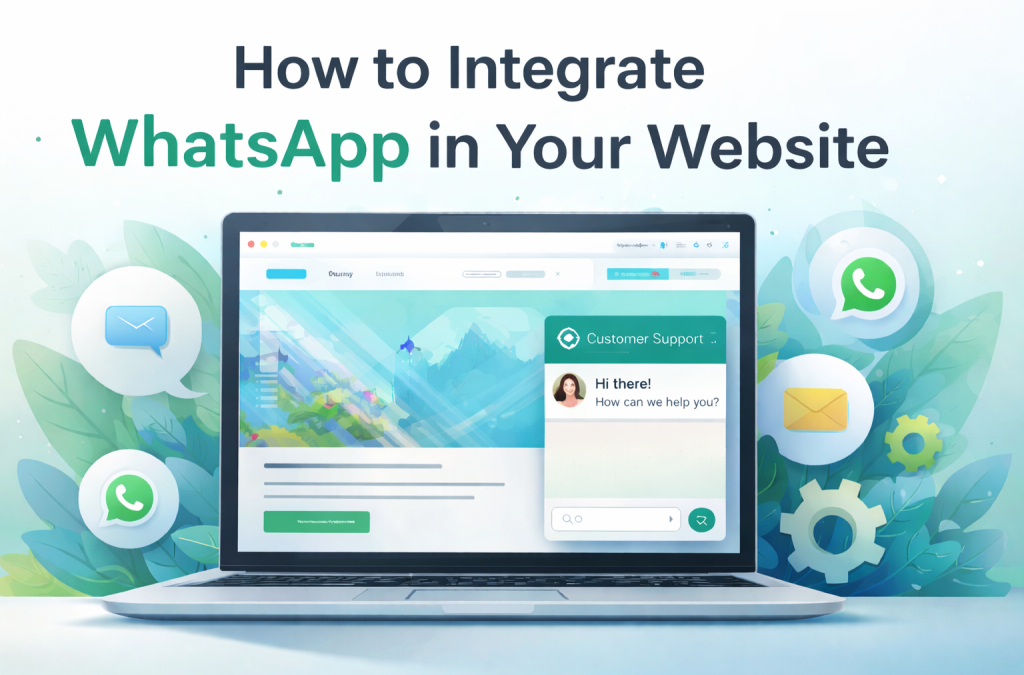
A local yoga studio once built a polished website with sleek booking forms, yet most inquiries still arrived on WhatsApp. People skipped the forms, opened the green app, and sent quick voice notes instead. That tension sits at the heart of the question: how to integrate WhatsApp in website experiences that people actually want to use. Forms feel slow and formal, while WhatsApp feels personal, instant, and familiar. Customers already live there, so businesses increasingly follow them.
Why Businesses Add WhatsApp to Their Websites

Businesses add WhatsApp to their sites for simple, very human reasons. Email forms feel slow, formal, and one-directional. People hesitate, rewrite, or abandon them altogether. WhatsApp feels the opposite: immediate, conversational, and already part of daily life. That difference alone explains why so many companies now treat WhatsApp for website as a core communication channel rather than a nice extra.
Faster replies than email
Messages land in a space people check constantly. Customers respond in seconds, and businesses can close conversations in minutes instead of hours or days. For service-based companies, that speed often translates directly into more bookings and fewer lost leads.
Familiarity and trust
Users recognize WhatsApp instantly. They know how it works, how to send files, voice notes, or photos, and they feel safer sharing details there than inside an unfamiliar web form. That familiarity lowers psychological barriers that no design tweak can fully remove.
Lower friction for first contact
One tap opens a chat. No required fields, no captchas, no uncertainty about whether the message was sent. For mobile users in particular, this simplicity makes a real difference.
How to Integrate WhatsApp in Website: Four Real Methods
There is no single way to connect WhatsApp to a site. Knowing how to integrate WhatsApp in website really means choosing between three practical approaches that trade speed, control, and data differently.
Click-to-Chat Button
This method relies on a wa.me link that opens a chat with your number when a user taps a button or floating icon.
Pros
- Fastest setup possible.
- Works on any website without extra tools.
- No approvals or technical maintenance needed.
Cons
- Very basic user experience.
- Minimal tracking beyond standard website analytics.
- No automation, routing, or team inbox.
This is the quickest way to add WhatsApp button to website when you just want to test demand or handle small volumes.
Widgets / Plugins
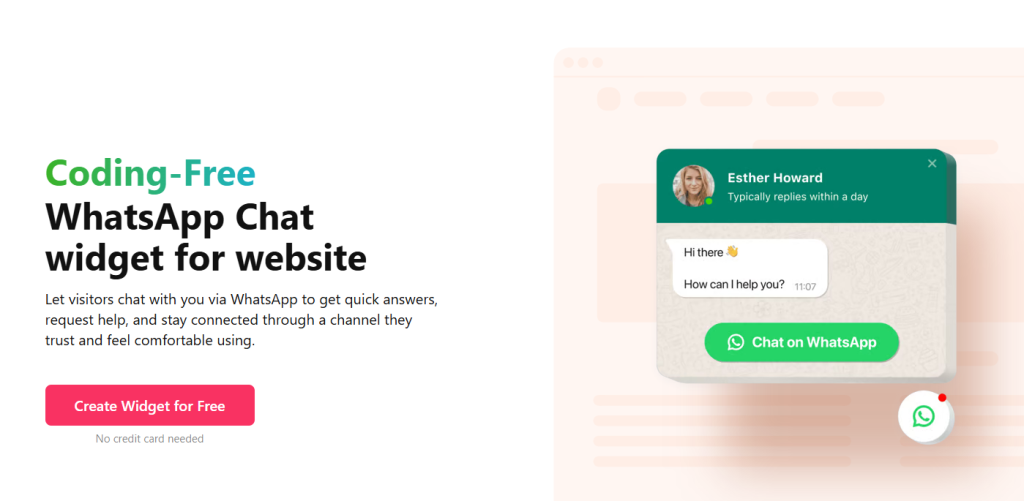
Widgets place a branded chat bubble on your site while still opening WhatsApp underneath. Tools like Elfsight WhatsApp typically let you control appearance and greeting messages.
Pros
- Custom icon, colors, and placement.
- Auto-message that starts the conversation smoothly.
- Cleaner visual experience than a raw link.
Cons
- Limited analytics compared to native tools.
- Little control over workflows or automation.
- Dependence on a third-party service.
This delivers a smoother WhatsApp website integration, but you still operate within someone else’s system.
WhatsApp Business API

This connects your website to WhatsApp through an official provider. The plain flow is: add the WhatsApp product to your app → generate an access token → add a recipient number → send a test message → configure webhooks.
Pros
- Automation and message templates.
- CRM or helpdesk integration.
- Team routing and shared inboxes.
Cons
- More complex setup than buttons or widgets.
- Ongoing platform and per-message fees.
- Requires maintenance and technical coordination.
This is true WhatsApp integration with website rather than a visual shortcut — stronger for scale, heavier to run.
QR Code
A WhatsApp QR code links directly to your chat when someone scans it with their phone. You can place it on your website, posters, printed receipts, product packaging, or dedicated landing pages to bridge offline and online communication.
Pros
- Works smoothly across physical and digital touchpoints.
- Very intuitive for mobile users in stores or events.
- Easy to generate and update without changing the design much.
Cons
- Useless for desktop-only visitors unless paired with a button.
- No built-in analytics beyond basic scan tracking.
- Still redirects users away from your site into WhatsApp.
This method is strongest when you want a simple offline-to-online link that funnels people straight into chat.
Embedding vs Linking WhatsApp
Linking is blunt and effective. A visitor taps a button, your site fades, and WhatsApp takes over. It works on every device, rarely breaks, and keeps things simple. The downside is obvious — the moment the chat starts, your brand disappears from view.
Embedding feels different. A small chat frame sits in the corner of your page, often styled to match your site. The visitor sees your logo, your colors, your tone before the switch to WhatsApp happens. It is still WhatsApp in the end, but the transition feels calmer, more intentional, less like being pushed out of your own website. That is what people mean when they say they want to embed WhatsApp chat in website layouts.
Tracking Engagement: What You Can Actually Measure

Adding WhatsApp to a website feels simple, but what you can measure depends heavily on the method you choose.
With click-to-chat buttons, tracking is basic but still useful. You can attach UTM parameters to your wa.me link and see how many people clicked from different pages, campaigns, or ads inside Google Analytics or your site dashboard. You will know where interest comes from, but you will not see what happens inside the chat itself.
Widgets sit in the middle. Most tools provide lightweight dashboards that show impressions, clicks, and sometimes rough response times. You get a better sense of volume than with a plain button, but conversation data still lives inside WhatsApp, not your system.
The WhatsApp Business API gives you the deepest visibility. You can track message delivery, read status, and response times, and connect conversations to your CRM or helpdesk. This makes it possible to see which leads convert, which campaigns generate real chats, and how your team performs over time. The trade-off is complexity and cost, but the clarity you gain is much higher.
Real-World Use Cases

Case A — Local Yoga Studio
A small neighborhood studio quietly added a floating WhatsApp button to its site one evening. By morning, members were sending quick “Is there space today?” messages instead of scrolling for schedules or filling out forms. The studio team replied the same way they would at the reception desk — casually, in their own voice, sometimes with photos or voice notes. The website started to feel less like a brochure and more like a doorway into the studio’s everyday life.
Case B — E-Commerce Store
An online store selling handmade gear decided to connect its checkout flow to the WhatsApp Business API. Customers began receiving order updates directly in chat, the same place they talked to friends. Many replied with quick thank-yous, questions about sizing, or photos of how they used the product. Instead of pushing people back to email, the brand leaned into this conversational space and treated it as part of the shopping experience, not just support.
Case C — Customer Support Team
A service company started with a simple WhatsApp widget on its website because it was easy. As messages grew, the team slowly shaped their own routines around it — shared inboxes, quick internal notes, and small automation tweaks. They weren’t chasing perfection; they were just trying to make every conversation feel human. Over time, that experiment forced them to rethink how to integrate WhatsApp in website interactions so the channel could scale without losing its personal touch.
What You Gain, What You Lose, and When It Becomes a Bottleneck
Adding WhatsApp to a website usually feels like a win at first. Conversations move faster, people talk more naturally, and fewer potential customers disappear at a form field.
What you gain:
- Faster communication that fits everyday habits.
- A familiar interface users already trust.
- Lower friction for that very first message.
The limits show up quietly, not dramatically. You are still operating inside someone else’s ecosystem. Your brand always plays second to WhatsApp. Data lives in multiple places, and patterns are harder to see.
What you lose:
- Full ownership of the conversation space.
- A fully branded experience from start to finish.
- Clean, unified analytics.
- Simple team workflows as volume grows.
The bottleneck appears when things scale. Messages scatter across phones. Clear roles, routing, and permissions become necessary as volume grows. A single dashboard is far more practical than juggling five separate tools. Ideally, your chat should feel like a natural part of your product, not something rented from another platform.
At that point, figuring out how to integrate WhatsApp in website journeys stops being a technical question and becomes a business one.
Build Your Own Chat Without WhatsApp Limits with Scrile Connect
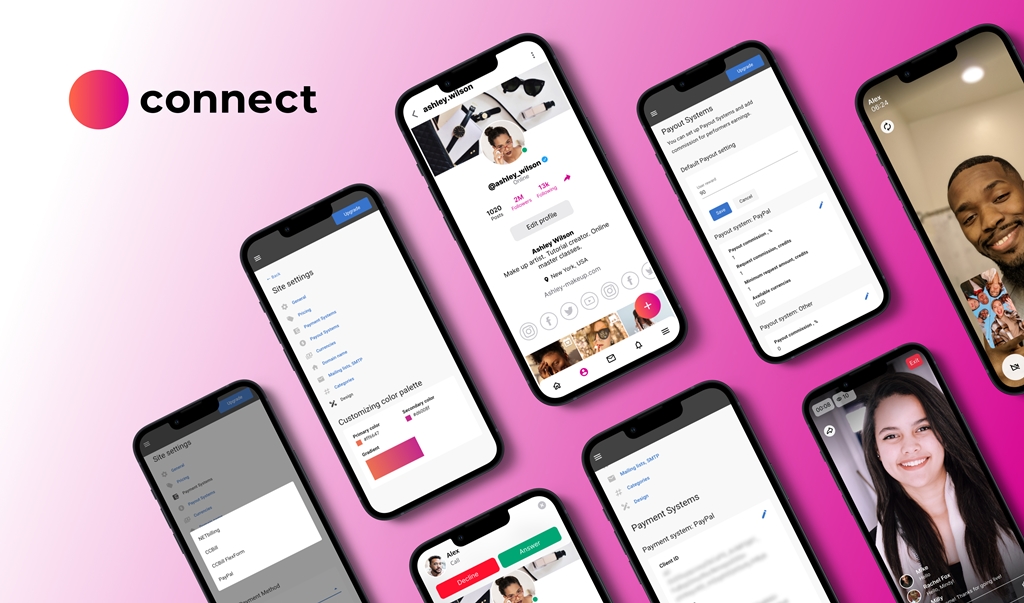
Scrile Connect is not a platform you sign up for and tweak with a few settings. It is a custom development service that builds your own communication system around how your business actually works.
Instead of adapting to WhatsApp’s rules, you design the experience you want and Scrile Connect engineers it for you. That shift changes everything — from branding to data to day-to-day operations.
What you get:
- Fully branded, native website chat that feels like part of your product, not an add-on.
- Custom routing and automation so messages reach the right person at the right time.
- Clear roles and permissions for teams, contractors, and managers.
- One unified analytics dashboard instead of scattered metrics across tools.
- Full ownership of experience, logic, and customer data, on your terms.
If you have outgrown WhatsApp’s limits, the real question is no longer how to integrate WhatsApp in website workflows — it is how to build something truly yours. Scrile Connect lets you create your own chat system without WhatsApp’s technical and commercial limitations.
Conclusion
WhatsApp is a powerful starting point, not a finished architecture. Simple buttons handle small volumes well, while the Business API supports scale but brings extra cost and complexity. Real control comes from owning your communication layer, your data, and your workflows. If you are rethinking how to integrate WhatsApp in website experiences, do not stop at widgets or APIs. Talk to the Scrile Connect team about designing a fully branded, custom chat system that fits your business.
FAQ
Is WhatsApp API integration free?
You can access the WhatsApp Business API, but businesses still pay platform fees and per-message charges under the template-based pricing model.
How to integrate WhatsApp API?
Add the WhatsApp product to your app, generate an access token, add a recipient number, send a test message, configure webhooks or a sample app, and optionally add a real business number.
Can WhatsApp be used on a website?
Yes, via WhatsApp Web in a browser, but it mirrors the mobile app instead of functioning as a fully native website chat.

Polina Yan is a Technical Writer and Product Marketing Manager, specializing in helping creators launch personalized content monetization platforms. With over five years of experience writing and promoting content, Polina covers topics such as content monetization, social media strategies, digital marketing, and online business in adult industry. Her work empowers online entrepreneurs and creators to navigate the digital world with confidence and achieve their goals.