

If you listen to how people talk about software today, you notice a shift. Fewer clicks, fewer menus, less patience. People want to explain what they need and move on. Somewhere in that frustration, the phrase what is a AI virtual assistant starts to surface, usually without much theory behind it. It shows up because something feels inefficient, not because someone is chasing trends.
An AI virtual assistant is easiest to understand through behavior. You describe a task in everyday language. The system figures out what you mean and carries it out, or at least gets you closer to the result. No buttons to memorize. No rigid paths to follow. It reacts to intent instead of forcing you to adapt to the tool.
This shift matters because it changes how people interact with software. Instead of learning interfaces, users focus on outcomes. That applies whether the assistant lives on a phone, inside a workplace tool, or behind a customer support window. The same expectation carries over: fewer steps, clearer responses, less back and forth.
In this article, the focus stays grounded. It looks at how AI assistants are actually used today, what they handle well, and where they still struggle. Both consumer-facing tools and business-focused systems are part of the picture, because the line between them keeps getting thinner.
Beyond “Chatbot”: How These Assistants Work
Some assistants feel sharp and helpful. Others feel clumsy, even when they answer the same questions. The difference usually has little to do with personality or design. It comes down to how the system understands language and what it can actually do once it understands it. When people ask what is a AI virtual assistant, this gap in experience is usually what they are trying to make sense of.
At the technical level, modern assistants combine three layers. First comes language processing, where raw text or speech is turned into meaning. Next is intent understanding, which figures out what the user is trying to achieve. Finally, there is execution. That last step matters more than many people realize. An assistant that understands you but cannot act is still limited.
Older systems relied heavily on fixed rules. They worked well when commands were predictable and narrow. Newer systems learn from usage patterns, adjust responses over time, and handle ambiguity better. Memory also plays a role. Assistants that remember previous interactions feel more natural because conversations do not reset every time.
This difference usually shows up clearly when comparing assistant types:
- Rule-based assistants respond to specific triggers and follow predefined paths. They are reliable but rigid.
- Learning systems adapt based on language patterns and feedback, making responses more flexible.
- Assistants with session memory can maintain context across interactions, which reduces repetition and friction.
Real Examples That Shape Expectations
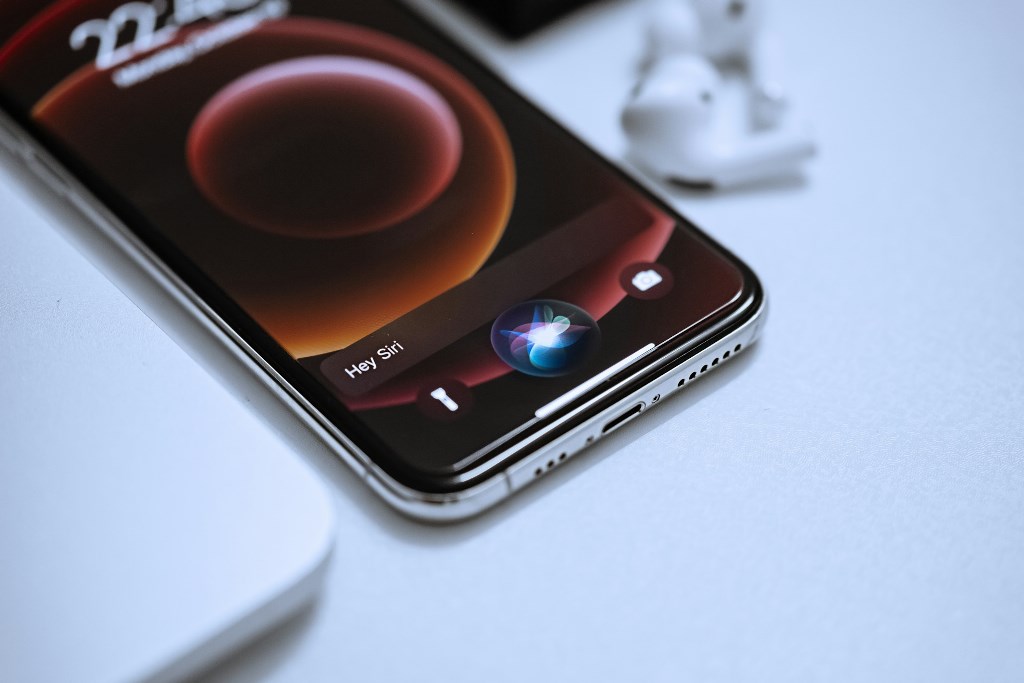
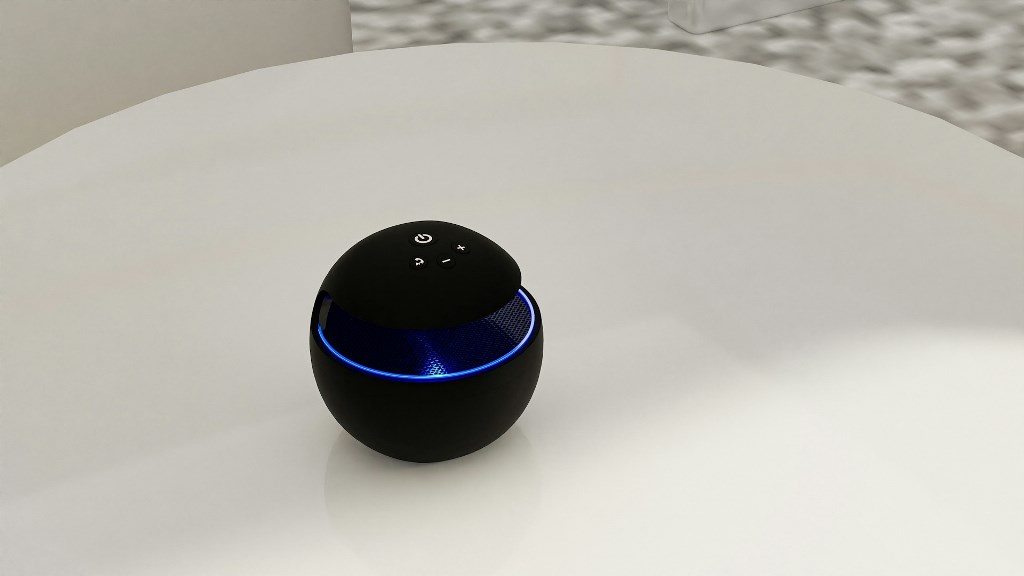
The assistants people interact with daily set the benchmark. Siri introduced voice-first interaction on personal devices. Google Assistant expanded that idea with search depth and cross-app connectivity. Alexa pushed assistants into the home, coordinating lights, music, and routines. More recently, ChatGPT-style agents such as Microsoft Copilot have shifted expectations again by acting as task helpers rather than command responders.
In business settings, these capabilities extend into technical workflows. An AI virtual assistant for IT might help diagnose issues, surface documentation, or trigger support actions without forcing users through ticket forms. At that point, the question of what is a AI virtual assistant stops being abstract. It becomes about how smoothly software fits into real work.
Where Virtual Assistants Are Actually Useful
Virtual assistants earn their place when they reduce friction in situations people deal with every day. The question what is a AI virtual assistant becomes much clearer once you see where it quietly removes steps, delays, or confusion. The strongest use cases fall into two broad areas: work and everyday life.
Practical roles at work and beyond
In professional settings, assistants are most effective when they sit close to real workflows instead of acting like generic chat tools. A virtual assistant using AI is often embedded directly into software people already use, which keeps adoption natural rather than forced.
- Customer support workflows benefit when assistants can resolve simple issues instantly, route more complex requests correctly, and surface accurate answers without long waits. Instead of replacing human agents, they reduce queues and free people to handle edge cases that actually need judgment.
- IT help desks use assistants to handle repetitive tasks such as password resets, system status checks, or basic troubleshooting. This shortens response time and prevents small issues from turning into productivity blockers.
- Scheduling and collaboration become smoother when assistants manage calendars, send reminders, and coordinate meetings across teams. The value is not automation alone, but fewer missed steps and less back-and-forth.
- Business intelligence support shows up in quieter ways. Assistants summarize reports, draft emails, and pull quick insights from internal data, helping people prepare faster without digging through dashboards.
- As writing assistant software, AI can draft emails, summarize notes, or restructure text when clarity matters. It does not replace thinking, but it removes friction at the blank-page stage, which speeds up communication across teams.
Outside of work, assistants tend to feel more personal and less procedural. The same logic applies, though. They are useful when they simplify actions people already want to take.
- Home automation allows users to control lights, routines, or grocery lists through simple voice or text commands, reducing the need to manage multiple apps.
- Learning and education tools act as tutors, research helpers, or flashcard generators, adapting explanations to the user’s pace rather than following a fixed curriculum.
- Accessibility support plays a critical role for many users. Dictation, reminders, and mobility assistance can turn everyday devices into practical aids rather than obstacles.
Across both areas, success depends on relevance. When assistants understand context and act appropriately, they stop feeling like features and start feeling like part of how things get done.
Advantages Users Actually Feel
The real value of virtual assistants shows up in small moments. Not in demos, not in feature lists, but when something that used to take effort suddenly doesn’t. These advantages are easy to miss until they become part of a routine.
- Faster answers when you know how to ask. Once users learn how to phrase requests, assistants can return useful responses in seconds. There is no need to search through help centers or switch between tabs, which makes everyday questions easier to resolve without breaking focus.
- Routine task automation that stays out of the way. Simple actions like setting reminders, checking calendars, or pulling basic information stop feeling like tasks. They happen in the background, which reduces mental load more than people expect.
- Access to information without navigating menus. Instead of remembering where something lives inside an app, users describe what they need. This is especially helpful in complex tools where menus grow faster than documentation.
- Support that scales without feeling impersonal. For businesses, assistants handle repeated questions consistently, even during peak demand. Customers get answers faster, and human teams spend less time repeating the same explanations.
These benefits feel practical rather than impressive. They save minutes, reduce interruptions, and keep attention where it belongs. Over time, that accumulation of small improvements is what makes assistants stick.
What These Assistants Still Struggle With
For all the progress made, today’s assistants still have clear limits. One of the most visible is the gap between real understanding and keyword matching. An assistant may respond confidently while missing the point of the request. This is often where users revisit the question what is an AI virtual assistant in practical terms, because the experience can feel intelligent one moment and shallow the next.
Another issue lies in retrieval quality. When assistants generate answers from large datasets, they can introduce bias or invent details that sound plausible but are incorrect. These hallucinations are not random. They tend to appear when information is incomplete or when the system is pushed beyond what it can reliably verify. For users who depend on accuracy, this creates hesitation.
Privacy remains a concern, especially in business and sensitive personal contexts. Assistants need access to data to be useful, but that access raises questions about storage, retention, and exposure. Many people are still unclear about where their information goes or how long it remains available to the system.
Long-term task execution is another weak spot. Many assistants handle single actions well but struggle with goals that span days or weeks. Following up, remembering unfinished tasks, or adjusting plans over time often requires human intervention. This limitation shapes expectations around what is virtual assistant in AI today, keeping these tools helpful but not fully autonomous.
The Next Decade: What Assistant Software Looks Like in 2026 and Beyond
The next stage of assistant software is less about sounding smarter and more about behaving with continuity across situations.
More context, less repetition
Assistant software is gradually learning to hold onto context instead of resetting every interaction. Preferences, habits, and prior choices begin to shape responses, which changes how people experience what Is a AI virtual assistant in practice. It stops being a tool you constantly instruct and starts behaving like a system that remembers how you work.
This shows up most clearly in multi-step workflows. An assistant does not just book a flight — it adds the trip to your calendar, shares details with teammates, and sets reminders around departure times. The user does not repeat instructions at each step. Intent carries through the process. That continuity reduces friction and builds trust, especially in work environments where repetition wastes time.
Context also improves accuracy. When an assistant knows which documents you usually reference or how you schedule meetings, its suggestions feel less generic. Over time, this kind of memory becomes more valuable than raw language ability.
Cross-device and cross-domain fluency
Another shift is mobility. Assistants are no longer anchored to a single device. The same session moves from car to phone to laptop without losing track of what is happening. Tasks started in one place continue naturally in another, which makes interaction feel uninterrupted.
Cross-domain fluency follows the same pattern. Assistants begin to operate across personal and professional tools, handling reminders, files, and coordination in one flow. Better data continuity makes delegation easier. Users describe outcomes, not steps, and let the system manage execution across environments.
Launch Your AI Assistant with Scrile AI
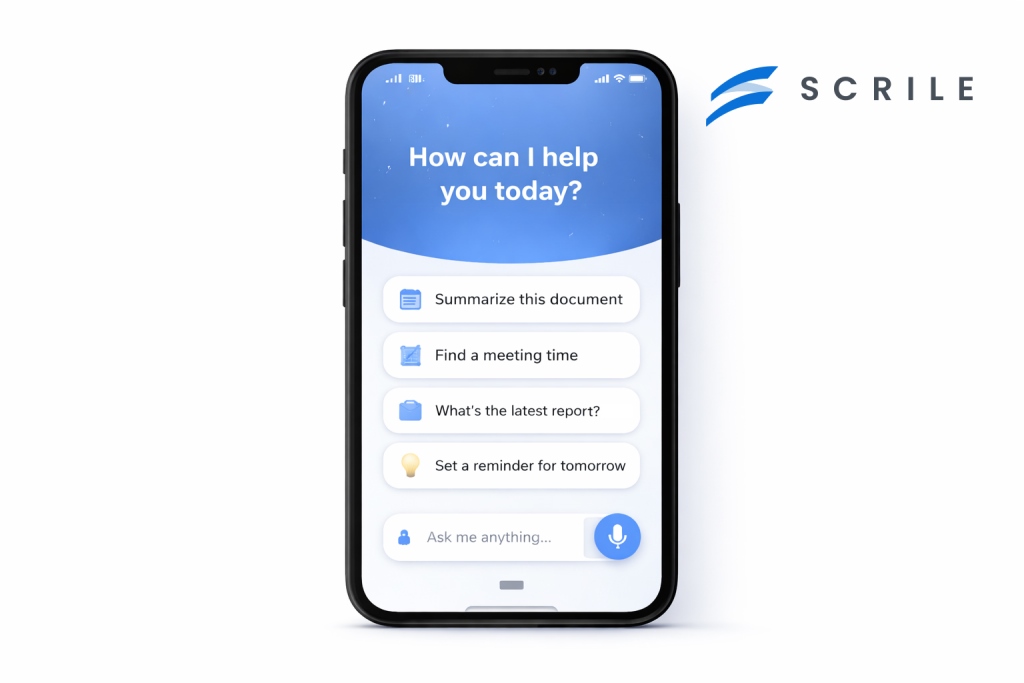
Many teams reach a point where off-the-shelf assistants stop fitting their needs. The behavior feels generic, integrations are shallow, and control is limited. This is usually when the question shifts from features to ownership, and what is an AI virtual assistant becomes a design decision rather than a definition.
Scrile AI approaches this from a different angle. It is a custom development service, not a platform with preset logic. That means the assistant is built around how your business actually works, not the other way around. Workflows, data access, and response behavior are defined at the architecture level instead of being patched in later.
What a Custom Assistant Can Actually Handle
With Scrile AI, virtual assistants are designed to operate inside real systems. They can connect to internal databases, CRMs, payment tools, content platforms, or moderation pipelines. This applies to standard business assistants as well as more complex use cases, including adult-oriented AI assistants where behavior control, privacy, and moderation rules are critical from day one.
Instead of acting as a surface-level chat layer, the assistant becomes part of your infrastructure. It can retain context across sessions, follow multi-step workflows, and apply different logic depending on user roles or access levels. Deployment is also flexible, covering web, mobile, private dashboards, or embedded tools.
Key benefits of this approach include:
- Logic tailored to business rules, so responses and actions follow your processes rather than generic patterns.
- Custom domain language, allowing the assistant to speak in terms your users already understand.
- Privacy and data controls, essential for regulated industries or sensitive content environments.
- Scalability by design, supporting growth in users, features, and complexity without rebuilding the system.
Scrile AI works best for teams that want long-term control. Instead of adapting to a platform’s limits, you define how your assistant behaves, evolves, and integrates as your product grows.
Conclusion
AI assistants are no longer something people try once and forget. They are becoming part of how work gets done and how daily tasks are handled, quietly reducing friction where it matters most. When they work well, they feel less like software and more like a natural extension of intent.
As expectations grow, the difference between adopting a ready-made tool and building something purpose-built becomes clearer. Generic assistants solve common problems. Custom assistants solve your problems. That distinction matters for businesses that want control, continuity, and long-term value.
If you are thinking beyond experimentation and want an assistant designed around real workflows, explore Scrile AI’s solutions and see what building on your own terms looks like.

Polina Yan is a Technical Writer and Product Marketing Manager, specializing in helping creators launch personalized content monetization platforms. With over five years of experience writing and promoting content, Polina covers topics such as content monetization, social media strategies, digital marketing, and online business in adult industry. Her work empowers online entrepreneurs and creators to navigate the digital world with confidence and achieve their goals.