
Booking software decides how your day actually runs. If you cut hair, teach online, sell consulting hours, or manage a small team, the way people book time with you shapes everything else. Missed appointments, unpaid sessions, back‑and‑forth messages, all of that comes down to the tool you chose early on.
That’s why people keep comparing Square Appointments vs Calendly. Not because they look similar on feature lists, but because they solve different problems in practice. Square Appointments usually shows up in salons, studios, and places where clients walk in and pay on the spot. Calendly shows up in inboxes, sales funnels, and agency workflows where meetings happen online and time zones matter.
The mistake is treating them as interchangeable. They aren’t. One fits businesses built around physical services and payments. The other fits teams built around calls and coordination. This comparison exists to help you see where each one actually fits, and when neither of them is enough anymore.
Platform Purposes and Core Use Cases

People don’t pick scheduling software for fun. They pick it because their day is getting out of control. Calendly and Square Appointments solve that chaos in different ways.
Calendly works best for people who trade time for expertise: sales reps, coaches, consultants, or anyone who lives in their calendar. You send a link. Someone picks a time. The meeting shows up in your inbox and theirs. It’s simple, polished, and made for people who already run online.
Square Appointments isn’t trying to book Zoom calls. It’s built for real-world service businesses — salons, barbershops, massage therapists, tattoo artists. You’re not just managing a calendar. You’re setting up service menus, managing tips, tracking no-shows, collecting payments, and syncing it all with a front desk.
Here’s how it plays out in practice:
- A salon owner needs staff scheduling, cancellation fees, and quick rebooking tools.
- A business coach wants to pre-qualify leads, run paid discovery calls, and collect testimonials after sessions.
- A freelancer might use Calendly to run free intro calls and invoice clients later through Stripe.
- A pet groomer might use Square to keep track of returning clients and automatically send reminders.
That’s the core of it: Calendly vs Square Appointments isn’t about which tool looks better — it’s about who you are and how your business runs. If your revenue depends on time slots, choosing the wrong tool can cost you more than you think.
Interface, Client Flow, and Scheduling UX
First impressions start with a booking link. The smoother that first interaction feels, the more likely someone completes the booking.
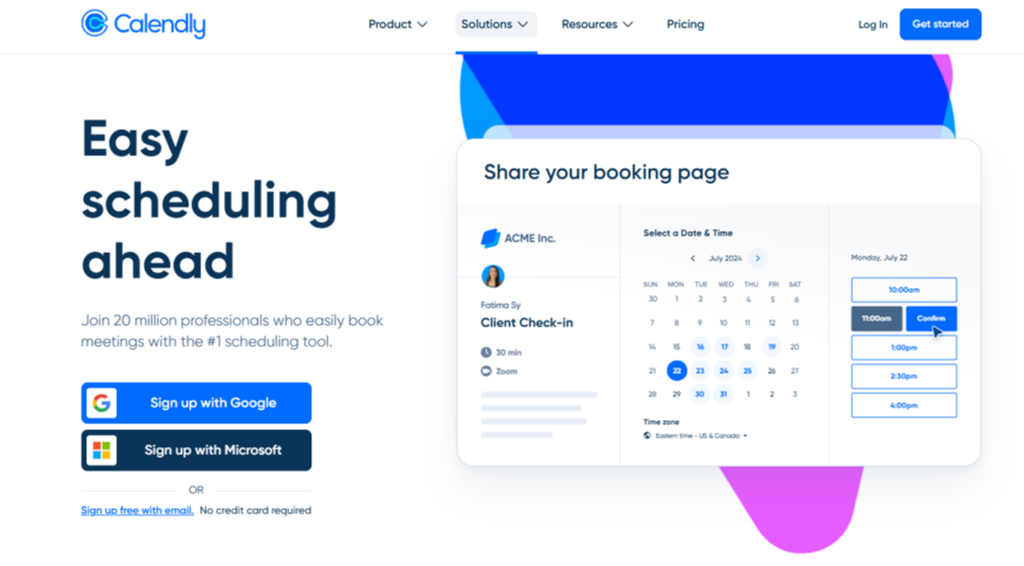
Calendly keeps things clean from the start. You sign up, connect your calendar, add availability, and go live. The interface is lean and focused on fast deployment. Clients see a list of available slots, choose one, and get an automatic confirmation email. You can add questions, buffer times, and reminders without any fuss. But if you want deep customization or branded flows, you’ll hit limits fast.
Square Appointments takes longer to set up. You’re not just picking availability, you’re building service categories, setting prices, choosing durations, and adding policies. It’s built with service providers in mind, so the layout feels closer to a checkout than a contact form. For regulars, it’s seamless. For new clients, it might take a few extra seconds to understand.
Client Side: Friction or Flow?
Mobile matters. Calendly works well across devices, but timezone detection can glitch when users book from outside your default zone. Square handles time zones more reliably but offers fewer layout options for the booking interface.
Some common friction points include:
- Limited white-label design options on both platforms
- No built-in workflows for follow-up across platforms
- Minor bugs when syncing calendars or sending notifications
Calendly Square integration is possible via Zapier, but it adds another moving part. If you’re dealing with high volumes or specific workflows, these small UX snags can add up over time.
Square Appointments vs Calendly here comes down to how polished you need the front-end to be versus how detailed your backend operations are.
Payments, Billing, and Built‑In Tools

Money flow matters. And how each tool handles that flow depends on the kind of business it was built for.
Calendly connects with Stripe and PayPal. There’s no native checkout system—it relies on third-party integrations. You can request payment before a meeting, but all billing logic happens outside Calendly’s core. A coach, consultant, or freelancer might be fine with this. Set up Stripe once, add a price, and move on. But it lacks finer tools like deposits, no-show fees, or automatic late charges. You can send reminders and require upfront payments, but everything else needs to be managed manually or with a separate system.
Square Appointments doesn’t need outside help. It runs on Square’s own checkout tools. That means users can take deposits, charge cancellation fees, store cards on file, and even issue refunds—right from the booking interface. For appointment-based businesses like salons or massage studios, that control is essential. You don’t want to chase down no-shows or retype card details.
In the debate around Square Appointments vs Calendly, this is where the real difference shows up: one was built around scheduling, the other around bookings with payment built in.
And if you’re wondering how it stacks up against others, Square Appointments vs Acuity is another common search. Acuity offers Stripe and Square options but lacks Square’s seamless in-house system. So if payment control is your priority, Square still has the edge.
Payment handling shapes daily operations. Deposits, no‑show fees, refunds, and stored cards affect how predictable revenue feels and how much manual work stays on your plate.
Pricing Breakdown and Value for Money
Cost can be a deciding factor when comparing Square Appointments vs Calendly. While both tools offer free access, the limitations and upgrade paths vary depending on the type of business.
Calendly gives individuals a solid free tier with basic one-on-one scheduling and calendar sync. But group events, automated workflows, and integrations with tools like Salesforce or PayPal sit behind paid plans. The Standard plan costs $10/month per user. The Teams plan costs $16/month per user, unlocking team routing, meeting distribution, and pooled availability.
Square Appointments offers a free tier as well — but only for solo users. The catch? Once your team grows, you move to a flat monthly model: $49/month for 2–5 staff, $149/month for 6–10.
Below is a breakdown:
| Plan | Calendly | Square Appointments |
| Free Tier | Yes (solo) | Yes (solo) |
| Paid Entry Tier | $10/month per user | $49/month (2–5 staff) |
| Advanced Features | From $16/month per user | $149/month (6–11+) |
| Billing Model | Per user | Per team size |
The big difference? Calendly scales per person. Square charges by staff range. If you’re running solo, both work. As your team grows, Square might bring more value, depending on what tools you need bundled in.
Pros and Cons Based on Real Usage
User reviews offer real insight into the everyday experience of using Square Appointments vs Calendly. Below is a streamlined breakdown of actual feedback from business owners, freelancers, and team leads.
Calendly: What works
- Quick setup and no learning curve.
- Clean, modern interface suited for remote teams.
- Reliable calendar syncing to prevent double bookings.
- Solid integrations with Google Meet, Zoom, Teams.
Calendly: Drawbacks
- Payment setup requires third-party tools like Stripe or PayPal.
- Custom branding is limited, especially on lower plans.
- Some essential features only appear in premium tiers.
- Group scheduling and round-robin logic can feel rigid.
Square Appointments: What works
- Unified system with built-in payments and scheduling.
- Automatic reminders reduce no-shows.
- Easy to manage repeat clients and histories.
- Mobile app is ideal for busy service providers.
Square Appointments: Drawbacks
- Initial setup can feel dense or confusing.
- Users report limited flexibility in calendar views.
- Some say the interface feels outdated or cluttered.
- Reporting tools lack customization.
So, what does this mean for the user? There are cases where people find Calendly more convenient for quick links for small teams, while Square Appointments works best for full-service bookings, including payment solutions.
When Building Your Own System Is Smarter
You start with tools like Square Appointments vs Calendly, hoping they’ll cover everything. But then real needs show up. You want to charge per minute, run sessions in three languages, or tweak the flow so it fits how your clients book. That’s when things get messy.
These tools aren’t broken — they’re just built for the average case. The problem is, your business isn’t average. You’re adding code snippets, using three plugins just to send a reminder, or forcing clients through steps that don’t make sense.
Some businesses outgrow generic software in months. Others never fit to begin with. Either way, there’s a point when building your own system makes more sense. You get something that works exactly how you need it to — not something you’re constantly trying to fix.
Next, let’s look at how to actually make that happen — without starting from scratch.
Build a Custom Booking System with Scrile Connect
Scrile Connect is a development service that builds fully customized booking systems tailored to your needs. It’s not a platform or template — you get software developed specifically for how your business operates.
You define how your system works, and Scrile Connect handles the rest — from frontend design to backend logic, integrations, and deployment. It’s built for those who want more than a generic scheduling app.
Here’s what you can have built:
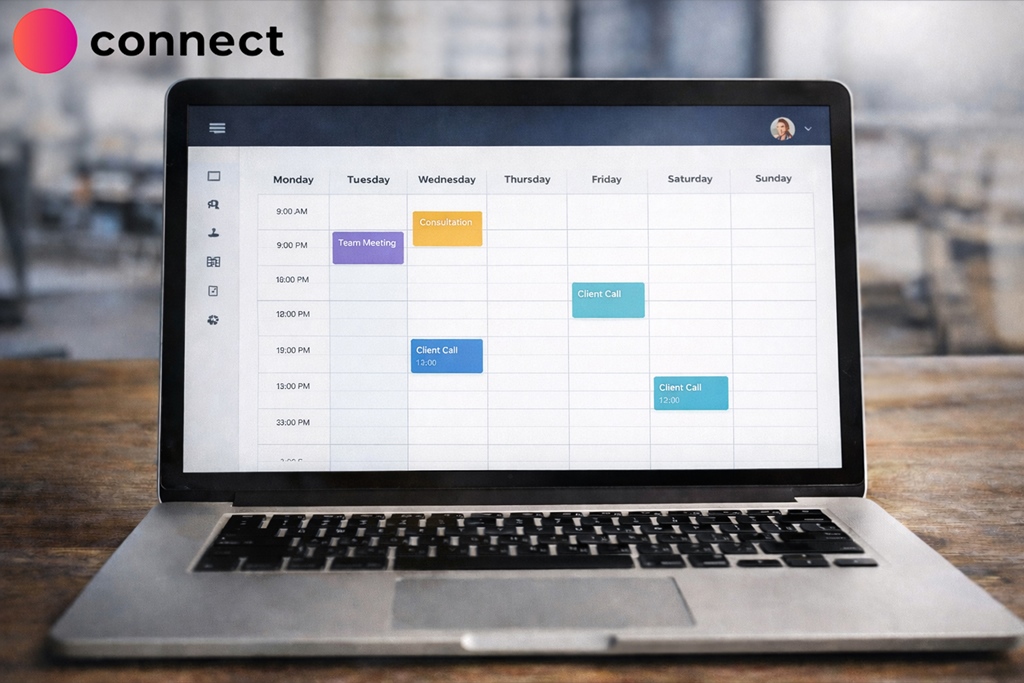
- Custom calendars with branded booking flows
- Flexible monetization: subscriptions, tipping, one-time fees
- Integrated chat, video, or messaging before and after appointments
- Admin tools with full control over schedules, users, and payouts
- Multilingual support and localized UX for any region
These features aren’t just plug-ins — they’re baked into the system based on your workflow. Whether you’re a salon owner, SaaS founder, educator, or content creator, your booking tool can match your brand and grow with your business.
You own the product. You control updates. There are no forced changes or missing options down the road.
Scrile Connect gives you a way to build the exact system your business needs — without hiring a dev team or compromising on how it should work.
Conclusion
Square Appointments makes sense for shops with walk-ins, recurring clients, and in-person payments. Calendly fits solo pros, remote teams, and consultants who need quick links and smooth calendar control. But neither gives you true ownership.
When your business runs into limits — branding, monetization, integration — it’s time to build something better.
Scrile Connect helps you do exactly that. From features to design, every part is built for how you work.
No compromises. No gaps. Just your system, your way.
Contact Scrile Connect today to get started.
FAQ
Is Square compatible with Calendly?
Yes. You can use Zapier to connect the two. This allows for workflows like scheduling in Calendly while handling payments through Square.
Is Square good for appointments?
It’s good for small companies where people meet for booking, such as salons and repair shops. It’s good because reminders are already available, and checkout processes are simpler.
What is the best Calendly alternative?
If you require more personalization or need control of branding, a custom solution using Scrile Connect is your best option. For more flexibility beyond Calendly’s free option, Acuity or YouCanBookMe will be more flexible.

Polina Yan is a Technical Writer and Product Marketing Manager, specializing in helping creators launch personalized content monetization platforms. With over five years of experience writing and promoting content, Polina covers topics such as content monetization, social media strategies, digital marketing, and online business in adult industry. Her work empowers online entrepreneurs and creators to navigate the digital world with confidence and achieve their goals.