
If you’ve ever tried to handle hundreds of customer messages at once, you’ve probably looked for a way out. That’s how tools like ManyChat became so popular — they promised to take the chaos of DMs and turn it into organized, automated conversations. For small shops and growing creators, it sounded like magic. But as more users started relying on chatbots for sales and customer service, the cracks began to show. Many businesses began searching for a ManyChat alternative that could do more than just reply on Facebook.
ManyChat built its name on simplicity — linking Instagram DMs, Facebook Messenger, and Shopify checkout flows without coding. It’s perfect for short-term automation: sending a coupon, collecting leads, confirming an order. But once a brand grows, these systems hit a wall. Custom logic? Limited. Full ownership of data? Not really.
This article looks at what happens beyond that wall. You’ll see where ManyChat works well, where it struggles, and what to consider when choosing something more flexible. We’ll also touch on how tools like Scrile Connect help teams create chat systems that actually feel like their own — not just another borrowed inbox.
What Is ManyChat and How It Works
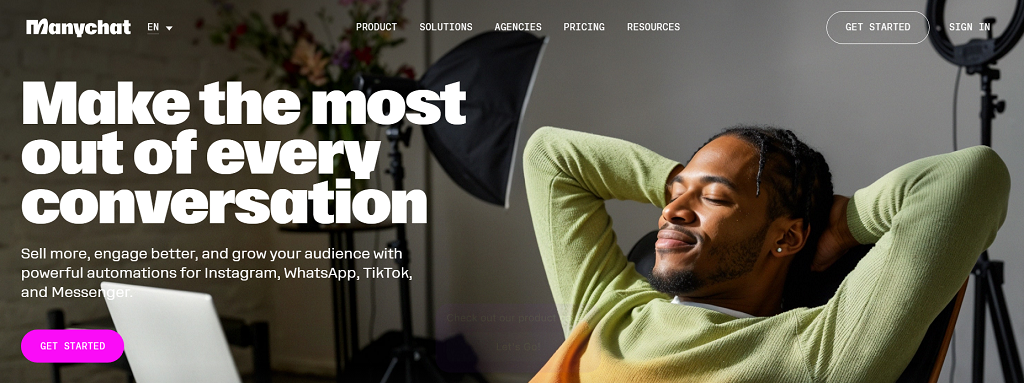
ManyChat started back in 2015 with one simple goal — help small businesses automate conversations on Facebook Messenger. It caught on fast. Within a few years, it expanded to WhatsApp, Instagram, and even SMS, making it one of the first tools that didn’t require a developer to build a chatbot.
Its main draw is how visual it feels. You don’t write lines of code — you drag, drop, and link blocks together like puzzle pieces. Templates handle most of the setup. Want to build a welcome message, a product quiz, or an abandoned cart reminder? There’s a prebuilt flow for that. Businesses can also use growth widgets — pop-ups, links, or QR codes that direct users straight into a conversation.
ManyChat runs on a freemium model. The Free plan gives limited messages and basic automation. The Pro plan, starting around $15 per month, scales based on the number of active subscribers — the more people you message, the more you pay. For a few hundred contacts, it’s affordable. But once your list grows into the thousands, the price climbs quickly.
Picture a small online clothing store. It uses ManyChat to send discount codes, cart reminders, and thank-you messages after purchases. It works beautifully — until the store wants more: custom branding, deeper analytics, or integration with its CRM. That’s where ManyChat stops feeling limitless and starts feeling small. It’s a great launchpad, but every brand that scales eventually needs more control.
Where ManyChat Falls Short
ManyChat is a great entry point into automation — quick, simple, and accessible to anyone. But once your business grows past a few hundred subscribers, the cracks start to appear. The same simplicity that made setup so easy begins to limit what you can actually build. The difference between ManyChat vs custom-built systems becomes obvious: one gives convenience, the other gives control.
Flexibility and Branding
Every ManyChat bot feels familiar — and not in a good way. The user interface looks the same across brands, and customization is minimal. Businesses that want to match their chatbot’s design with their website or app often hit a wall.
Here’s what users typically notice:
- Generic design: fonts, colors, and chat bubbles can’t truly reflect your brand identity.
- Limited integrations: you can connect basic CRMs or email tools, but not full custom databases.
- Restricted logic: no room for complex user journeys or dynamic content.
ManyChat handles linear conversations well but struggles when workflows become unique — for example, when you need conditional logic, multi-language content, or real-time analytics.
Pricing and Scale
ManyChat starts cheap but scales fast. The Pro plan charges by active subscriber count, so as your audience grows, so does your bill.
- 1,000 subscribers ≈ around $25/month
- 10,000 subscribers ≈ $65 per month
- 30,000+ subscribers ≈ $165 per month
For a small business, that’s a heavy lift — especially when several features still stay locked behind higher tiers.
Data and Ownership
ManyChat runs through Meta’s ecosystem. That means you never truly own your user data. If your Facebook or Instagram page gets flagged or suspended, your chatbot and all your contacts go dark with it.
Brands have reported losing access to hundreds of leads overnight — not because they did anything wrong, but because the platform decided to change its policy.
For companies serious about scaling, these limits become dealbreakers. That’s why many start searching for a ManyChat alternative — a system that gives ownership, flexibility, and freedom to grow without hidden strings attached.
Top ManyChat Alternatives
The chatbot market is growing fast — valued at over $7 billion in 2024 and projected to double by 2030. That surge means businesses have more choices than ever before. Some want simplicity. Others want control. And for those seeking a solid ManyChat alternative, there’s no shortage of options that mix automation, personalization, and integration in smarter ways. Here are five tools worth exploring.
Chatfuel
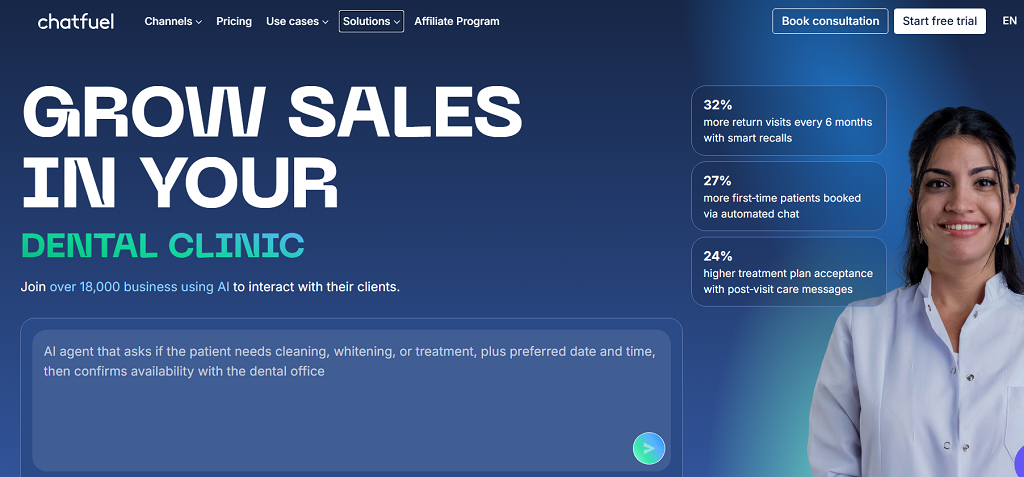
Chatfuel is one of the oldest names in no-code chatbot builders, originally created for Facebook Messenger. It’s still one of the most beginner-friendly tools available. With prebuilt templates, visual flow creation, and strong Telegram support, it lets users automate sales, send updates, and manage customer queries with minimal setup.
The platform shines for small businesses — restaurants, online boutiques, or local service providers who want to automate responses without hiring developers. Pricing starts around $24 per month, making it affordable for small teams that just need quick, functional automation. Its main drawback? Limited flexibility once you need custom integrations or multi-channel automation.
Botpress
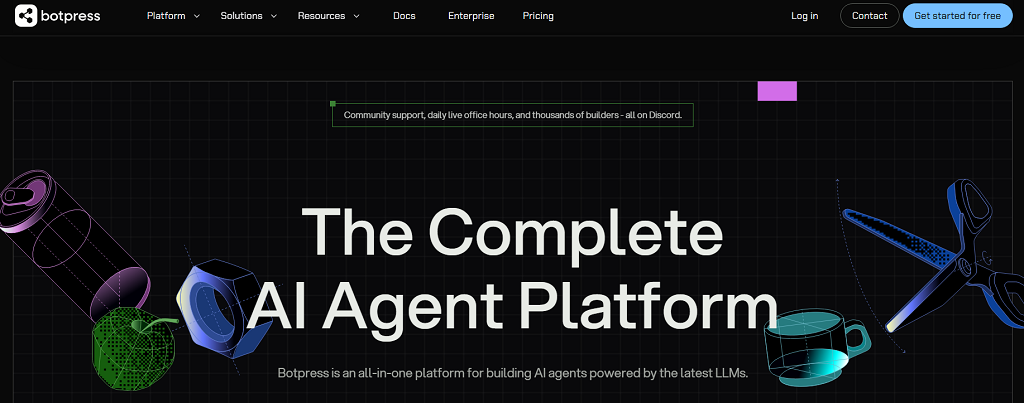
For those who like control, Botpress is a completely different breed. It’s open-source and developer-friendly, with advanced features like NLP (Natural Language Processing) and a flexible API system. You can host it on your own server, connect it to any database, and design conversation logic down to the smallest detail.
Unlike many no-code tools, Botpress works more like a development framework. It requires some technical know-how but pays off in scalability and ownership — ideal for companies with in-house teams or tech partners. It’s also free to start, with paid plans for enterprise hosting.
Tidio
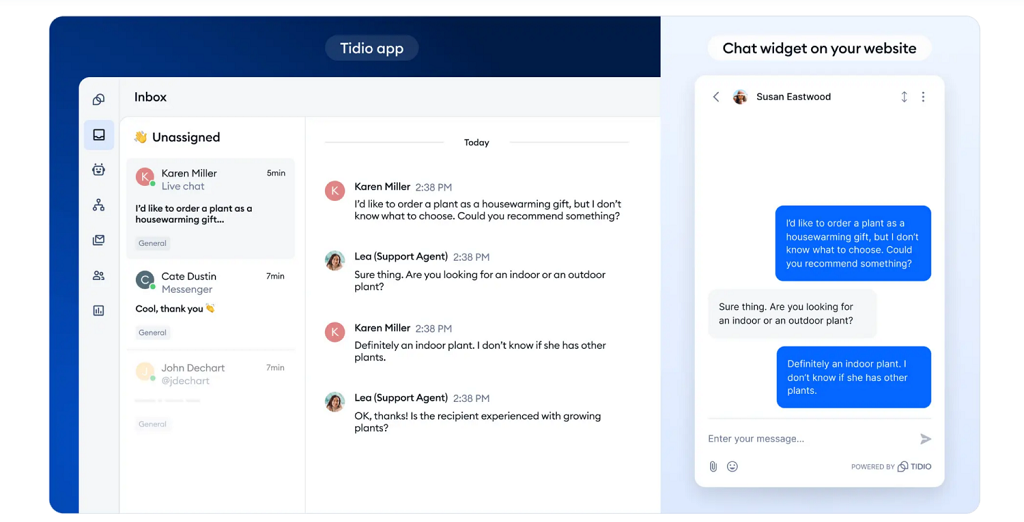
Tidio sits between simplicity and sophistication. It combines chatbot automation with live chat, making it perfect for eCommerce. A single dashboard lets support teams handle real-time messages, abandoned cart reminders, and customer segmentation.
It integrates smoothly with Shopify, WordPress, and WooCommerce, letting you manage both automation and personal responses in one interface. Prices begin at around $29 per month. For online shops, this hybrid model helps cut response time and recover lost sales, making Tidio one of the most balanced ManyChat alternative options on the list.
Respond.io
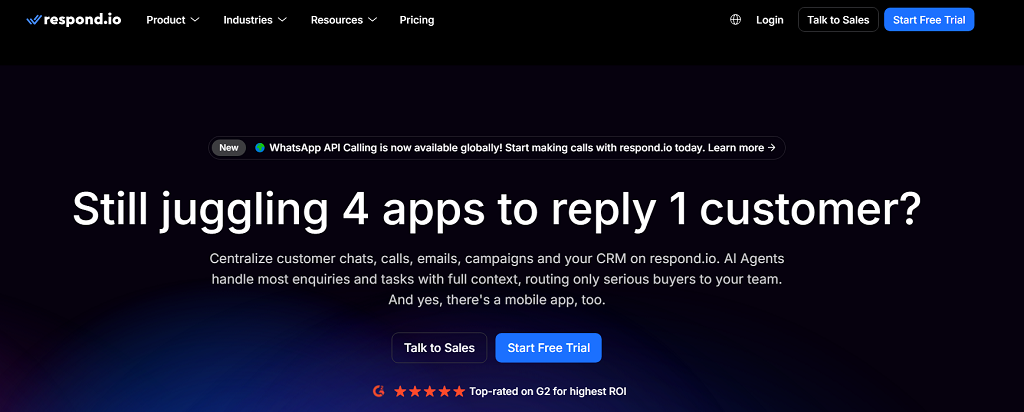
Respond.io is a multichannel hub rather than a standalone chatbot tool. It connects WhatsApp, Line, Telegram, email, and web chat into one inbox — especially useful for businesses managing high message volumes.
Its focus is sales and support automation, helping teams assign leads, track conversions, and even sync with CRMs like HubSpot or Salesforce. Starting at $79 per month, it’s a solid ManyChat alternative for larger teams who need central control and analytics instead of separate chat tools.
LiveChatAI
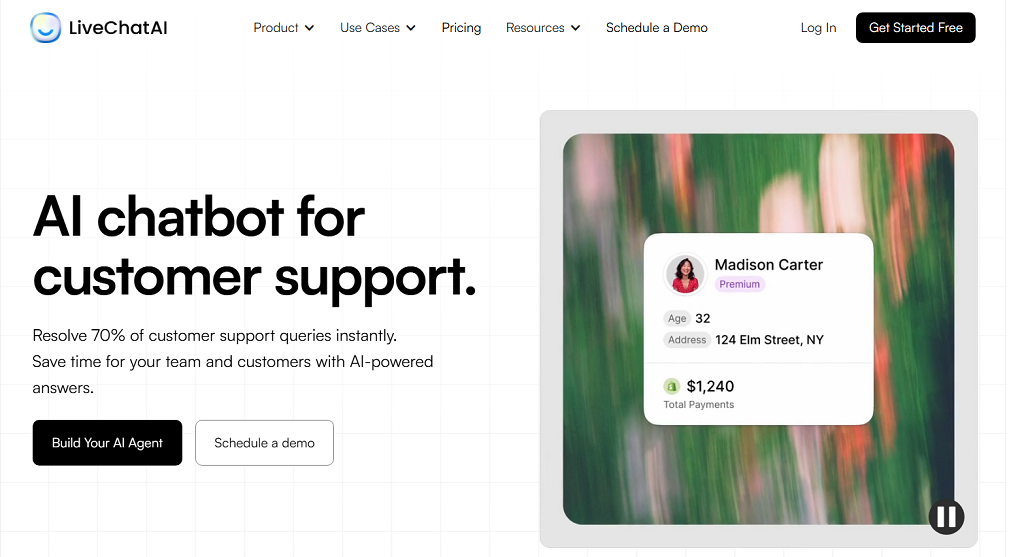
The newest player on the list, LiveChatAI, takes a different approach — it builds AI-powered chatbots that can learn from your documents, FAQs, and website content. It’s built for businesses that want conversational depth rather than scripted flows.
You can embed your chatbot directly into your site or product dashboard, train it on your company data, and even connect it to APIs for dynamic responses. Starting at around $49 per month, it’s one of the most modern solutions for businesses aiming to deliver personalized automation.
When to Build Your Own Chatbot with Scrile Connect

There comes a point when drag-and-drop tools stop growing with you. What once felt quick and convenient turns into a box you can’t step out of. That’s where Scrile Connect steps in — not as another chatbot app, but as a full development service that helps you design a communication system built entirely for your business.
Companies ready to move past templates often share the same pain points: they’ve hit integration limits, can’t customize the interface, or want stronger control over data. A custom build changes all that. It gives room to scale, evolve, and truly own every part of the user experience.
Here’s what makes custom development stand out:
- Total flexibility: every flow, message, and trigger works the way you need it to — not the way a preset allows.
- Real branding freedom: colors, tone, layout, and behavior all match your brand, not someone else’s theme.
- Scalability and integrations: connect your CRM, ERP, or payment gateway, and add features as your business expands.
- Security and compliance: full control of storage, permissions, and data processing — perfect for GDPR or HIPAA-sensitive projects.
- Revenue ownership: no platform cuts or unpredictable billing; what you earn stays yours.
Imagine a consultant network running its own portal through Scrile Connect — onboarding clients, scheduling sessions, hosting chats, and processing payments in one secure ecosystem. Or an e-learning brand automating lessons and private feedback within a branded app instead of juggling third-party widgets.
That’s the power of going custom. You move from relying on platform rules to building your own. For any company ready to outgrow no-code tools, Scrile Connect is the ManyChat alternative built for ownership — not just automation.
Conclusion
Quick tools like ManyChat work well in the beginning — they’re simple, fast, and good enough for small campaigns. But as your business grows, you’ll want something you can actually control. Real ownership means setting your own rules, keeping your data private, and shaping the user experience around your brand.
Every business reaches that point where convenience stops paying off. That’s when it’s time to move from borrowed automation to a system built entirely for you.
If you’re searching for a ManyChat alternative that gives you full control and long-term flexibility, reach out to the Scrile Connect team to design a chatbot that matches your workflow, your brand, and your vision — built to grow with your business.
FAQ – ManyChat Alternatives (Best Options in 2026)
What is ManyChat and what is it best used for?
ManyChat is a no-code chatbot builder designed to automate conversations. It’s commonly used for quick workflows like lead capture, coupon delivery, basic FAQs, order confirmations, and simple eCommerce flows.
It works especially well when you want something fast and template-driven. But once you need deeper logic, stronger branding, or more ownership over data and integrations, you’ll start comparing alternatives.
Why do businesses look for a ManyChat alternative?
Most businesses don’t leave because ManyChat is “bad.” They leave because it’s built for convenience, not total control. The most common pain points are limited branding, limited custom integrations, and restricted conversation logic when workflows become unique.
There’s also the ownership factor: if your automation depends on third-party platform rules, your entire funnel can be disrupted by policy changes or account issues. That risk grows as your message volume becomes business-critical.
How does ManyChat pricing scale, and what should I watch for?
ManyChat typically looks affordable at the start, then becomes more expensive as your subscriber list grows. The key is that pricing scales with active subscribers, so growth can raise costs even if the bot logic stays the same.
If your business model relies on high-volume messaging, compare tools by total monthly cost at your expected scale (not just the entry plan). “Cheap” tools can become expensive once you reach thousands of contacts.
Is Chatfuel a good ManyChat alternative for beginners?
Yes, if you want a simple no-code builder with templates and quick setup. Chatfuel is often chosen by small businesses that need functional automation without a developer.
The main limitation is similar to ManyChat: once you need deeper customization, multi-channel workflows, or complex logic, you can outgrow the “template builder” model.
Is Botpress better than ManyChat if I need full control and custom logic?
Botpress is a strong alternative when “control” matters more than “simplicity.” It’s developer-friendly, supports advanced logic, and can be hosted in a way that gives you better ownership and flexibility.
The tradeoff is setup complexity. Botpress fits best when you have technical resources (in-house devs or a tech partner) and you want a system that can grow into a serious product workflow.
Which ManyChat alternative is best for eCommerce support (bot + live chat)?
If your priority is eCommerce support, look for a tool that combines automation with a human team inbox. That hybrid model helps you handle FAQs and repetitive flows automatically, while still resolving edge cases with real agents.
This approach usually improves conversion too: faster replies reduce drop-offs, and abandoned cart reminders work better when they live in the same system as real customer conversations.
What is Respond.io best for compared to ManyChat?
Respond.io is best when you need a multichannel inbox and team workflow control. Instead of treating chatbots as separate “flows,” it focuses on centralized messaging for sales and support across channels.
If your team handles high volumes, assigns leads, tracks conversions, and needs CRM sync, an omnichannel hub can be a better fit than an Instagram/Messenger-first builder.
What is LiveChatAI and when is it better than flow-based builders?
LiveChatAI is useful when you want a chatbot that answers based on your content (documents, FAQs, website pages) rather than only scripted decision trees. This is especially helpful for support and knowledge-base style use cases.
It’s a better fit when the main challenge is “answer quality and depth,” not just “send the right coupon after the right trigger.”
What should I compare when choosing a ManyChat alternative?
Start with channels (Instagram, Messenger, WhatsApp, Telegram, web chat), then check automation depth (conditions, variables, routing) and integration flexibility (CRMs, databases, payments, APIs).
Then evaluate what really matters at scale: analytics, team permissions, compliance controls, and ownership. The “best” tool is the one that stays predictable and controllable when your messaging becomes a core revenue workflow.
When should I build my own chatbot instead of using SaaS tools?
Build custom when chat is no longer just “automation,” but part of your product or revenue engine. That’s typically when you need full UI/UX branding, deep integrations, custom business rules, data governance, and the ability to evolve features without template limits.
A custom system can also make costs more predictable at scale because you’re not paying per subscriber or per feature tier. You own the platform logic and can design it around your workflow, not a vendor’s roadmap.

Polina Yan is a Technical Writer and Product Marketing Manager, specializing in helping creators launch personalized content monetization platforms. With over five years of experience writing and promoting content, Polina covers topics such as content monetization, social media strategies, digital marketing, and online business in adult industry. Her work empowers online entrepreneurs and creators to navigate the digital world with confidence and achieve their goals.